

Pick the shot you need.
Each of these opens the same studio, set up for the job. All free to start, all without a mark on your export. Every example below was made in DudeShots, each from a single capture of a web page.
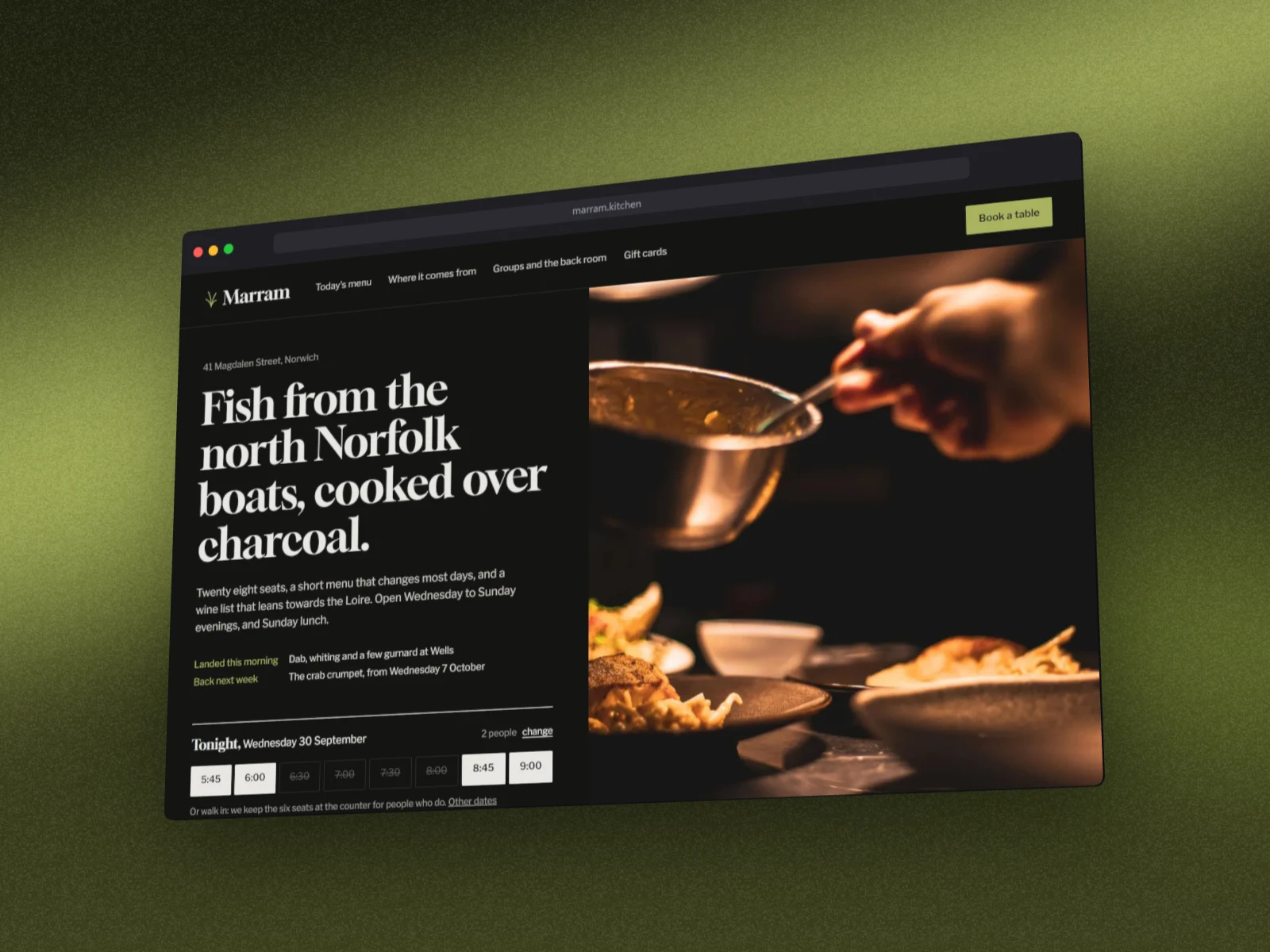
Browser mockup generator
Add a clean browser frame to any screenshot (Safari, Chrome, Firefox, Arc or a minimal window), then style the background and export.
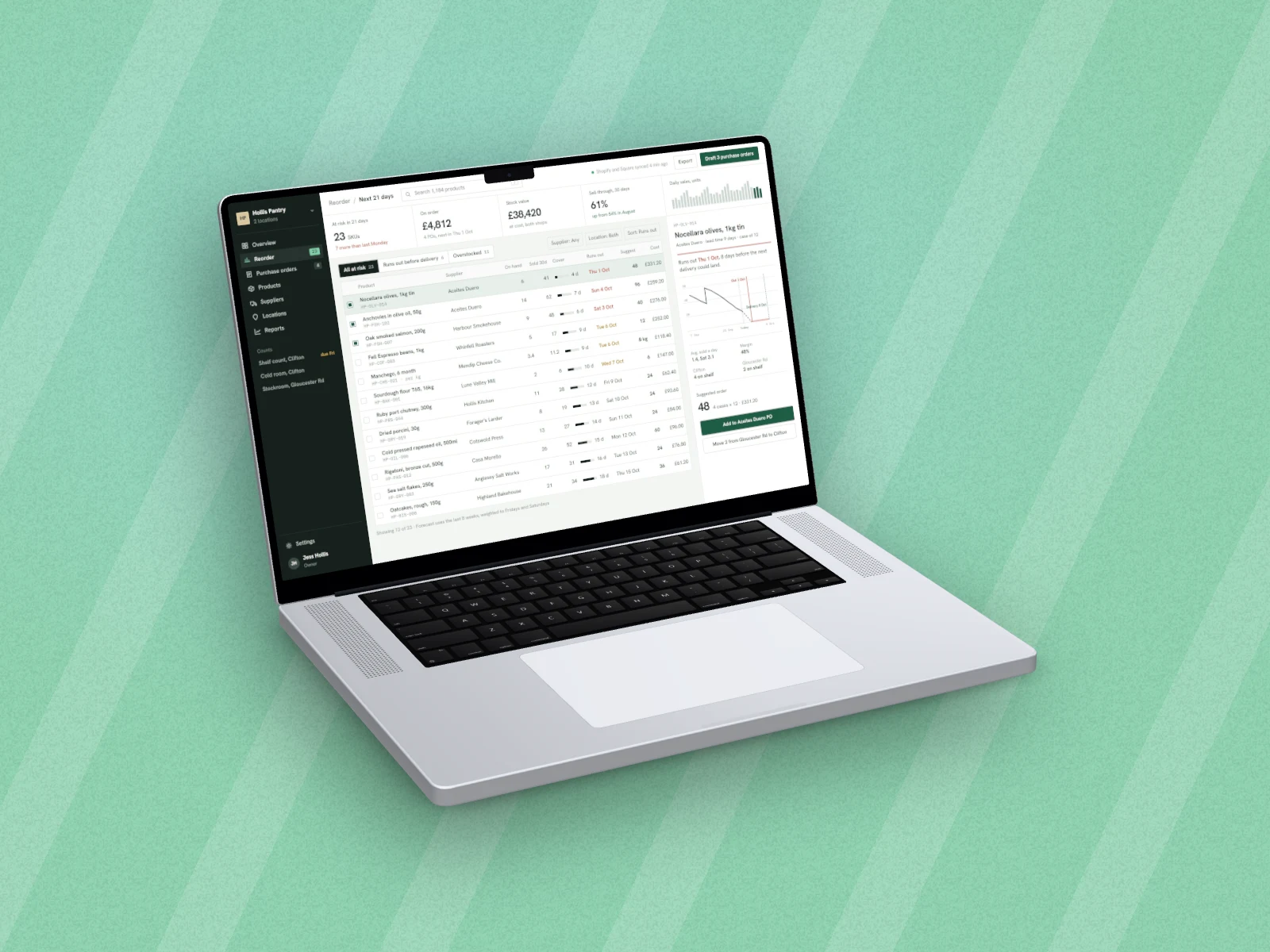
MacBook mockup generator
Put your app or website inside a MacBook and export a polished product shot. Pick the background, add a shadow, done.
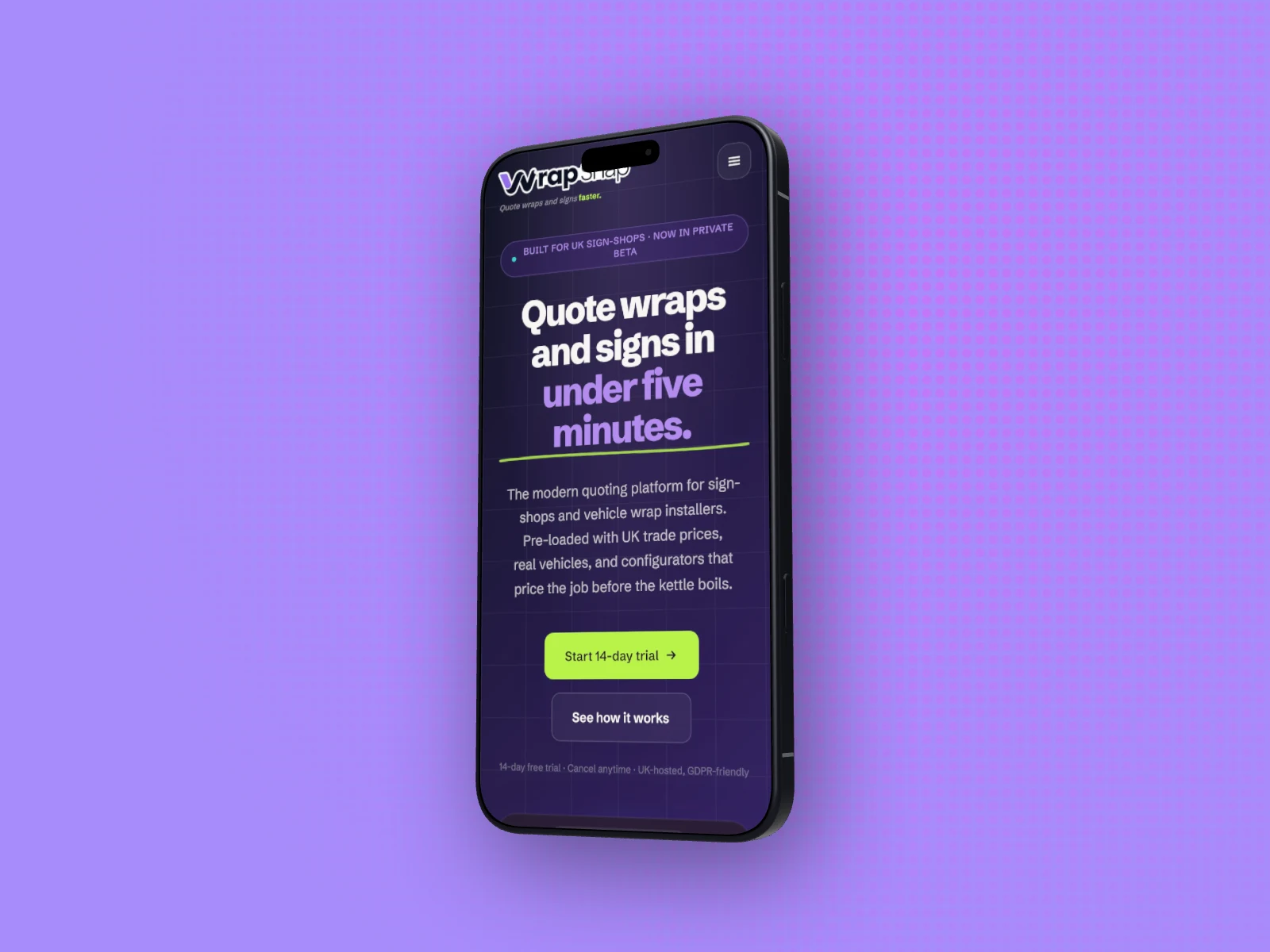
iPhone mockup generator
Drop a mobile screenshot into a real phone frame, style the background, and export. Made for app pages and social posts.
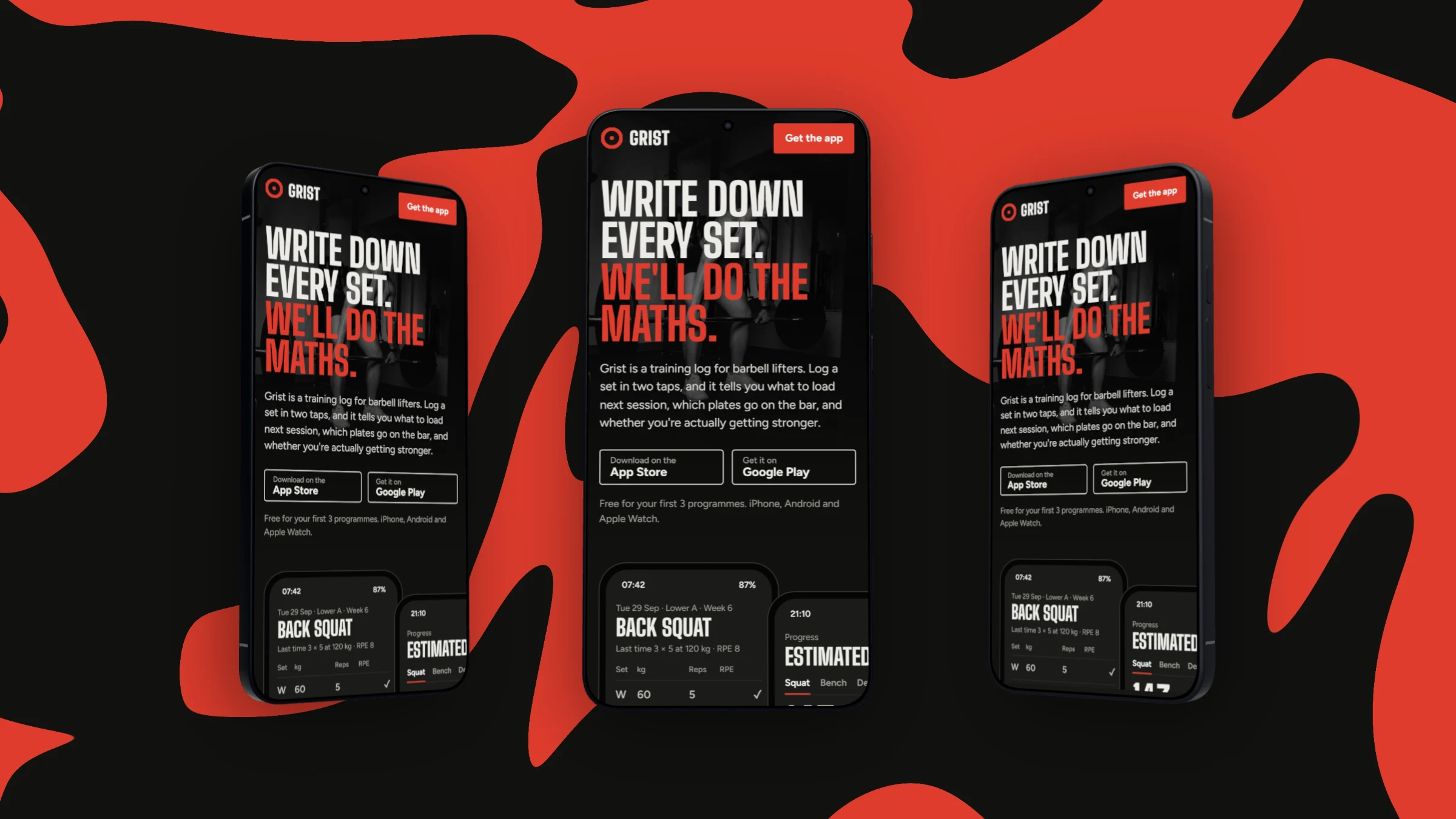
Android mockup generator
Put your app or site on a Galaxy S26 Ultra, a Pixel 11, a Galaxy Tab or a Pixel Watch, style the backdrop and export.
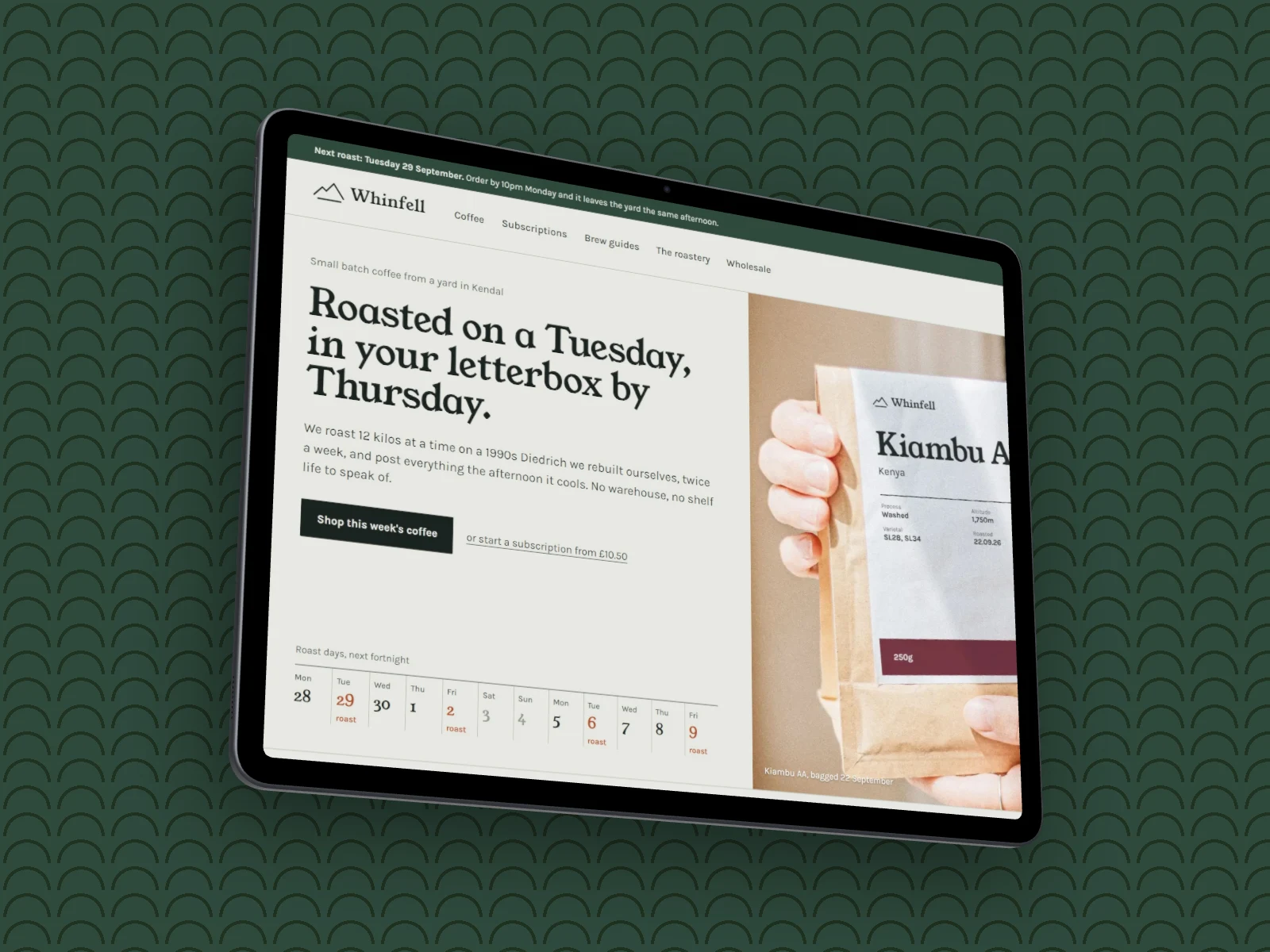
iPad & tablet mockup generator
Show your app or site on an iPad or a Galaxy Tab, in portrait or landscape, then style the backdrop and export.
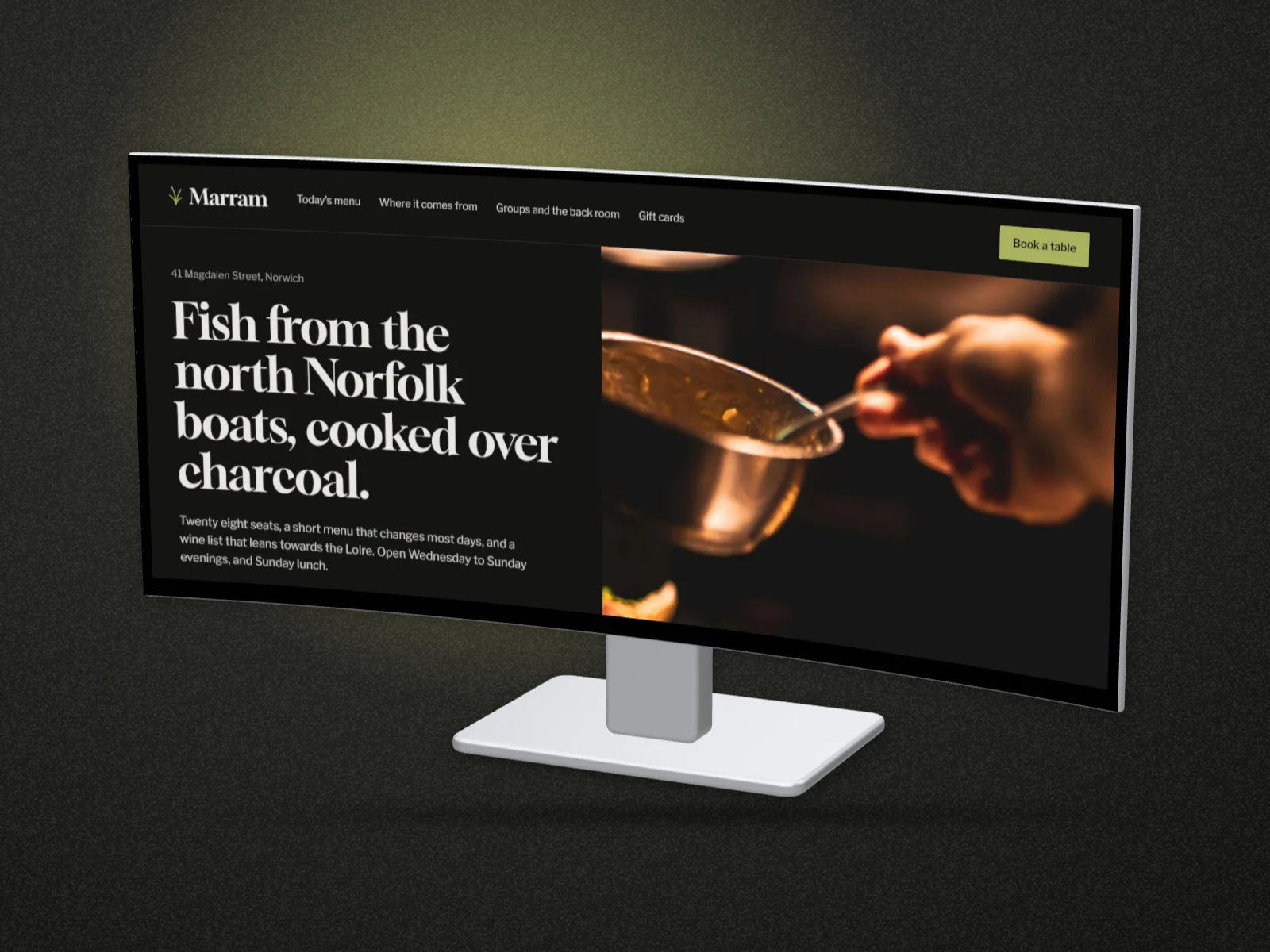
Monitor mockup generator
Put a dashboard or website on a real desk monitor, from a Studio Display to a 32:9 curved ultrawide.
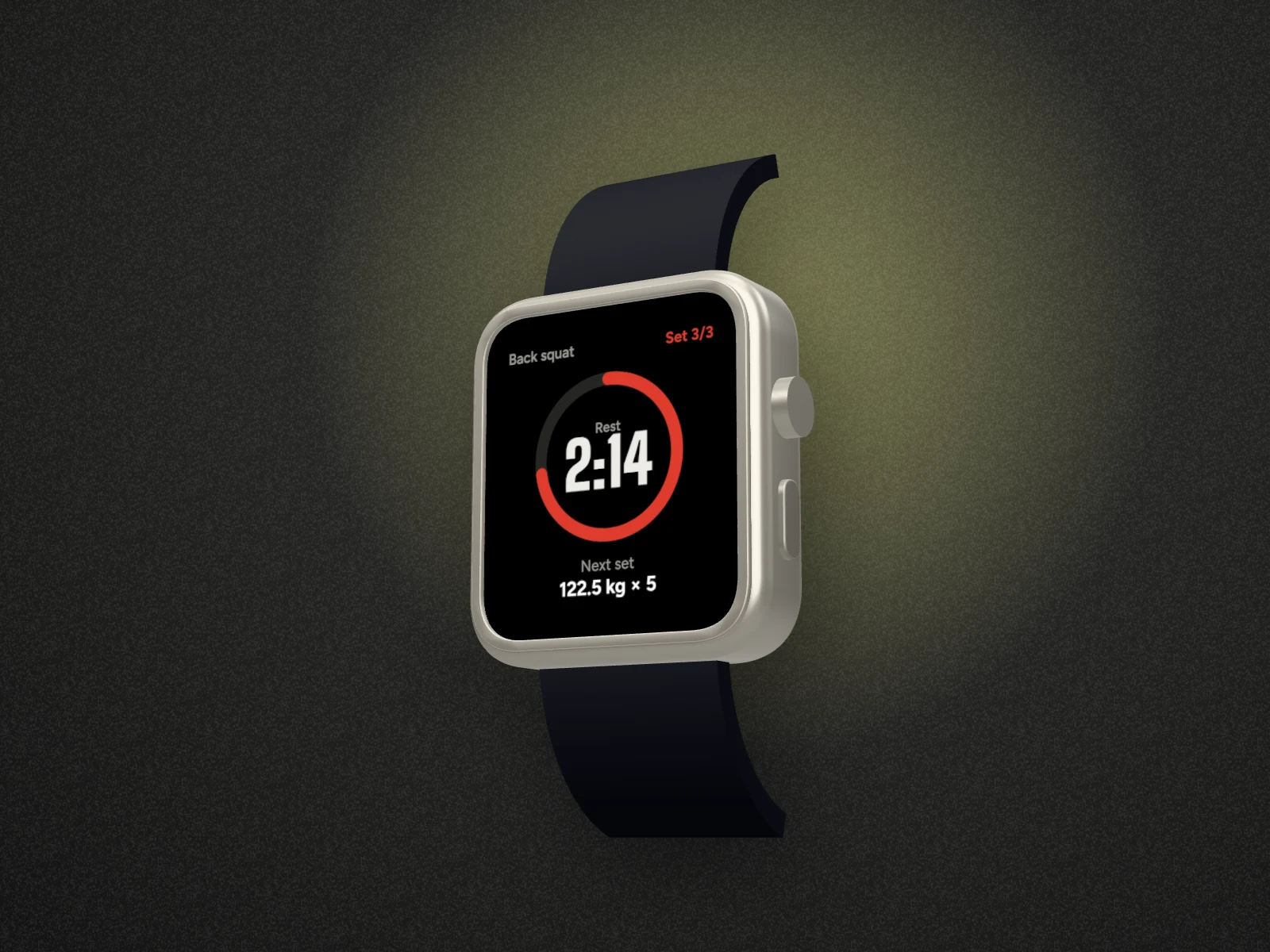
Watch mockup generator
Put a watch app or face on a real smartwatch, strap and all, then style the backdrop and export.
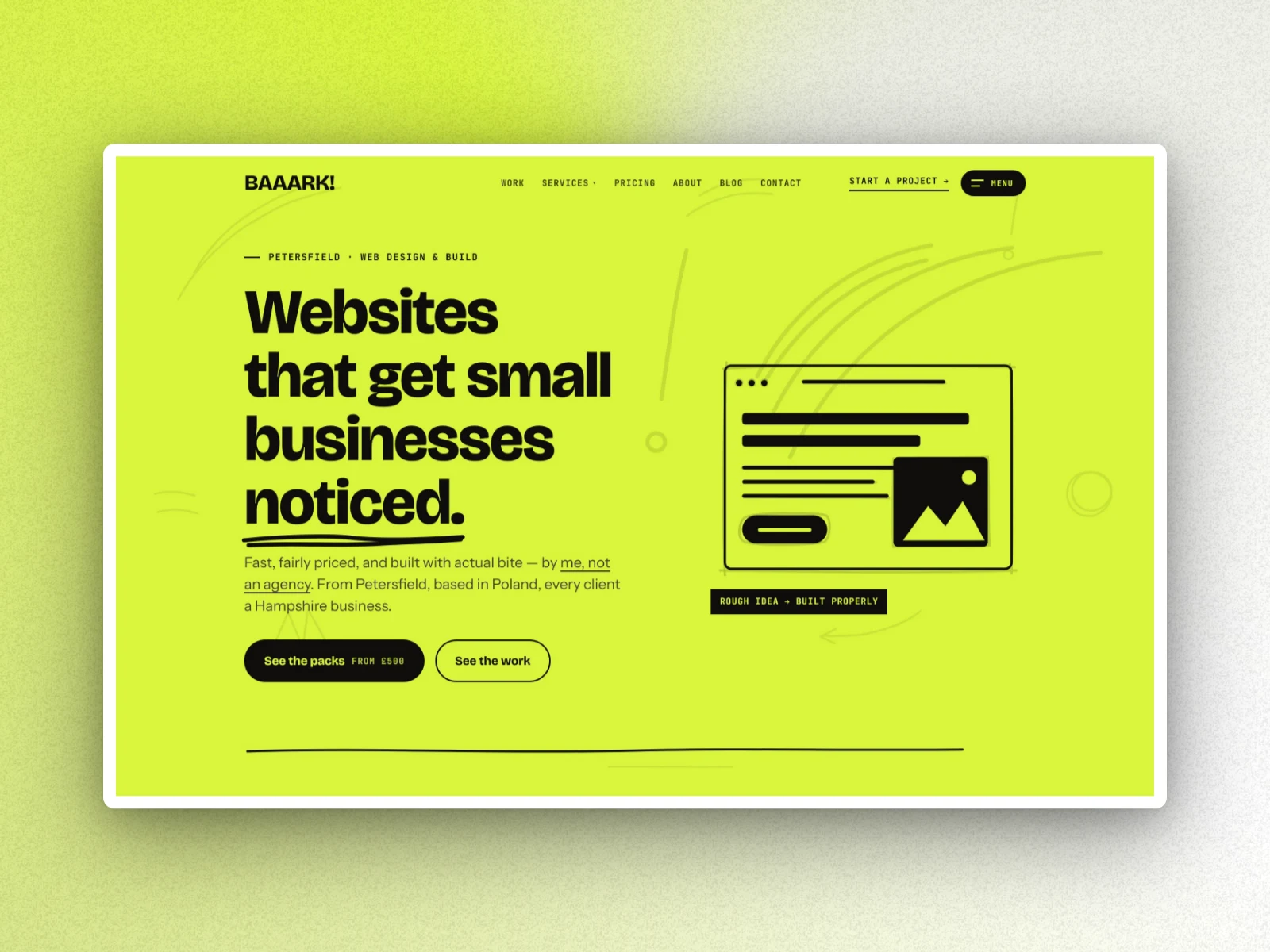
Screenshot beautifier
Turn a plain screenshot into something worth sharing: add a background, a device frame and a shadow.
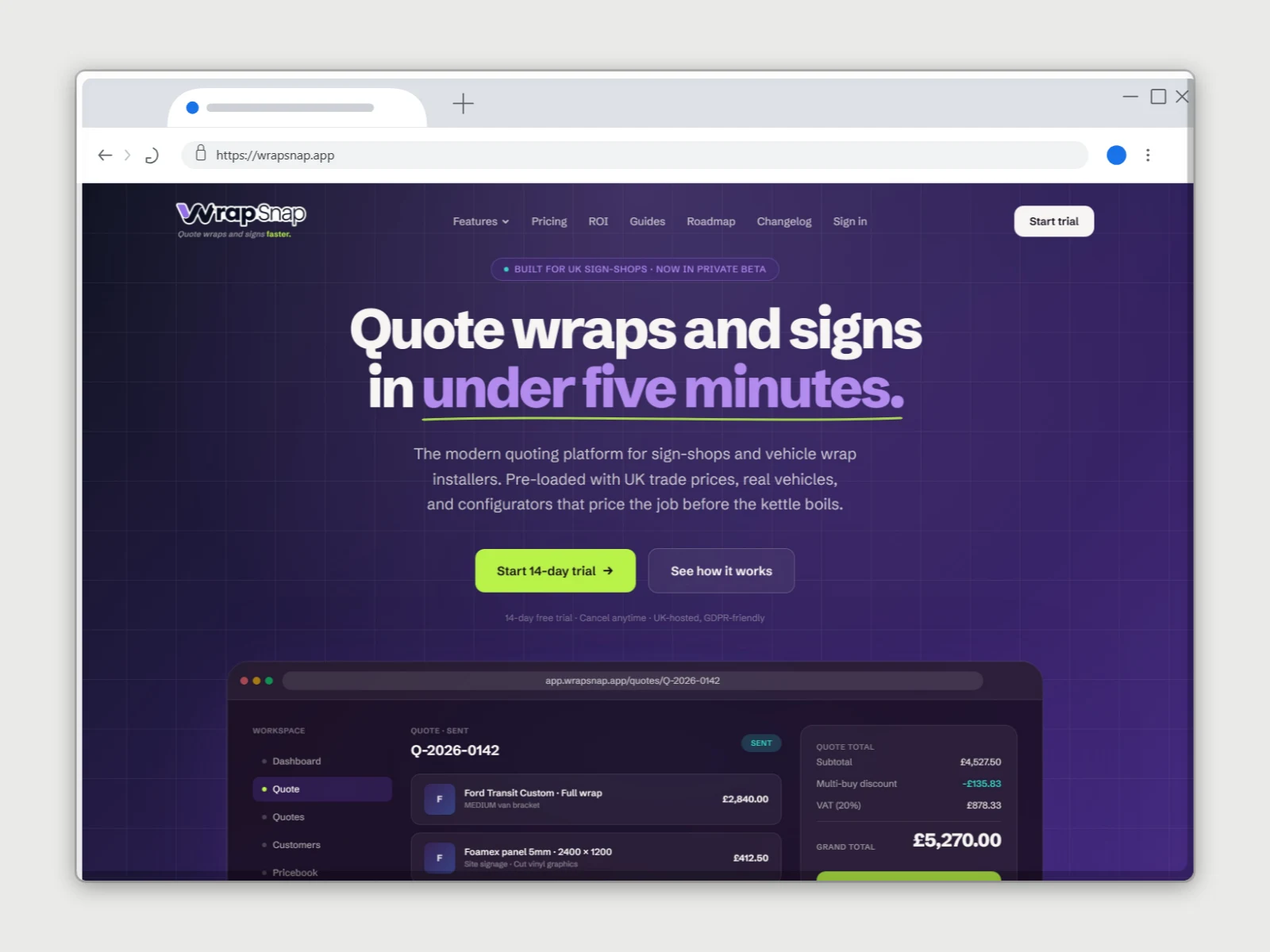
URL to screenshot
Paste a link and DudeShots captures the page, then frames it in a browser or device mockup. No separate screenshot tool.
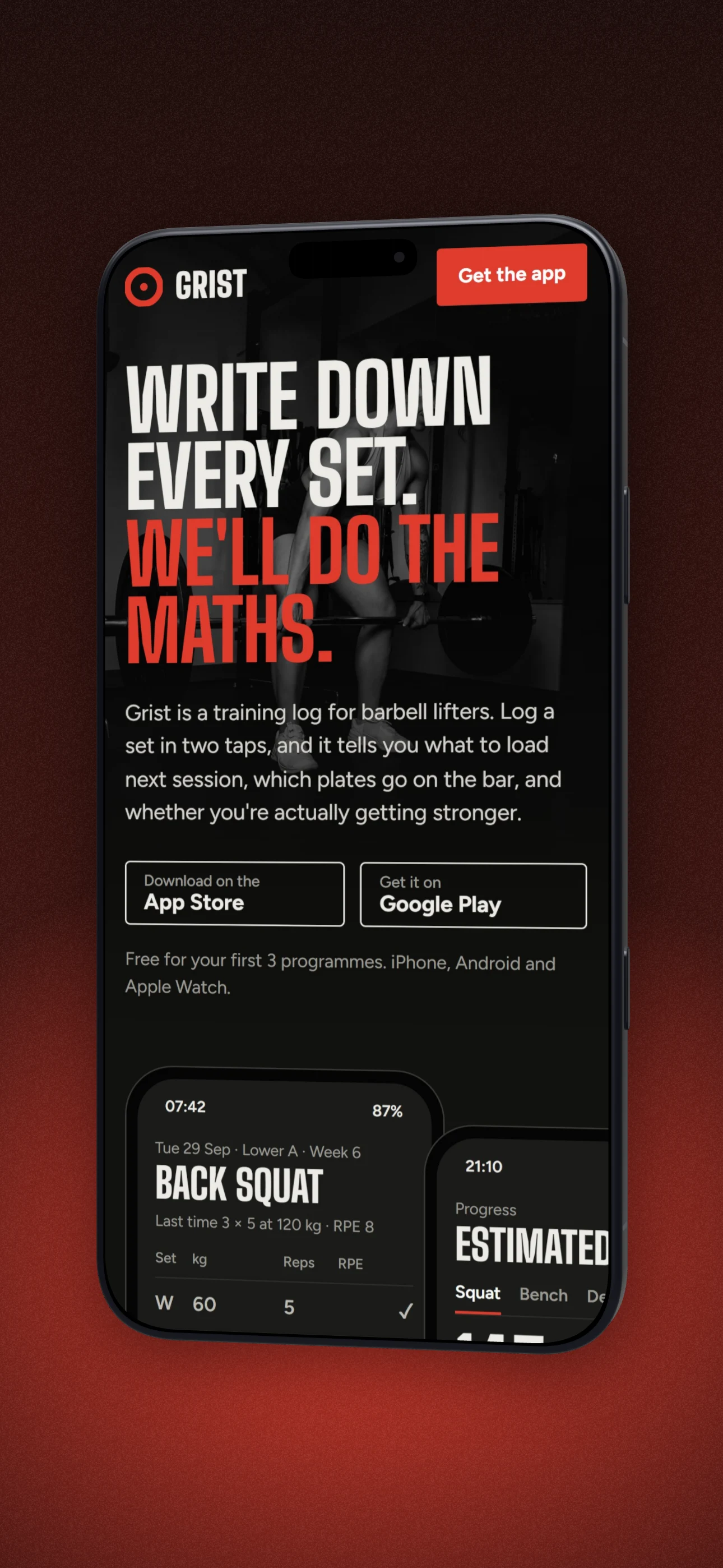
App Store screenshot generator
Frame your app in a real phone, add headline callouts and a branded background, and export store-ready screenshots.
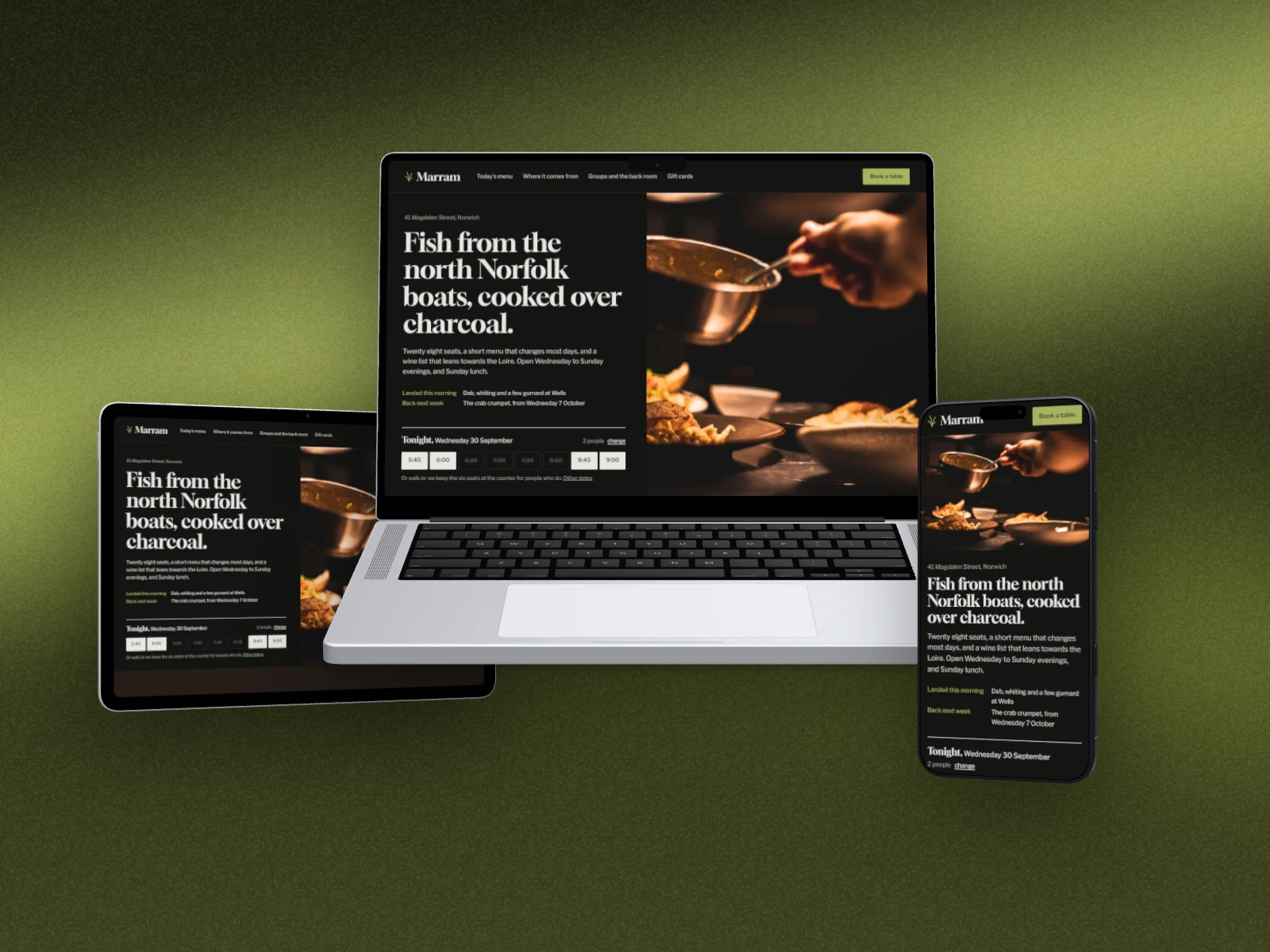
Responsive mockup generator
Show your site on a laptop, a tablet and a phone in one picture, each device with its own layout, then style the backdrop and export.
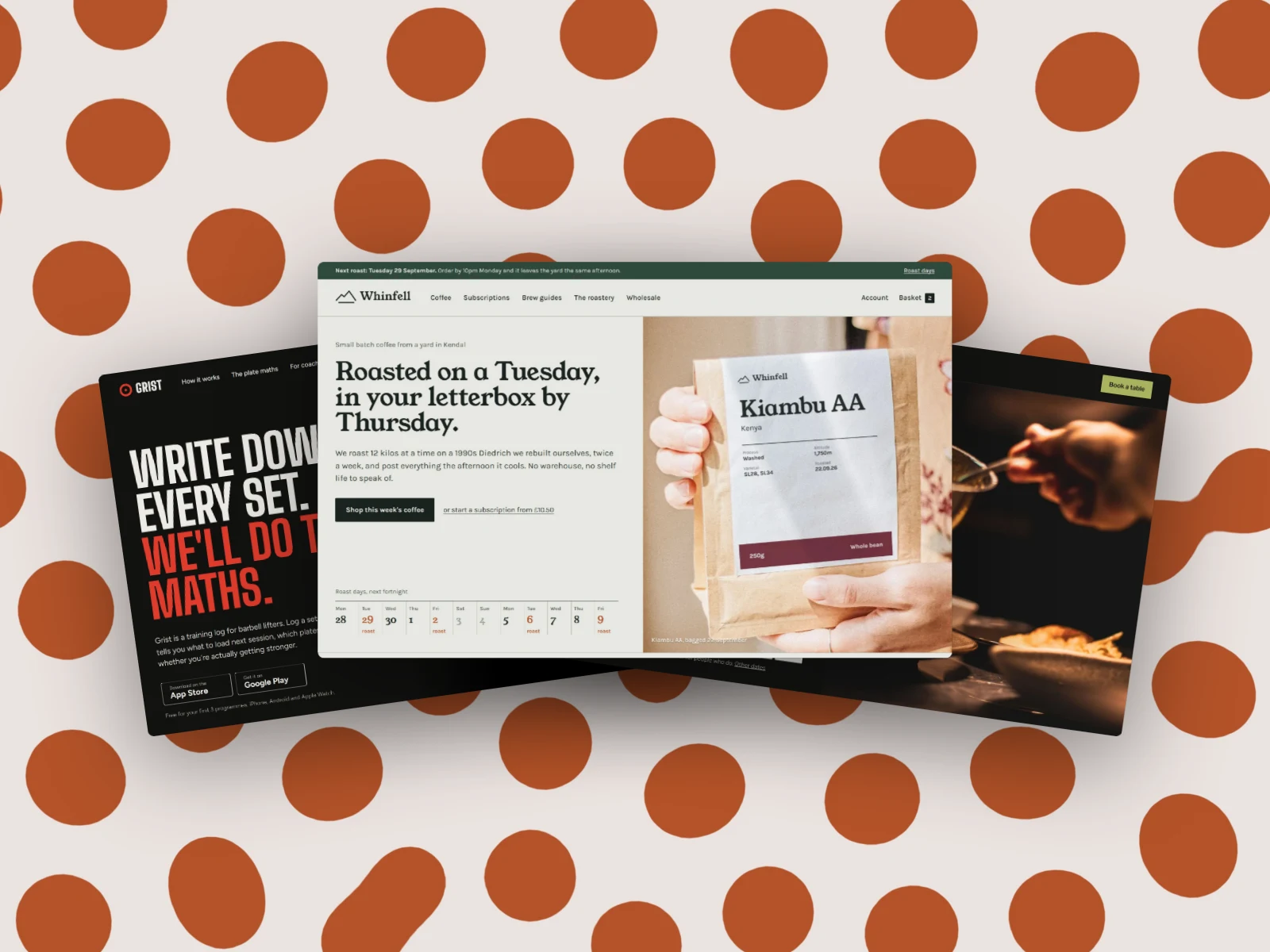
Screenshot collage maker
Put several screenshots in one picture, cascaded, fanned out, piled up or in a grid, on a backdrop that makes them look good together.
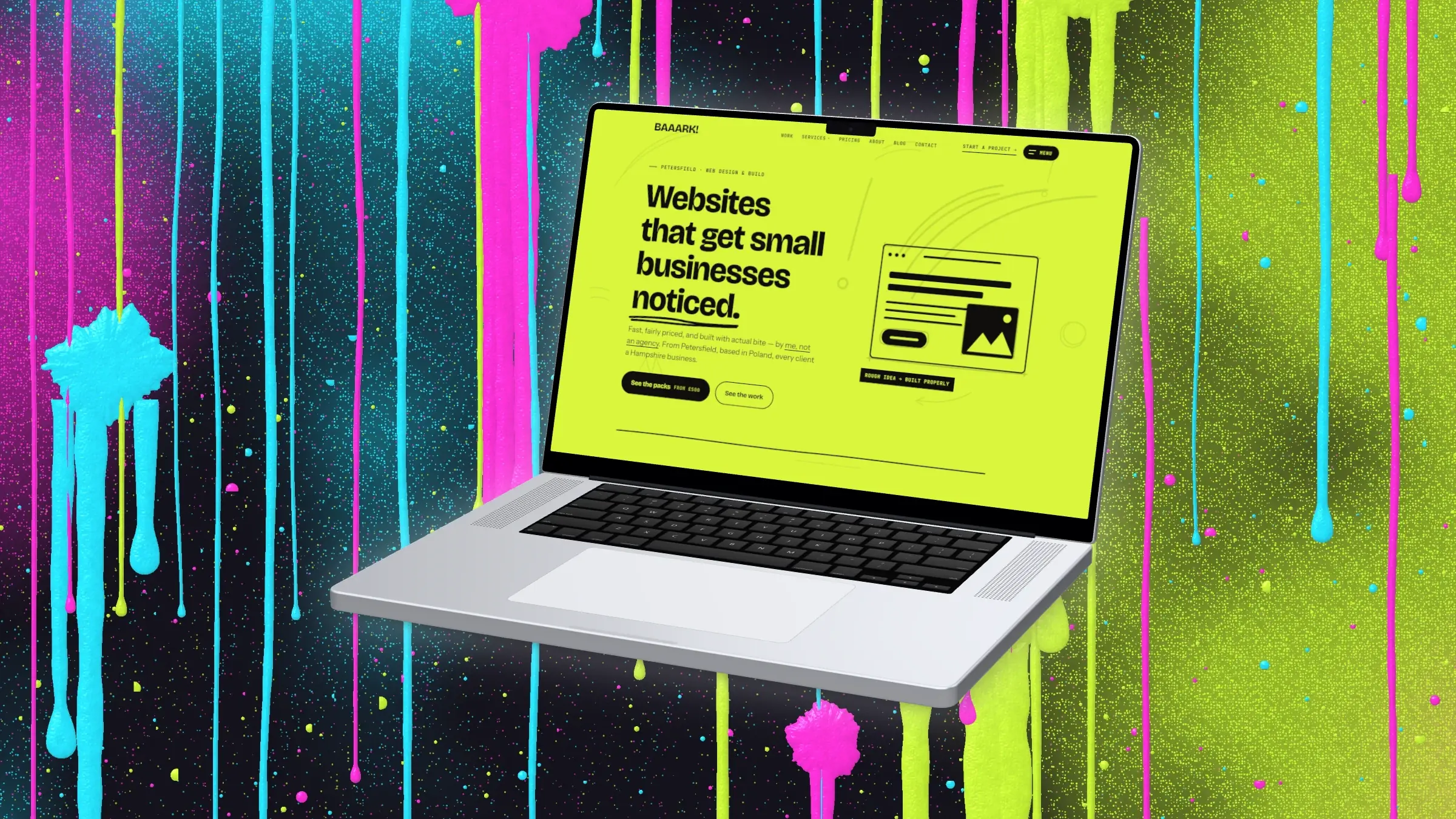
Neon mockup generator
Put your screenshot in a device on near black with the brightest colours going: dripping paint walls, splatters, glowing meshes and lime mazes.
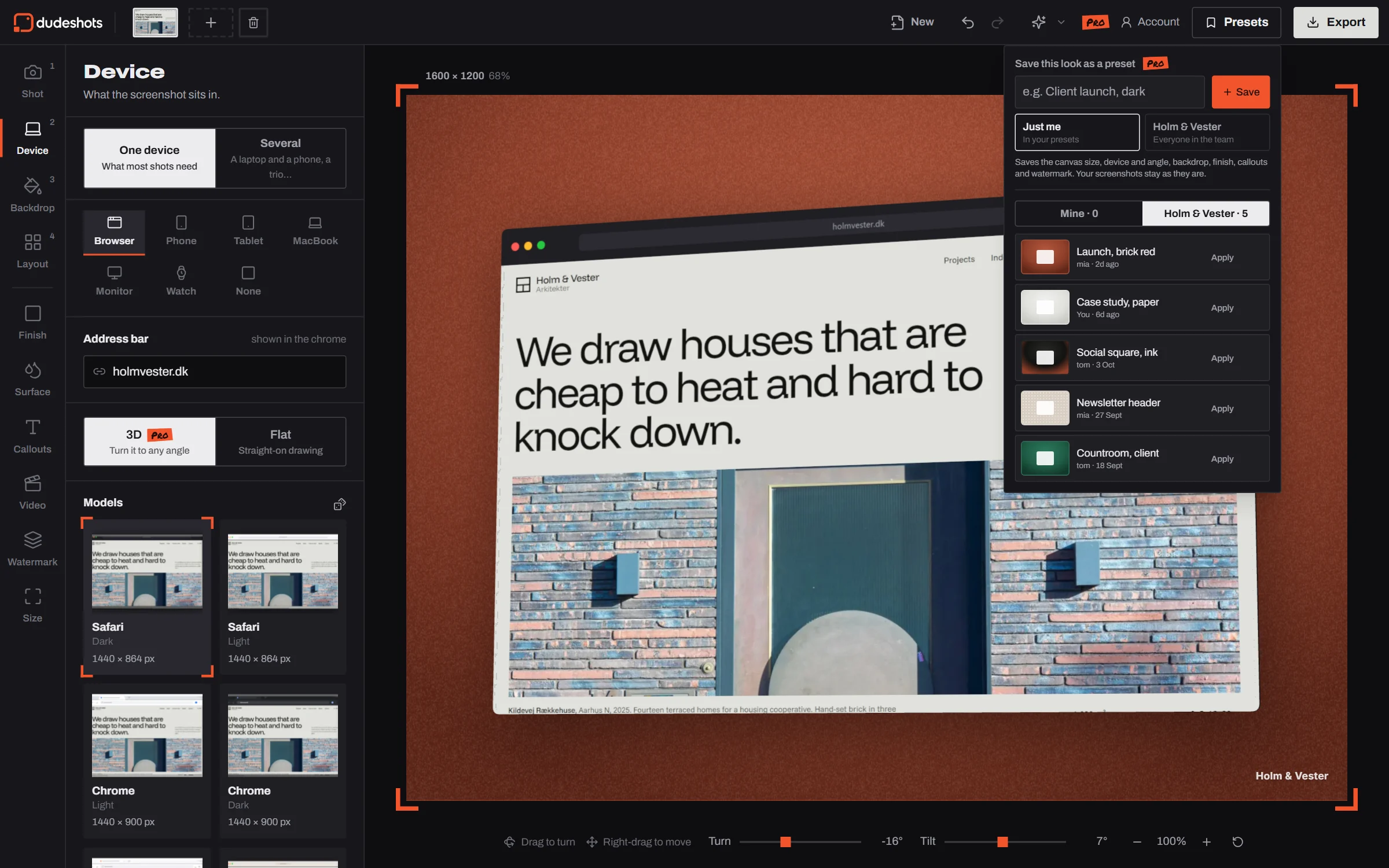
Mockups for teams
One look for everyone who makes your mockups: shared presets, your watermark on every picture and your brand colours one click away. No per seat billing.