

When someone shares your link on X, LinkedIn, Slack, Facebook or iMessage, the preview card they see is driven by your Open Graph image. Get the size right and it looks sharp everywhere; get it wrong and it's cropped or blurry. Here's the one size that works almost everywhere, and the exceptions worth knowing.
The safe default: 1200 × 630
Use 1200 × 630 px (a 1.91:1 ratio). It's the Open Graph recommendation and it maps cleanly onto X's large summary card, LinkedIn, Facebook, Slack and Discord unfurls. If you only make one share image, make it this one.
Set these tags in your page <head>:
- og:image: the absolute URL of a 1200×630 image
- og:image:width = 1200, og:image:height = 630
- twitter:card = summary_large_image
What goes on the card
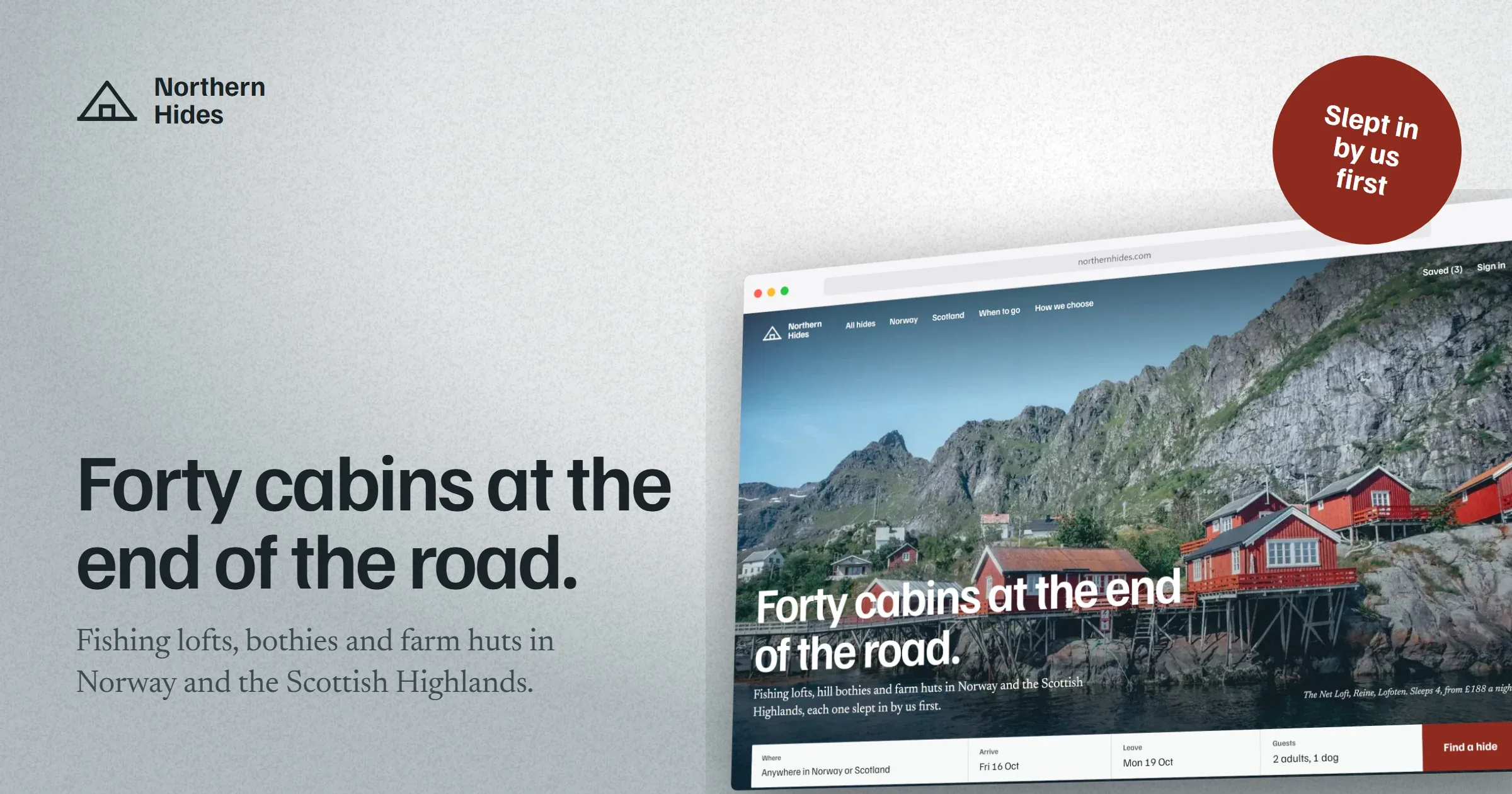
A link preview shows up small, often under a title the platform writes for you. So say one thing: your logo, so people know who it's from; a headline of five or six words that still reads at thumbnail size; one short line under it; and the product itself. A tape label or a badge is enough for an offer. Leave the paragraph for the page.
Per-platform specifics
| Platform | Recommended size |
|---|---|
| Open Graph (default) | 1200 × 630 (1.91:1) |
| X / Twitter (large card) | 1200 × 630 or 1200 × 675 |
| 1200 × 627 | |
| 1200 × 630 |
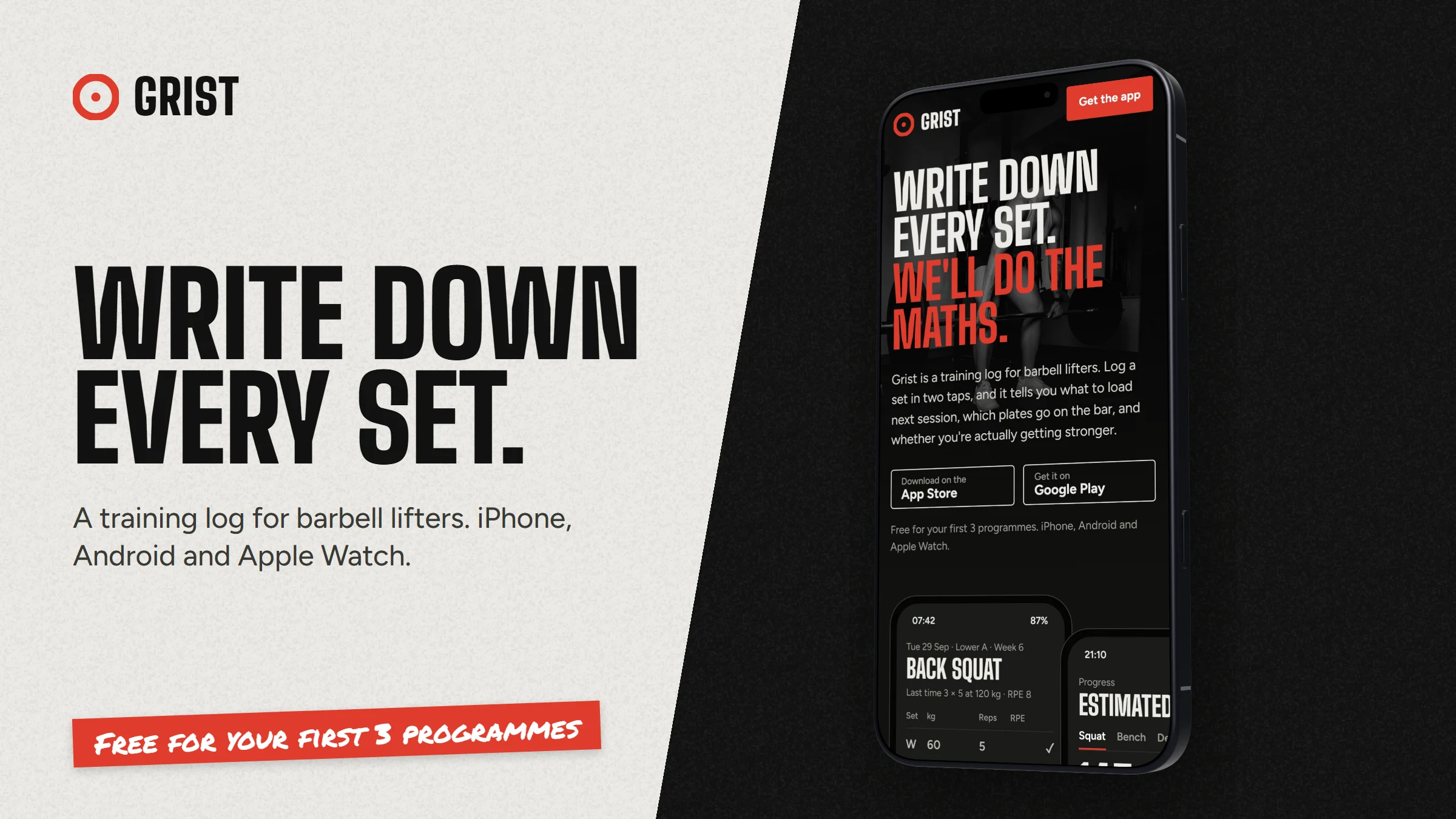
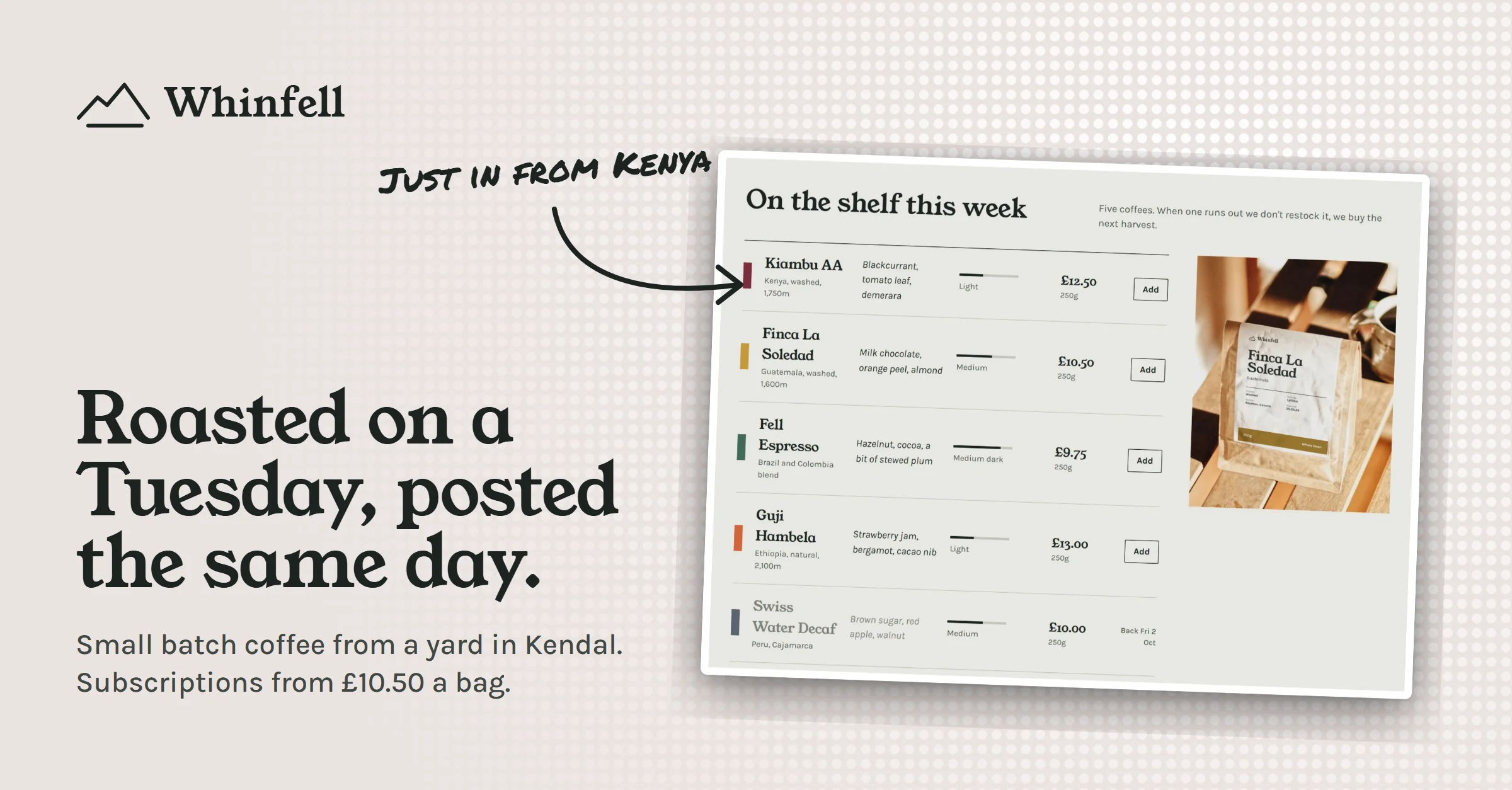
Keep important text and logos away from the outer edges, because different apps crop a little differently. Aim for under about 1 MB, and use PNG or JPEG.
Make an OG image in a minute
You don't need a design file. Set your canvas to 1200 × 630, frame a screenshot in a browser mockup, pick a backdrop, add a headline and a tape label or badge as callouts, pin your logo as a watermark, and export. Or paste your live page's URL and let the URL capture grab it for you, then frame that. Either way you get a crisp card in your own colours with nothing of ours stamped on it.