

Neon mockup generator
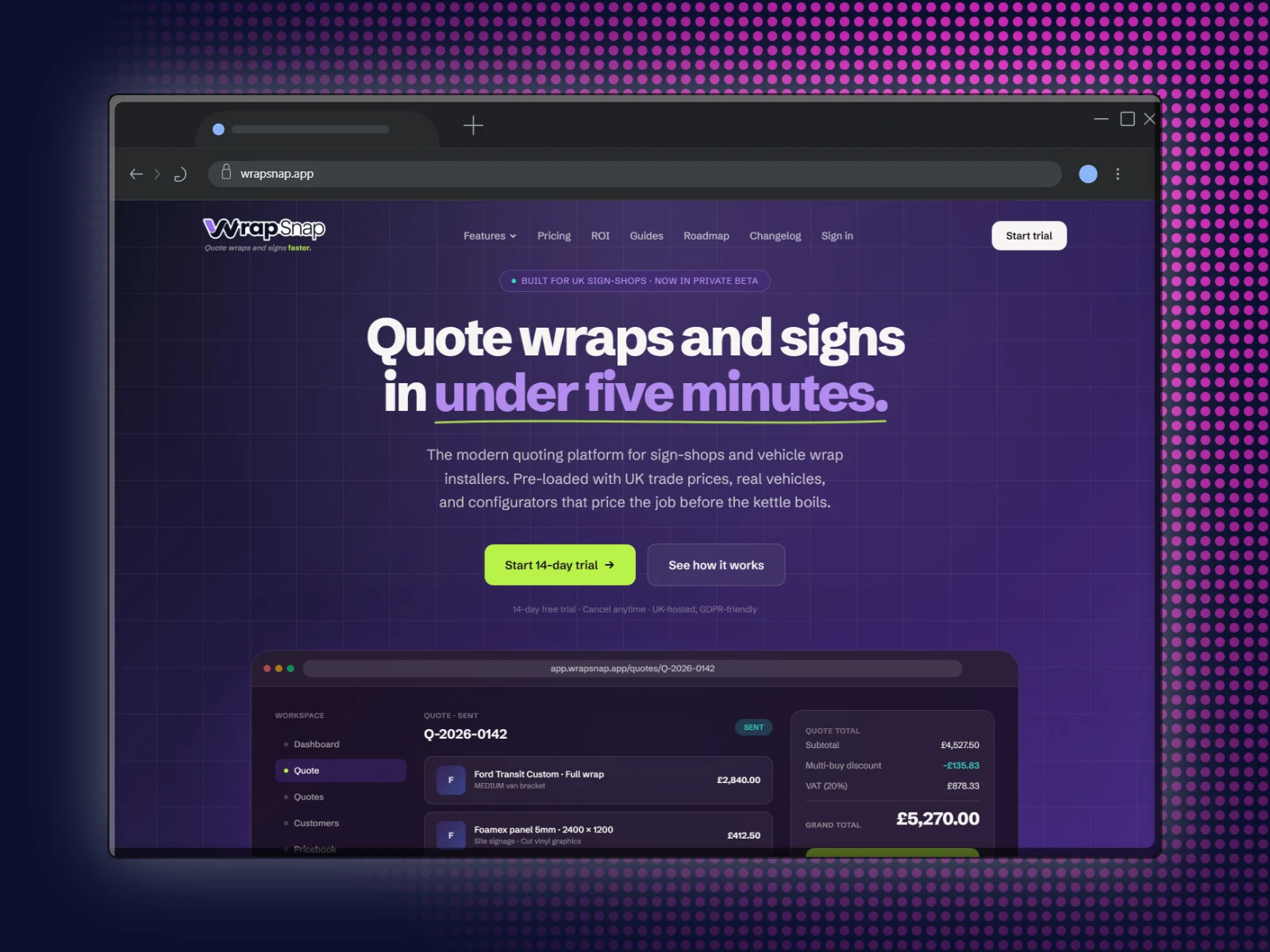
Put your screenshot in a device on near black with the brightest colours going: dripping paint walls, splatters, glowing meshes and lime mazes.
Free to start. No signup to try. Nothing stamped on your exports.
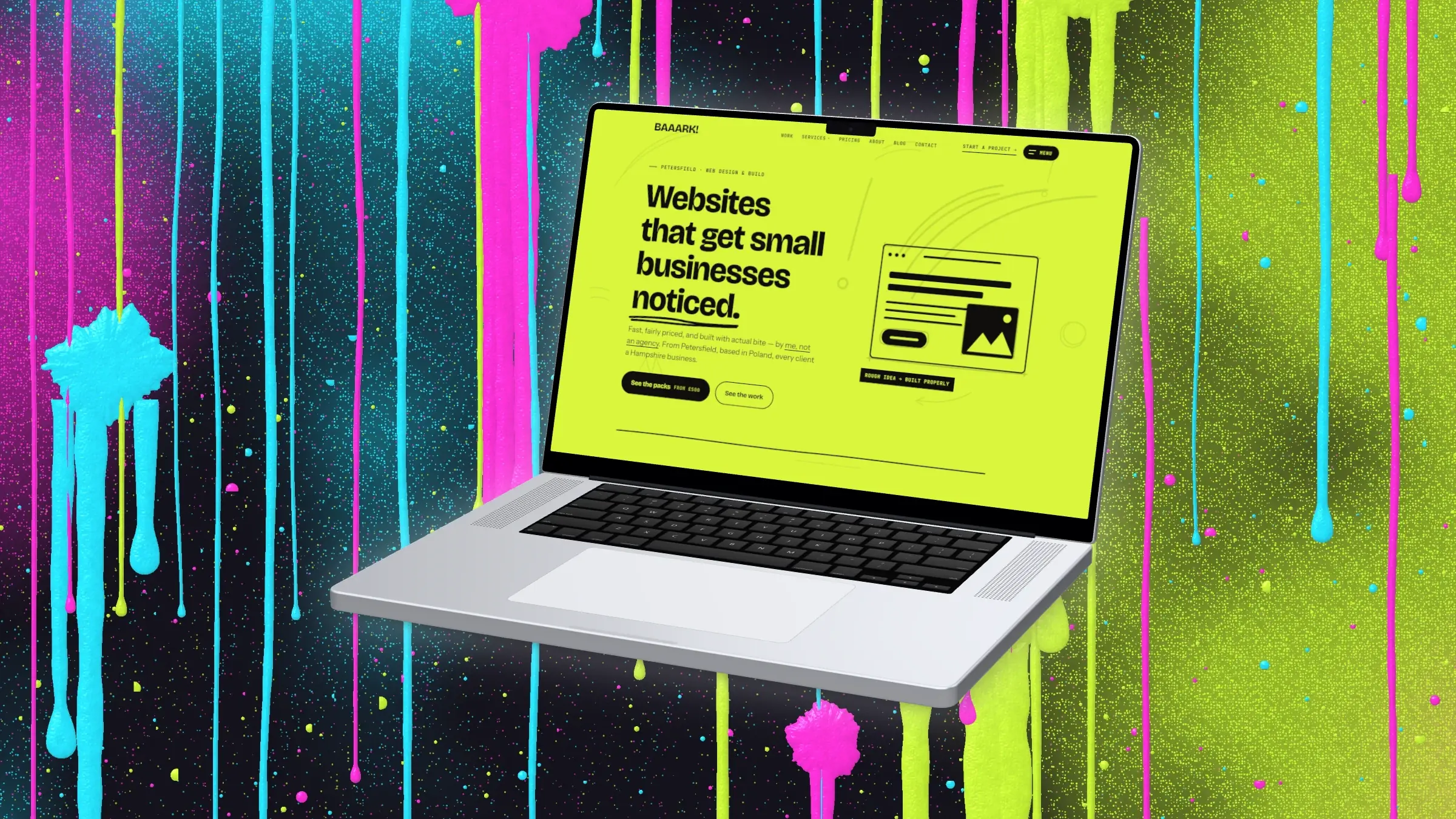
What the neon mockup generator does
Neon is the quickest way to make a screenshot stop someone scrolling: a near black ground, one or two colours turned all the way up, and a glow coming off the device. It suits launch posts, gaming and music apps, and anything that lives in dark mode.
In DudeShots, open Backdrop and pick the Neon mood under Colours. It takes a colour from your screenshot, or one you choose, and builds four neon colours around it: a dark base, a hot accent and two to glow with. Every style then draws in those colours, from studio light and soft mesh blends to dots, halftone and stripes.
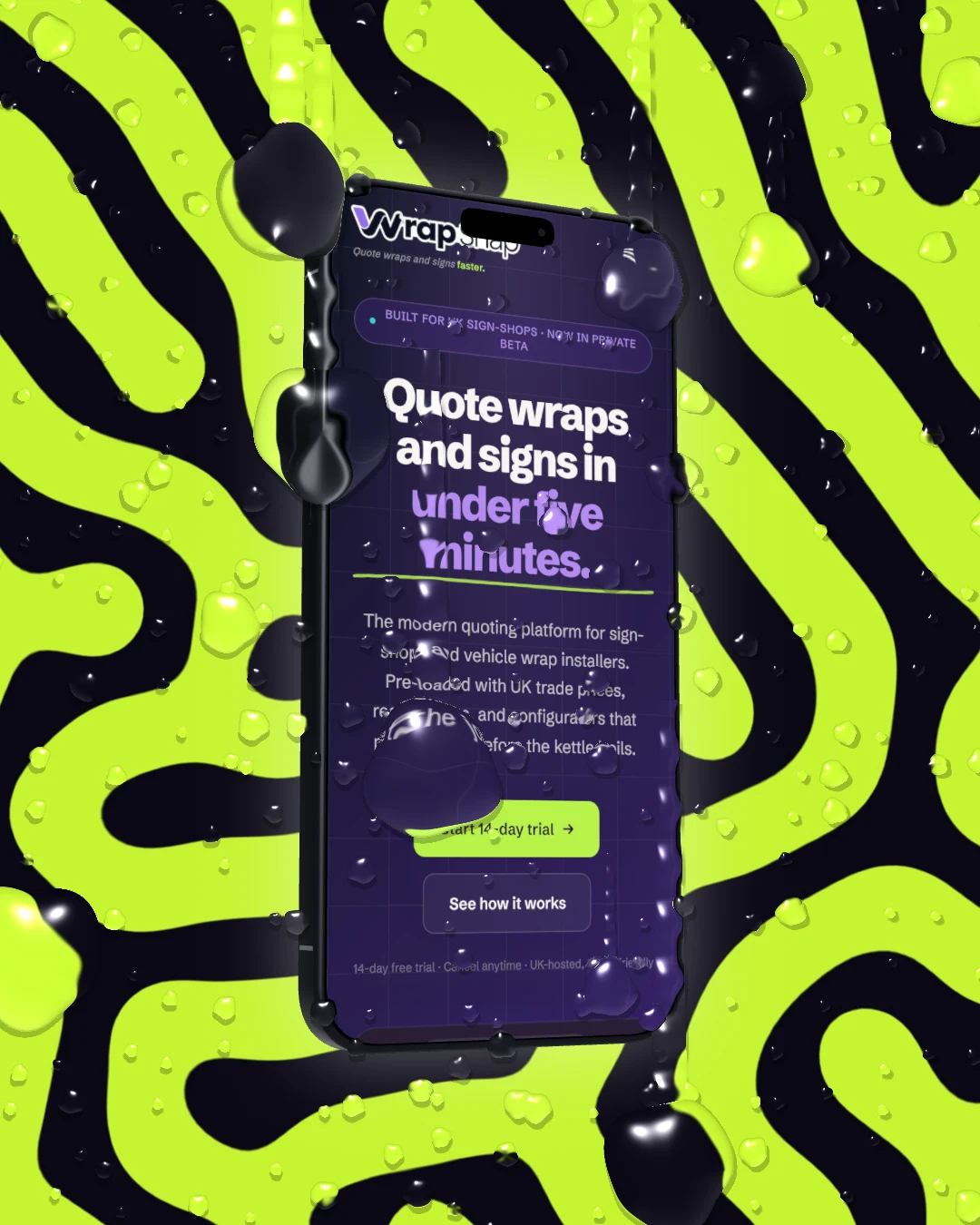
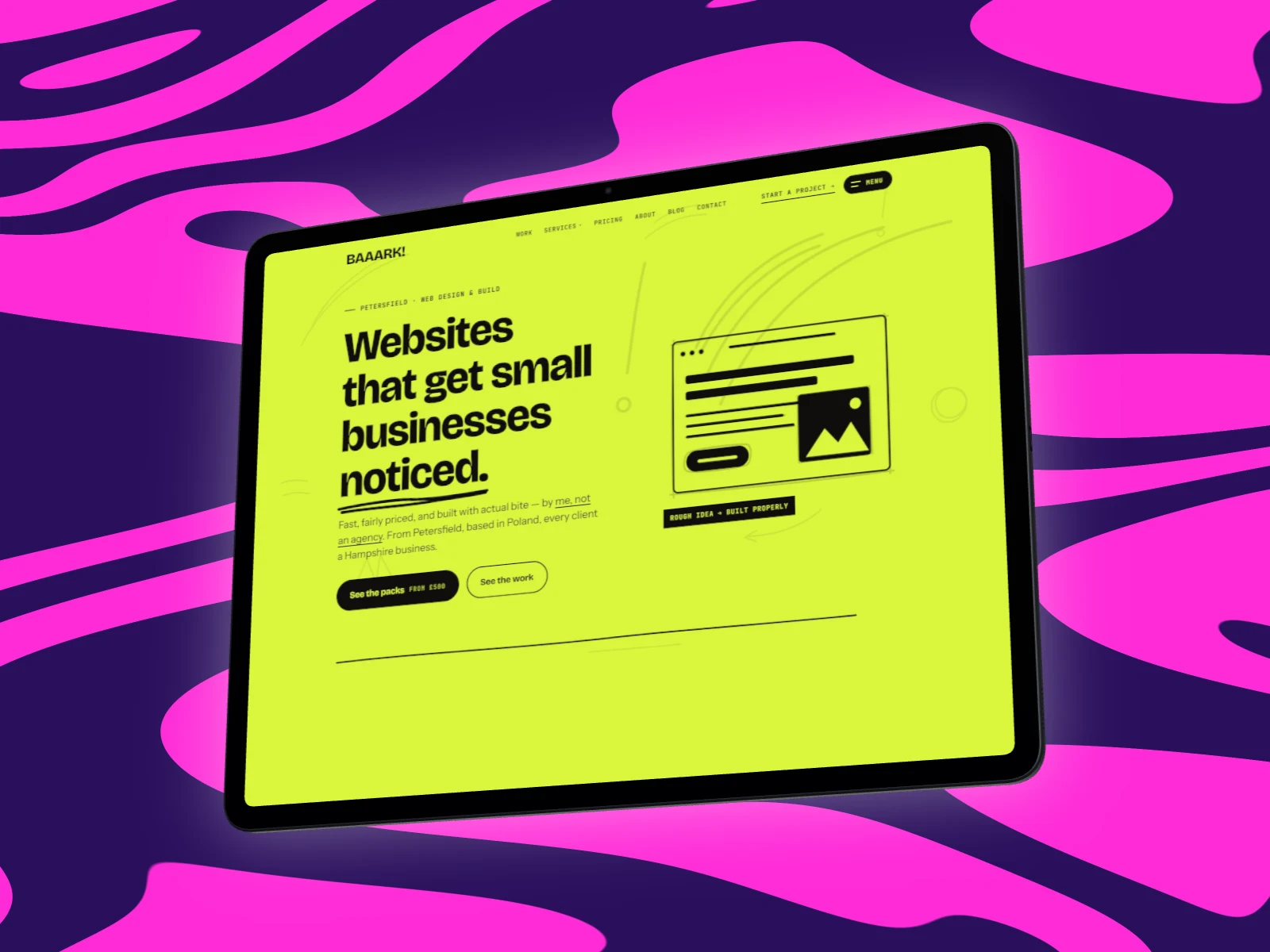
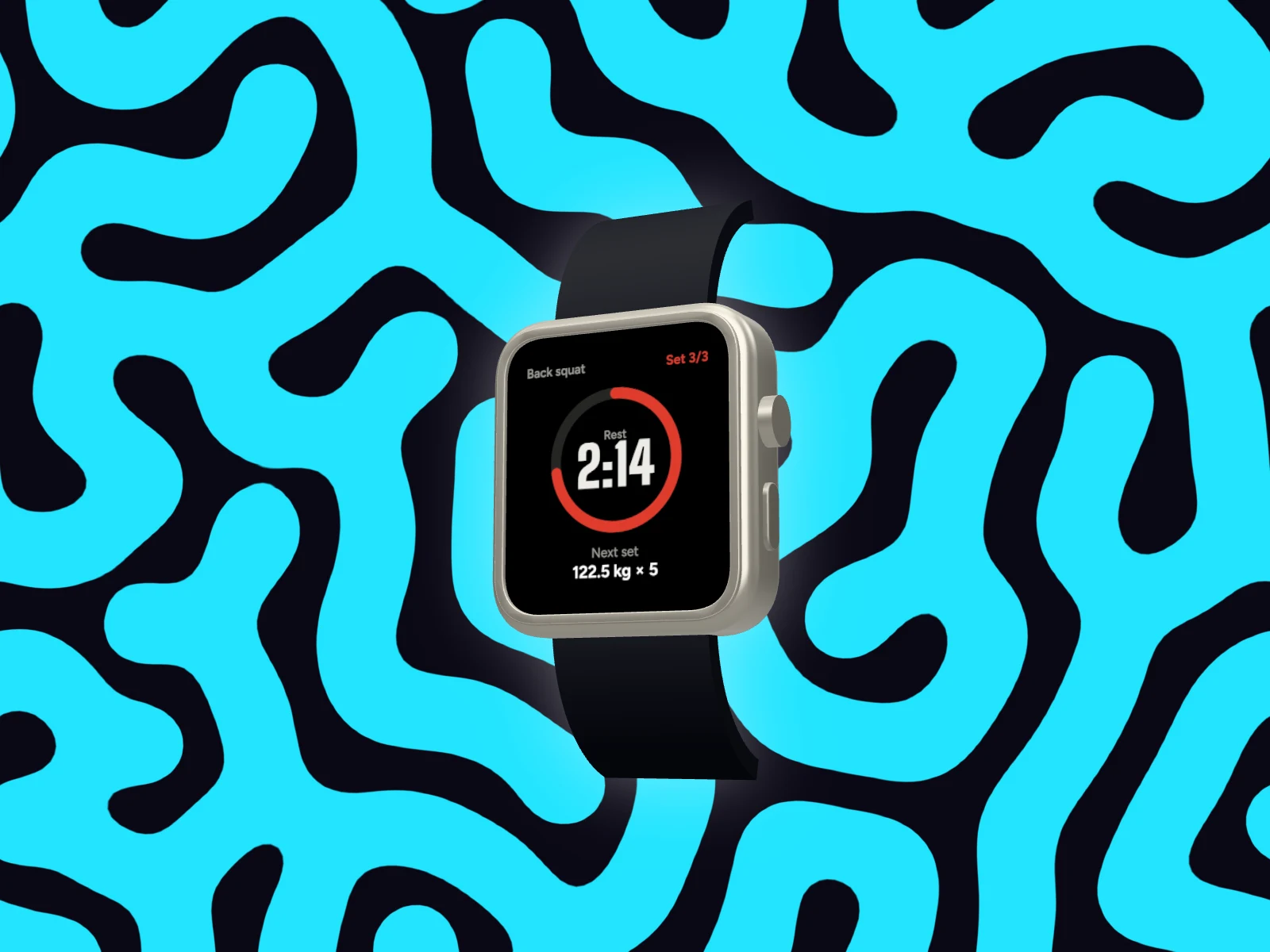
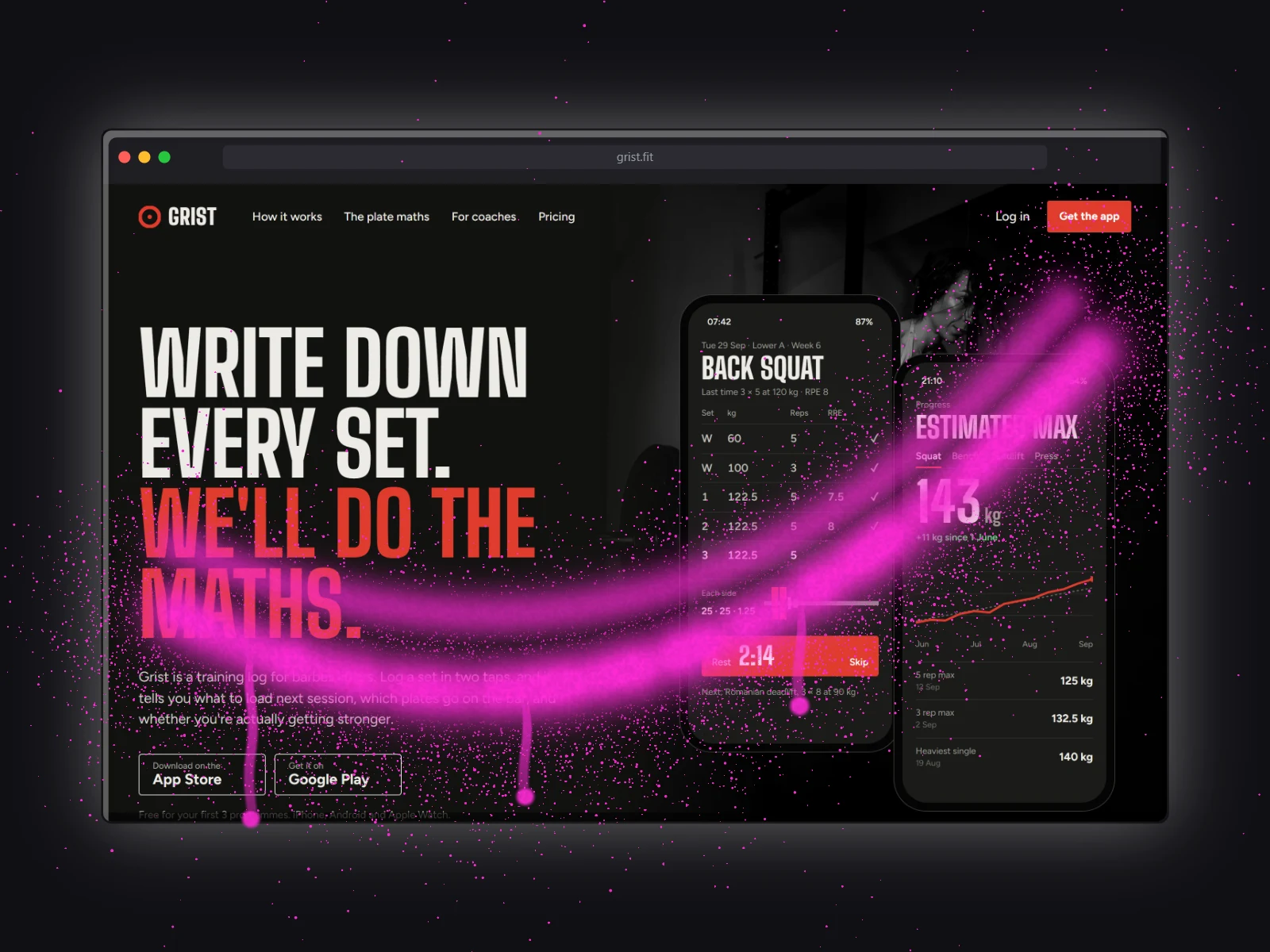
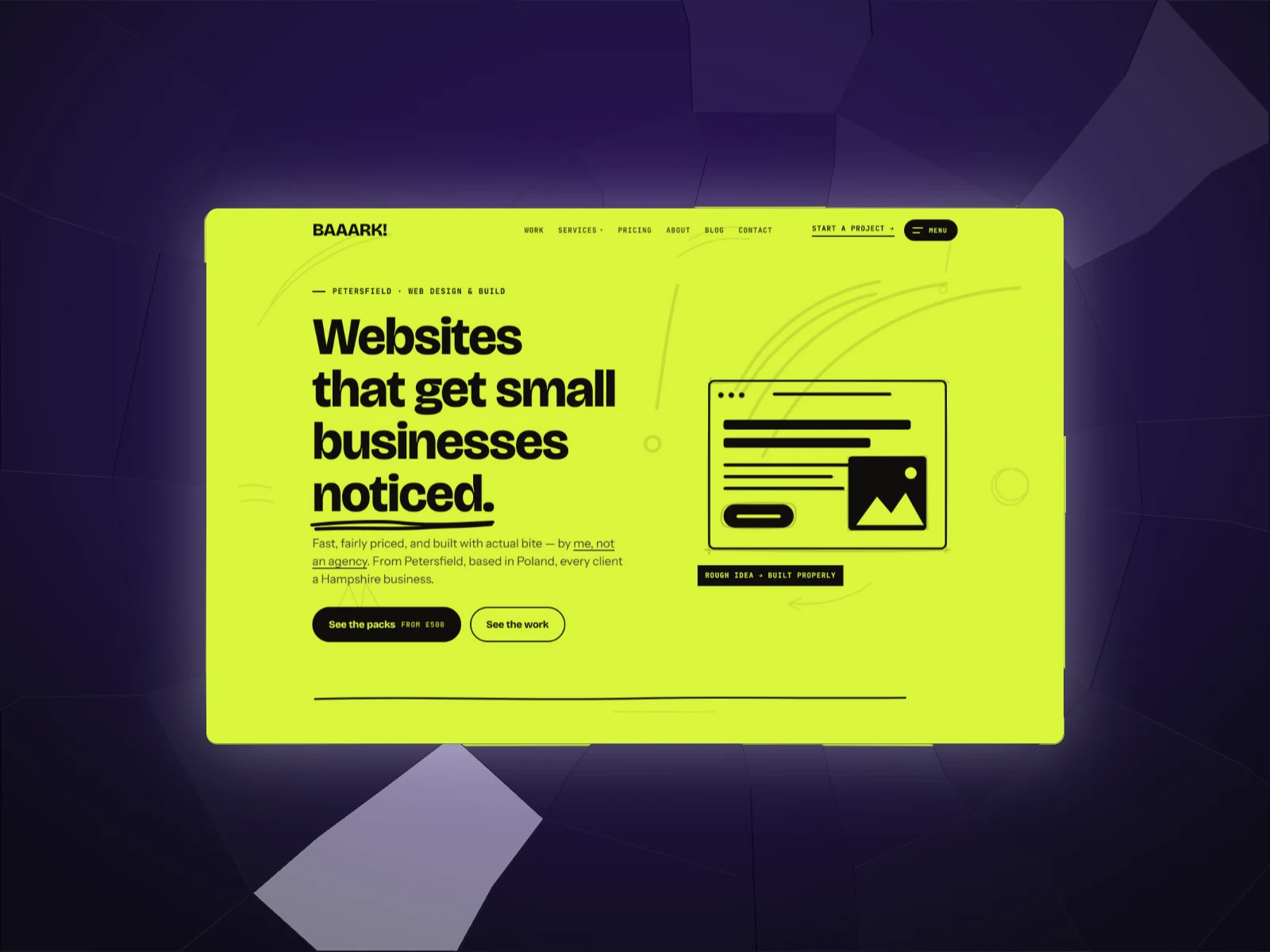
For the loud ones, go to Liquid: lime mazes, coral and poured flows that grow in your colours, and two paint walls, a drip wall of spray and glossy runs and a paint splatter thrown at the wall, both using all four colours. Under Finish, the Glow shadow puts a soft light under the device instead of a dark shadow.
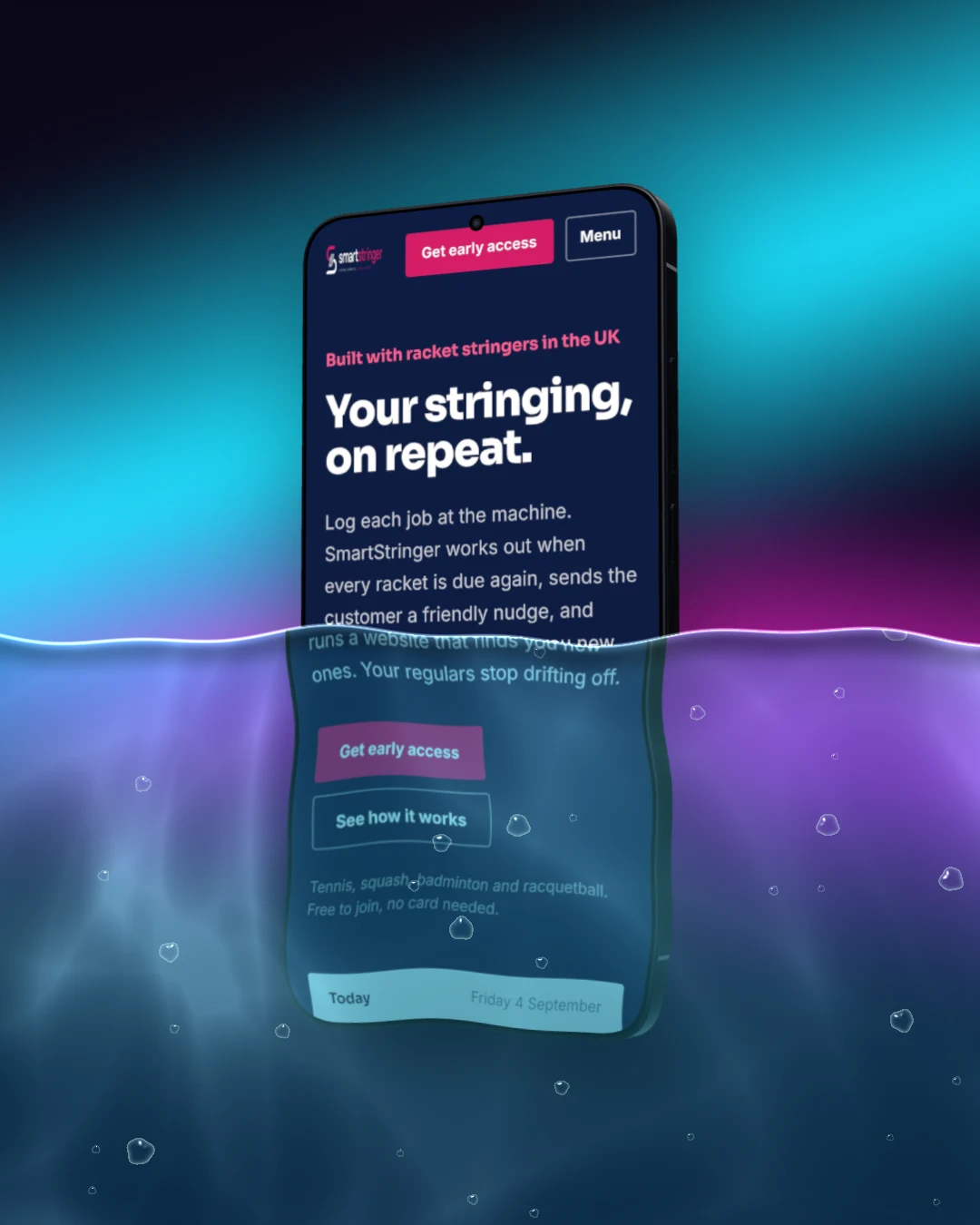
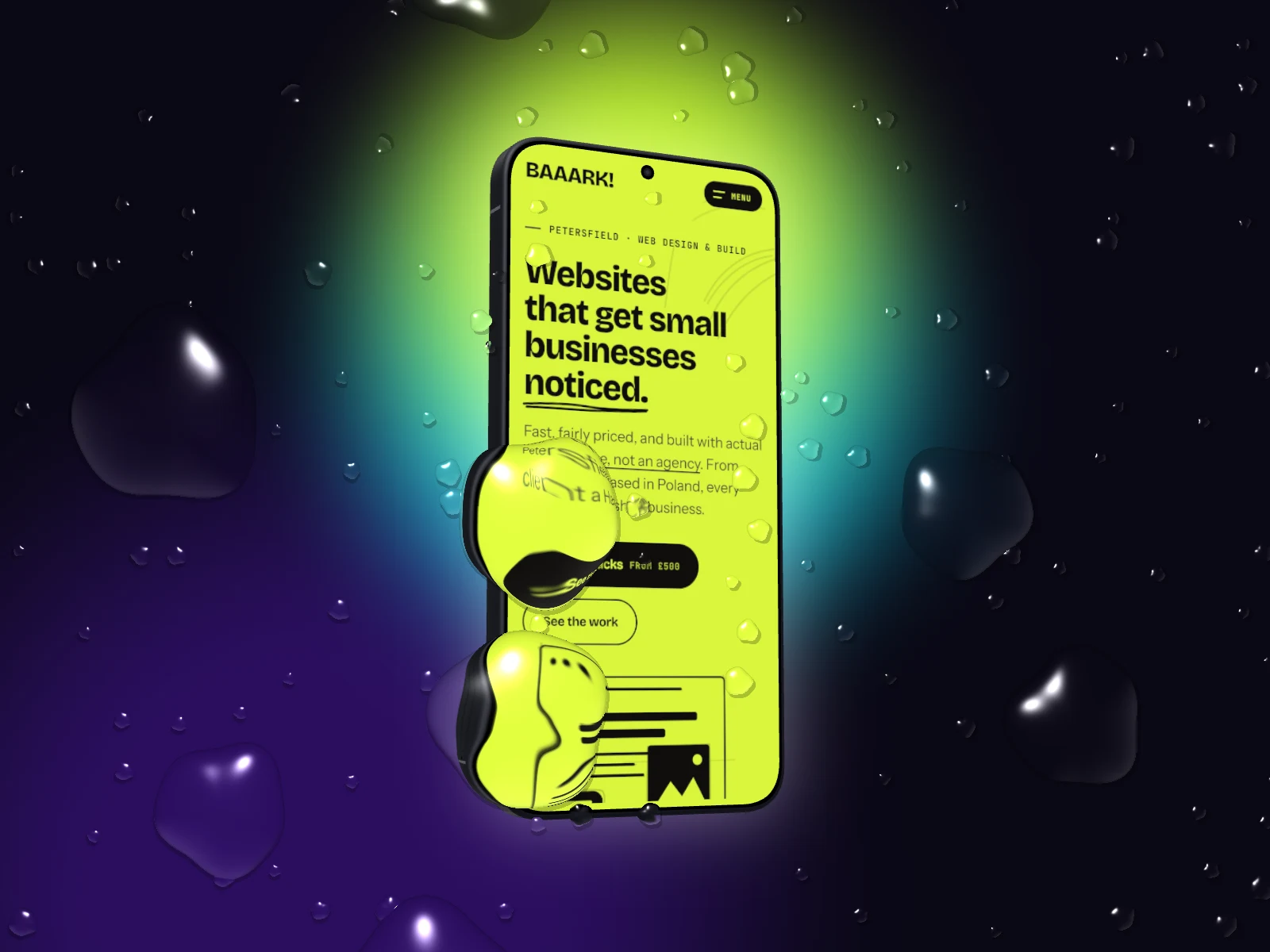
Then add a Surface over the finished picture: rain, big drops, a waterline, cracked glass, spray paint, or a paint splatter in the Neon colour set. Each drop bends what's under it, so the colours come through.
Neon, every way we do it
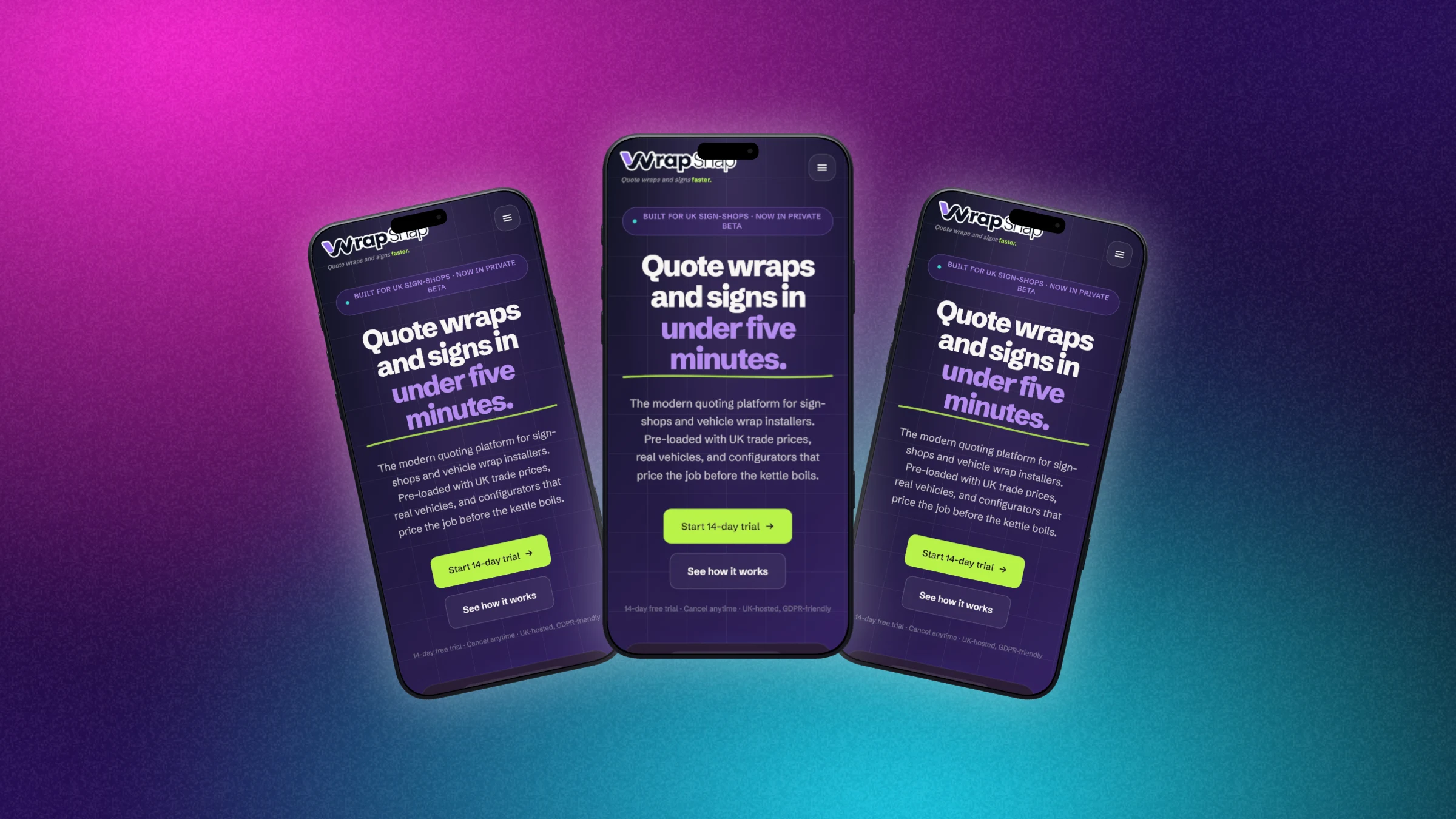
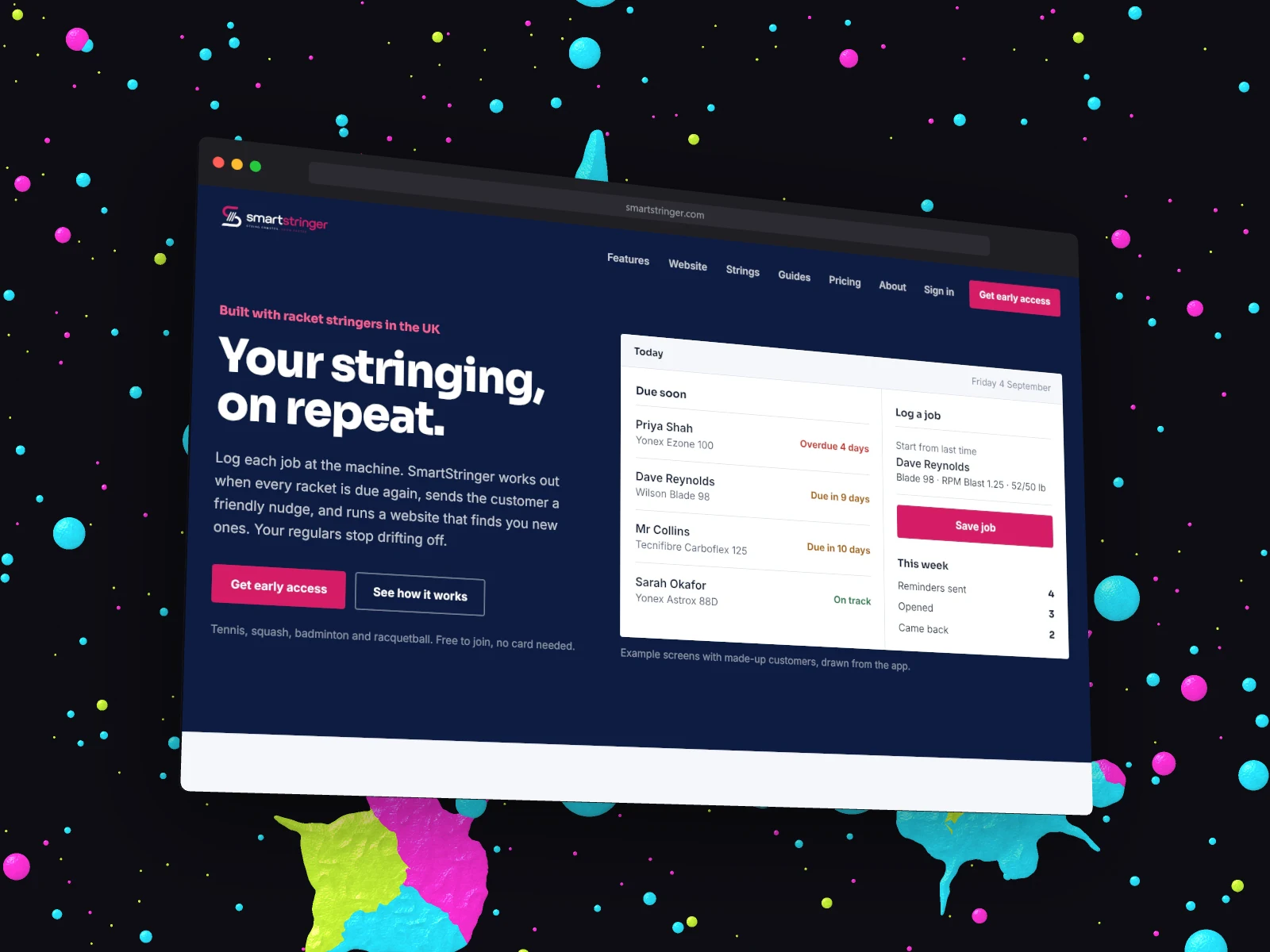
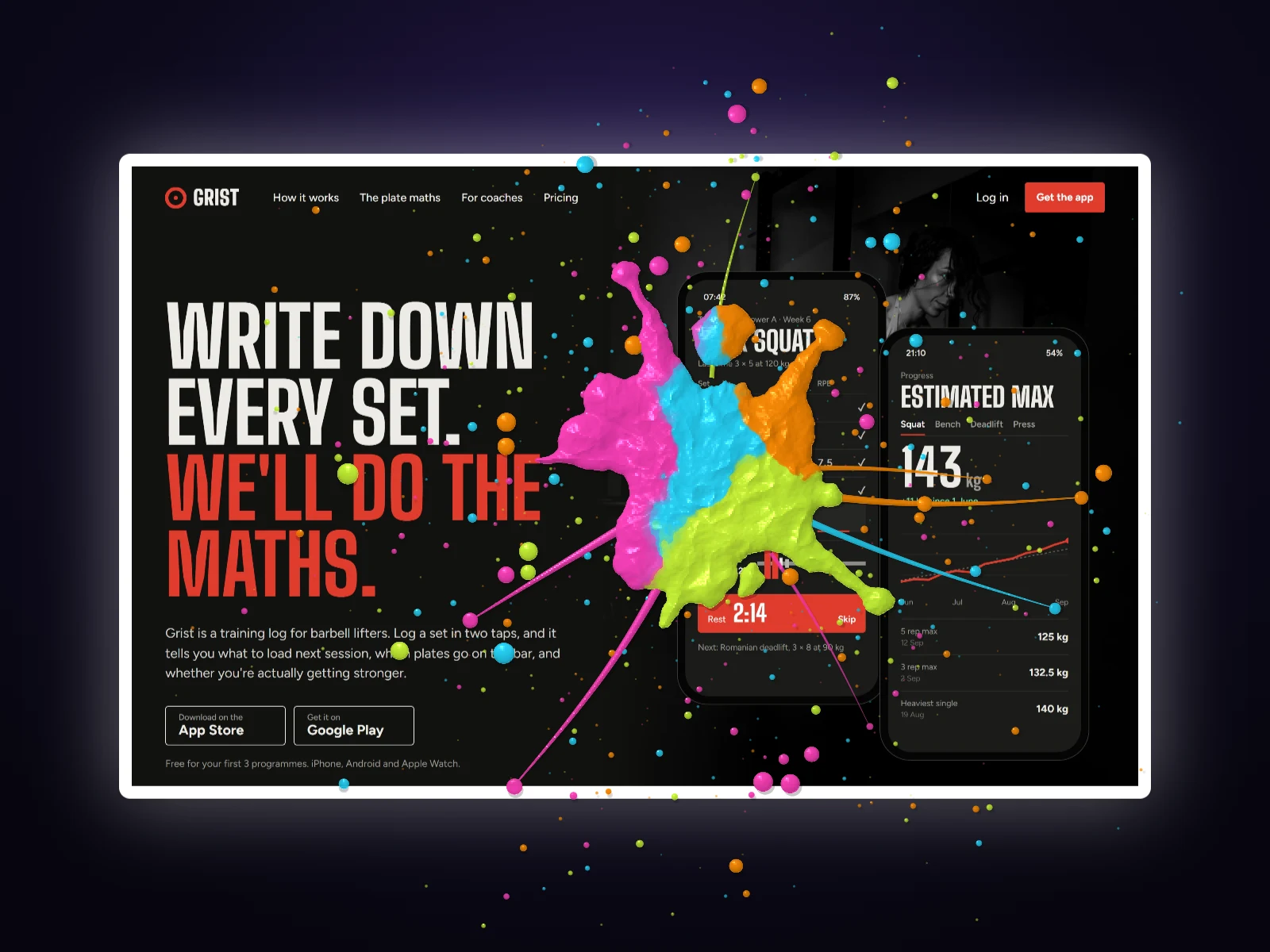
How to use the neon mockup generator
- 01
Add your screenshot
Drop it in, paste it, or capture a page from its address. Dark mode screenshots look best.
- 02
Go neon
Backdrop, Colours, Neon. Pick a style: a mesh, a pattern, a Liquid shape or a paint wall.
- 03
Glow and export
Glow shadow under Finish, a Surface on top if you want one, then download.
Neon mockup generator features
A Neon mood
Four neon colours built from your screenshot's own colour, or any colour you pick. Click it again to swap which colour plays which part.
Paint walls
Drip wall and Paint splatter: spray, runs and thick thrown paint in all four colours, behind any device.
Liquid patterns
Maze, marble, coral, spots, poured and flow, grown or poured in your colours. Shuffle for a new one.
Glow shadow
A soft light under the device instead of a dark shadow, made for dark backdrops.
Surface effects
Rain, drops, a waterline, cracked glass, spray paint and a Neon paint splatter over the finished picture.
Any device
Browsers, MacBooks, monitors, phones, tablets and watches, flat or as 3D models you turn and tilt.
Straight answers.
- Is the neon mockup generator free?
- The Neon mood, the free backdrop styles, the Glow shadow and flat devices are free with no account. The paint walls, Liquid patterns, 3D devices and Surface effects are Pro (£45 a year or £5 a month), and every new account gets a free Pro week to try them.
- Can I use my brand colour?
- Yes. The Neon mood starts from a colour in your screenshot, or one you type in, and builds the rest around it. You can also set all four colours by hand.
- What screenshots work best on neon?
- Dark mode screens, and bright ones with a strong colour of their own. A lime or pink site on a black backdrop glows; a pale grey one can look washed out, so try a white card edge around it.
- Can I get a transparent background instead?
- Yes, pick None under Backdrop and export a PNG, then drop the device onto your own neon artwork.
- Does the export have a watermark?
- No. DudeShots never stamps your exports. Add your own logo or text if you want one.
Try the neon mockup generator free.
Free to start. The paint walls, Liquid patterns, 3D devices and Surface effects are Pro, and every new account gets a free Pro week to try them.