

Free iPhone & phone mockup generator
Drop a mobile screenshot into a real phone frame, style the background, and export. Made for app pages and social posts.
Free to start. No signup to try. Nothing stamped on your exports.
What the iphone mockup generator does
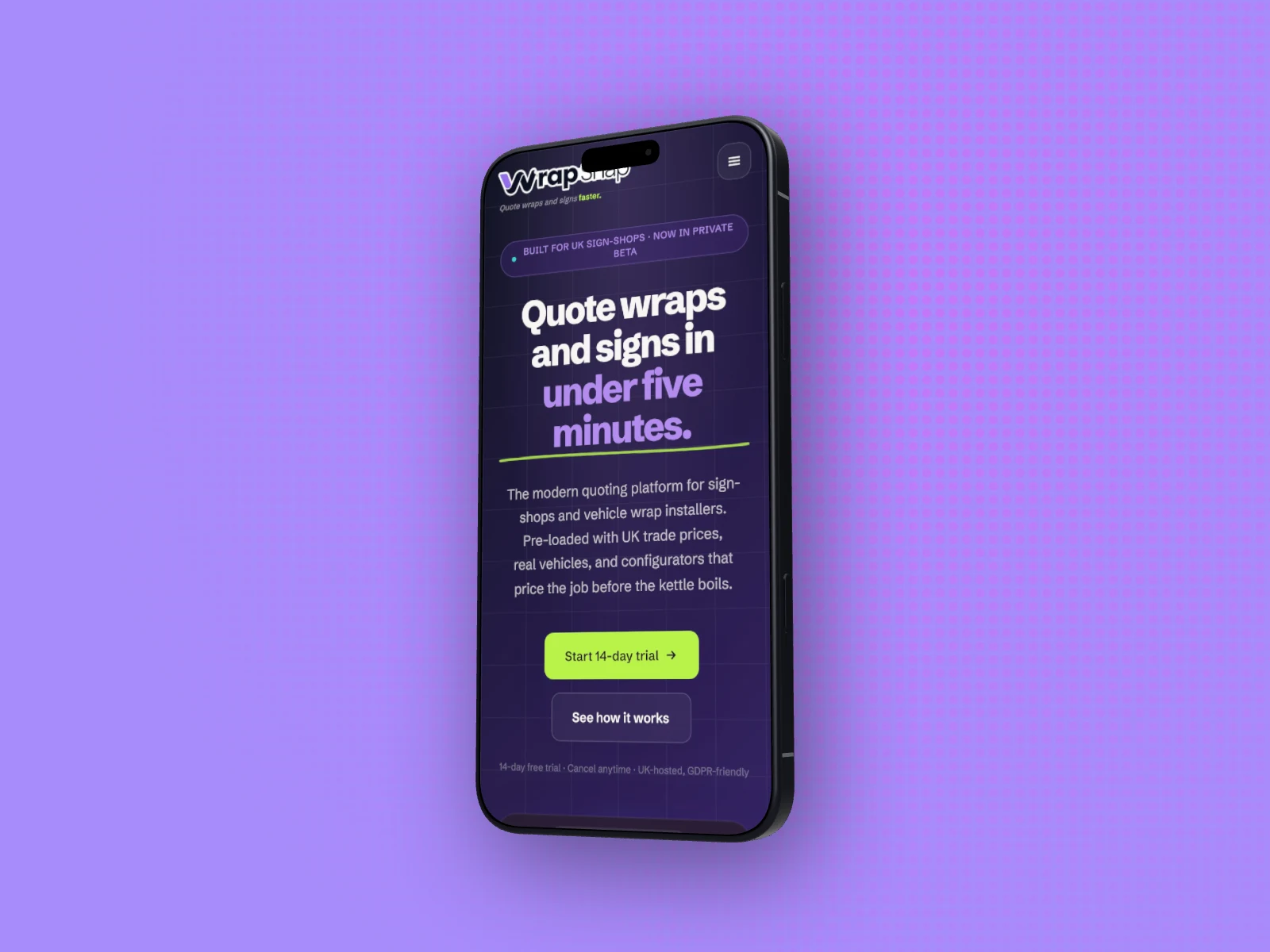
A mobile screenshot on its own is hard to place. Inside a phone, it reads instantly as an app, ready for your website, an app store listing, or a launch post.
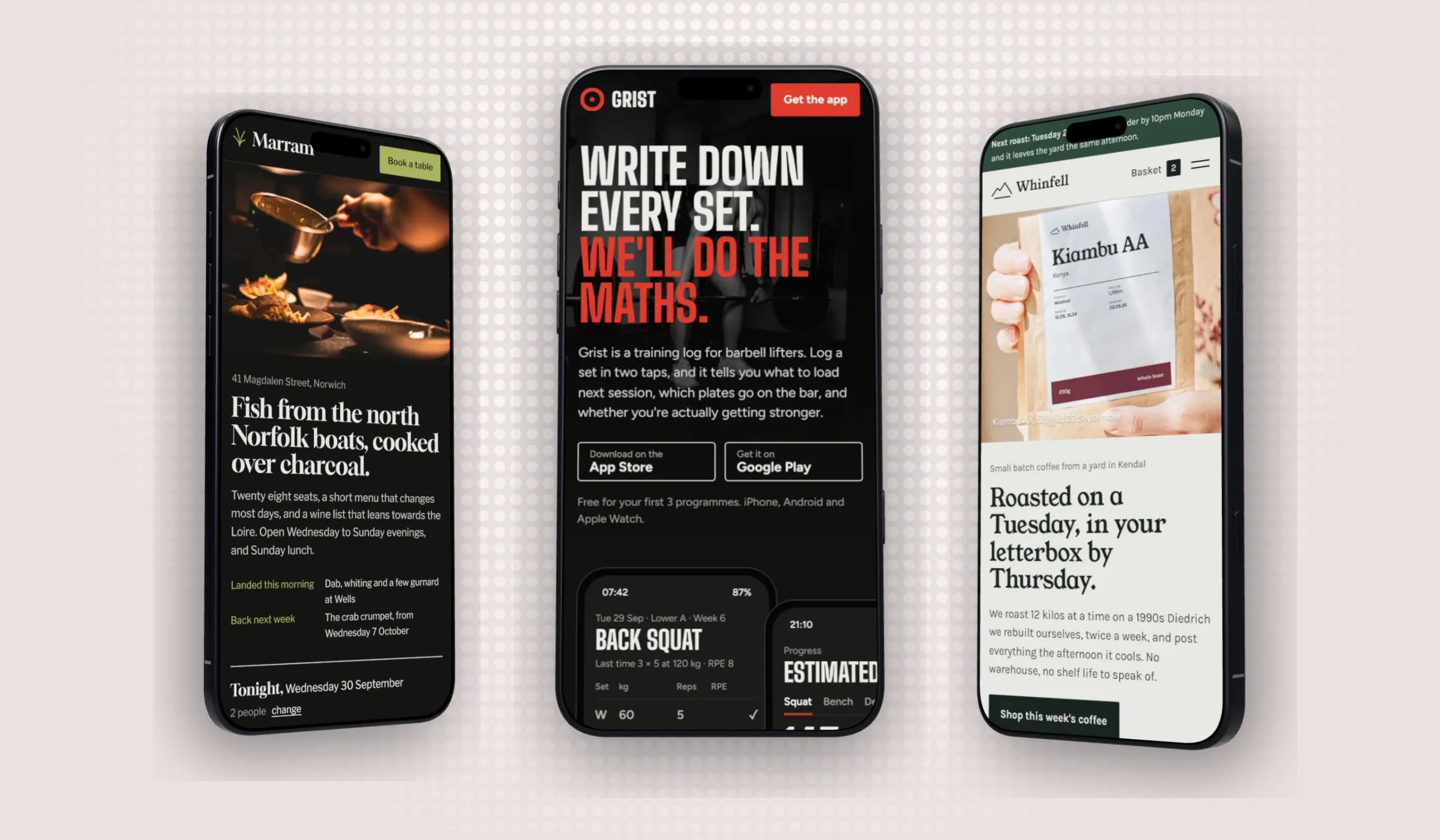
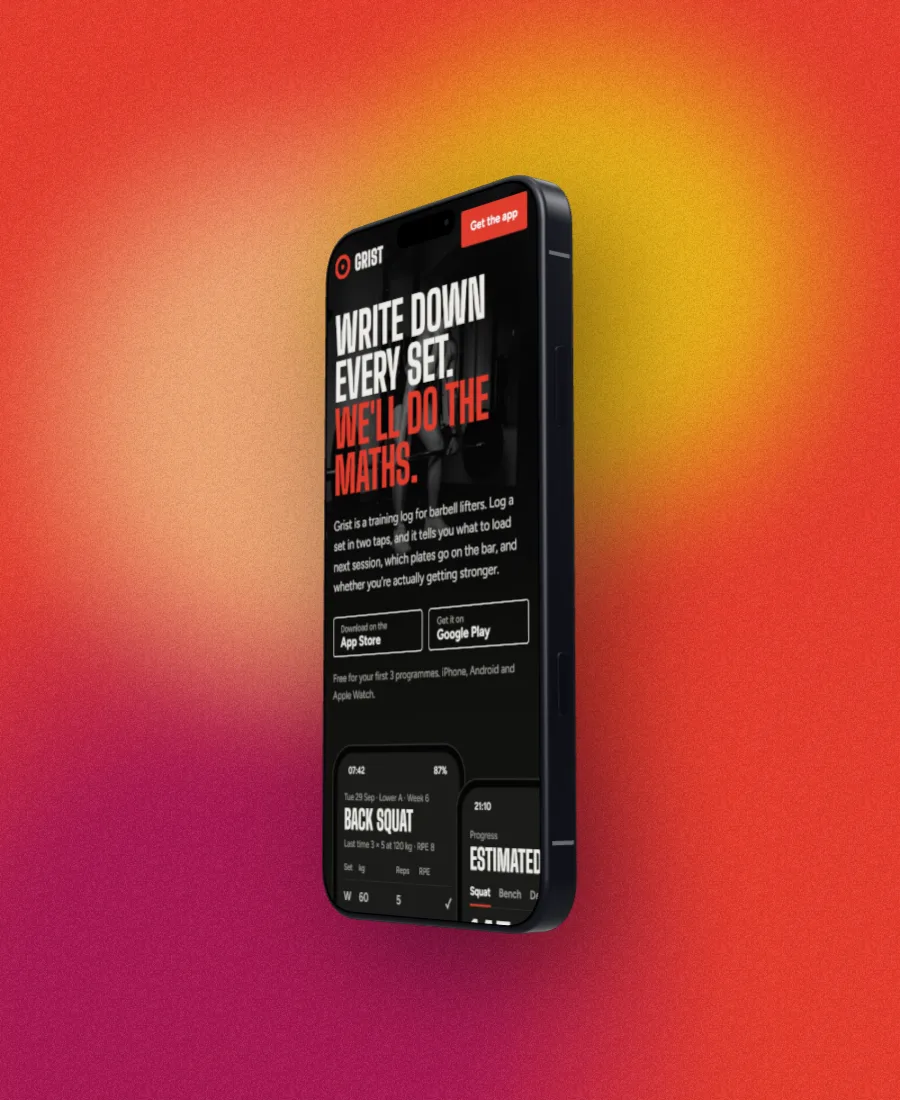
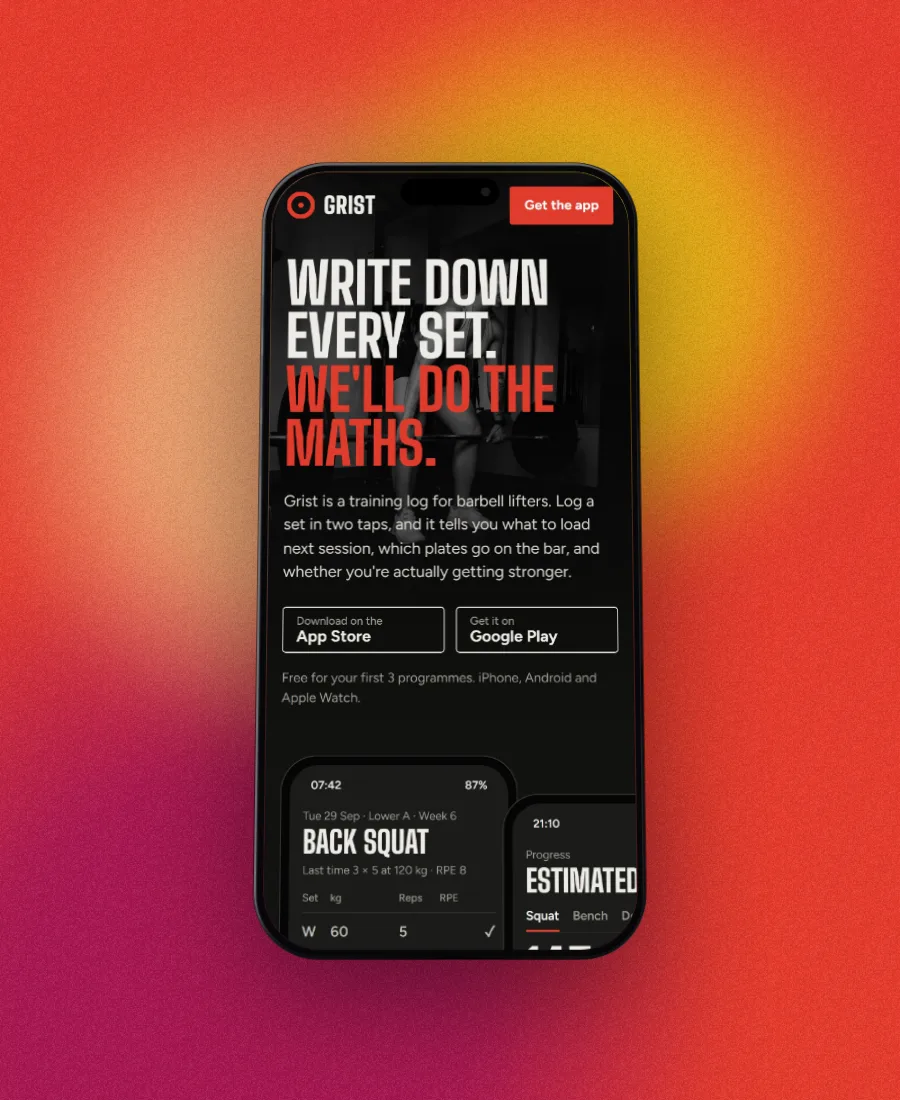
DudeShots frames your mobile screenshot in a real phone model with an accurate bezel and aspect ratio. Pick the model, set a background, add a shadow, and export. It all happens in the browser, and the free tier covers the essentials. On Pro, every phone also comes as a real 3D model you can turn to any angle.
Need several sizes? Add callouts, swap the backdrop per shot, pick a canvas size and export each one.
iPhones, turned and lit
How to use the iphone mockup generator
- 01
Add your mobile screenshot
Drop in an image or paste it from the clipboard.
- 02
Pick a phone model
Choose the phone and finish it with a background and shadow.
- 03
Export
Download a clean, high-resolution PNG.
iPhone mockup generator features
Real phone models
Accurate bezels and aspect ratios, not a generic outline.
3D phones (Pro)
Every phone as a real 3D model with a metal frame, buttons, ports and cameras. Turn it up to 60° and the whole phone moves, not a flat picture. A new account gets a free Pro week to try them.
Made for app pages
Add a headline or a badge with callouts for App Store and Play Store shots.
Backdrops
Over 30 styles in colours taken from your screenshot, with grain or paper texture and a light you drag into place.
Free & watermark-free
Try it with no account, and publish exports with nothing stamped on them.
Straight answers.
- Is the phone mockup generator free?
- Yes. Framing a mobile screenshot in a phone, styling it and exporting are free, no signup to try. Pro (£45 a year or £5 a month) adds 3D phones and the full library.
- Why are the 3D phones only on Pro?
- The flat phones are drawings. The 3D phones are full models with their own rendering engine, built to each phone's real size, and they take far more work to build, test and keep improving. Pro is what pays for that work. The flat phones stay free, and a new account gets a free Pro week to try the 3D ones.
- Which phones are available?
- The 2026 line-up (iPhone 18 Pro, iPhone 18 Pro Max, iPhone Air, Galaxy S26 Ultra, Galaxy S26 and Pixel 11) plus earlier models, each built to its real size with an accurate bezel and aspect ratio.
- Can I use it for App Store and Google Play screenshots?
- Yes, combine phones with callouts, backdrops and the store canvas sizes. See our App Store screenshot generator page for the exact sizes each store requires.
- Do exports have a watermark?
- No. Your exports are clean. You can add your own watermark if you want, but DudeShots never adds its own.
Try the iphone mockup generator free.
Free to start, no card needed. Open the studio and drop in an image.