

Free browser mockup generator
Add a clean browser frame to any screenshot (Safari, Chrome, Firefox, Arc or a minimal window), then style the background and export.
Free to start. No signup to try. Nothing stamped on your exports.
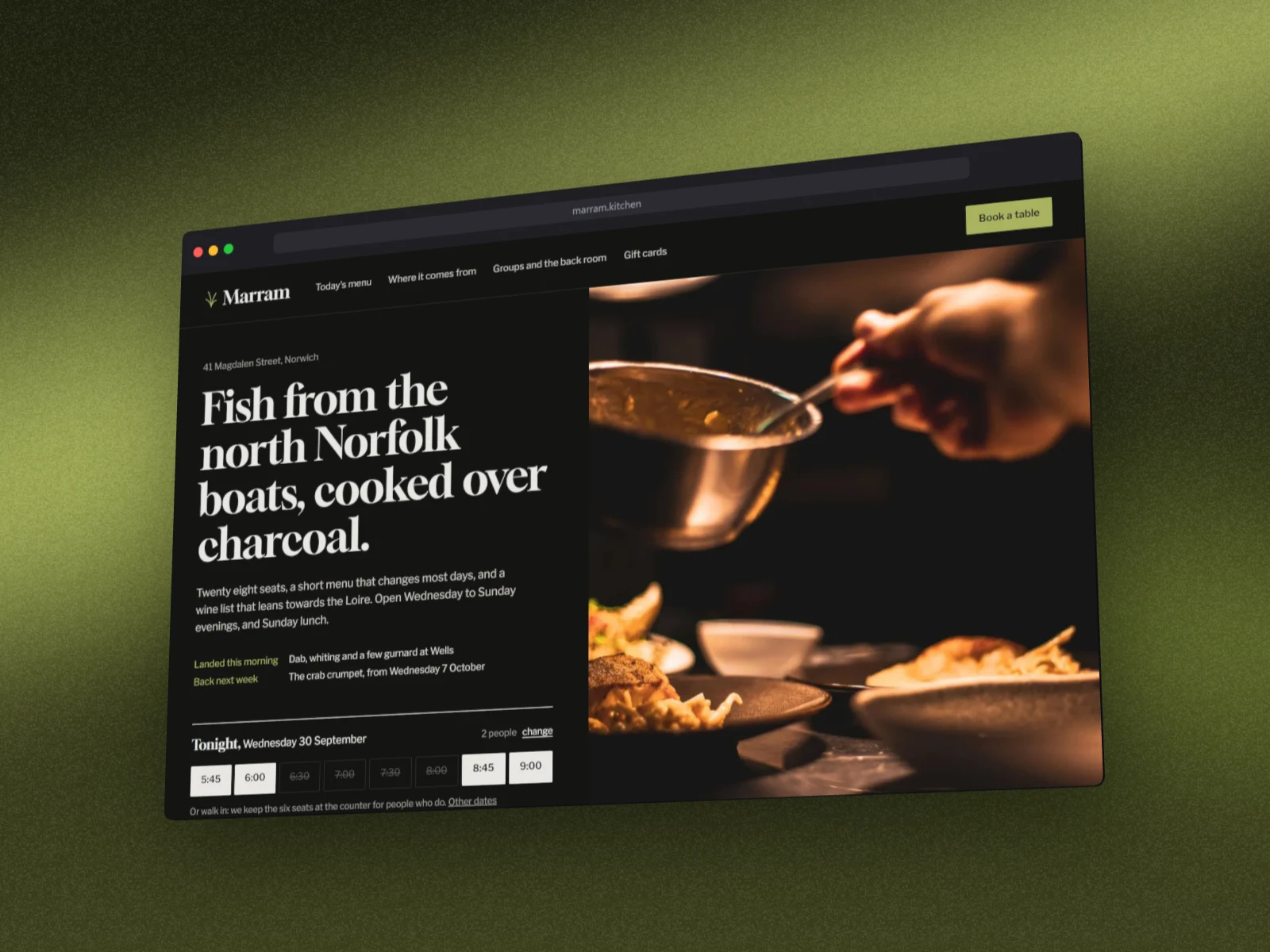
What the browser mockup generator does
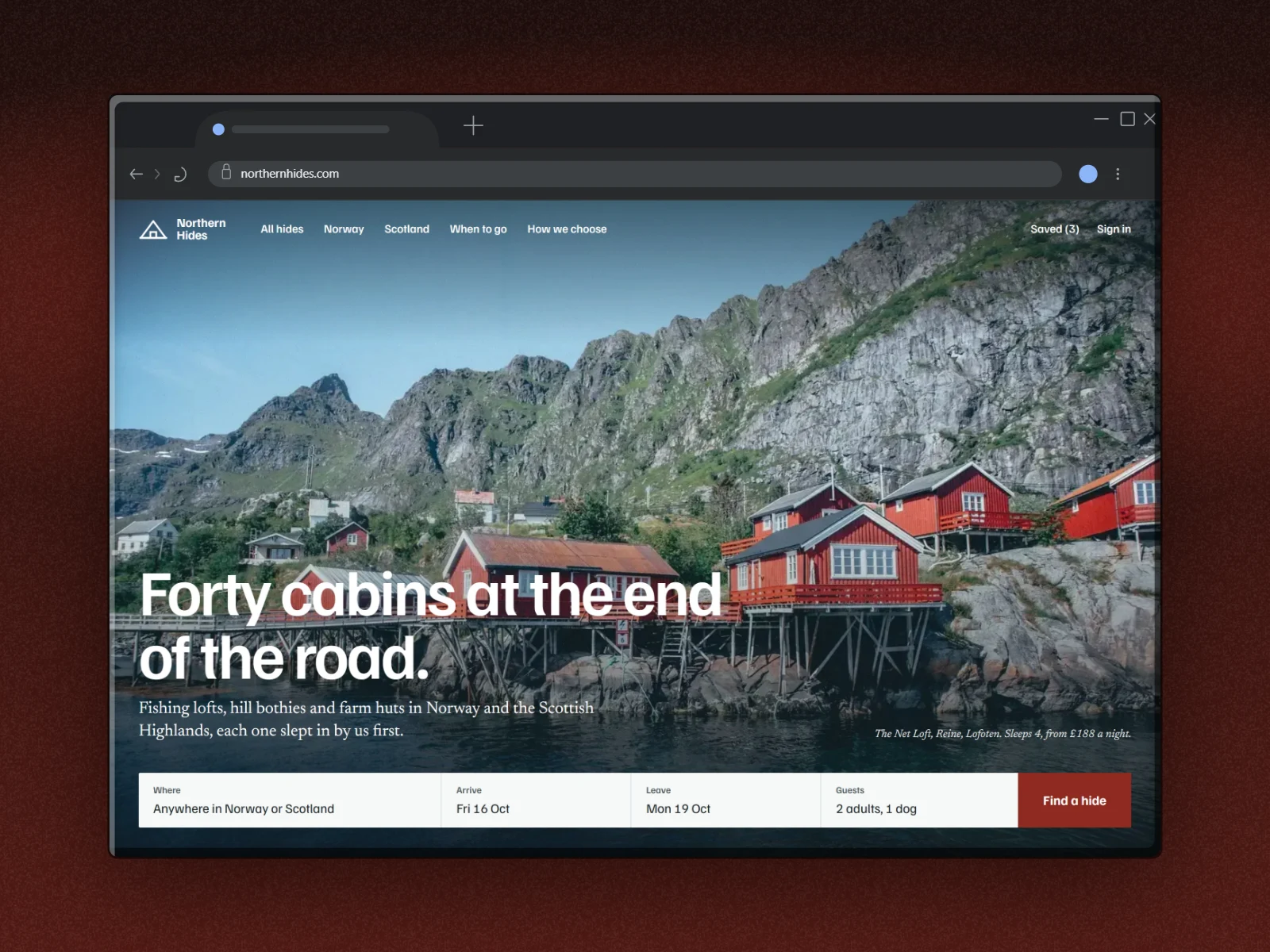
A raw screenshot of a website looks flat. Wrap it in a browser window (title bar, address bar, traffic-light buttons) and it reads as a real product shot you can drop into a landing page, a tweet, a deck or a changelog.
DudeShots is a browser mockup generator that runs entirely in your browser. Paste or drop a screenshot, choose the browser chrome, then set a gradient or pattern background, add a shadow, and export a crisp PNG. No Figma file, no Photoshop, no template to hunt down.
Flat exports carry no DudeShots watermark, so the mockup is yours to publish anywhere. On Pro, every browser window also comes as a solid 3D panel you can turn and tilt. Every new account gets a free Pro week to try the 3D windows.
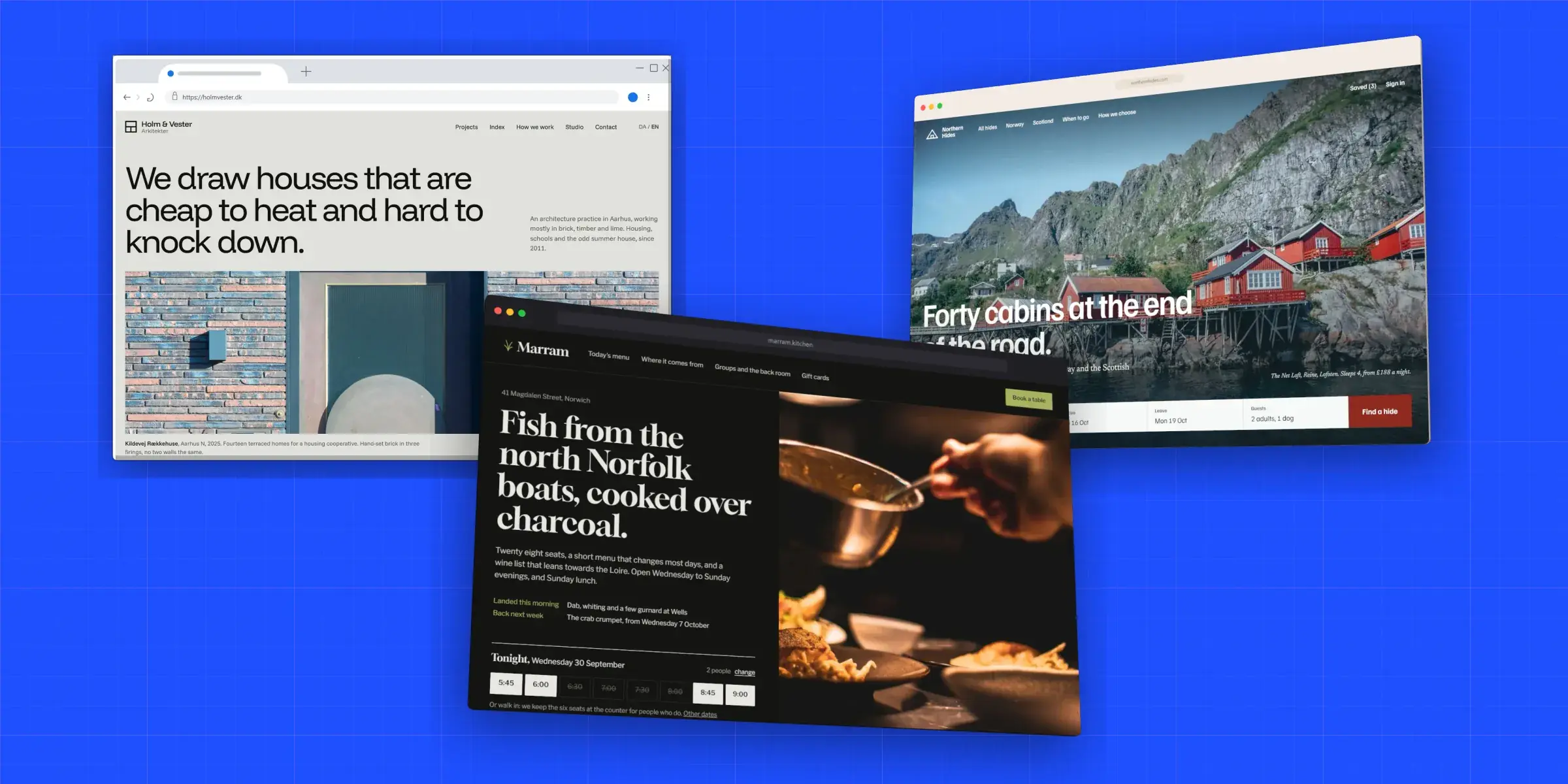
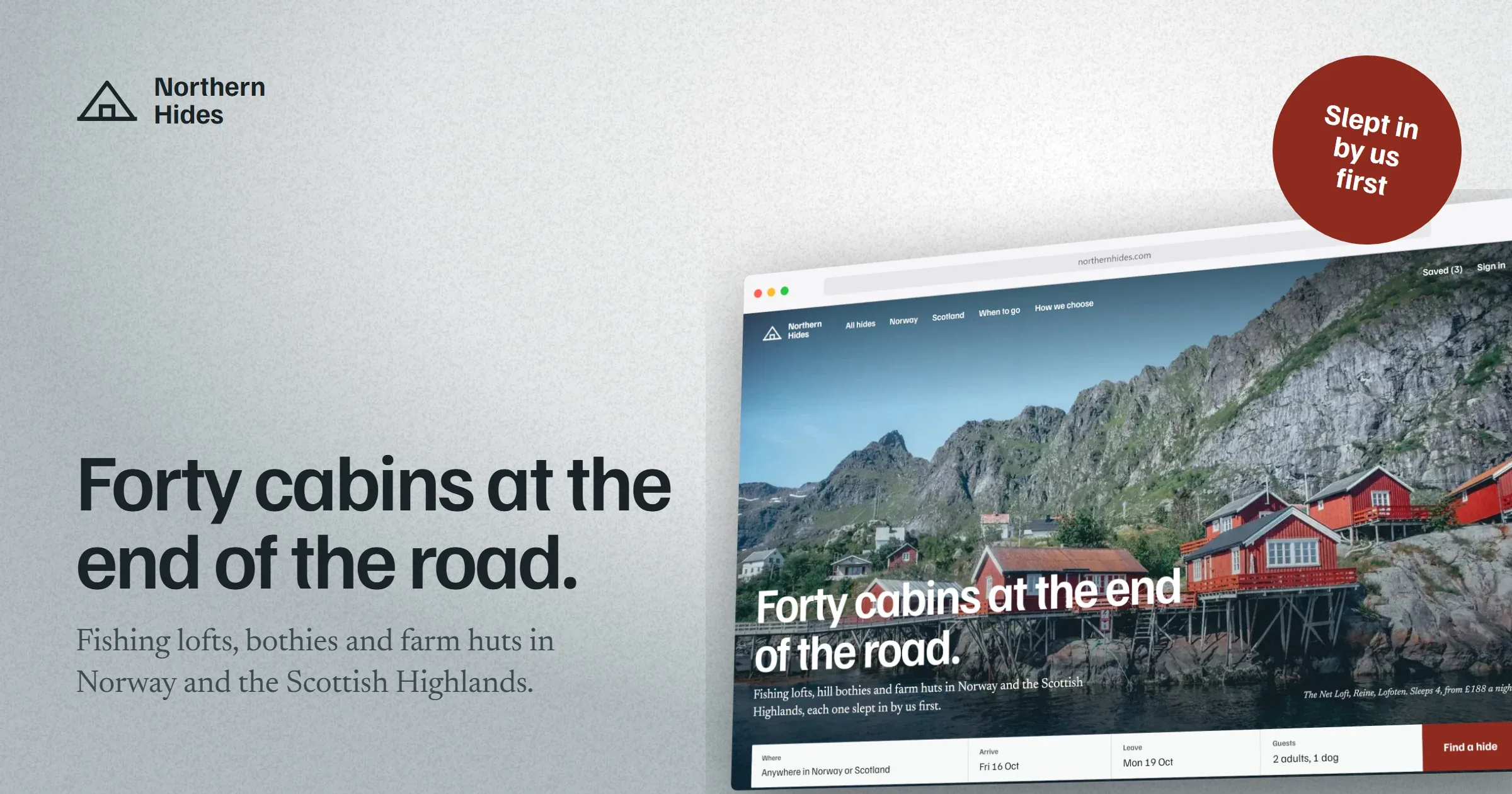
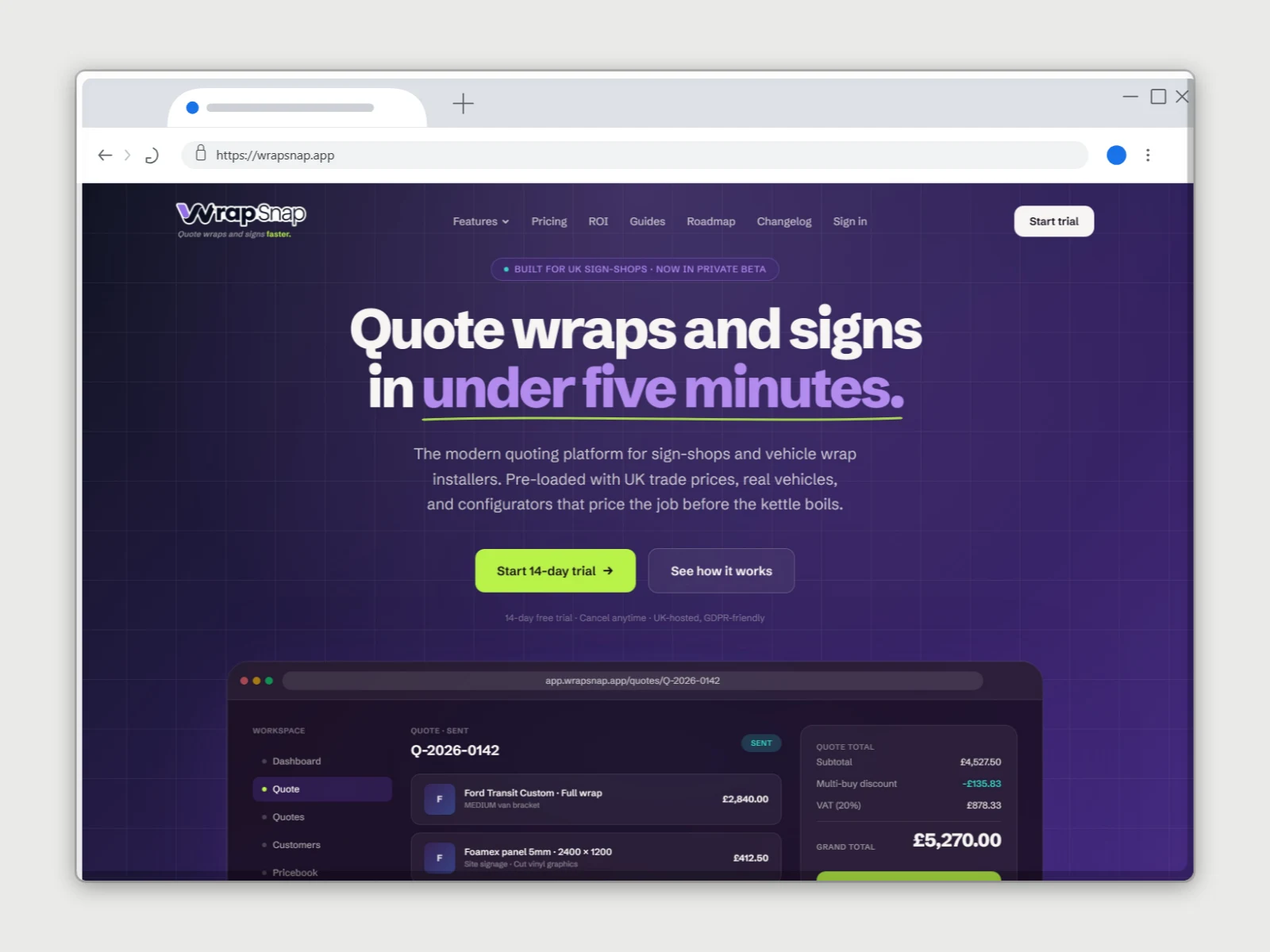
Browser windows, flat and 3D
How to use the browser mockup generator
- 01
Add your screenshot
Drop in an image, paste from the clipboard, or capture straight from a URL.
- 02
Pick the browser frame
Choose browser chrome and tweak the corner radius, shadow and background.
- 03
Export
Download a clean, high-resolution PNG with no watermark, ready to publish.
Browser mockup generator features
Real browser chrome
An accurate window with an address bar and controls, not a rough rectangle.
3D browser windows (Pro)
Each browser window as a solid 3D panel with depth and edges. Tilt it hard and it stays a real object instead of bending like paper.
Backdrops that sell it
Over 30 backdrop styles, from studio light to blueprint grids, in colours taken from your screenshot or your own. At least 13 are free.
Capture from a URL
No screenshot to hand? Paste a link and grab the page directly.
Free, no signup
Frame, style and export without an account. Pro (£45 a year or £5 a month) adds 3D, the full library and 3× export.
Straight answers.
- Is the browser mockup generator free?
- Yes. Framing a screenshot in browser chrome, styling the background and exporting a PNG are all free, with no signup required to try it. Pro (£45 a year or £5 a month) adds 3D browser windows, every backdrop style, cast shadows, full-page capture and 3× export.
- Why are the 3D browser windows only on Pro?
- The flat browser frame is a drawing. The 3D windows are real models with their own rendering engine, and they take far more work to build, test and keep improving. Pro is what pays for that work. The flat browser frames stay free, and a new account gets its first week of Pro free to try the 3D windows.
- Do exports have a watermark?
- No. DudeShots never stamps your exports. You can add your own logo or text watermark if you want one, but nothing is forced.
- Which browser frames can I use?
- Eight: Safari and Chrome in light and dark, Firefox, Arc, and a minimal window in light and dark. The address bar shows whatever URL you type. MacBooks, monitors, phones, tablets and watches are there too if you want a device instead.
- Is there a dark mode browser frame?
- Yes: Safari and Chrome both come in dark, and there's a minimal dark window. They suit dark sites and dark decks.
- Can I export a browser mockup with a transparent background?
- Yes. Set the backdrop to none and export a PNG, and the window and its shadow come out on transparency.
- Can I make a browser mockup without uploading a file?
- Yes, paste a URL and DudeShots captures the page for you, then frames it. The visible screen is free; each fold, auto-detected sections and the full page are Pro.
Try the browser mockup generator free.
Free to start, no card needed. Open the studio and drop in an image.