

Screenshot collage maker
Put several screenshots in one picture, cascaded, fanned out, piled up or in a grid, on a backdrop that makes them look good together.
Free to start. No signup to try. Nothing stamped on your exports.
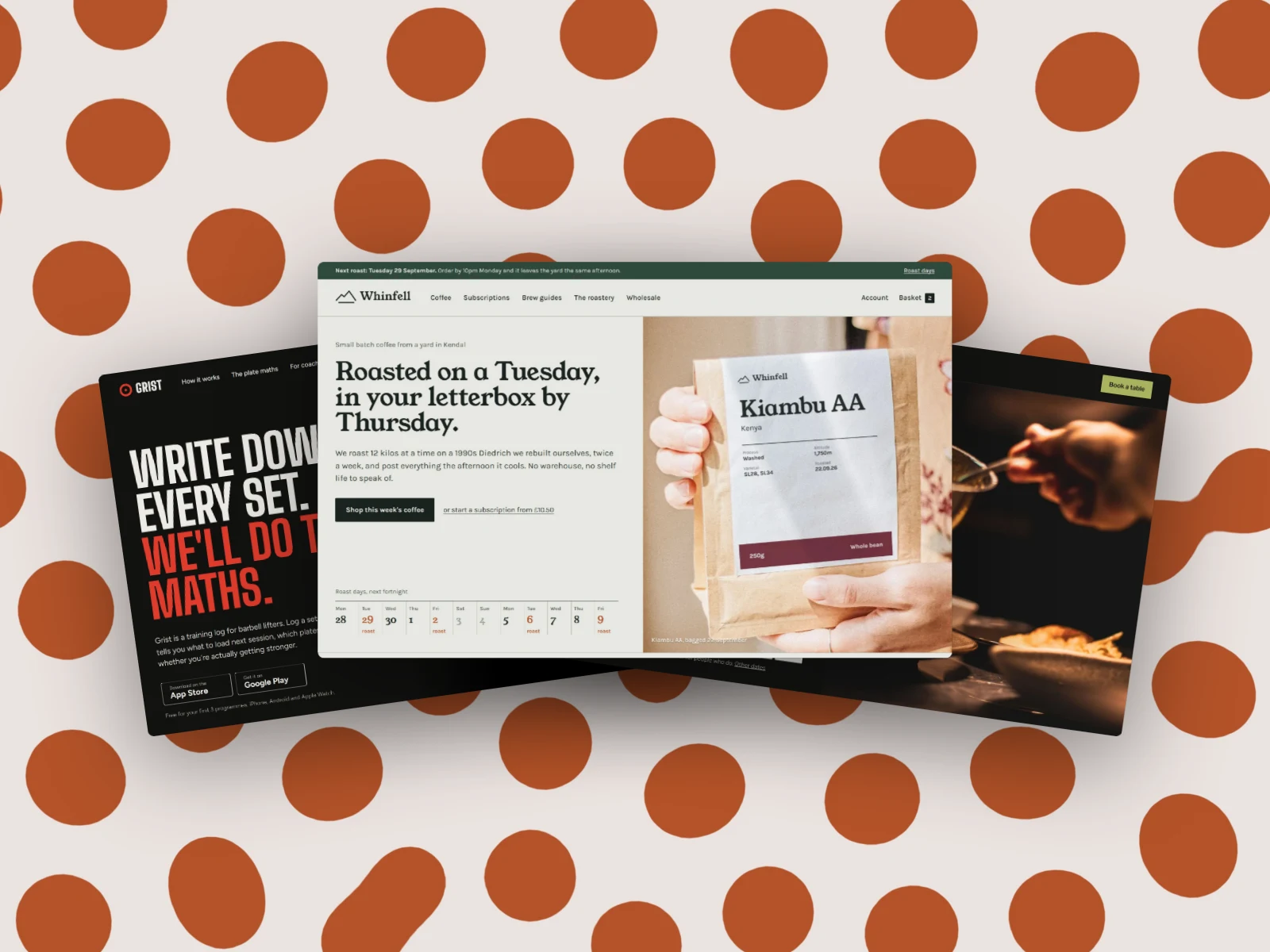
What the screenshot collage maker does
One screenshot shows a page. Several in one picture show a product: the dashboard, the settings and the report, or three sites from a portfolio, or every screen of a new feature. That's the picture for a launch post, a case study or the top of a changelog.
In DudeShots, open Start from a set and pick Just the shots: Cascade, Side by side, One in front of two, Fanned out, Messy pile, Turned in, Stepped back or Grid of four. Each one takes a different screenshot from your strip, the one you're looking at in front.
Then make it yours. Layers lists every shot, front at the top: drag one up or down to change what's on top, tap one to swap its screenshot. Move, turn and resize them on the canvas, and give the whole picture a backdrop, an edge and a shadow.
Cascades, fans, piles and grids
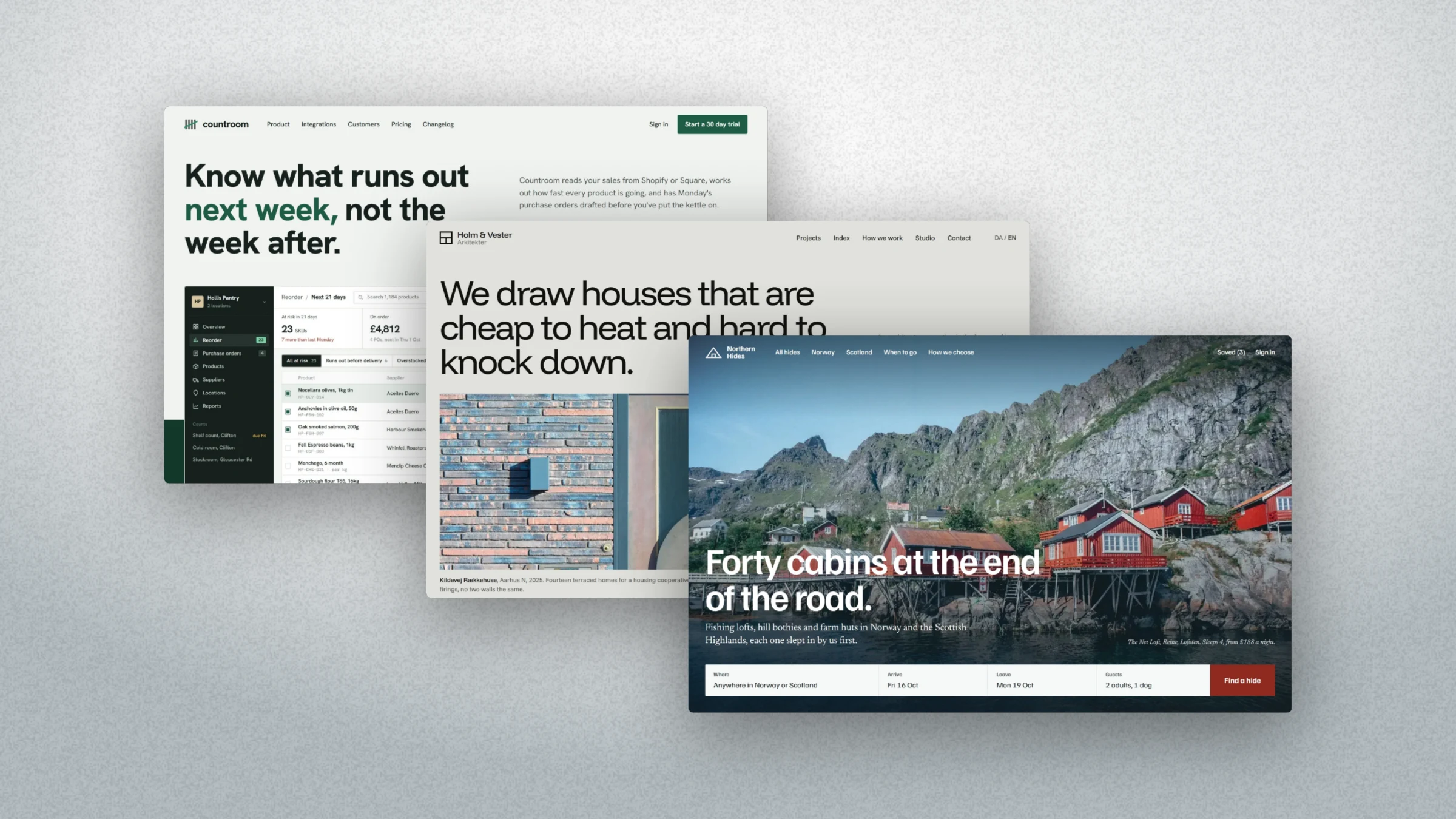
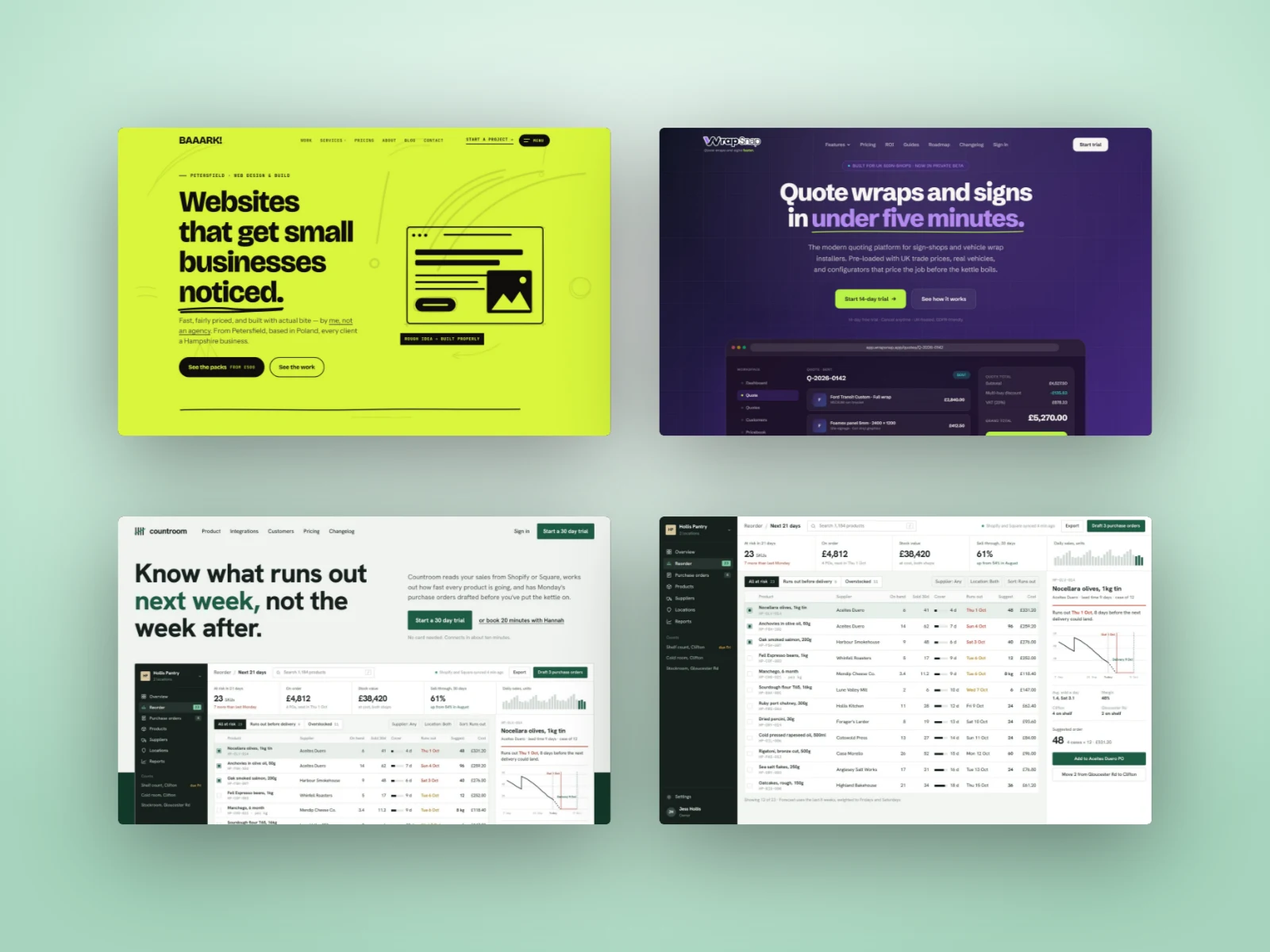
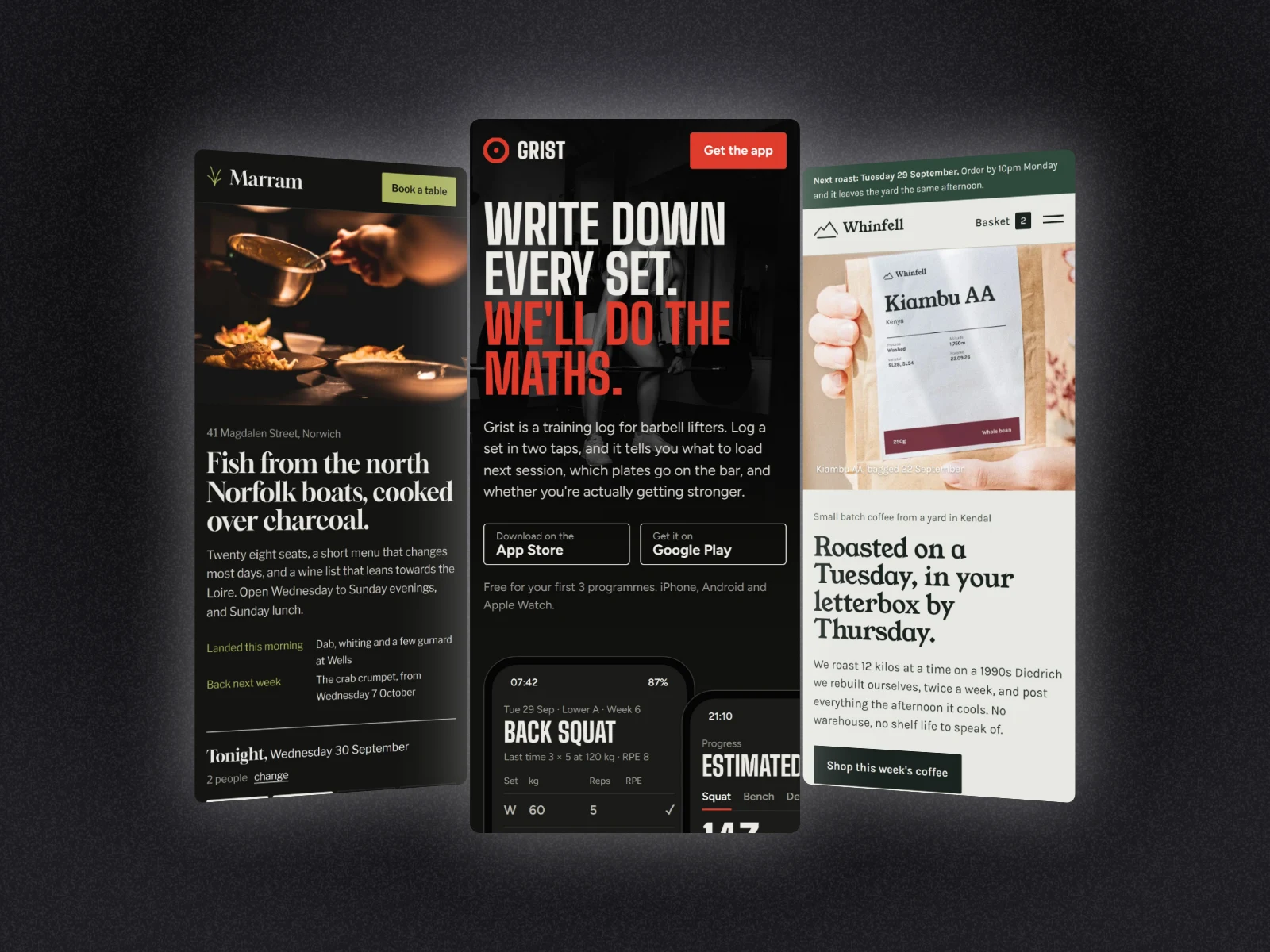
How to use the screenshot collage maker
- 01
Add your screenshots
Drop in two, three or four screenshots, paste them, or capture pages from their address.
- 02
Pick a layout
Start from a set, then Just the shots: a cascade, a fan, a pile or a grid.
- 03
Export
Pick a backdrop and a size and download one picture with every shot in it.
Screenshot collage maker features
Eight layouts
Cascade, side by side, one in front of two, fanned out, messy pile, turned in, stepped back and a grid of four.
Each shot its own
Every shot in the layout takes a different screenshot from your strip, sized from its real shape.
Layers
Reorder the shots by dragging, or with the arrows. Tap one to edit it, even when it's buried.
Backdrops, edges, shadows
The same backdrops, edges and shadows as a single screenshot, applied to the whole collage.
Devices when you want them
Mix in a laptop or a phone at any time, or use a responsive mockup set instead.
Straight answers.
- Is the screenshot collage maker free?
- A single screenshot with a backdrop, an edge and a shadow is free. Several screenshots on one canvas is part of Pro (£45 a year or £5 a month), and every new account gets a free Pro week to try it.
- How many screenshots can go in one collage?
- The ready-made layouts take two, three or four. You can add more under Layers and place them yourself.
- Can I use phone screenshots?
- Yes. Tall mobile screenshots work in any layout; Turned in and Side by side suit them best. Each shot is sized from its own shape.
- Do I have to use device frames?
- No, that's the point of Just the shots: bare screenshots on the backdrop. Add a laptop or a phone too if you want one.
- Does the export have a watermark?
- No. DudeShots never stamps your exports. Add your own logo or text if you want one.
Try the screenshot collage maker free.
Free to start. Several shots on one canvas is part of Pro, and every new account gets a free Pro week.