What's new

What changed in DudeShots, week by week. The big weeks are circled; the smaller fixes are folded away under each one.

September 2026

v0.104–0.113.1

Watermarks that read anywhere, and a smoother studio on phones

Improved

Watermarks that read on any backdrop

A new Contrast slider puts a soft shade behind your watermark, dark behind a light mark and light behind a dark one, fading out so there's no box. It keeps the mark readable on busy backdrops like Liquid.

The watermark text's font, size and colour now sit right under the Text box, so on a phone you no longer scroll to find them.

Try it in the studio
Improved

Liquid backdrops keep up on phones

Recolouring a Liquid backdrop now paints at once, and dragging Size or Line weight on Maze, Coral or Spots follows as soon as you stop, even at the smallest size. The canvas is bigger on phones too: fingers turn and zoom, so the sliders are gone.

Fixed

Callout words can't disappear any more

Every callout now has a second colour, set to Auto: a white badge gets dark words, white words on a note get a dark card, all by themselves. Pick your own if you like; the panel warns you if the two are too close. Long words in a badge shrink to fit instead of blowing it up into a blob.

Improved · Pro

Several devices, now in Device

Adding a laptop next to your phone now happens where you pick devices: switch Device to Several, then step through them with the arrows (handy when one hides behind another), add or remove them, or start from a set. Layout is just for arranging them.

New

Start a new project, or carry on

A New button in the top bar gives you a clean canvas in one click; your plan, watermark and settings stay, and Undo brings the last project back. Come back after a break and the studio asks whether to carry on with what you had open or start fresh.

New

What's new and Next up

This page, and a roadmap: what's being built now, what comes after, and the ideas still on the wall.

See what's next
16 smaller changes
  • Card and the other framed edges follow Round properly: the shot's corners curve with the card's, even at big roundness.
  • Weight now changes Card, Frosted, Smoked, Gloss and Pressed (how wide the frame shows), not just the shadow.
  • A colour you pick with + stays shown, selected, next to the swatches (Edge, Backdrop, Surface paint, Callouts).
  • The Export button on phones shows its icon at full size again.
  • Sets: dropping a shot from the filmstrip onto any device now puts it there (only the picked-up device used to take it).
  • Sets: devices of the same kind share one screenshot (three watches no longer show three different shots), and the Cascade of four is evenly spaced.
  • A screenshot a little wider than a phone's screen is fitted to its width instead of losing words off both sides.
  • Layout: every set group (including Wearables and Browsers) now fits in the panel.
  • Product news by email, only if you tick the box on sign-up or turn on Emails in your account.
  • Your account page shows when Pro renews and the price, and tells you if a payment failed.
  • Every colour tile opens our own colour picker, which slides up from the bottom on phones.
  • "More colour options" shows a few of its sets, drawn in your current style, before you open it.
  • A clearer message when a site can't be captured, with a nudge to upload a screenshot instead.
  • Cancelling Pro asks why, so we can do better.
  • No "Pro has ended" email after you delete your account.
  • Support email is hello@dudeshots.com everywhere.
v0.73–0.103

The big one: a new studio, real 3D devices and a lot more

A rebuilt studio and website, devices you can turn in 3D, and new ways to dress a shot.

New

A new studio

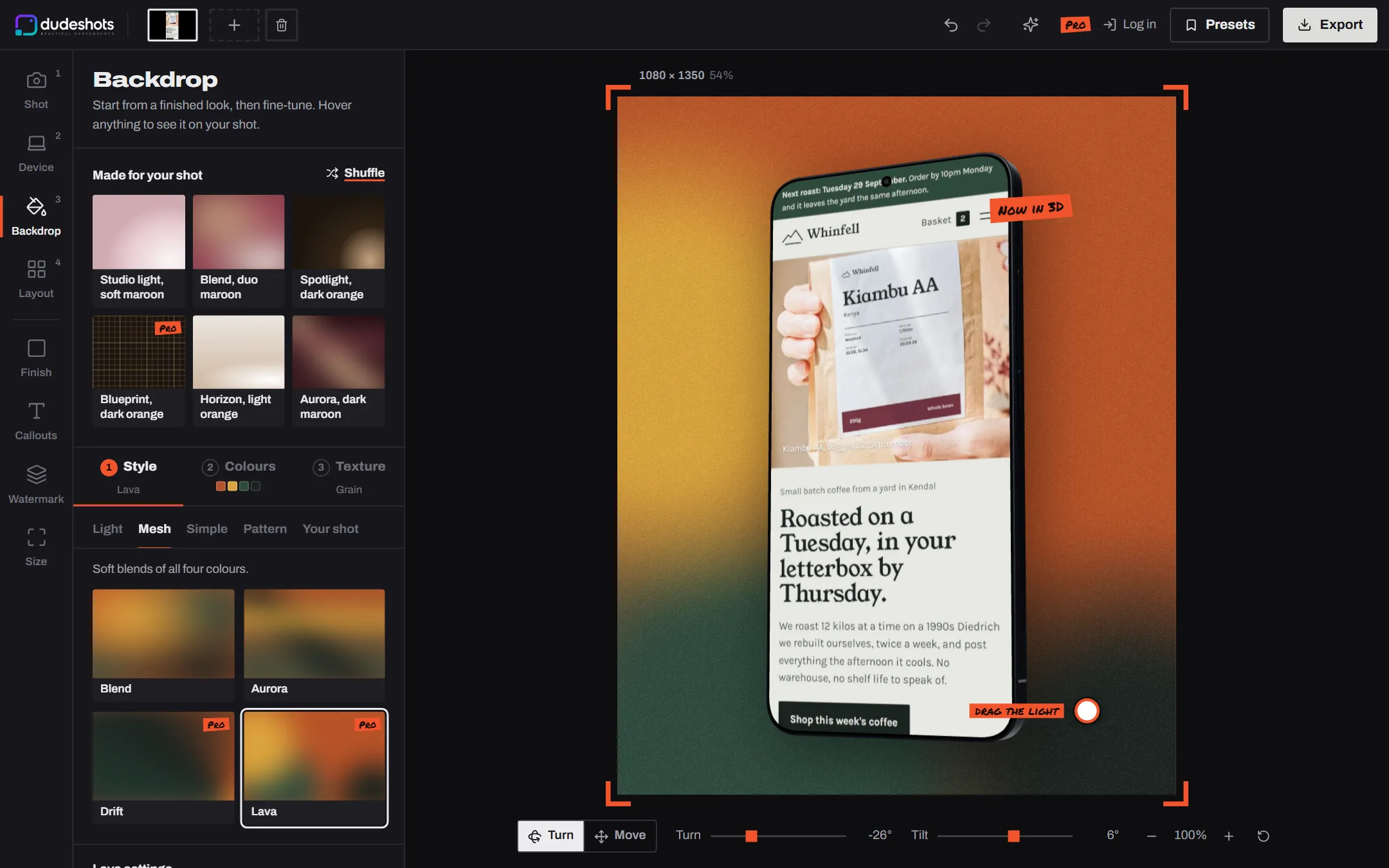
The whole editor, rebuilt around the way a shoot works: shot, device, backdrop, layout. Undo and redo, picture tiles for every device, and your work autosaves in your browser. Free users can try every 3D device before they upgrade.

Open the studio
The DudeShots studio
New · Pro

Devices in real 3D, and every one of this year's

MacBooks, phones, tablets, monitors and browser windows you can turn and see from any angle. iPhone 18 Pro and Air, Galaxy S26, Pixel 11, every MacBook, nine iPads and Galaxy Tabs, eight monitors including the curved ultrawides, and five smartwatches, each drawn from its real measurements.

Try it in the studio
3D iPhones at different angles
New · Pro

Sets: more than one device on the canvas

Add a laptop and a phone, or the whole kit. Each device gets its own shot and its own angle, with 25 set templates and Row, Hero, Fan, Turned in and Cascade arrangements.

Try it in the studio
A laptop, tablet and phone showing the same site, arranged as a set
New · Pro

Liquid backdrops and Surface effects

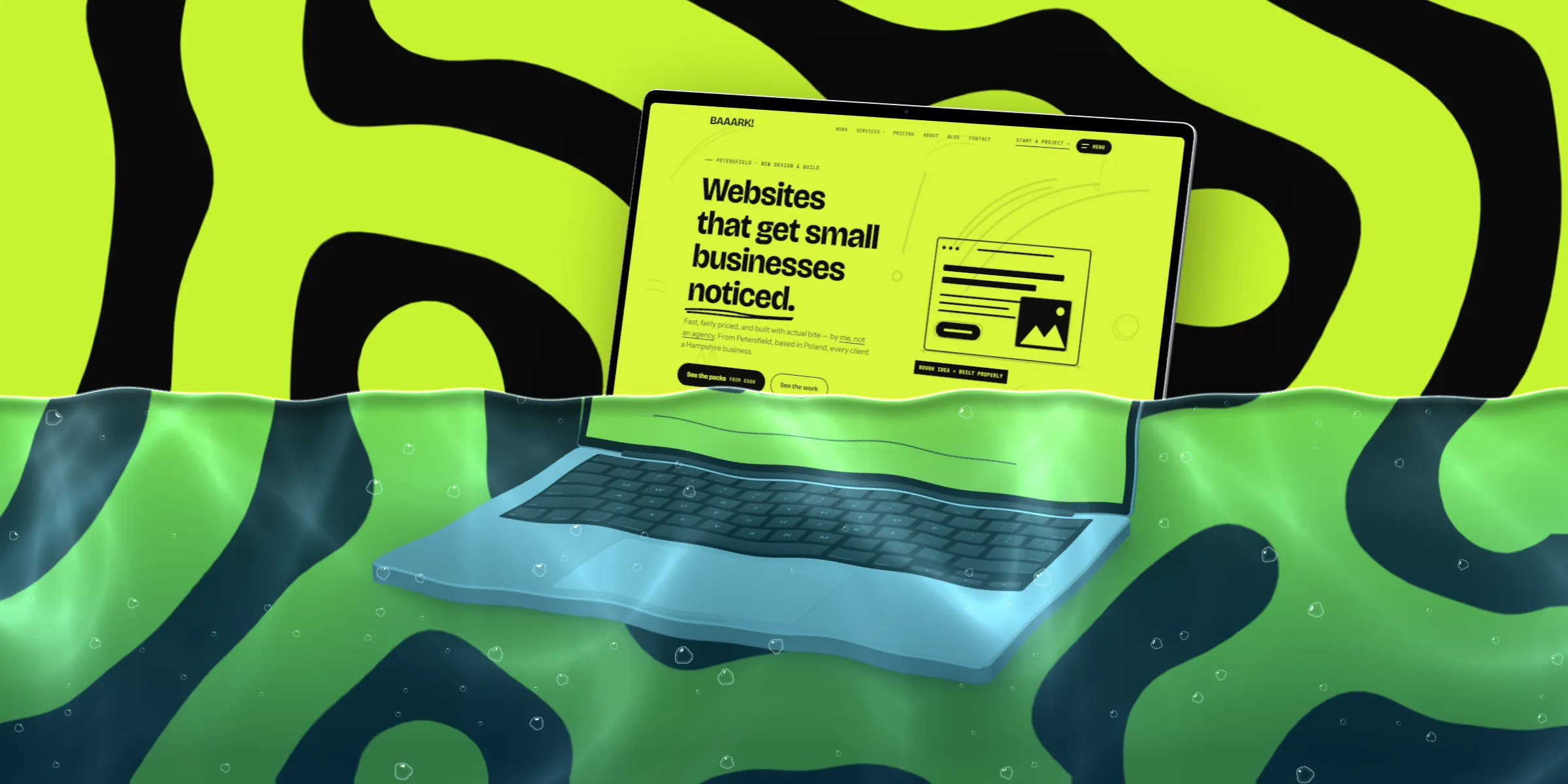
Liquid: Maze, Marble, Coral, Spots, Poured and Flow, two-colour shapes grown so no two are the same. Surface: rain, condensation, splash, underwater, a waterline and paint, laid over the finished picture.

A device mockup with a waterline across it
New

Callouts, and backdrops that start from your colours

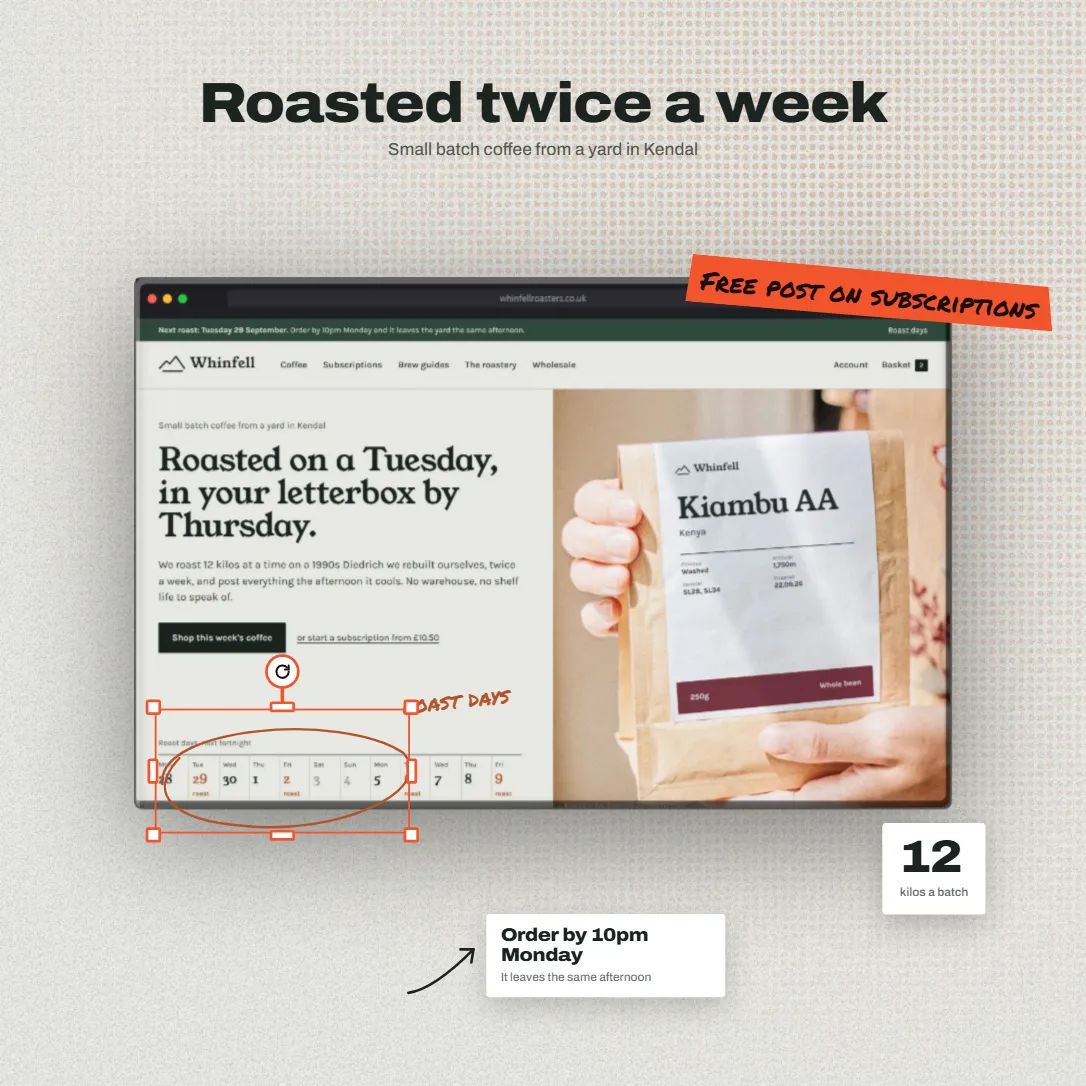
Headlines, tape stickers, notes with arrows, badges and more, dragged, turned and typed right on the canvas. The Backdrop panel now opens on your screenshot's own colours, and Shuffle builds a whole look from them.

A mockup with a tape sticker and an arrow note
New

One shot, every layout

Capture a site once and each device gets the right layout: the phone shows the mobile site, the laptop the desktop one. Captured screens fly into the filmstrip as they're taken.

New

Lifetime Pro

£149 once instead of £5 a month, with a redeem page for AppSumo codes. Plus a clear refund policy and a contact page with quick answers.

See pricing
9 smaller changes
  • A full pass on iPhone, iPad and Safari: exports through the share sheet, large images scaled to fit, drags that end where your finger lifts.
  • Black device screens on some Android phones.
  • Drag the watermark on the canvas; it snaps to nine anchors. Saved watermarks (Pro).
  • Five new shadows, and shadows that follow the device's turn and tilt.
  • A new website, in the grey paper and gaffer tape of a photo studio.
  • Size panel: pick where the image is going, or set your own size.
  • Export from one button, or Ctrl+E.
  • Left-drag turns a device, right-drag moves it; two fingers move and zoom.
  • A faster studio, and Surface and Liquid working in Safari.
v0.66–0.72

Shaped shadows, clean transparent exports and guides

New · Pro

Shaped shadows

Shadows of a eucalyptus branch, an arched window, a beam of light and a hanging plant, falling across your shot.

Fixed

Transparent exports are really transparent

Backdrop: None now exports a PNG with a clear background, ready to drop onto anything.

New

Guides and tool pages

Guides to the sizes that matter (App Store, Open Graph, Product Hunt and more) and a page for each kind of mockup.

Read the guides
3 smaller changes
  • Emails that tell you what happened: a welcome, and a note when Pro starts, ends or a payment fails.
  • An eyedropper in the colour picker.
  • Drop an image anywhere in the studio to add it.
v0.56–0.66

The studio on your phone

New

The studio on your phone

A tab bar along the bottom and panels that slide up, with the preview always in view.

Improved

URL captures show their progress

You see each step as the page is captured, animations are frozen first, and long pages come back in sections.

Improved

Easier sign-in

Sign in with Google, and reset a forgotten password yourself.

3 smaller changes
  • Our own colour picker, and Pro labels on every Pro option.
  • Double-click a feature card to edit its text on the canvas.
  • Signing up with an address that already has an account tells you to log in.

July 2026

v0.50–0.55

DudeShots opens

New

Day one

Browser, phone and MacBook frames, backgrounds, a watermark and capture from a URL. Free to use, Pro for £5 a month.