

Responsive mockup generator
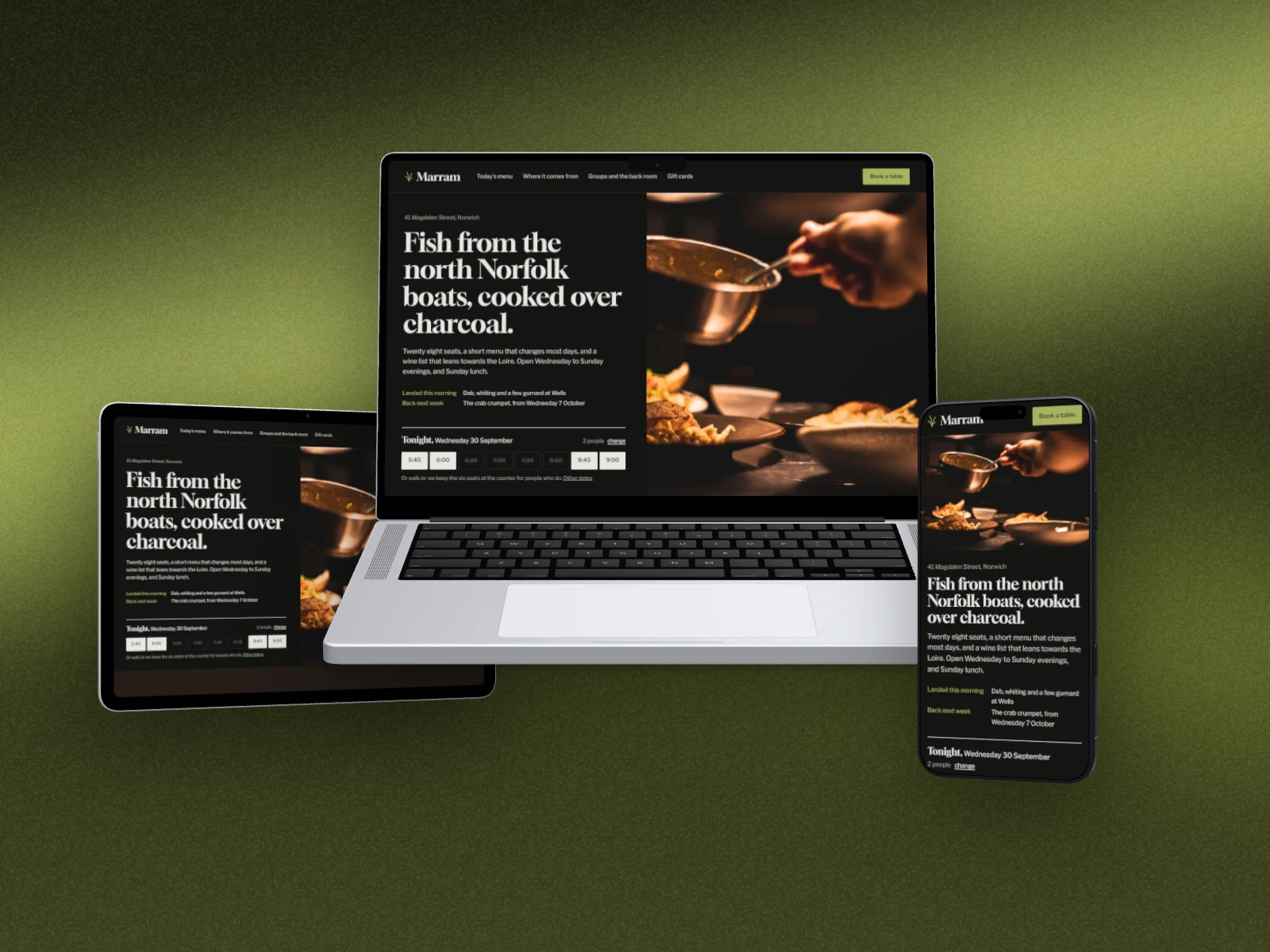
Show your site on a laptop, a tablet and a phone in one picture, each device with its own layout, then style the backdrop and export.
Free to start. No signup to try. Nothing stamped on your exports.
What the responsive mockup generator does
A responsive mockup shows one site the way people meet it: on a laptop at work, a tablet on the sofa and a phone on the bus. Put all three in one picture and a client, a case study or a landing page sees at a glance that it works everywhere.
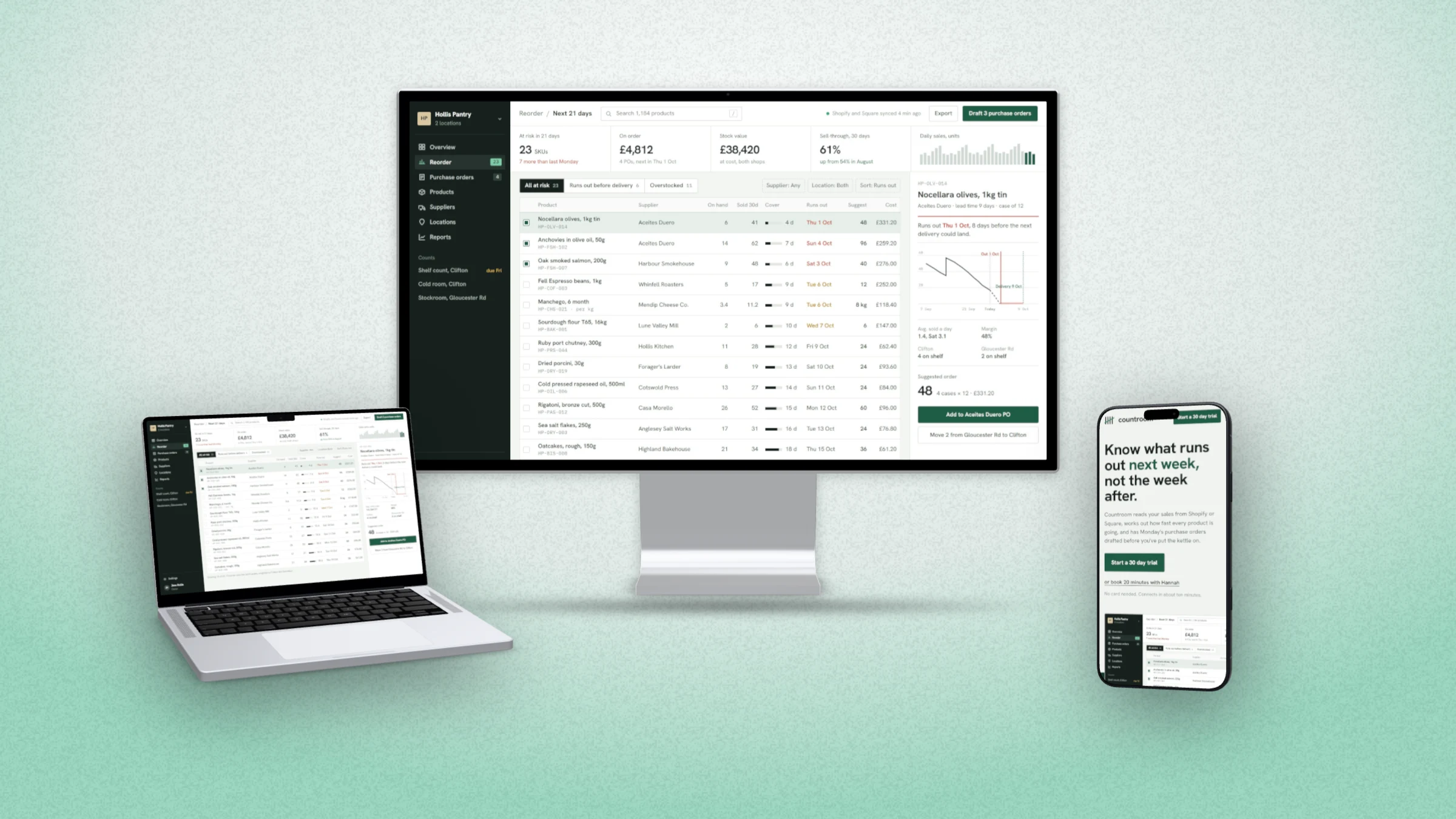
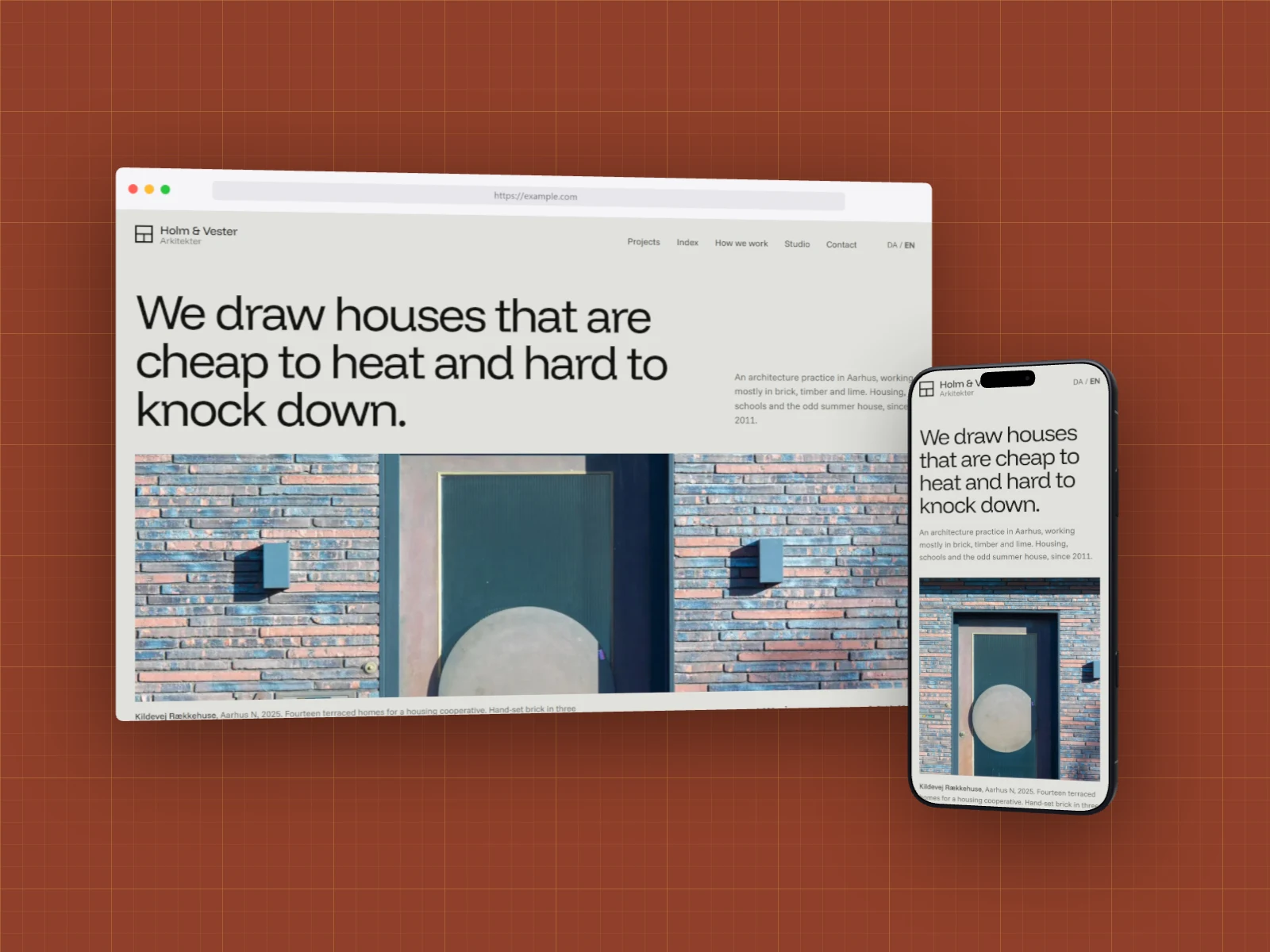
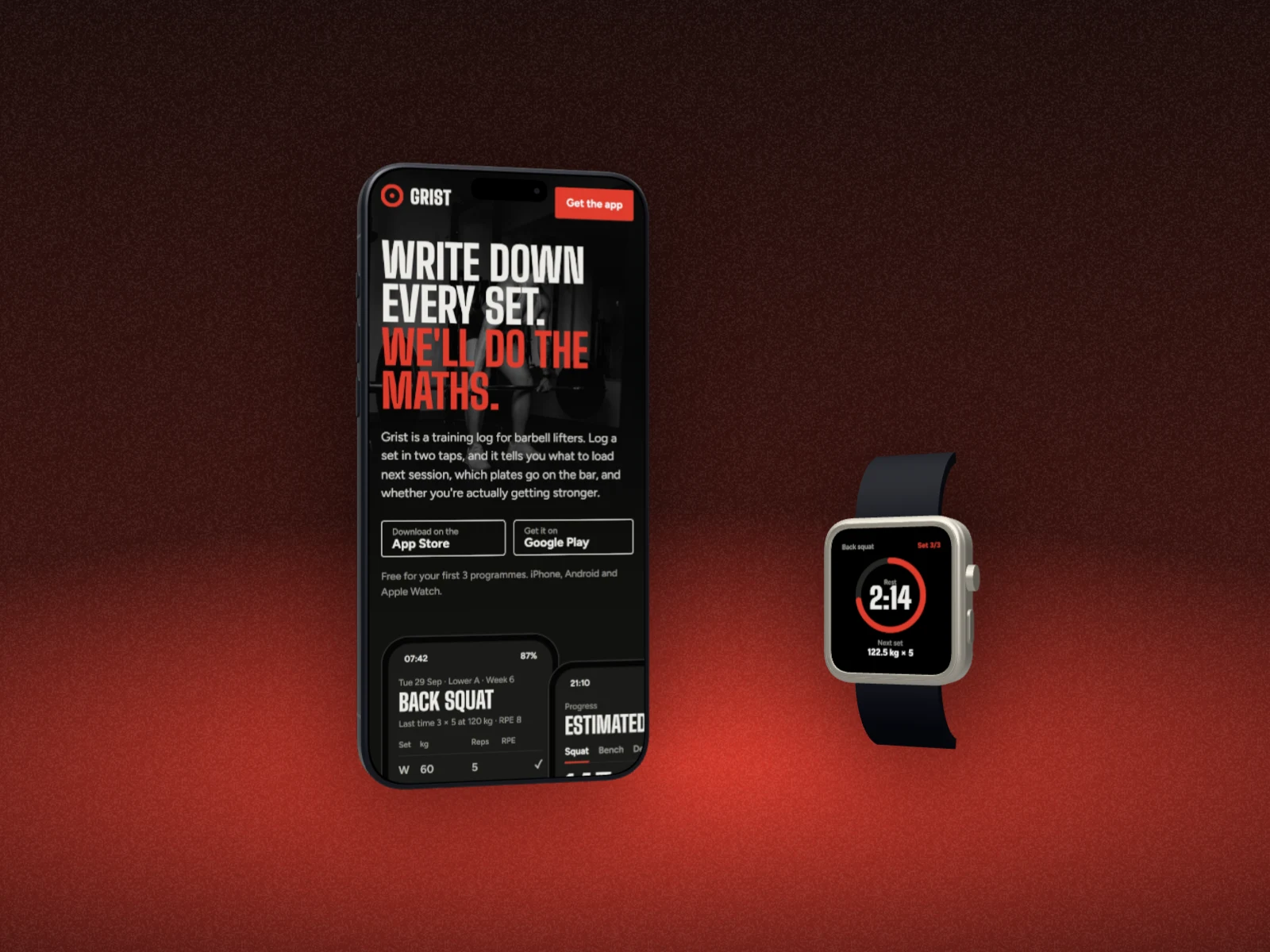
In DudeShots, switch Device to Several, or pick one of 26 ready-made sets: laptop and phone, the whole desk, three phones, tablets, phone and watch, browser windows. Each device takes the screenshot that suits its shape, and when you captured the page from its address, the phone gets the real mobile layout of that page.
Layers lists every device, front at the top. Tap one to change its model or its shot, drag it up or down to change what sits in front, and arrange the lot with Row, Hero, Fan, Turned in or Cascade.
Laptops, phones, desks and watches
How to use the responsive mockup generator
- 01
Add your screenshots
Drop in a desktop and a mobile screenshot, or capture the site from its address.
- 02
Pick a set
Laptop and phone, the whole desk, phones, tablets or a watch, flat or 3D. Or build your own with Several.
- 03
Export
Pick a backdrop and a size, then download one picture with every device in it.
Responsive mockup generator features
26 ready-made sets
Placed and sized from each device's real shape, so a phone next to a laptop looks the right size.
The right shot on each device
Wide screenshots go on the laptop and monitor, tall ones on the phones. A captured page gives the phone its own mobile layout.
Layers
Every device in a list, front at the top. Drag to reorder, tap to edit one even when it's hidden behind another.
Flat or 3D
All 45 devices come flat or as real 3D models you can turn and tilt together.
Just the shots, too
No devices at all: cascades, fans and grids of bare screenshots. See the screenshot collage maker.
Straight answers.
- Is the responsive mockup generator free?
- One device on the canvas is free, flat devices included. Several devices on one canvas, the sets and 3D are part of Pro (£45 a year or £5 a month), and every new account gets a free Pro week to try them.
- Do I need a separate mobile screenshot?
- No. Capture the site from its address and DudeShots fetches the phone layout of that page for the phone in the set. If you drop in your own screenshots, give it a desktop one and a mobile one and each device picks the one that fits.
- Which devices can go in a set?
- Any of them: MacBooks, monitors, browser windows, iPads and Galaxy tablets, iPhones, Galaxy and Pixel phones, smartwatches, and bare screenshots with no device. Add them one by one under Layers, or start from a set.
- Can I change which device is in front?
- Yes. Layers lists them front at the top: drag one up or down, or use its arrows. Bring to front and Send to back are in Layout too.
- Can I move all the devices together?
- Yes. Select all in Layout (or Ctrl-click several), then drag to turn them together, right-drag to move them and scroll to zoom.
Try the responsive mockup generator free.
Free to start. Several devices is part of Pro, and every new account gets a free Pro week.