

Free MacBook mockup generator
Put your app or website inside a MacBook and export a polished product shot. Pick the background, add a shadow, done.
Free to start. No signup to try. Nothing stamped on your exports.
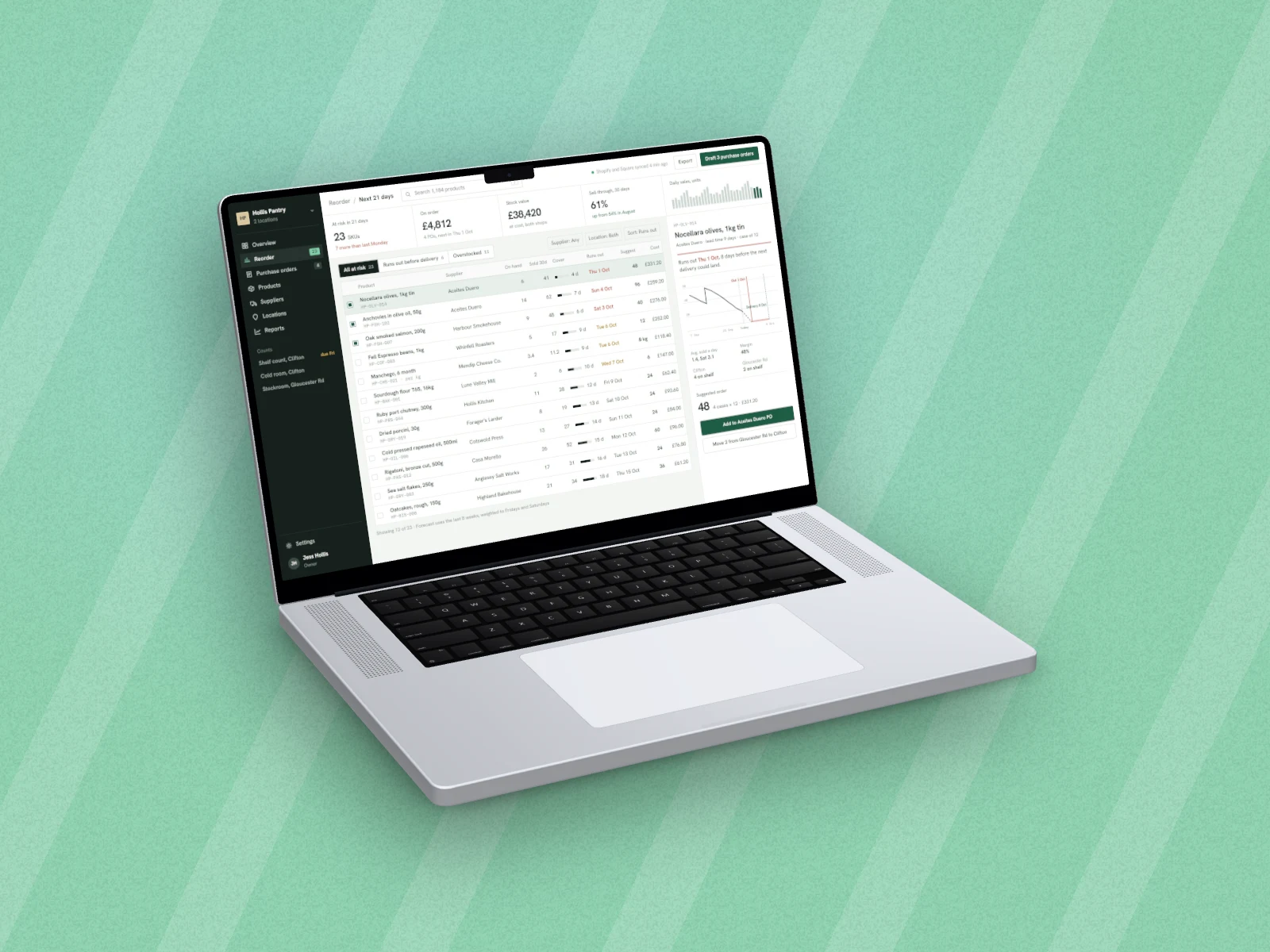
What the macbook mockup generator does
Landing pages, app store shots and pitch decks all lean on the same visual: a screenshot sitting inside a laptop. DudeShots frames your screenshot in a MacBook so it looks like a shipped product, not a crop.
Drop in an image or capture a site from its URL, pick the MacBook frame, then finish it with a gradient background, a soft shadow and the right corner radius. Export a high-resolution PNG straight from the browser, nothing to install.
The classic MacBook frames are free, and exports never carry a DudeShots watermark. The 3D MacBooks, real models you turn and tilt, are part of Pro, and a new account gets its first week of Pro free to try them.
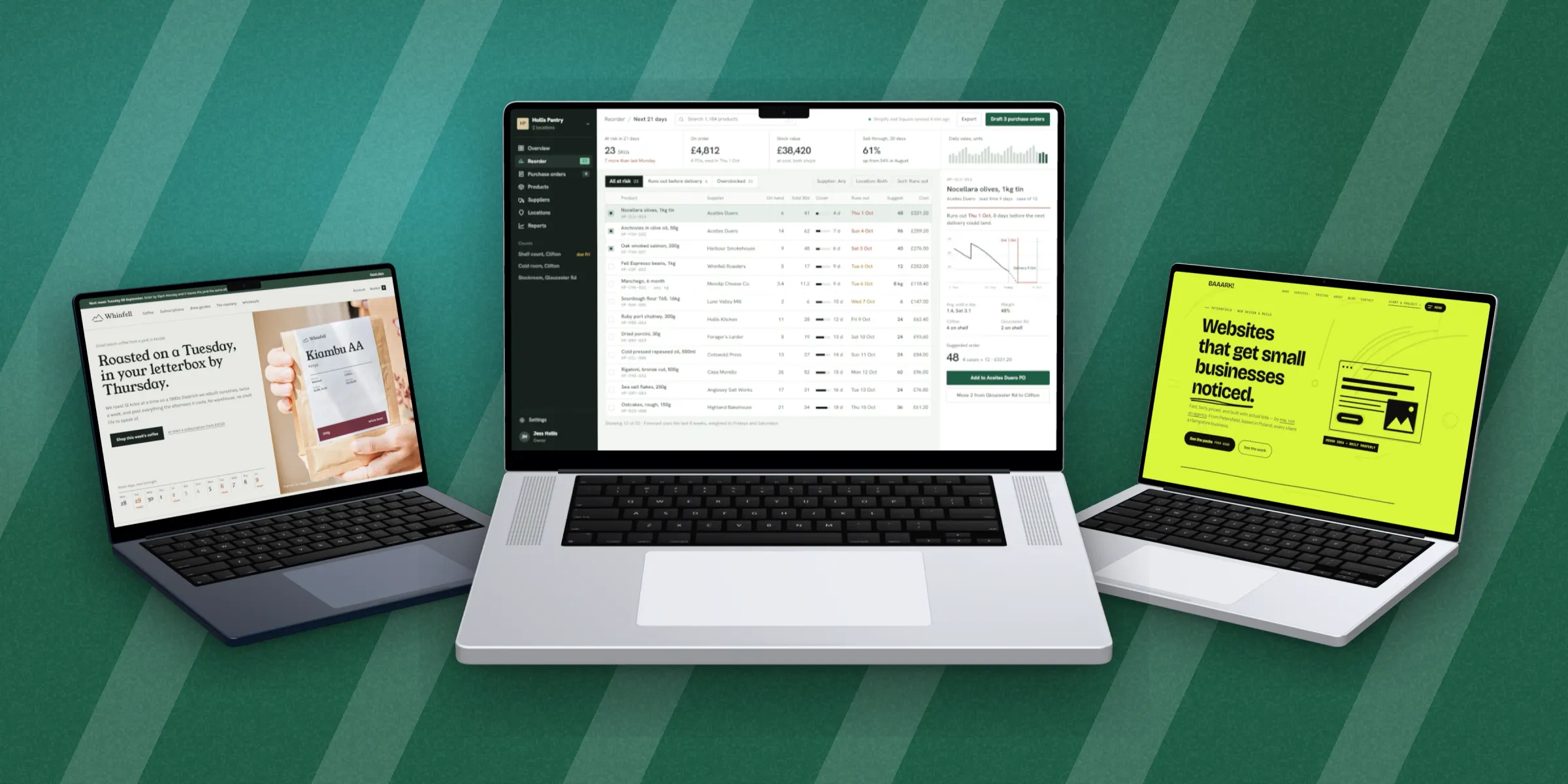
Every MacBook, in 3D
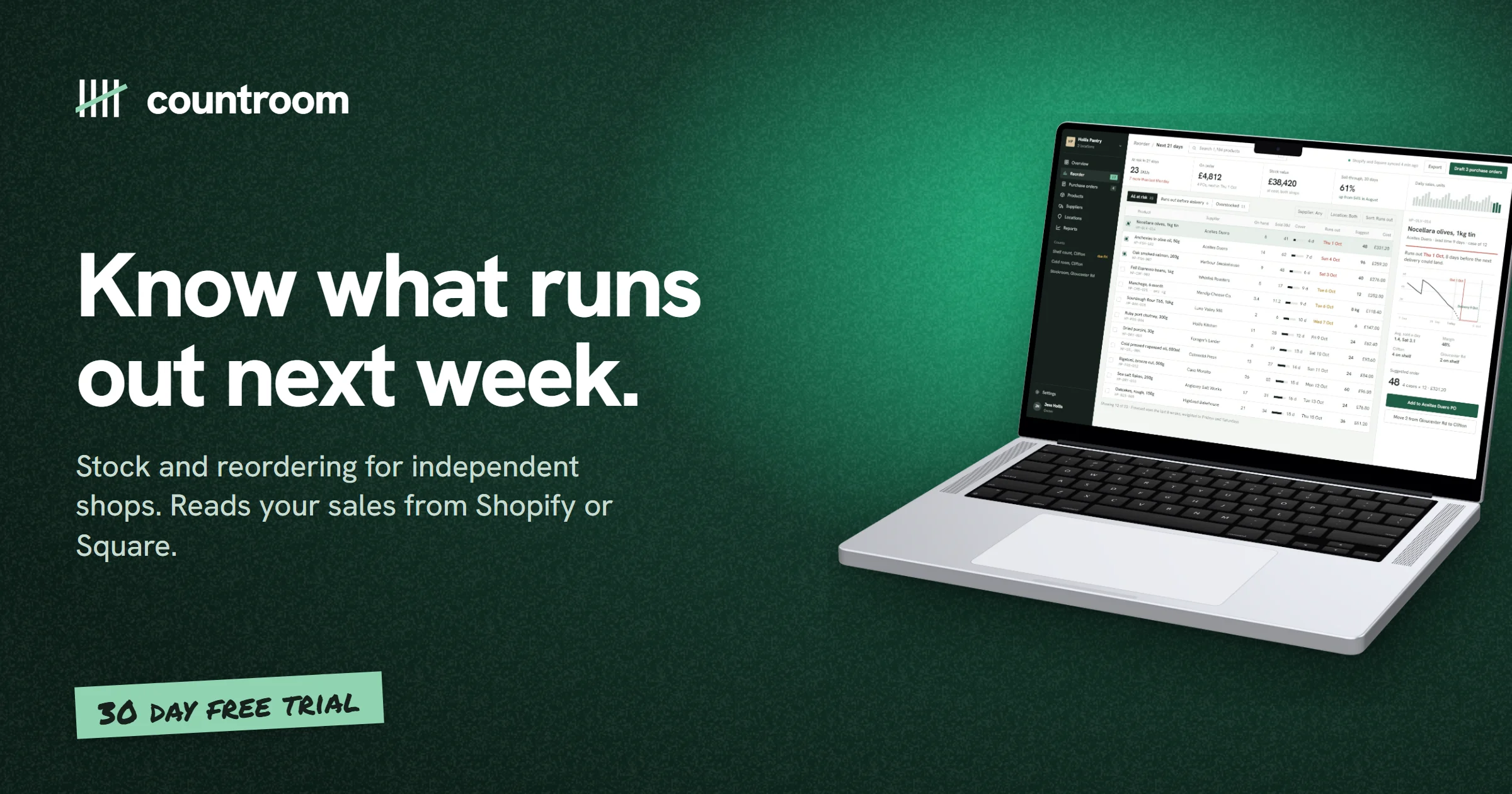
How to use the macbook mockup generator
- 01
Add your screenshot
Drop in an image, paste it, or capture a live URL.
- 02
Choose the MacBook
Five models, flat for free or in 3D on Pro. Set the backdrop, shadow and angle.
- 03
Export
Download a print-quality PNG with no watermark.
MacBook mockup generator features
Accurate MacBook frame
Correct bezel and proportions so the shot looks real. Free.
3D MacBooks (Pro)
All five MacBooks as real 3D models with a keyboard and trackpad. Tilt up to 45° and turn either way; it moves like the real thing, not a flat picture. A new account gets a free Pro week to try them.
High-resolution export
Up to 3× on Pro, crisp enough for print and retina displays.
Backdrops
Over 30 styles, from studio light and window light to mesh blends and patterns, in colours taken from your screenshot.
Callouts
Headlines, tape stickers, notes with arrows, badges and more, placed and typed on the image.
Straight answers.
- Is the MacBook mockup generator free?
- Yes. Framing a screenshot in a MacBook, styling it and exporting are free, no signup needed to try. Pro (£45 a year or £5 a month) adds the 3D MacBooks, the full library and 3× export.
- Why is the 3D MacBook only on Pro?
- The classic frame is a flat drawing. The 3D MacBook is a full 3D model with its own rendering engine, built to real MacBook Pro dimensions, and it takes far more work to build, test and keep improving. Pro is what pays for that work. The classic MacBooks stay free, and a new account gets a free Pro week to try the 3D ones.
- Which MacBooks can I use?
- MacBook Pro 14" and 16", MacBook Air 13" and 15" (M5) and the new MacBook Neo, each built to its real size. All are free as flat frames, and Pro adds the 3D versions.
- What resolution can I export?
- Up to 2× on the free tier and up to 3× on Pro, which is high enough for retina displays and print.
- Can I use my own background colour?
- Yes. Pick one of over 30 backdrop styles and set its colours yourself, choose a studio colour set, or let DudeShots take the colours from your screenshot.
- Does it work on Windows?
- Yes, DudeShots runs in any modern browser on any OS. The MacBook is just the frame; you don't need a Mac to make the mockup.
Try the macbook mockup generator free.
Free to start, no card needed. Open the studio and drop in an image.