

App Store & Google Play screenshot generator
Frame your app in a real phone, add headline callouts and a branded background, and export store-ready screenshots.
Free to start. No signup to try. Nothing stamped on your exports.
What the app store screenshot generator does
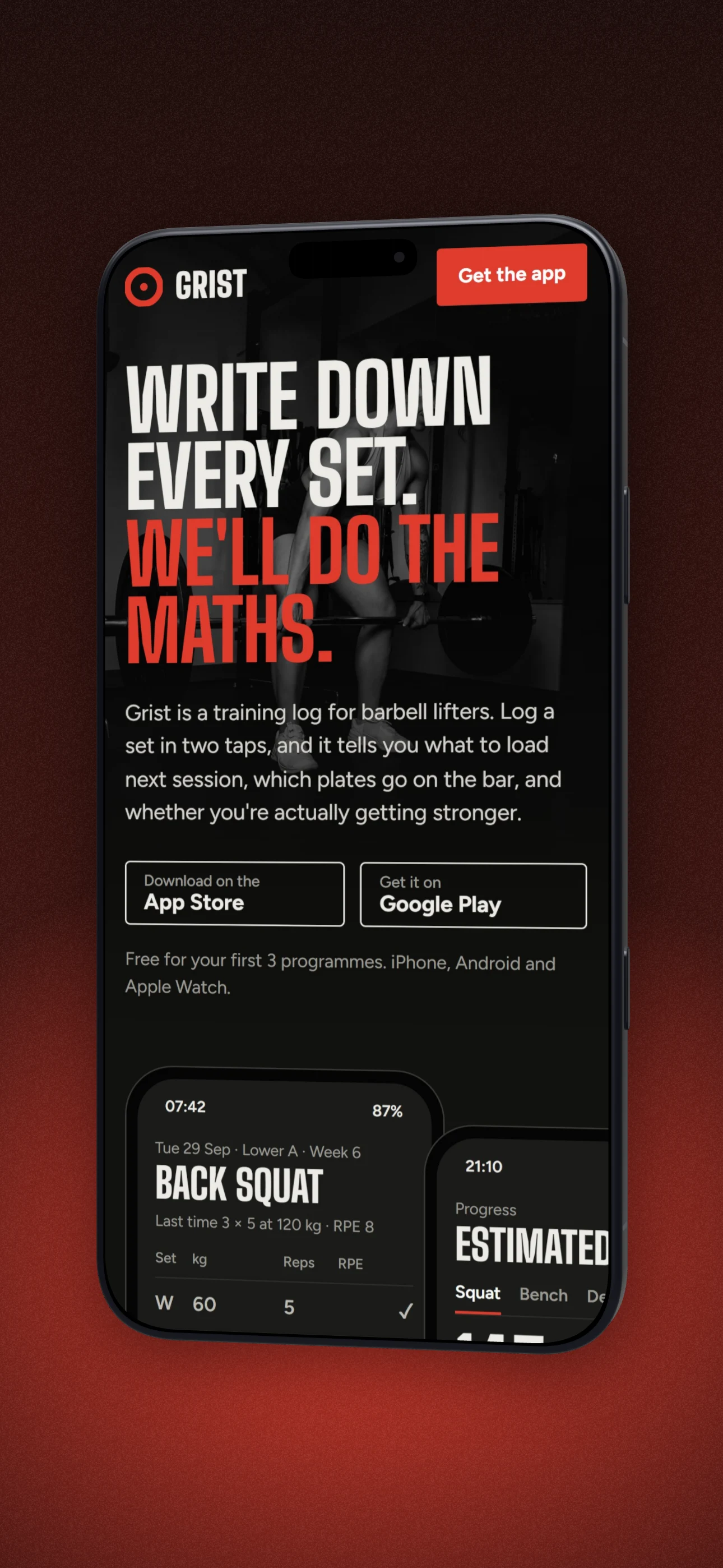
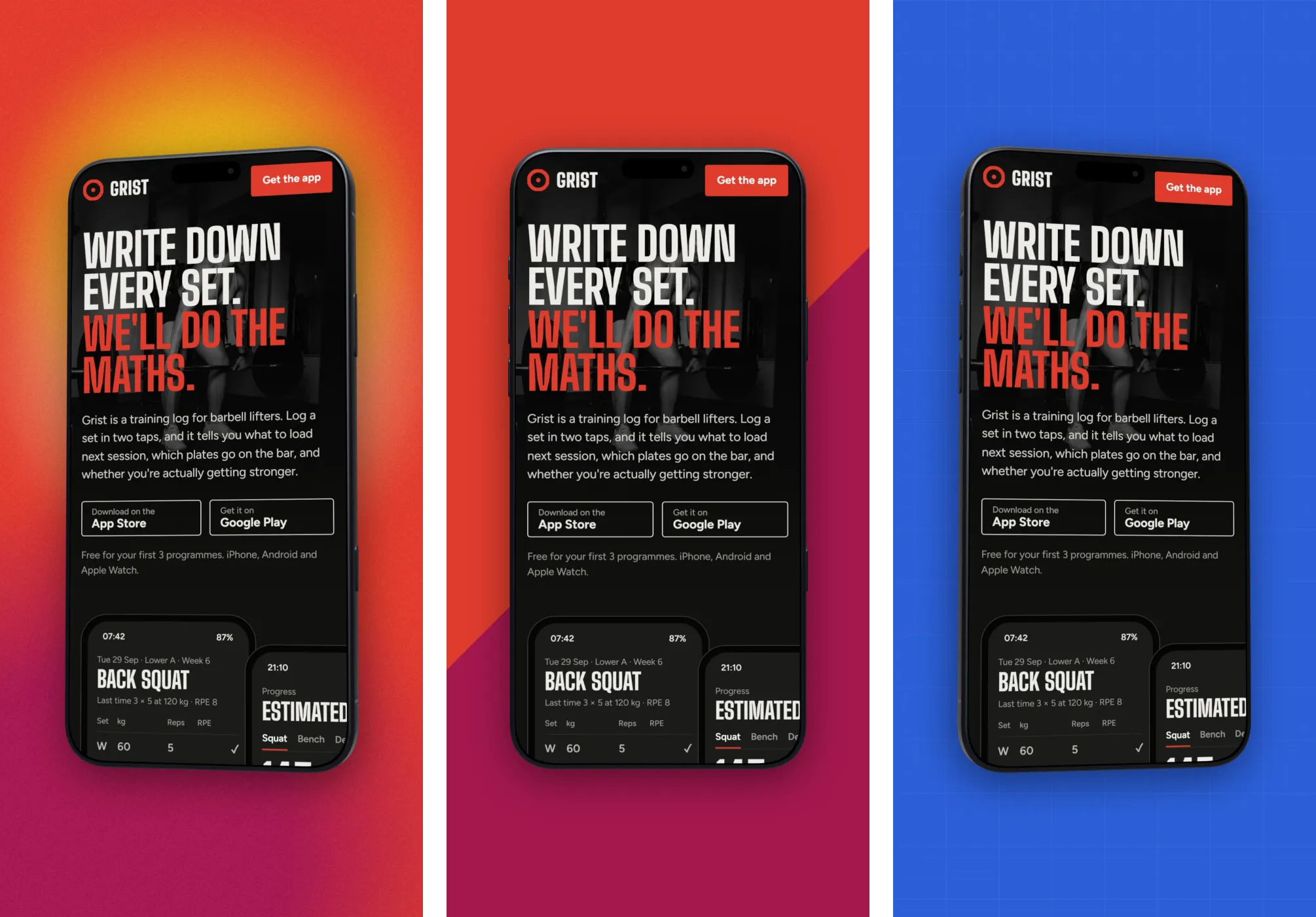
App Store and Play Store listings live or die on their screenshots. The best ones aren't raw captures. They're the app inside a phone, on a branded background, with a short headline explaining each screen.
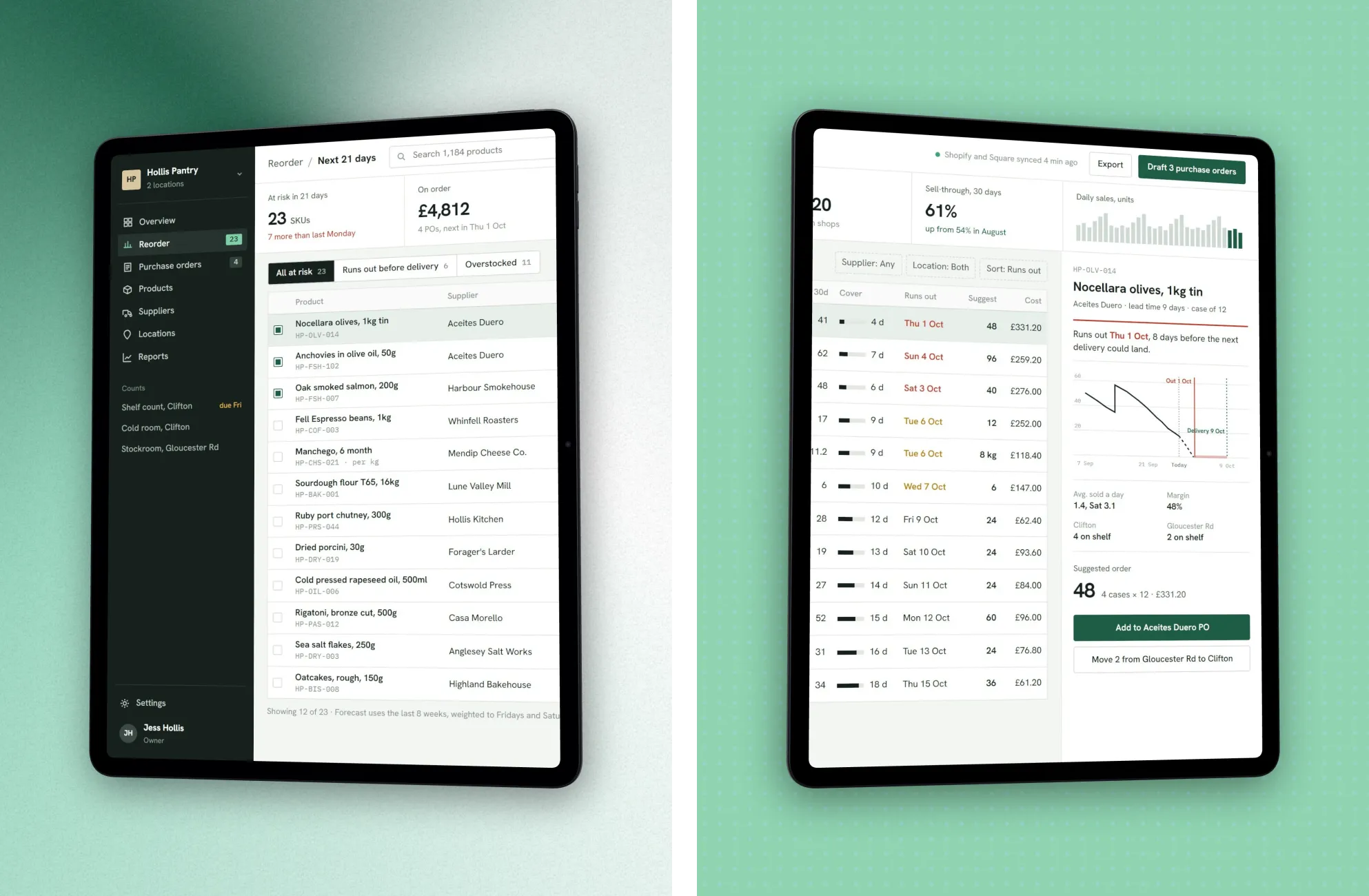
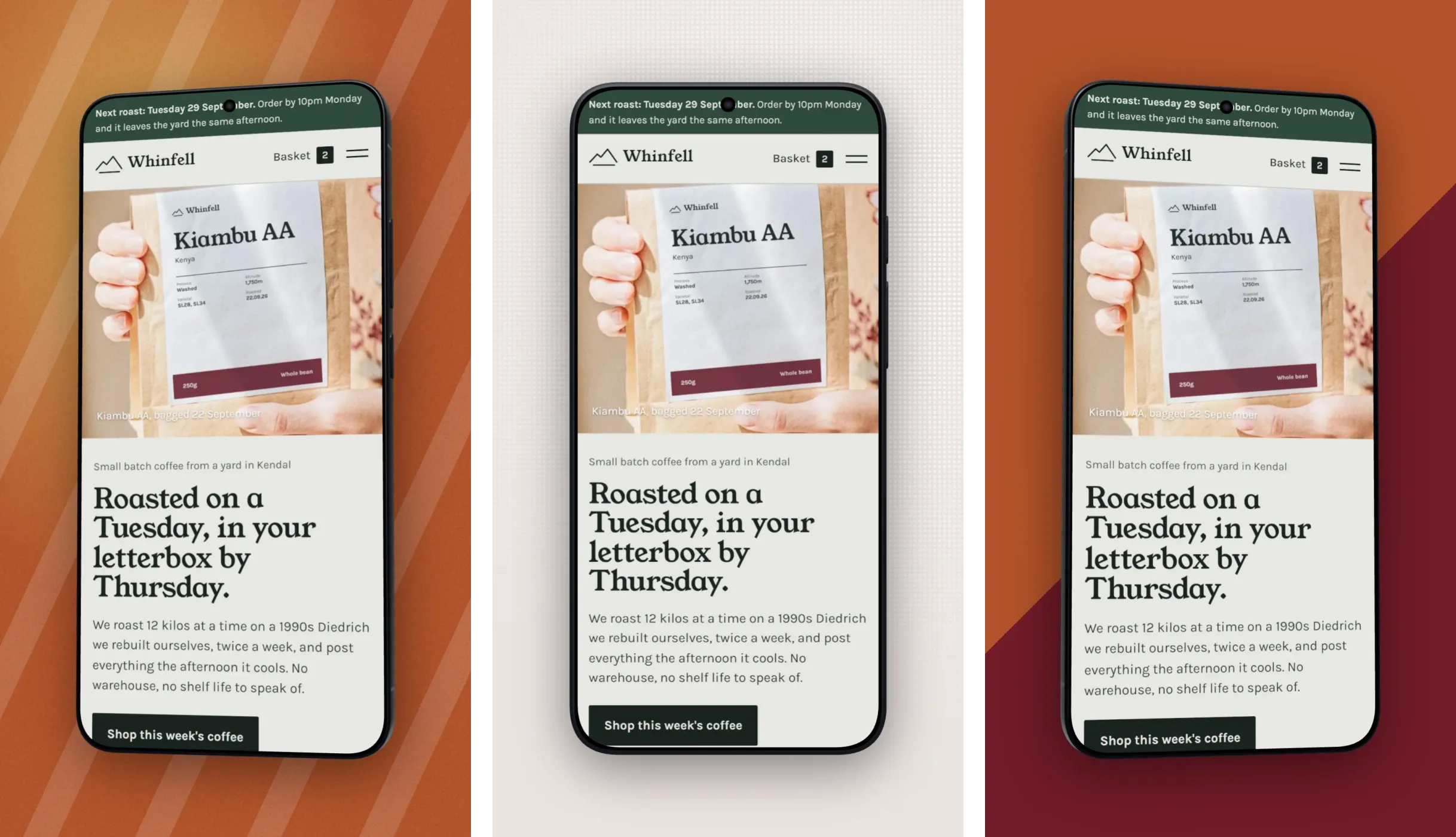
DudeShots gives you all three: real phones (flat, or 3D on Pro), styled backdrops, and headline callouts for the captions. Drop in each app screen, add a headline, pick a backdrop, and export: one store shot after another.
Start free with no signup, and export with no watermark. See the exact pixel sizes each store expects below.
A store set, not one screenshot
How to use the app store screenshot generator
- 01
Add each app screen
Drop in your captured screens one at a time.
- 02
Frame + caption
Wrap each in a phone, add a headline callout and a background.
- 03
Export store-ready
Download high-resolution images for App Store Connect or Play Console.
App Store screenshot generator features
Real phone frames
Accurate bezels so the shot matches the device shoppers know.
Headline callouts
A headline and a line under it, typed on the canvas, the way good store listings do. Badges and big numbers too.
Branded backdrops
Colours taken from your app's screenshot, so every shot in the set matches.
Free & watermark-free
Export clean images without an account.
App store screenshot sizes (2026)
Apple App Store: the 6.9"/6.7" iPhone display expects 1290 × 2796 px (portrait) or 2796 × 1290 (landscape); the 12.9" iPad expects 2048 × 2732. Upload PNG or JPEG with no transparency. A single 6.9" set can now cover most modern iPhones.
Google Play: phone screenshots must be 320 to 3840 px on each side with a 2:1 max aspect ratio (1080 × 1920 is a safe default), PNG or JPEG, up to 8 per listing. Set your DudeShots canvas to the size you need before exporting, and always confirm current requirements in App Store Connect and Play Console before you submit.
Straight answers.
- What size are App Store screenshots?
- For recent iPhones, 1290 × 2796 px portrait (or 2796 × 1290 landscape); the 12.9-inch iPad is 2048 × 2732. Upload PNG or JPEG with no alpha channel. Always confirm the current list in App Store Connect.
- What size are Google Play screenshots?
- Each side must be 320 to 3840 px with a maximum 2:1 aspect ratio (1080 × 1920 is a common choice), as PNG or JPEG, up to 8 per listing.
- Can I add captions to each screenshot?
- Yes. The headline callout puts a title and a short line on each screen; drag it into place and type.
- Is it free?
- Yes, with no signup to try and no watermark on your exports. Pro (£45 a year or £5 a month) adds 3D phones, the full backdrop, edge and layout library, and 3× export.
Try the app store screenshot generator free.
Free to start, no card needed. Open the studio and drop in an image.