

A Canva Mockups alternative for fast screenshot mockups
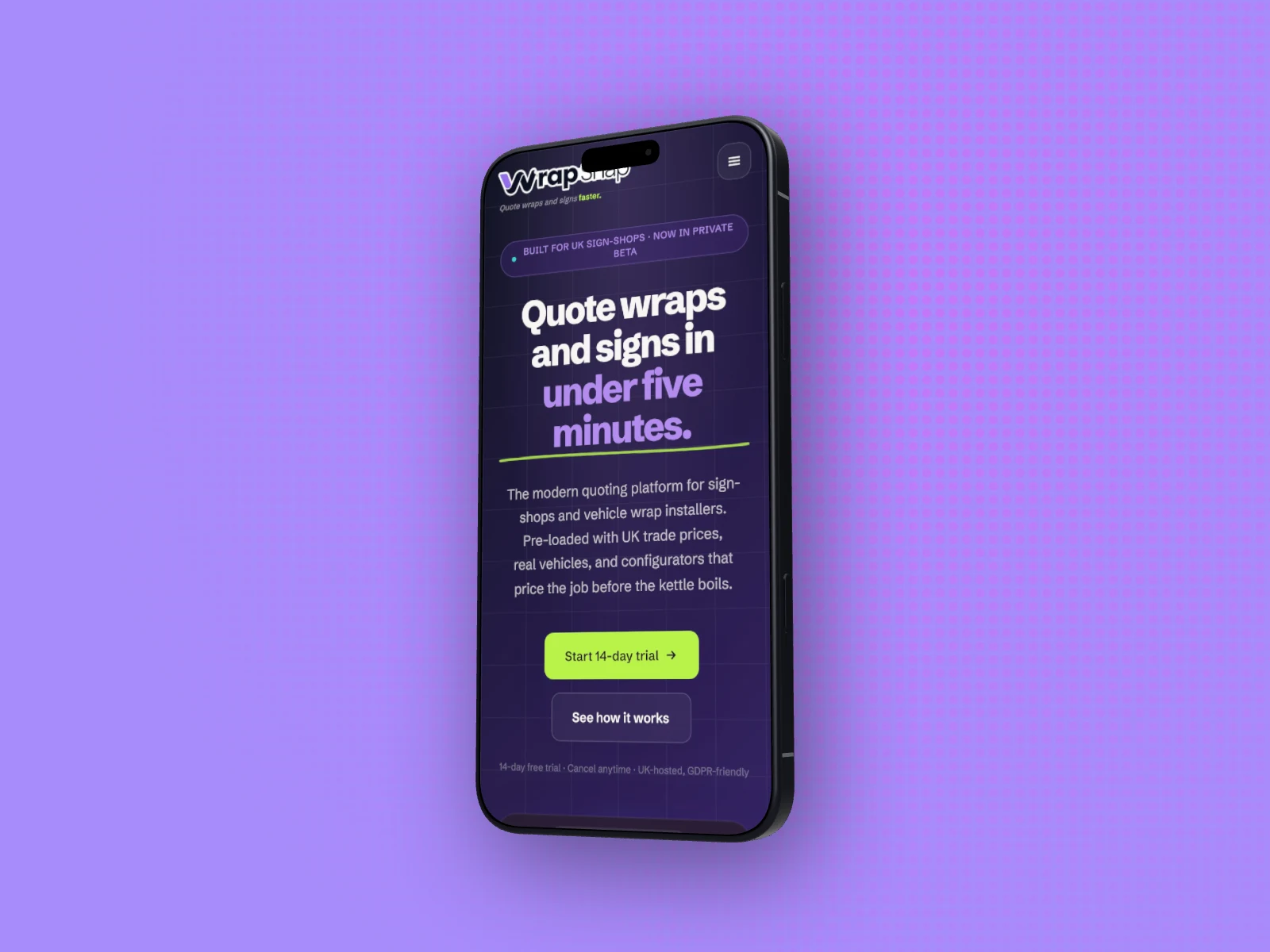
In Canva every size is another design to copy and rearrange. In DudeShots you set a shot up once, then switch the size or the device and export again. The layout follows.
Free to start. No signup to try. Nothing stamped on your exports.
Why people look for a Canva Mockups alternative
Canva is the tool most people already have open, and its Mockups app is a fair place to start. You pick a scene from a big library (phones, laptops and tablets, but also mugs, T-shirts and book covers), drop your image on it, and Canva warps it to fit. For one picture of a design on a desk, that works well, and plenty of the scenes are free.
The slow part comes after the first picture. A Canva design has one size, so the same mockup for an Instagram post, a Story, a link preview and a slide means four designs. On Canva Pro, Magic Switch copies a design to a new size, and you tidy each copy. On Free you duplicate it, set new dimensions and move everything by hand. Change the screenshot next week and you change it in every copy.
DudeShots works the other way round. The screenshot, device, backdrop and callouts are one setup, and Size is a setting on it. Pick Instagram Square and the shot is laid out again for 1080 × 1080; pick Story and it fits 1080 × 1920; pick OG Image for 1200 × 630. Callouts are placed as a share of the canvas, so they move with it. Export, switch, export: a set of six sizes is a minute's work, and all 41 sizes are on the Free plan.
Devices work the same way. Swap the iPhone for a Galaxy S26 Ultra, a MacBook Air 15 or a browser window and the screenshot, backdrop and headline stay put. The 45 devices are named, current models, and on Pro each is a real 3D model you turn by dragging on the canvas, where Canva's device mockups are scenes fixed at the angle they were shot or rendered at. Paste an address and the page is captured for you, at desktop size for a browser or laptop and phone size for a phone.
You can still finish in Canva. Pick the None backdrop, export a flat device as PNG, and it has a transparent background on the Free plan. In Canva, a transparent download is a Pro feature.
One setup, every size, every device
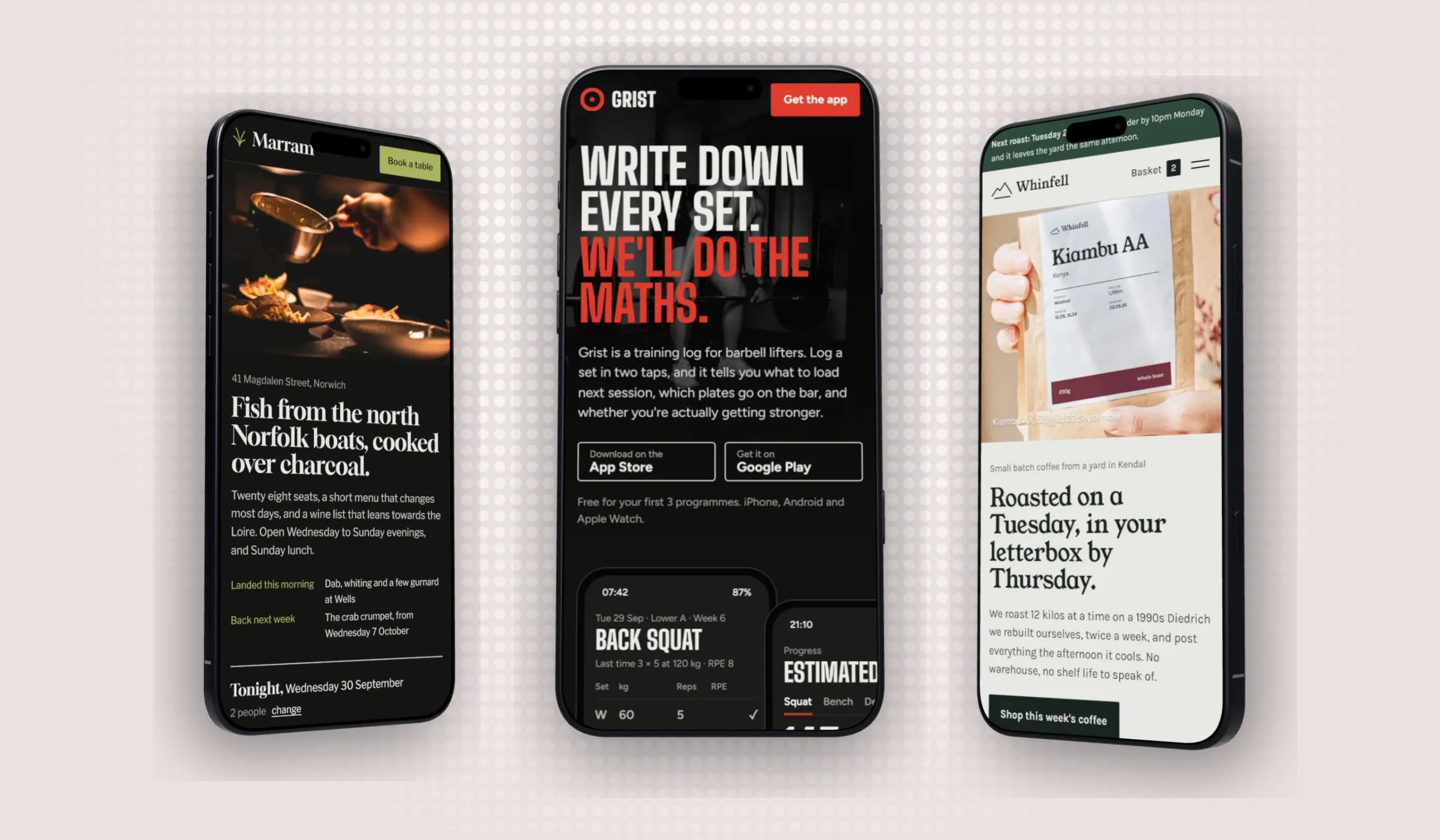
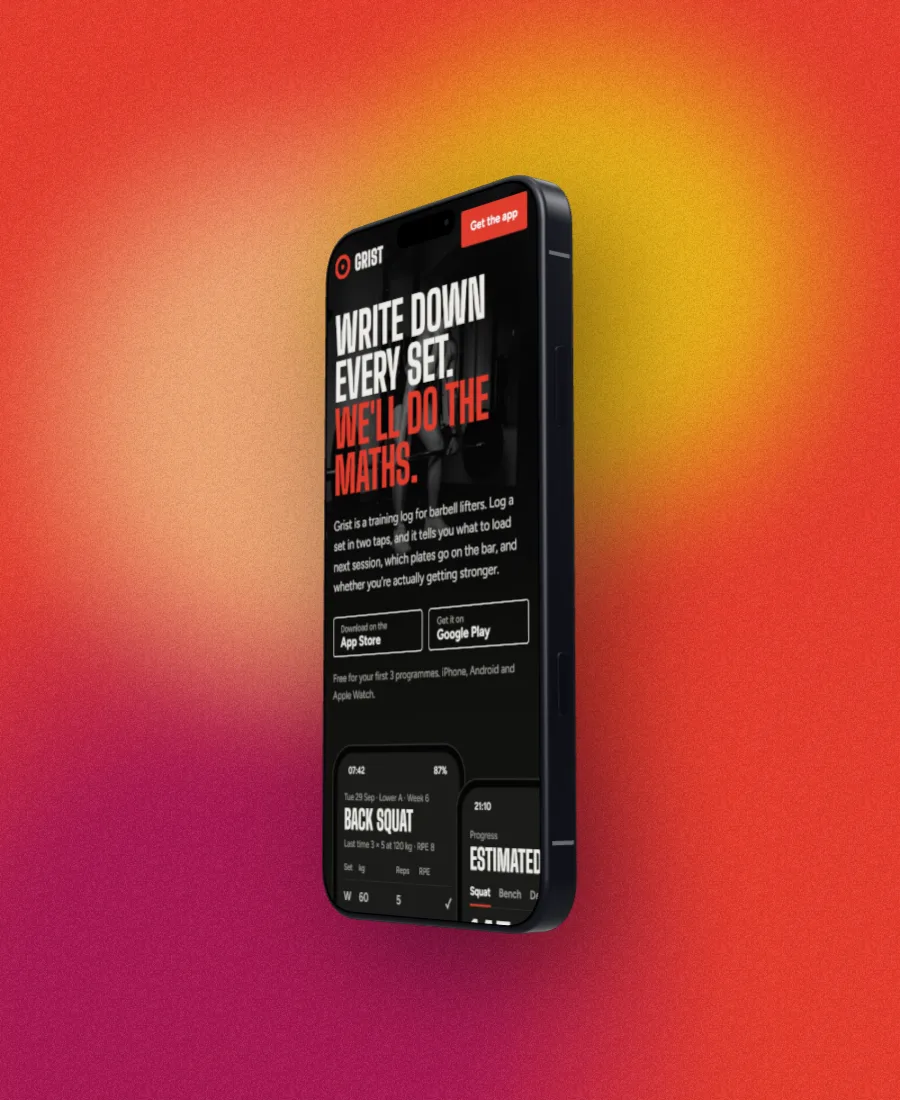
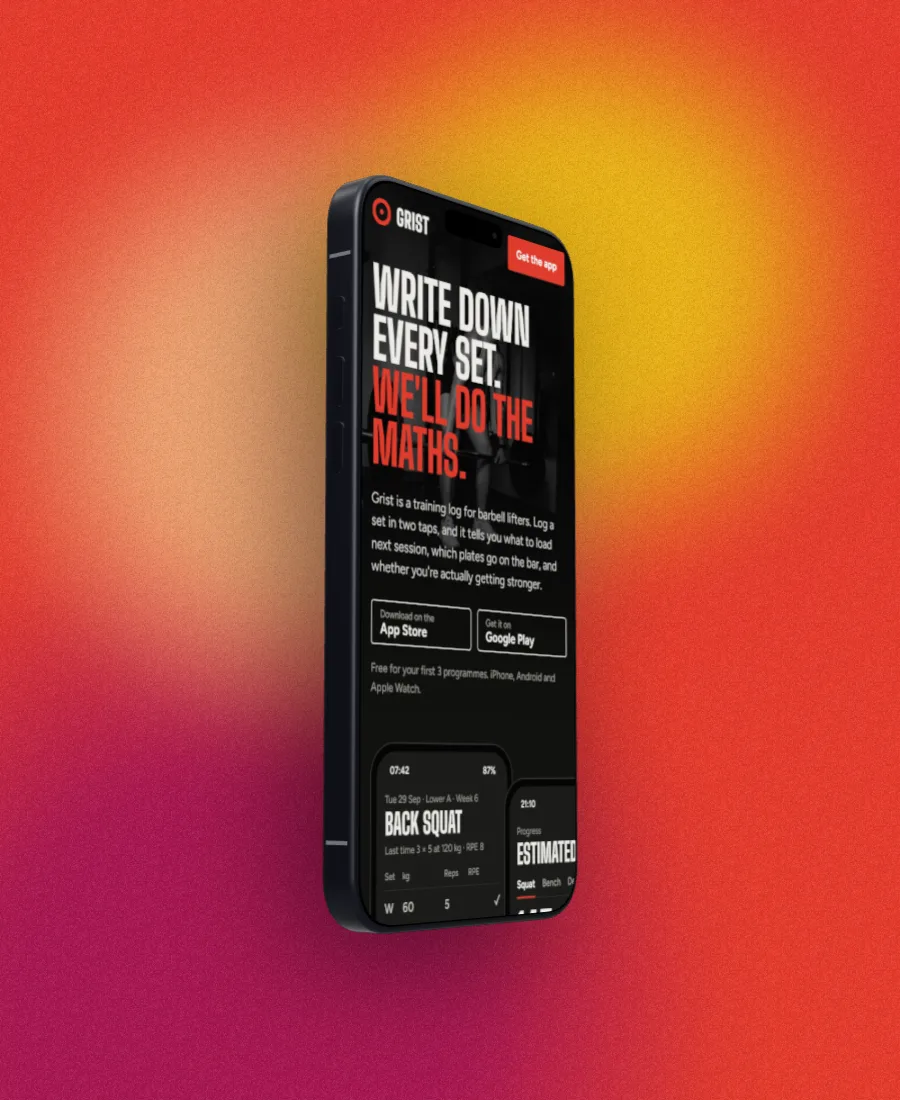
Canva Mockups alternative features
Sizes are a setting, not a copy
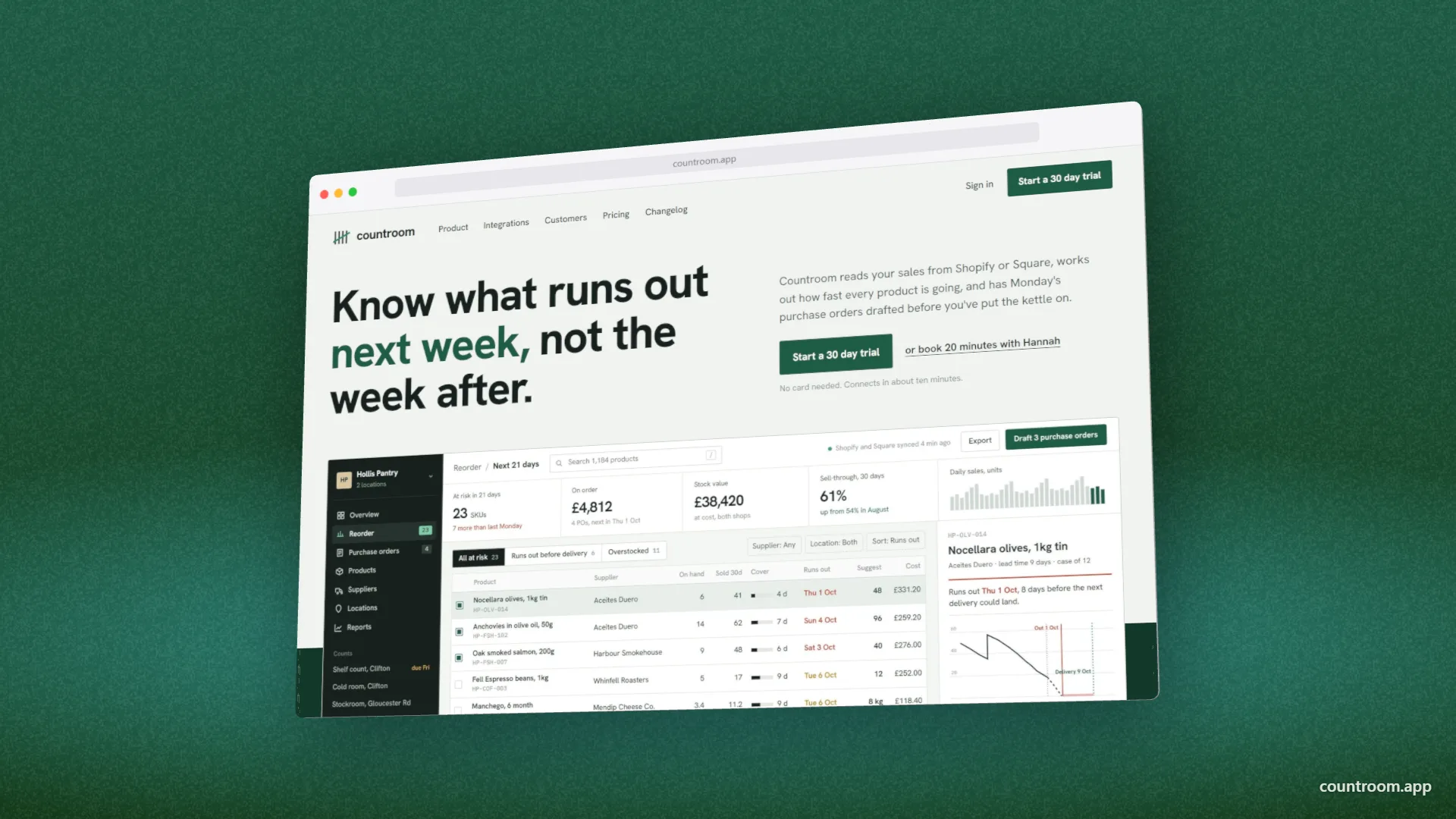
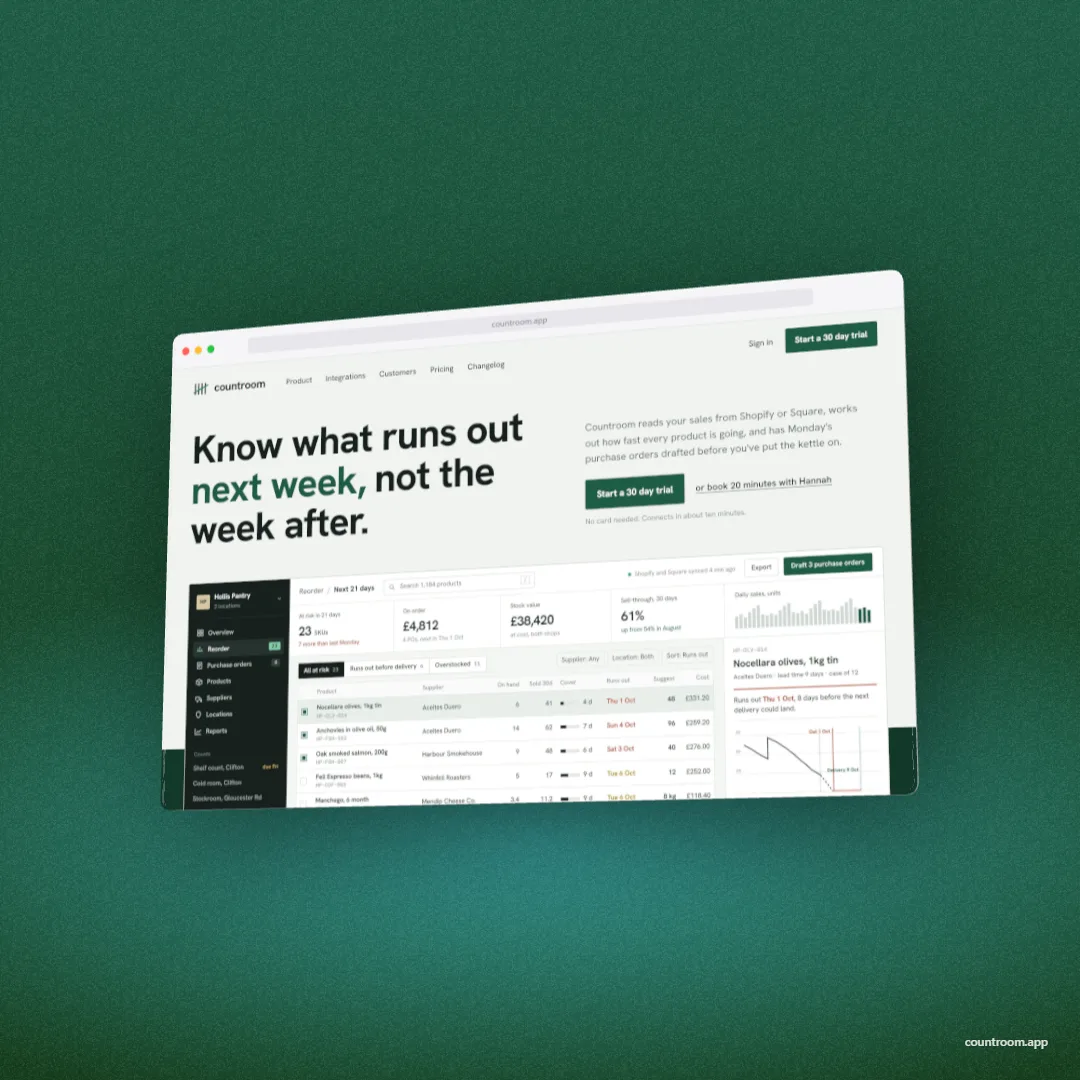
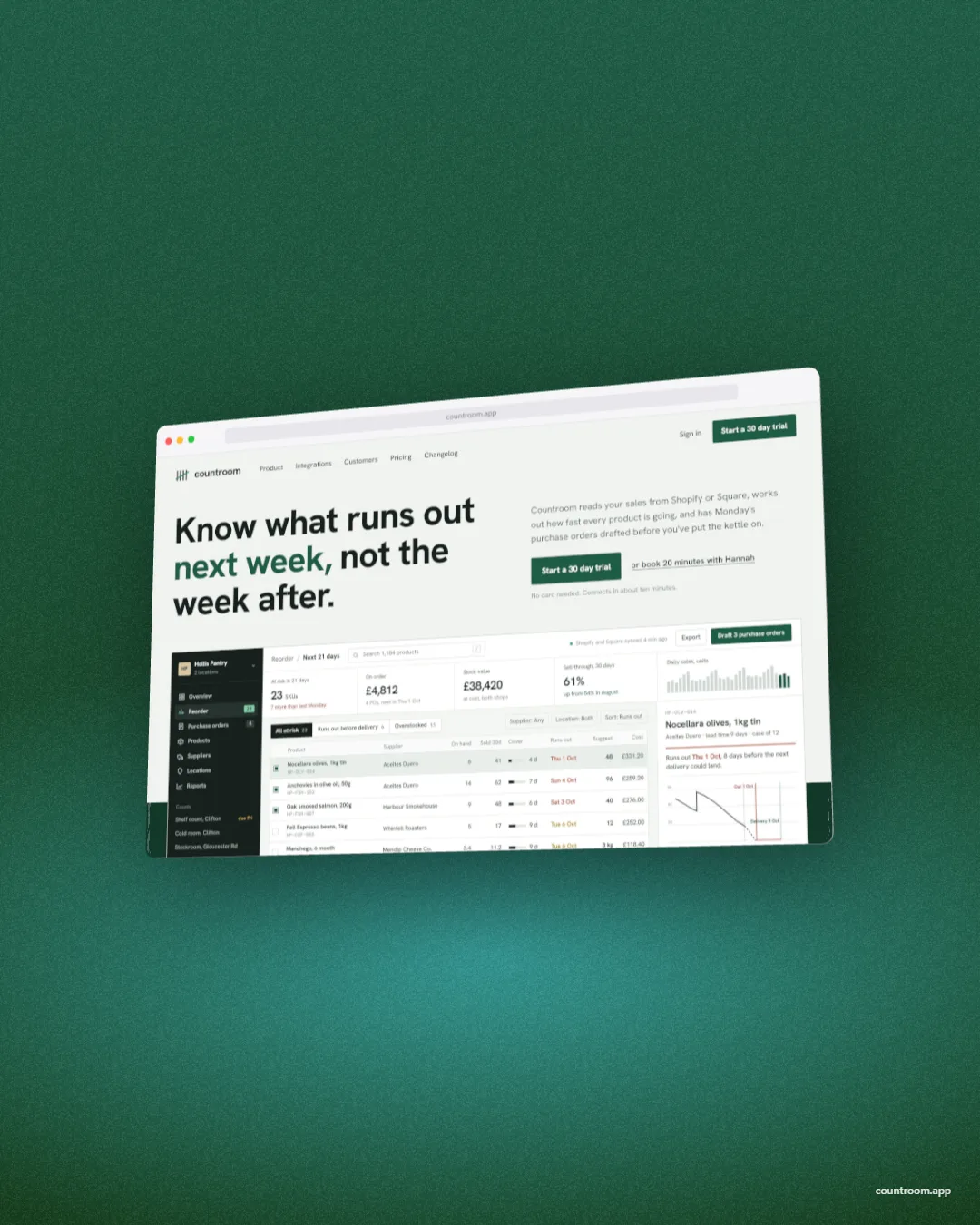
41 presets, from a 1200 × 630 link preview to Instagram, Story, X, LinkedIn, YouTube and the App Store sizes, or type your own. Switch and the shot is laid out again; the design stays one design.
45 devices, flat and 3D
Eight browser windows, five MacBooks, eight monitors, ten phones, nine tablets and five watches, all free as flat frames. On Pro each one is also a real 3D model you turn and tilt. Free can try every 3D device; the export carries a small preview tape.
Turn it, don't search for it
A 3D device follows your mouse or finger: turn, tilt and zoom until the angle is right. The same angle works on every shot in a set, so a store listing looks like one shoot.
Capture from a link
Paste an address and the page lands on the canvas, captured at desktop size for a browser, MacBook or monitor (as wide as the monitor's screen) and at phone size for a phone or watch. The visible screen is free; every fold, each section or the full page is Pro.
Transparent PNG, free
The None backdrop leaves only the device. Export PNG or WebP and the background stays see-through, on the Free plan, so the mockup drops into Canva, Figma, Keynote or a web page.
Store sizes that pass
App Store and Play presets (iPhone 6.7" 1290 × 2796, iPad Pro 12.9" 2048 × 2732, Android Phone 1080 × 1920, Play Feature Graphic 1024 × 500), and a 1× export that matches the canvas to the pixel.
Backdrops from your shot
30 styles: studio light, mesh blends, patterns, grown and poured Liquid shapes, and ones made from the screenshot itself. Colours can come straight from your shot, with a grain or paper texture and a light you drag into place. 13 styles are free.
DudeShots and Canva, side by side.
| Feature | DudeShots | Canva |
|---|---|---|
| Free to start | Yes | Yes |
| Phone, laptop and tablet mockups | Yes | Yes |
| Same mockup at a new size | Switch Size, free | Copy per size (Magic Switch on Pro) |
| Swap the device, keep the design | Yes | Pick a new scene |
| Turn the device to any angle | Yes, 3D on Pro | Fixed scenes |
| Devices listed by model | 45, current | No |
| Browser windows, monitors and watches | Yes | ? |
| Capture a page from its URL | Yes | Upload a screenshot |
| Transparent PNG download | Free | Pro |
| Print, apparel and packaging mockups | No | Yes |
| Whole design suite (posts, slides, video) | No | Yes |
| Paid plan | £5/mo | Canva Pro |
Compiled 2026 from each product's public site. "?" means we couldn't confirm it. Features change, so check the latest before deciding.
When Canva is the better pick
If the mockup is a T-shirt, a mug, a poster on a wall or a book cover, use Canva. DudeShots has none of those. The same goes for anything that needs a screen in a real photograph, a hand holding a phone on a café table: Canva's photo scenes do that and DudeShots doesn't.
And if you are already on Canva Pro for the rest of your work, its mockups come with it. DudeShots is for the moment the screen is the point: an App Store set, a launch post, a case study, a README, where the device has to be the right model at the right angle, and the screenshot came from a link a minute ago.
Straight answers.
- Is it quicker than Canva for several sizes?
- For screenshot mockups, yes. In DudeShots the size is a setting on one setup: switch it, export, switch again. In Canva each size is its own design, made with Magic Switch on Pro or by duplicating and rearranging on Free.
- Can I use DudeShots mockups in Canva?
- Yes. Choose the None backdrop, export a flat device as PNG and it has a transparent background, on the Free plan. Upload it to Canva like any image and build the rest of the design around it.
- Can I rotate a phone mockup in Canva?
- Canva's device mockups are ready-made scenes, each at the angle it was shot or rendered at, so you change the angle by picking a different scene. In DudeShots every device is a 3D model on Pro, and you turn it by dragging on the canvas.
- Is DudeShots free like Canva?
- Yes. Every device as a flat frame, 13 backdrop styles, 3 callout styles, capture of the visible page and 2× export, with no account and no watermark. Pro is £5 a month for 3D devices, the rest of the library, full-page capture and 3× export. Free can try every 3D device; those exports carry a small preview tape.
- Does Canva capture a website from a URL?
- Not as a built-in feature that we could find: you take the screenshot yourself and upload it. DudeShots captures the page from its address, at desktop size for a browser, laptop or monitor and at phone size for a phone or watch.
- Which should I use for App Store screenshots?
- Either can make them. DudeShots has the store sizes as presets, current iPhone and iPad models, and a 1× JPEG export that matches Apple's pixel sizes exactly, so it is the quicker route. See our step by step guide to making App Store screenshots.
Try DudeShots free.
Free to start, no card needed. Open the studio and drop in an image.