

Free iPad & tablet mockup generator
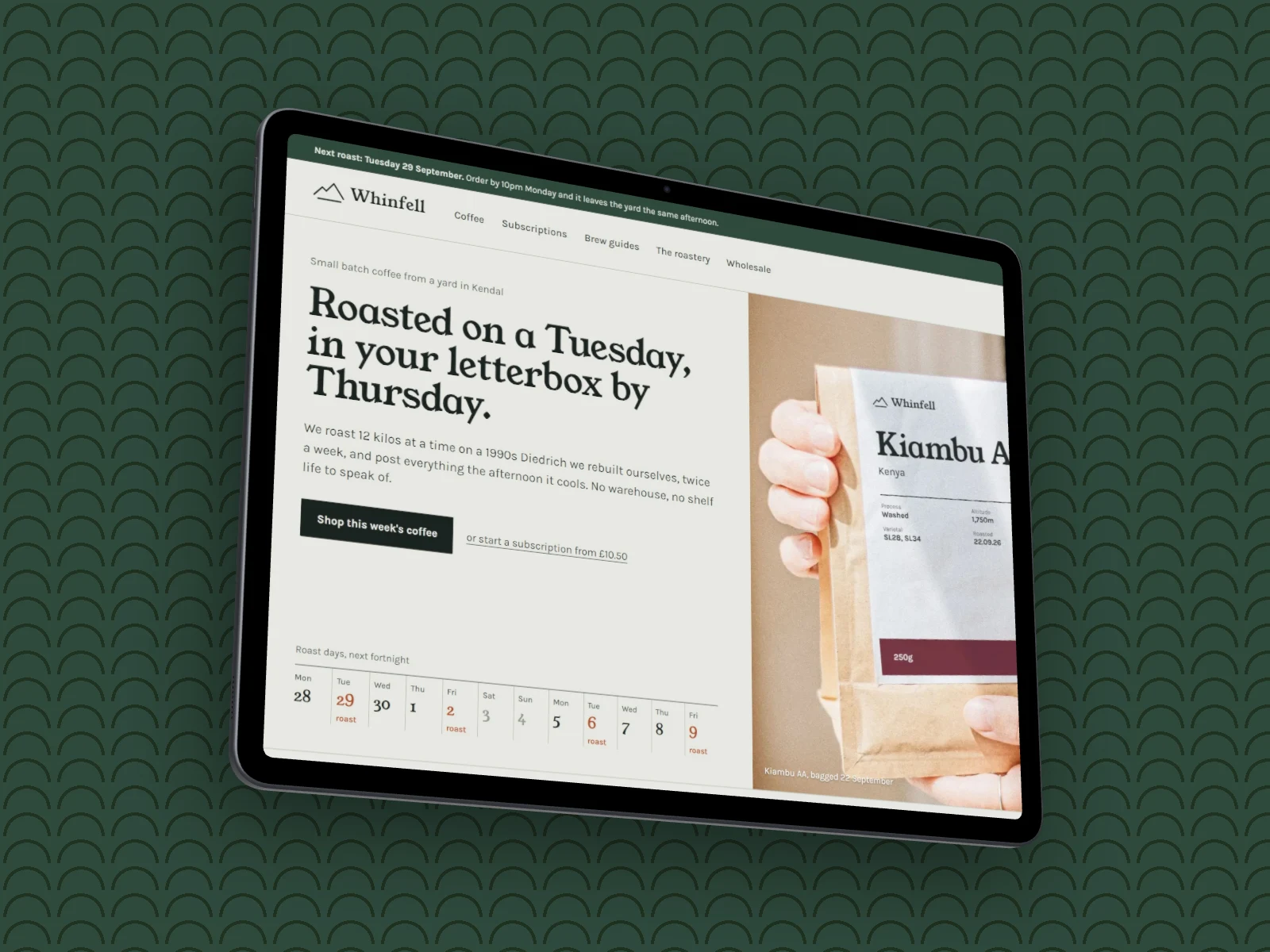
Show your app or site on an iPad or a Galaxy Tab, in portrait or landscape, then style the backdrop and export.
Free to start. No signup to try. Nothing stamped on your exports.
What the ipad & tablet mockup generator does
Tablet shots sell apps that live on a bigger screen: dashboards, readers, tools for the shop floor. A phone frame makes them look cramped and a laptop makes them look like a website.
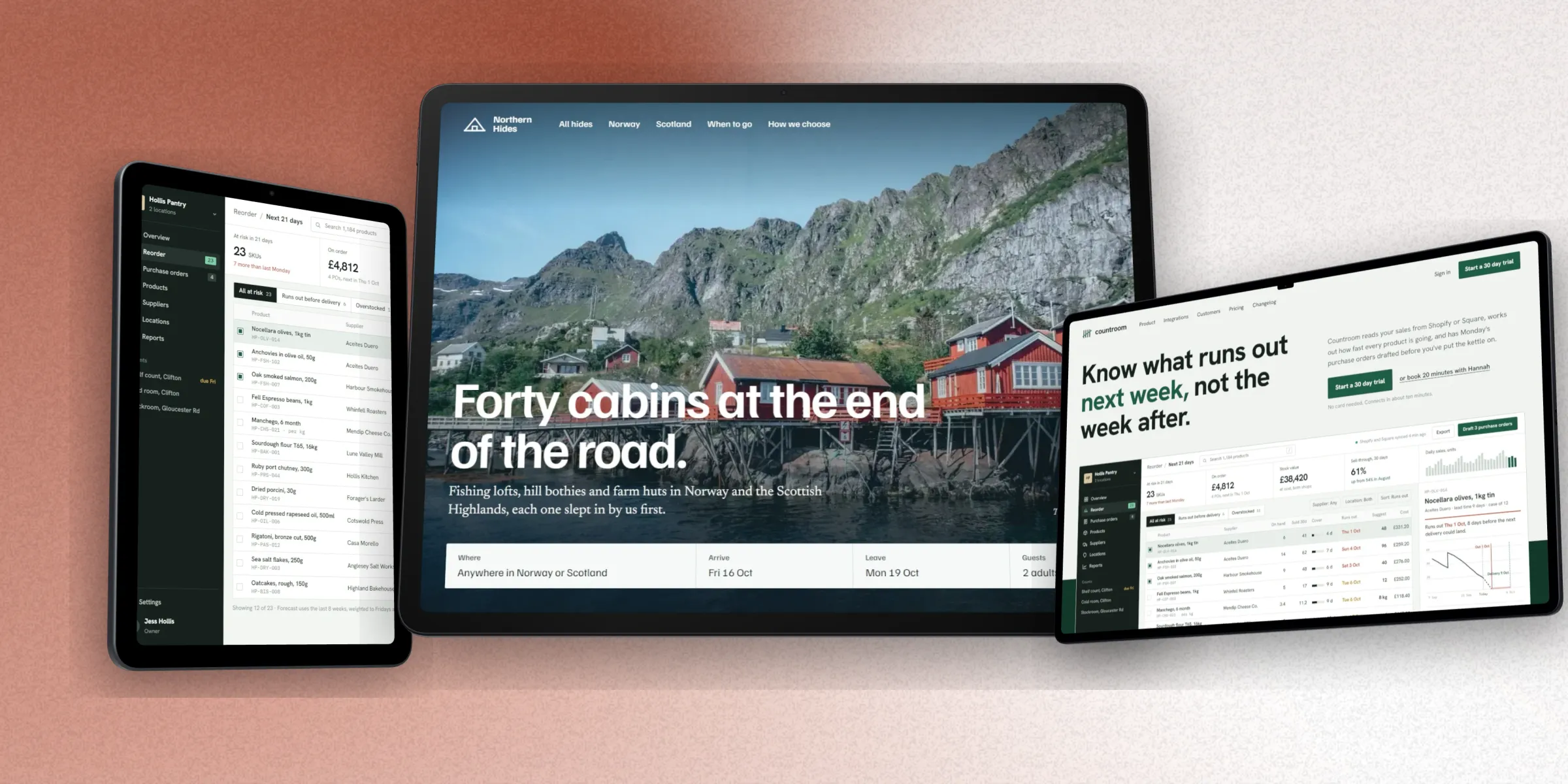
DudeShots has nine tablets, each built to its real size: iPad Pro 13 and 11, iPad Air 13 and 11, iPad mini, iPad, and Galaxy Tab S11 Ultra, S11 and S10 FE. Turn any of them to portrait or landscape, and the screenshot follows.
Capture a site from its link with a tablet selected and it is taken at a real tablet width, so you get the tablet layout, not a squashed desktop page. The flat tablets are free; on Pro each one is also a 3D model.
iPads and Galaxy Tabs, either way up
How to use the ipad & tablet mockup generator
- 01
Add your screenshot
Drop in an image, paste it, or capture a URL at tablet size.
- 02
Pick the tablet and its way up
Nine models, portrait or landscape, flat for free or 3D on Pro.
- 03
Export
Download a high-resolution PNG, JPEG or WebP, no watermark.
iPad & tablet mockup generator features
Nine real tablets
iPads and Galaxy Tabs with their real bezels, corners and screen shapes.
Portrait or landscape
One switch turns the tablet, and a URL capture can be retaken at the new shape.
3D tablets (Pro)
Every tablet as a solid 3D model you turn and tilt. Free can try them with a preview tape.
App Store iPad sizes
Canvas presets include the 2048 × 2732 iPad store size, so a set is ready to upload.
Free & watermark-free
Frame, style and export without an account.
Straight answers.
- Is the iPad mockup generator free?
- Yes. The flat tablets, the free backdrops and export up to 2× cost nothing and need no signup. Pro (£5/month) adds the 3D tablets, the full library and 3× export.
- Which tablets are there?
- iPad Pro 13 and 11 (M5), iPad Air 13 and 11 (M4), iPad mini, iPad (A16), and Samsung Galaxy Tab S11 Ultra, S11 and S10 FE.
- Can I show the tablet in portrait?
- Yes. Every tablet works in portrait and landscape; the screenshot is fitted to the screen either way.
- What if my screenshot is from a laptop?
- It is fitted to the tablet's screen. For the real tablet layout, capture the page from its link with the tablet selected and DudeShots takes it at tablet width.
- Do exports have a watermark?
- No. Your exports are clean. Add your own mark if you want one.
Try the ipad & tablet mockup generator free.
Free to start, no card needed. Open the studio and drop in an image.