

App store listings convert on their screenshots. But before you can worry about design, you have to hit the exact pixel dimensions Apple and Google require, or the upload gets rejected. Here are the sizes that matter in 2026, and the fastest way to produce them.
Apple App Store screenshot sizes
Apple sizes screenshots by device display. You no longer need a separate set for every model: a single up-to-date iPhone set and one iPad set cover the store. Upload PNG or JPEG with no transparency (no alpha channel). In DudeShots, export JPEG for store uploads: a PNG export keeps an alpha channel even when nothing is see-through, which App Store Connect can reject.
| Device | Portrait | Landscape |
|---|---|---|
| 6.9" / 6.7" iPhone | 1290 × 2796 | 2796 × 1290 |
| 6.5" iPhone | 1242 × 2688 | 2688 × 1242 |
| 12.9" iPad Pro | 2048 × 2732 | 2732 × 2048 |
You can upload up to 10 screenshots per device size. Apple revises the requirements from time to time, so confirm the current list in App Store Connect before you submit.
Google Play screenshot sizes
Google is more flexible about exact pixels but strict about aspect ratio. Phone screenshots must be:
- JPEG, or 24-bit PNG with no alpha channel (export JPEG from DudeShots to be safe)
- Between 320 px and 3840 px on each side
- A maximum aspect ratio of 2:1 (so 1080 × 1920 is a safe default)
- Between 2 and 8 screenshots per listing
There are separate slots for 7-inch and 10-inch tablets if you want them, following the same rules.
How to make store-ready screenshots fast
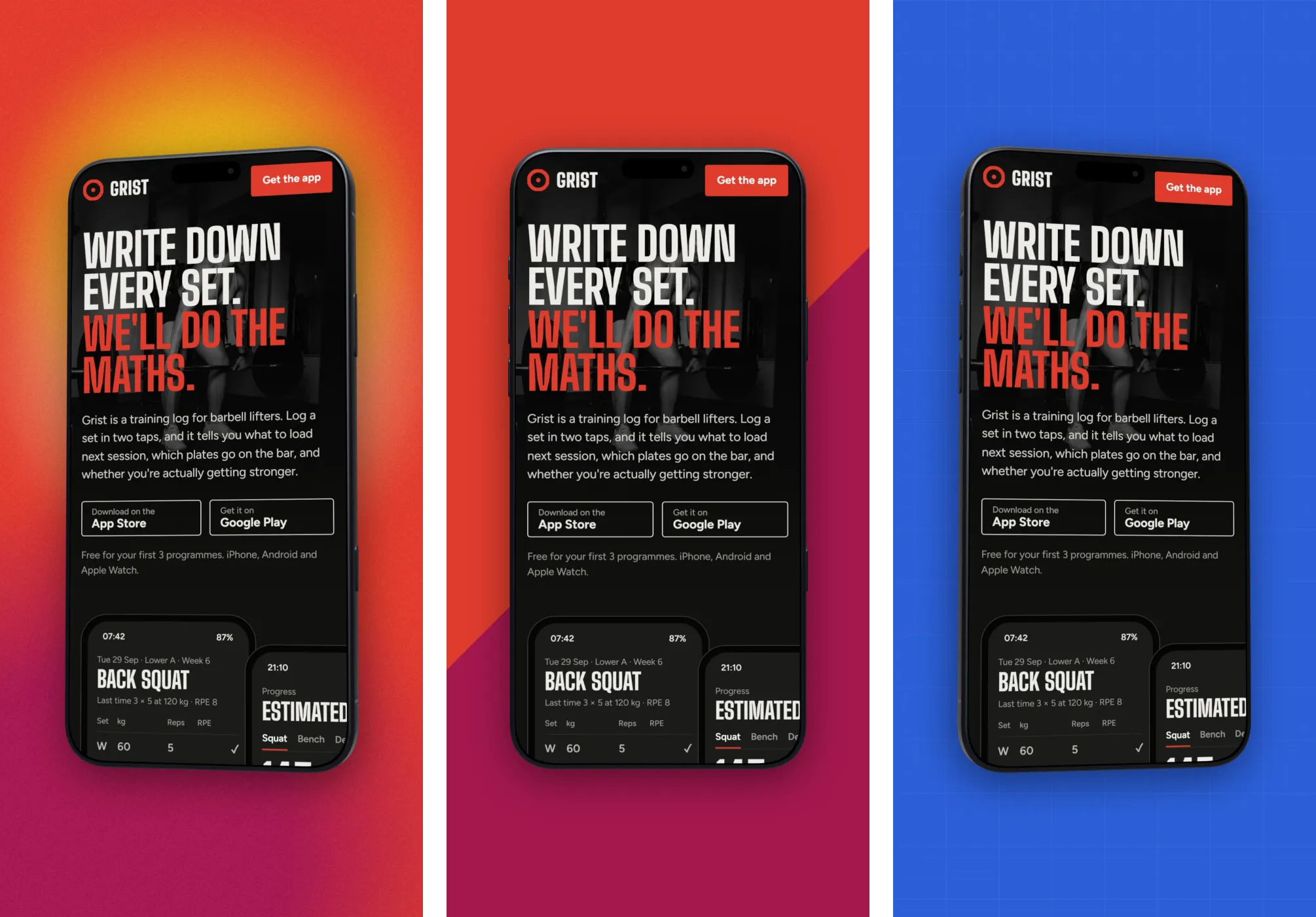
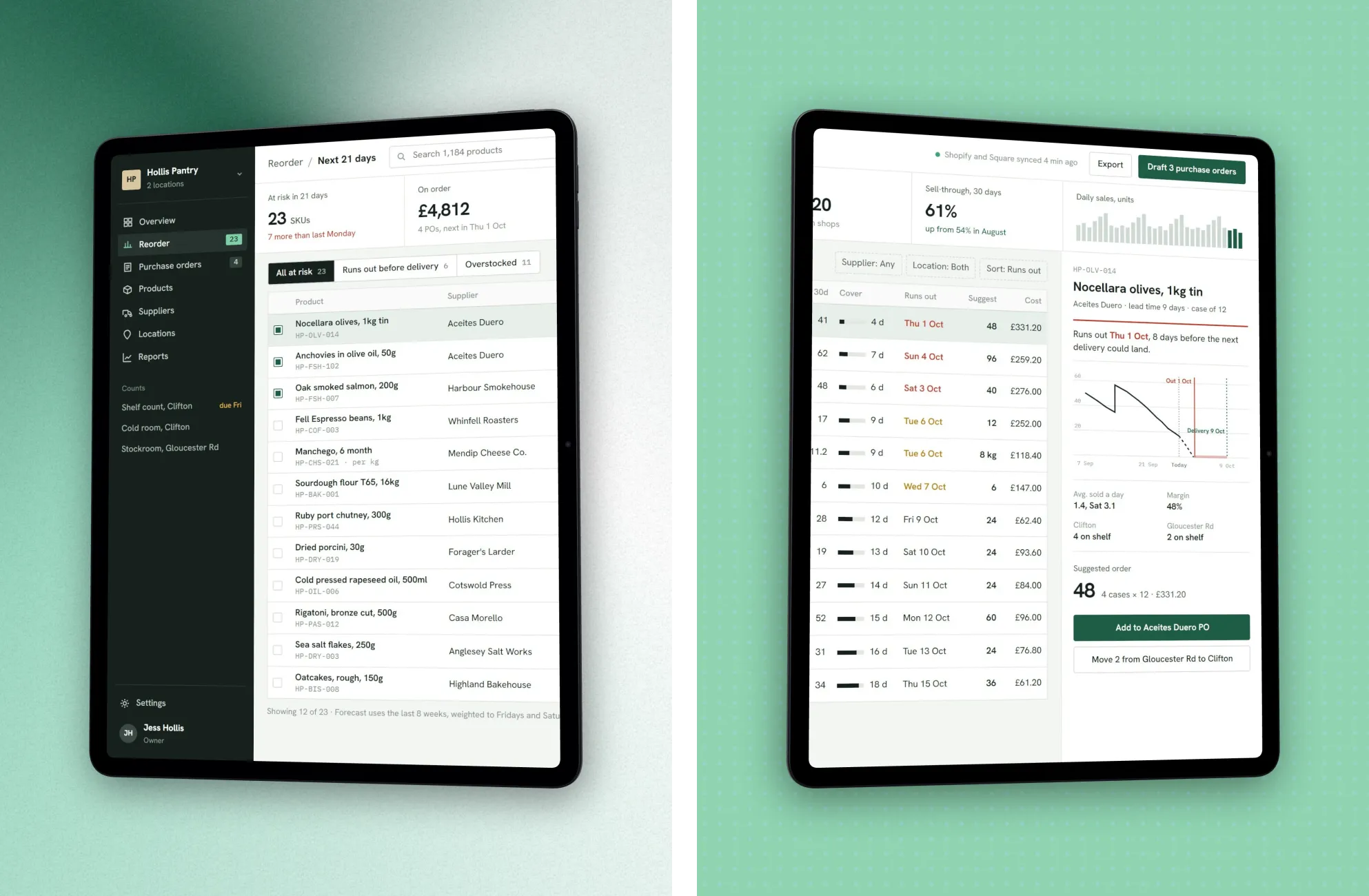
Raw captures rarely convert. The high-performing listings frame each screen in a phone, put it on a branded background, and add a short headline explaining the screen. You can do all of that in the App Store screenshot generator:
- Set the canvas to the size you need (e.g. 1290 × 2796 for iPhone).
- Drop in each app screen and frame it in a phone mockup.
- Add a headline callout and a gradient background, then export. No watermark.
Repeat for each screen, and you have a full store set that looks designed rather than dumped.