Screenshot mockups, shot properly.
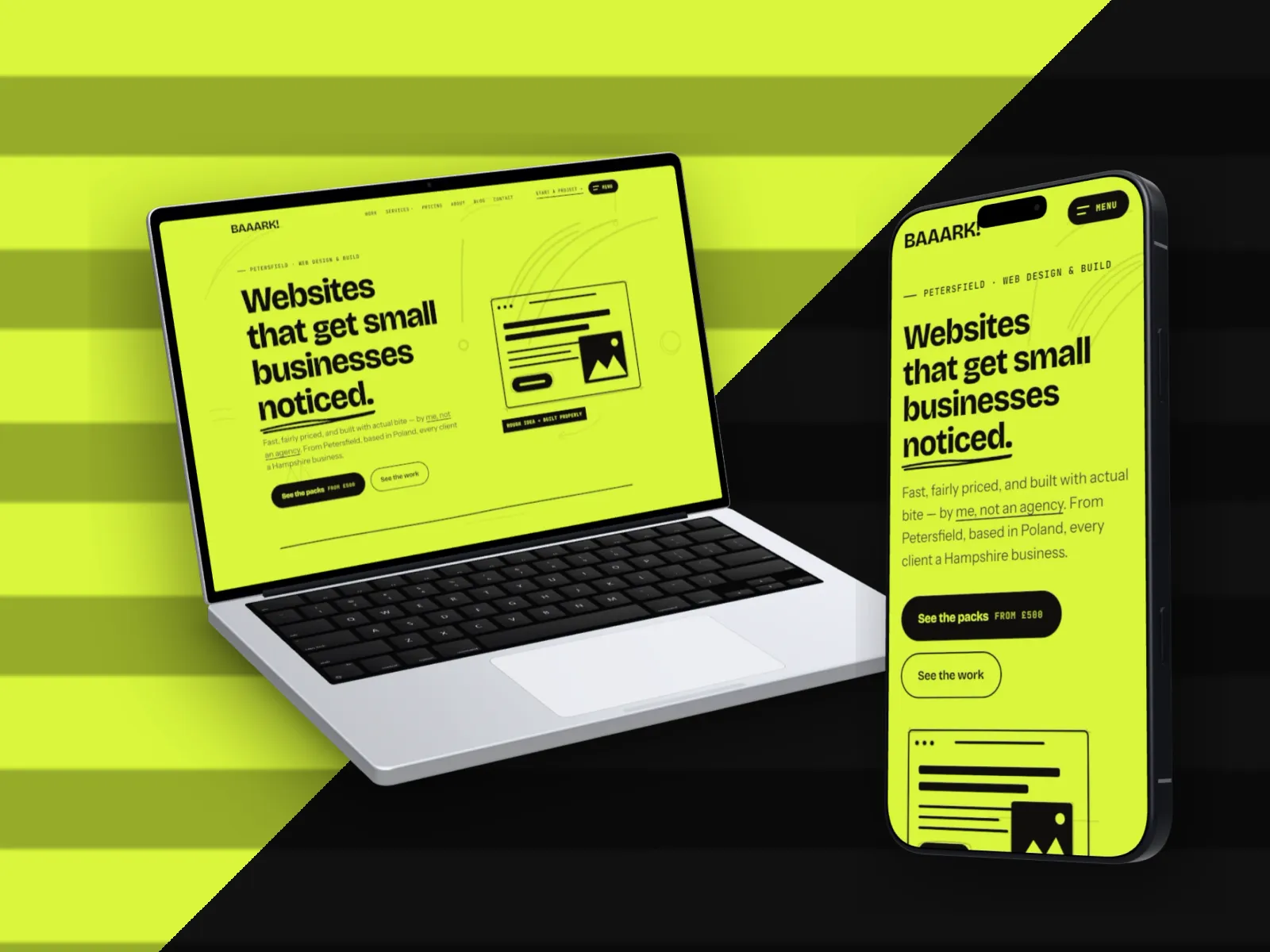
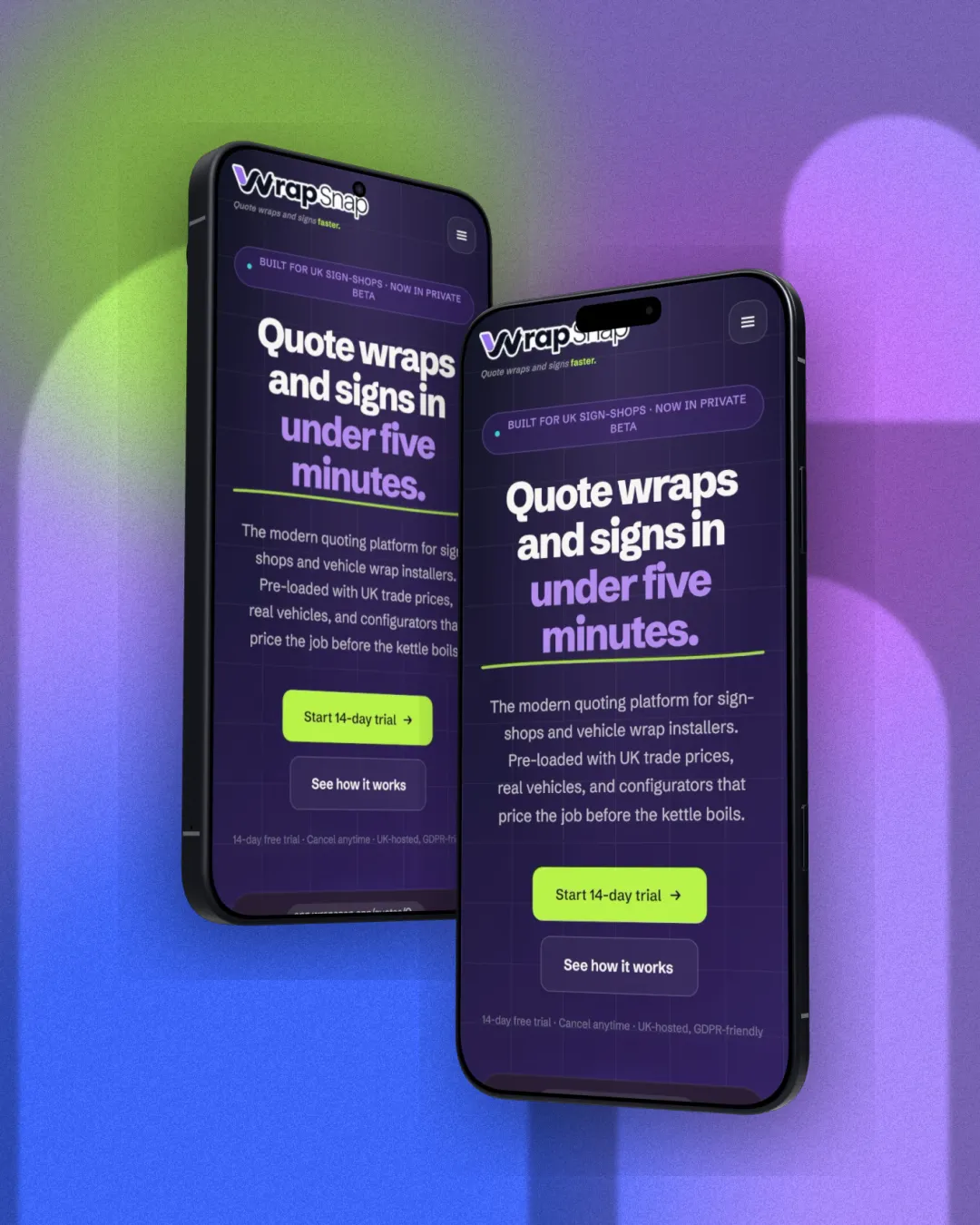
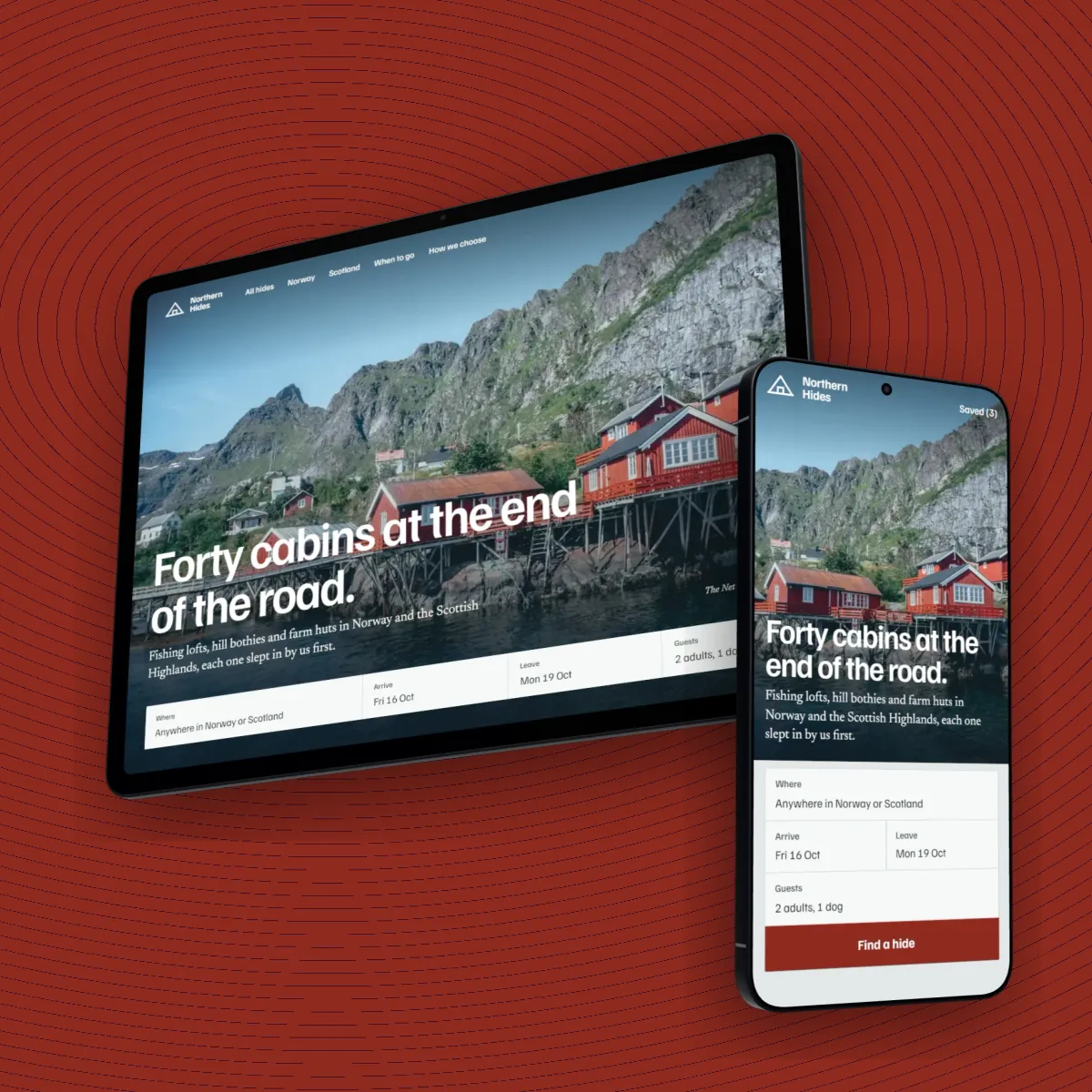
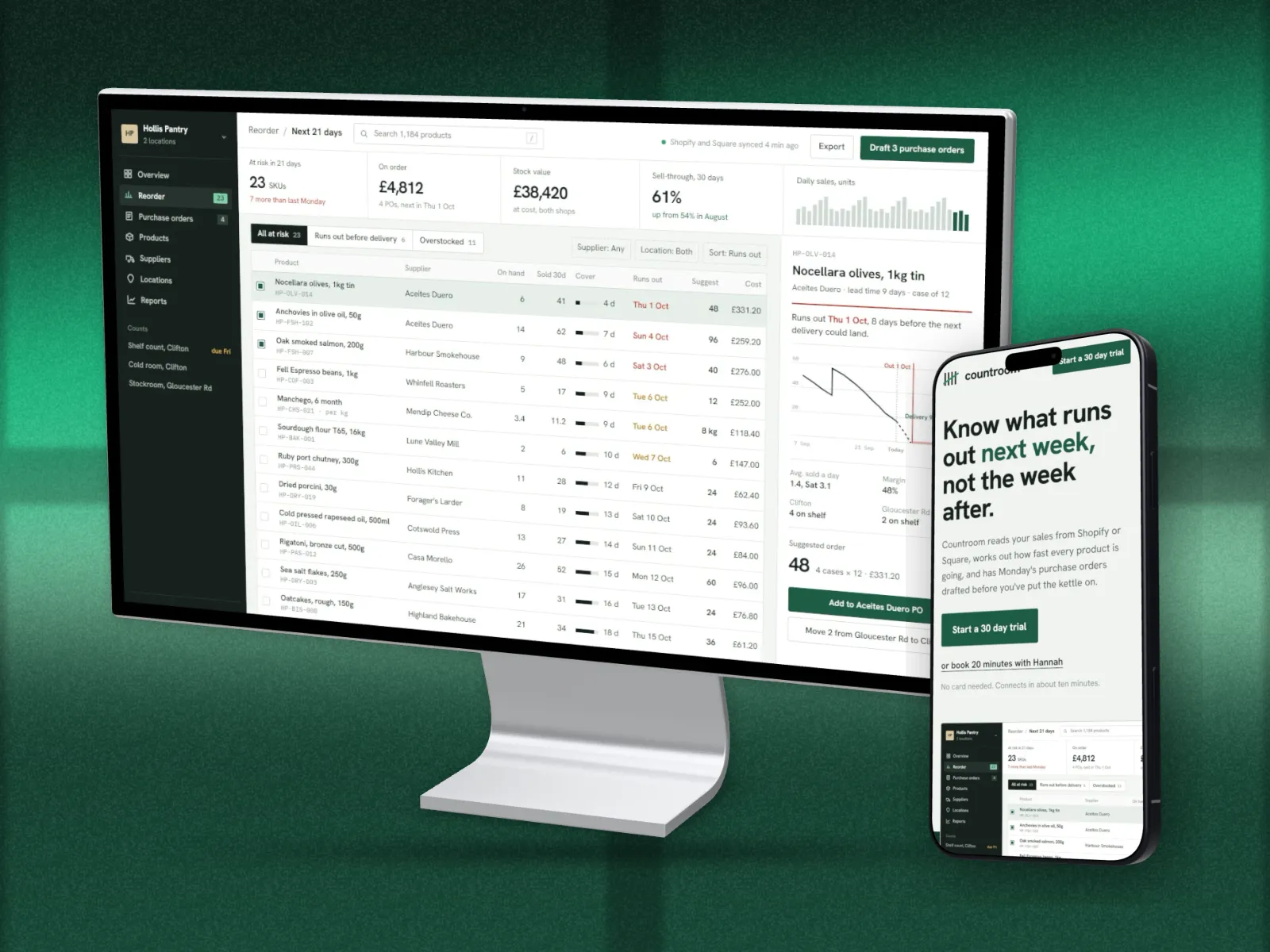
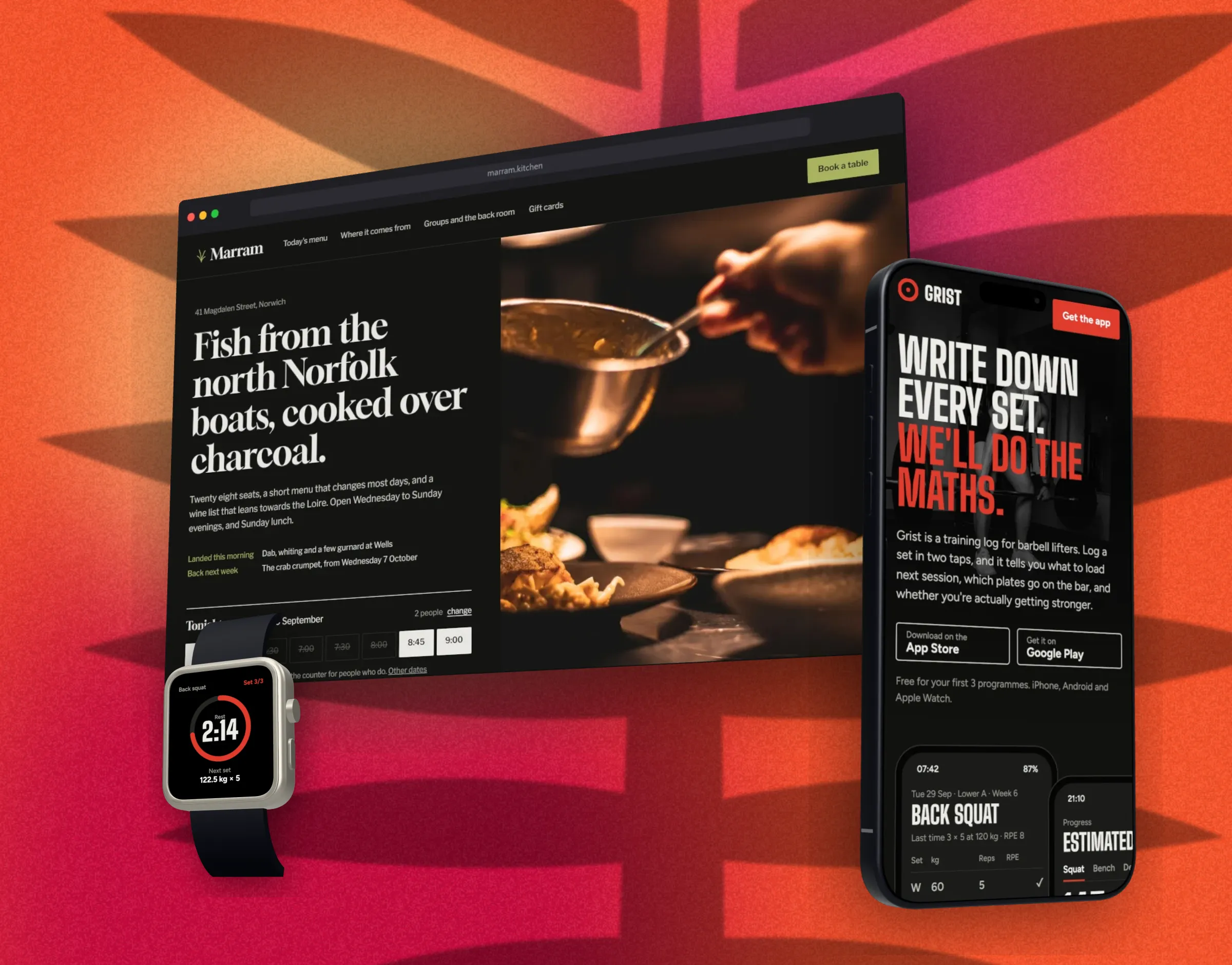
A free screenshot mockup generator. Drop in a screenshot or paste a URL, and DudeShots puts it in a real 3D browser window, MacBook, iPhone or Apple Watch, turned to the angle you want and ready for the launch post.
No signup to try. Nothing stamped on your exports.
New in the studio
Sink it, rain on it, throw paint at it.
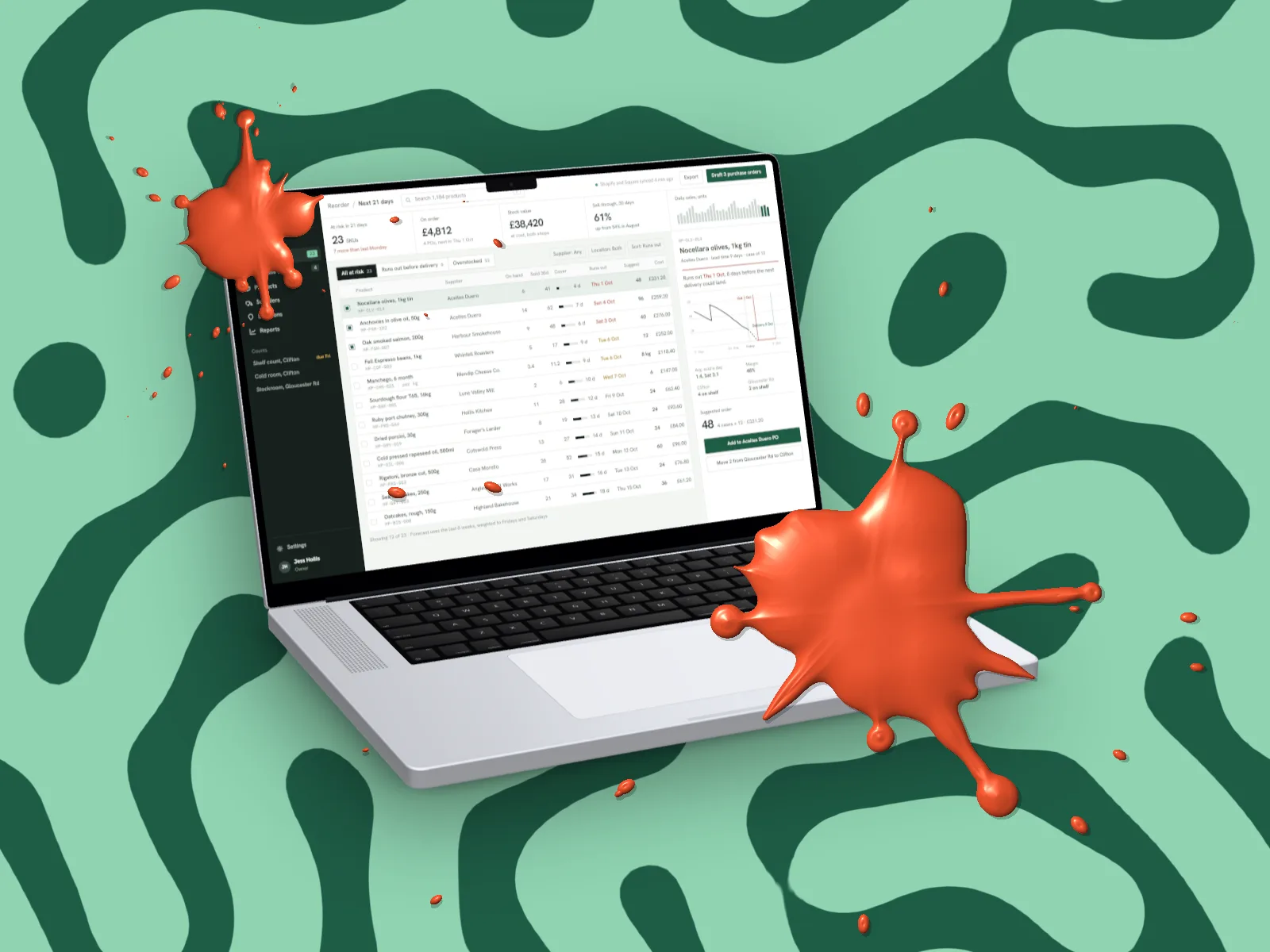
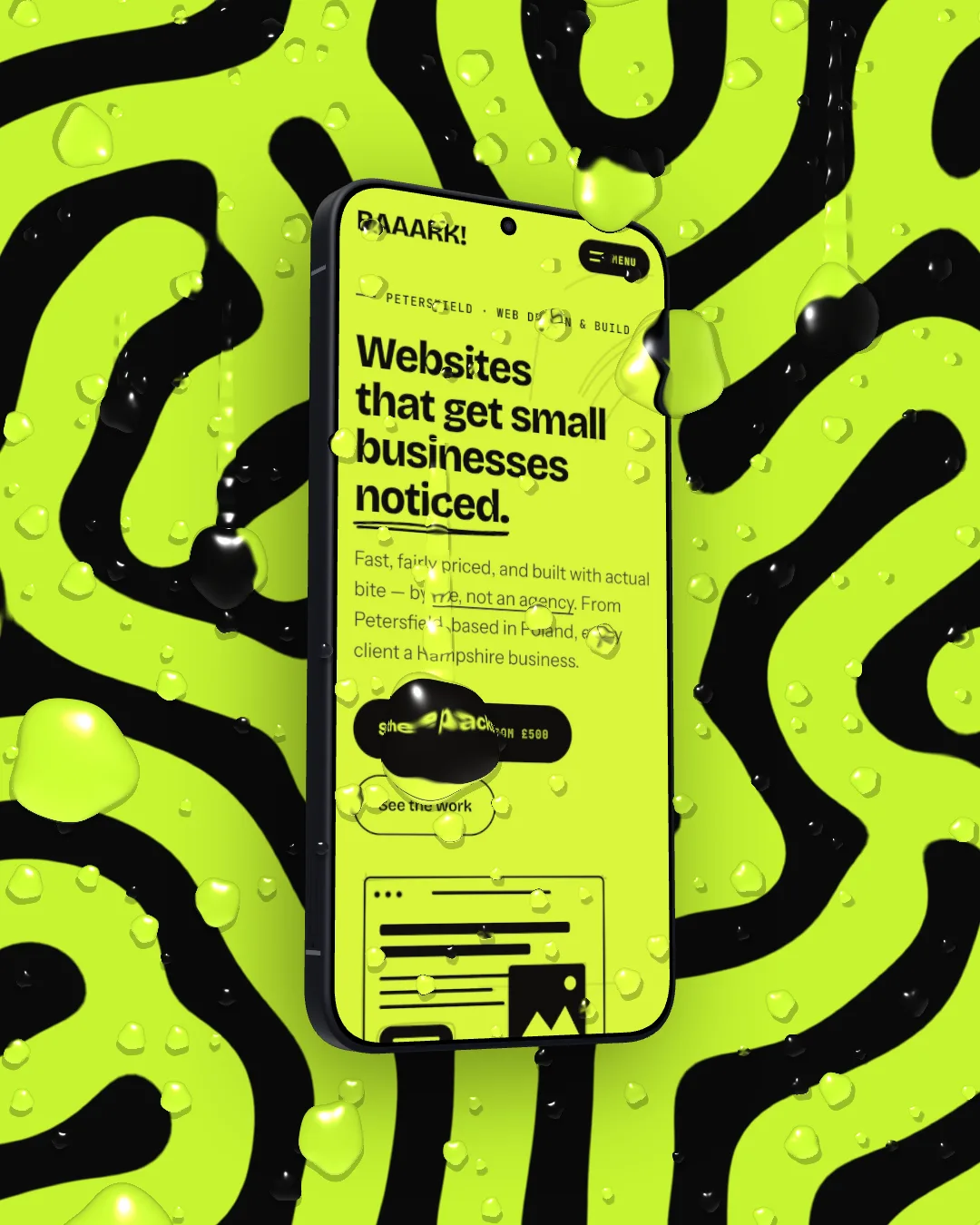
Surface puts water, ice, glass and paint over the finished picture: rain, big drops, condensation, frost, snow, cracked glass, a waterline, fully underwater, paint drips, splatter, spray paint and a brush stroke. Every drop bends what’s under it like real glass. Behind it, Liquid backdrops grown and poured in your colours, and walls of dripping and splattered paint.
3D Pro
3D device mockups that turn like the real thing.
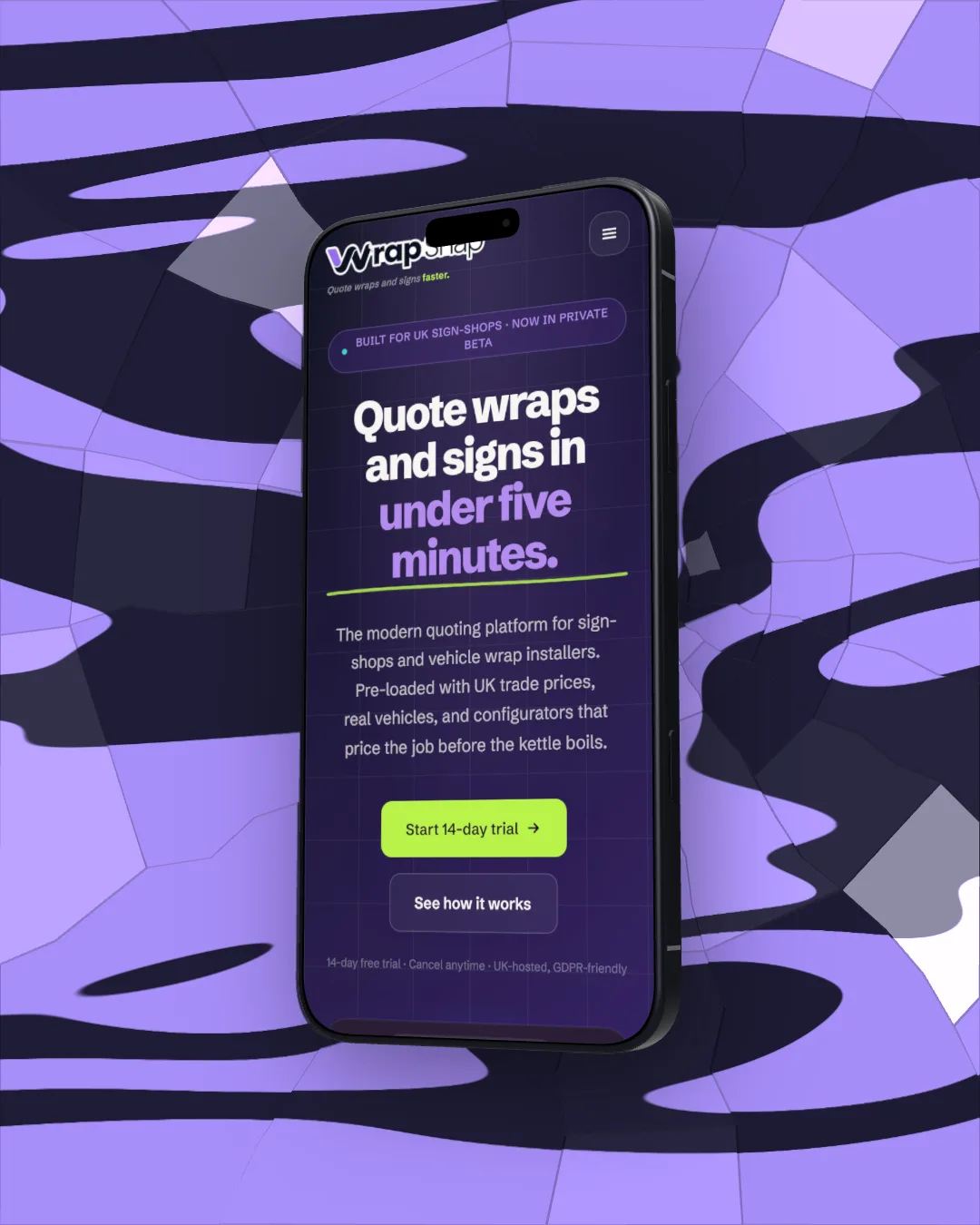
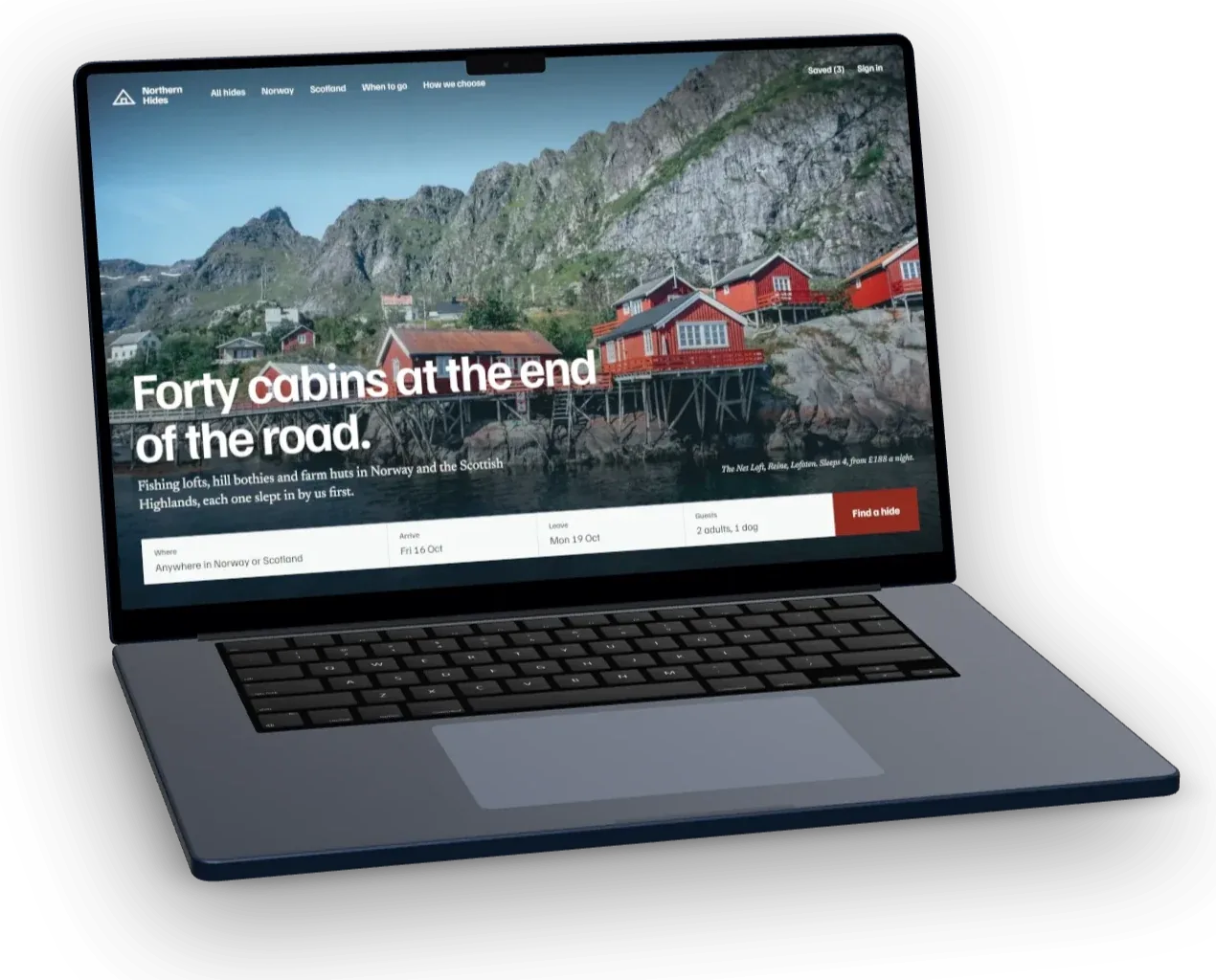
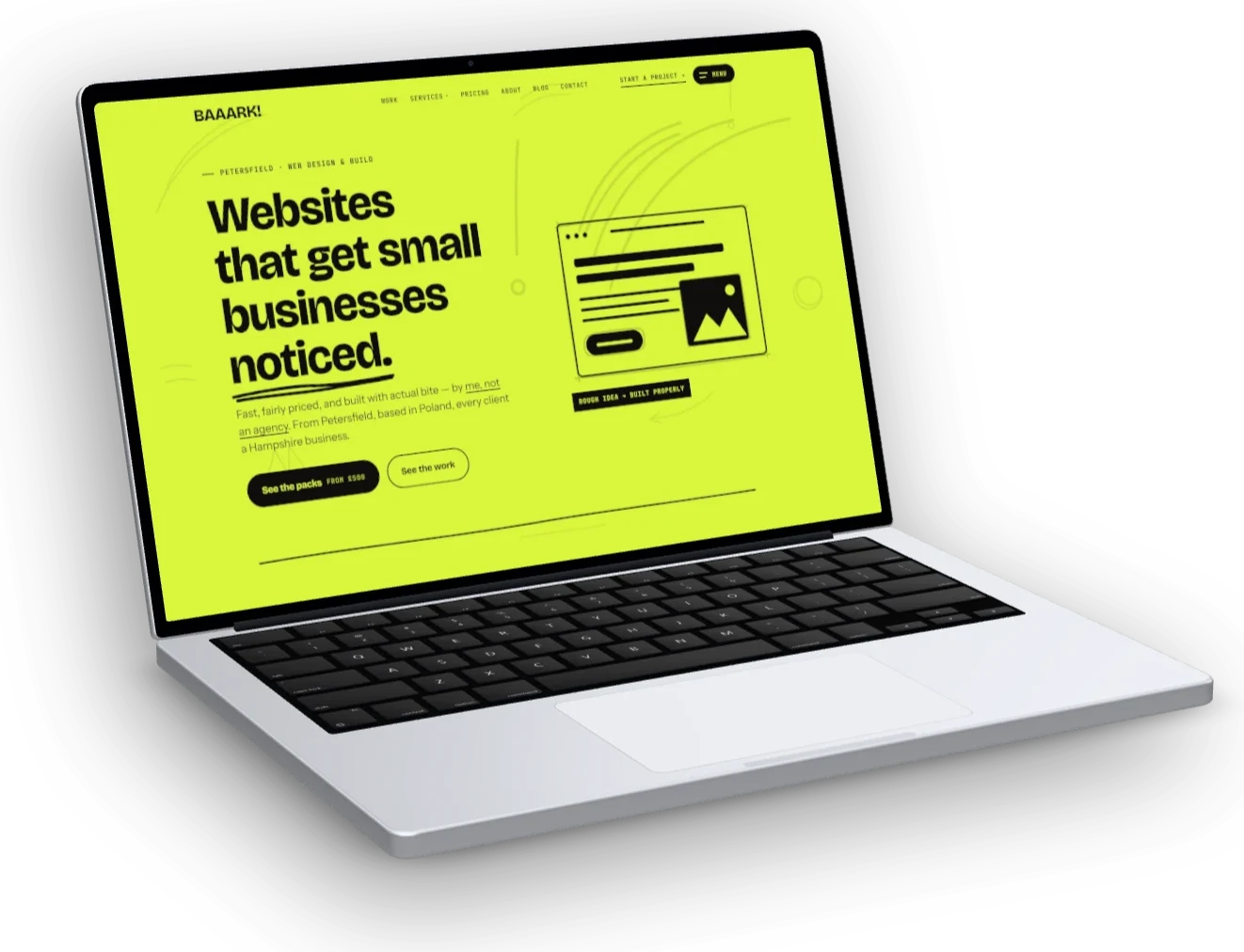
The 3D devices are proper models, not flat pictures of devices. Pick one and drag it: turn the MacBook and the keyboard stays on the table, tilt a phone and you see its edge, its buttons and its camera. Every frame here is a real render from the studio.
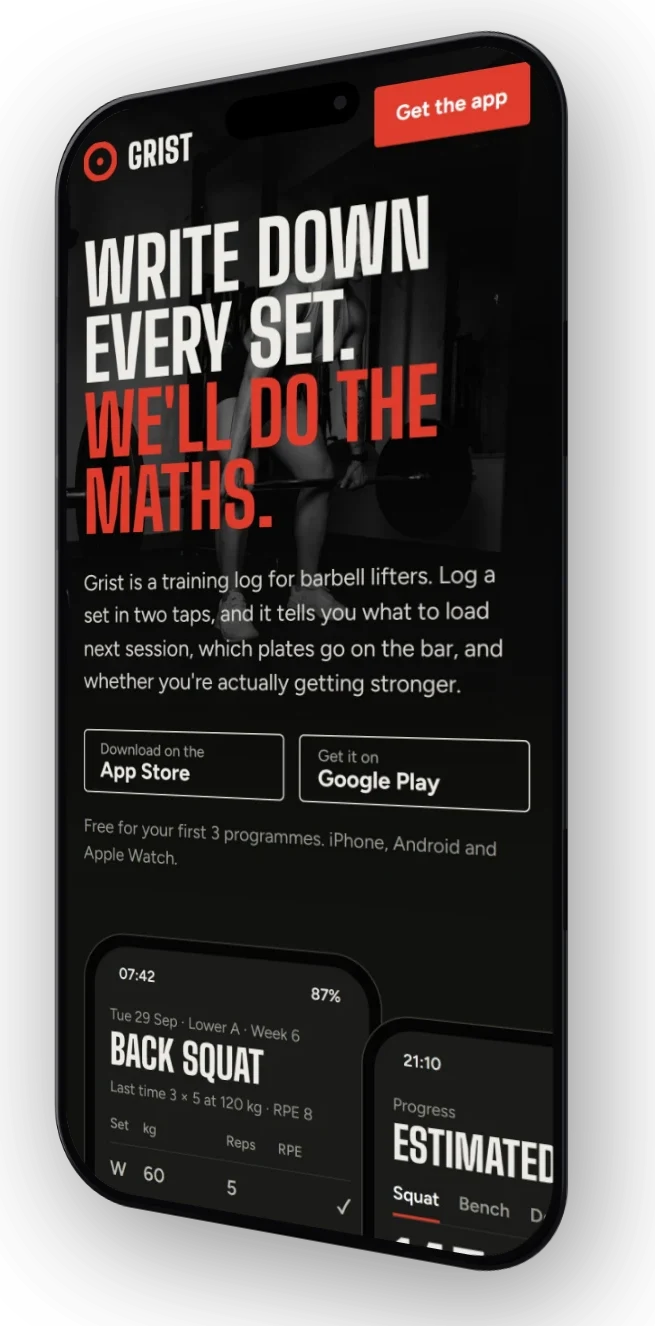
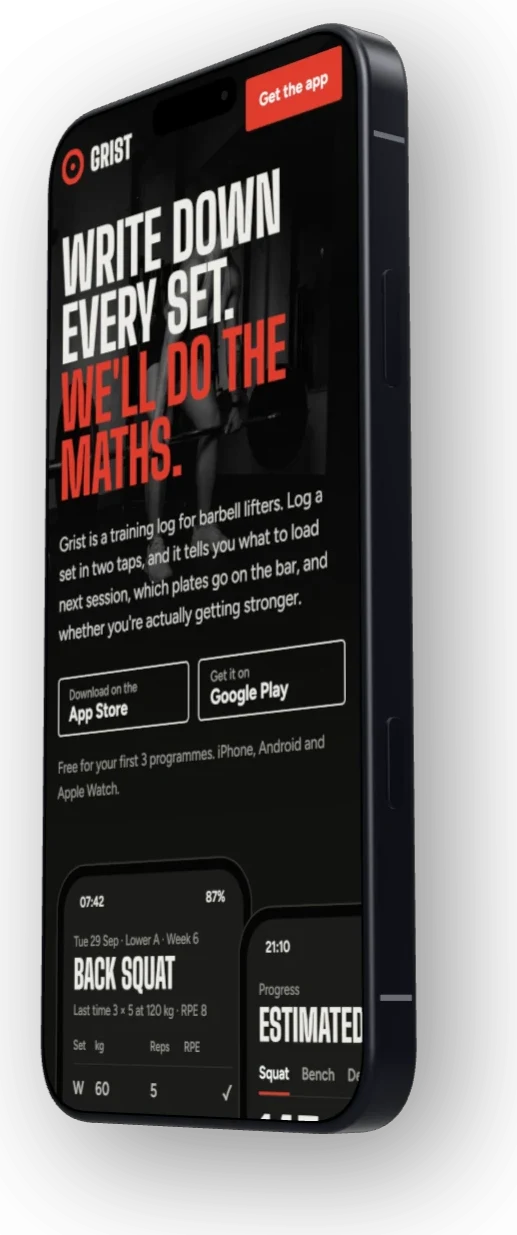
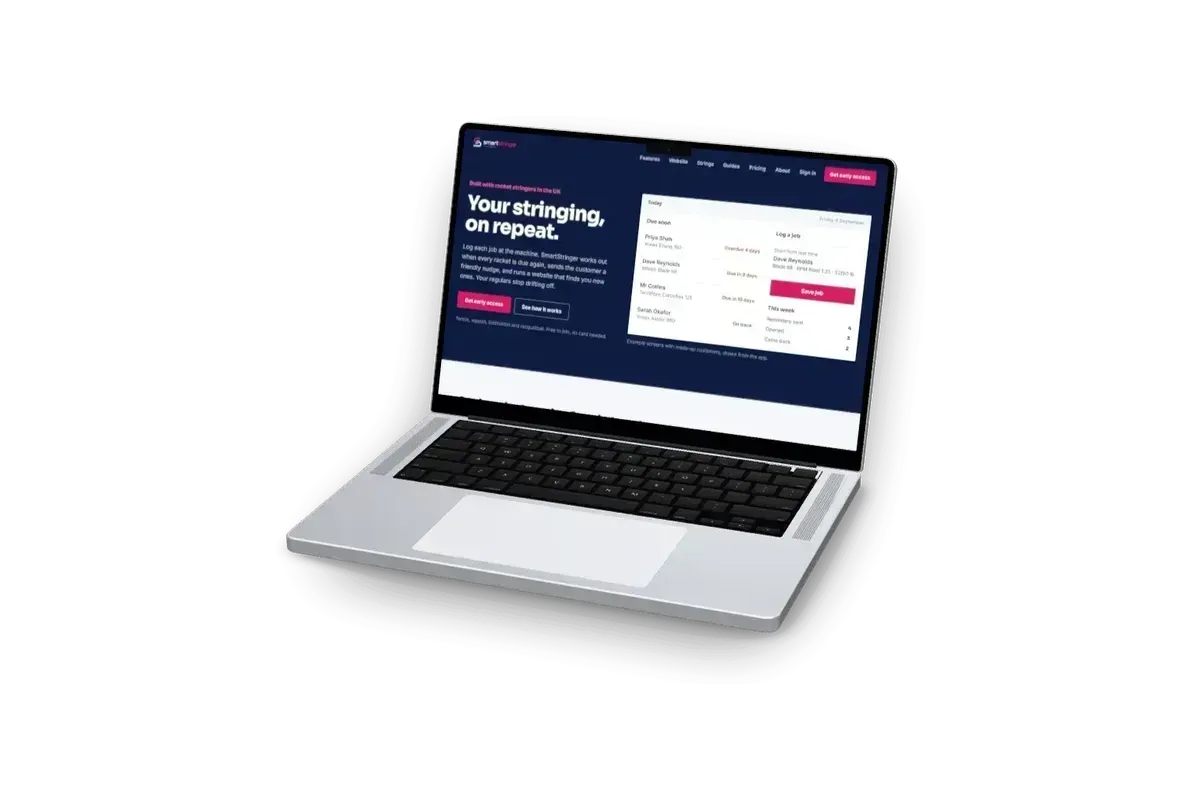
-20°tilt +20°
How to make a mockup from a screenshot.
From a bare link to a finished image. You make the calls. The studio does the fiddly parts.
- 01
Capture
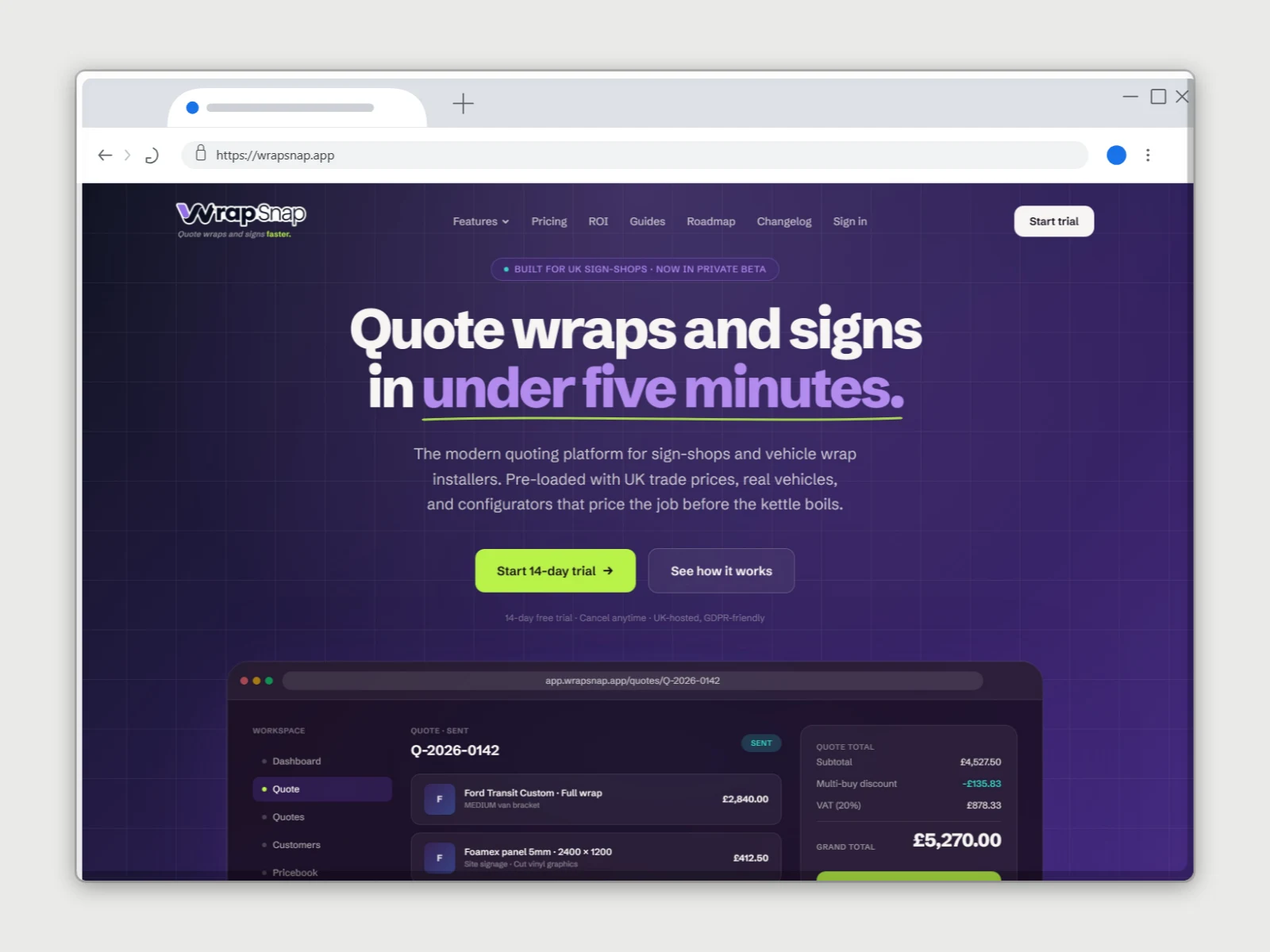
Paste a link, say wrapsnap.app. The page comes back as a crisp screenshot.
- 02
Frame
Put it on a MacBook, a phone, a watch or in a browser window. Flat or 3D.
- 03
Dress
Pick the backdrop, the look, the angle and a shadow falling across it.
- 04
Mark
Your logo or web address in a corner, if you want one.
- 05
Export
A PNG sized for wherever it’s going. An OG card, a post, a store listing.
01 Capture
No screenshot? Capture one from a URL.
DudeShots opens the page in a real browser and brings the screenshot back to the studio. If a cookie banner pops up, it gets accepted and cleared first.
Viewport on FreeEvery fold, sections, full page on Pro
- Desktop width for laptops and browsers, phone width for phones
- Or drop, paste or upload your own screenshot
- Several shots at once go into a strip you can reorder
02 Frame
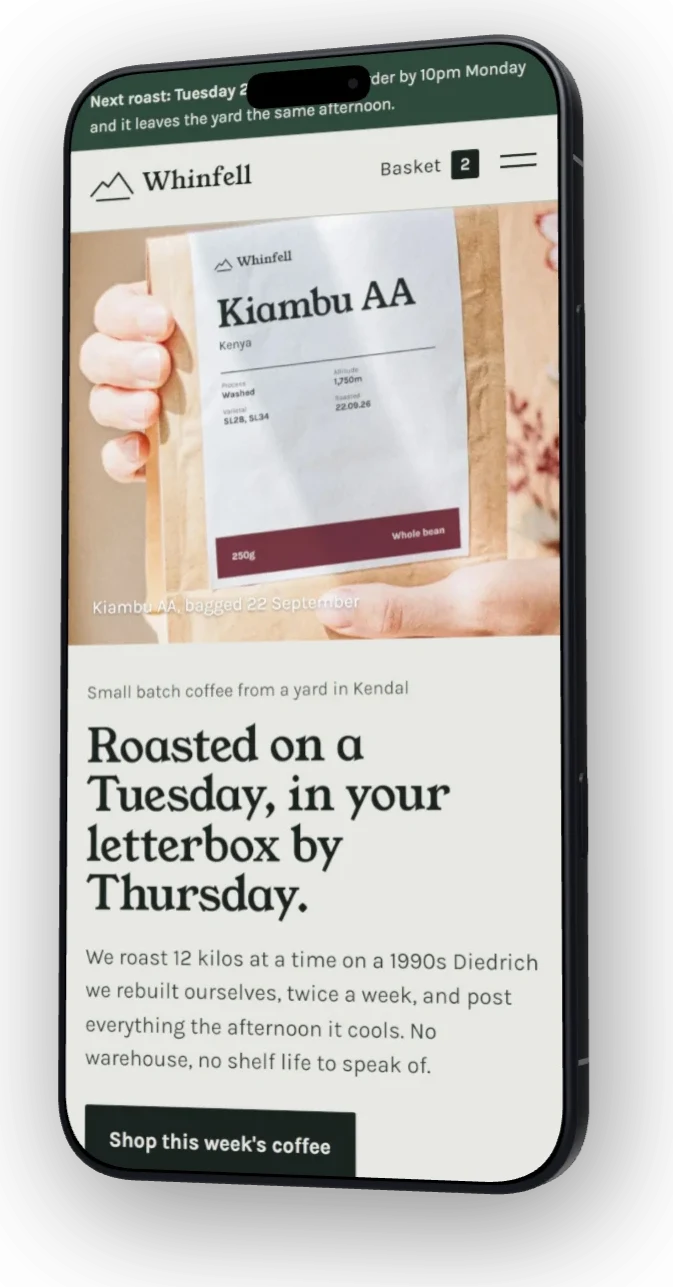
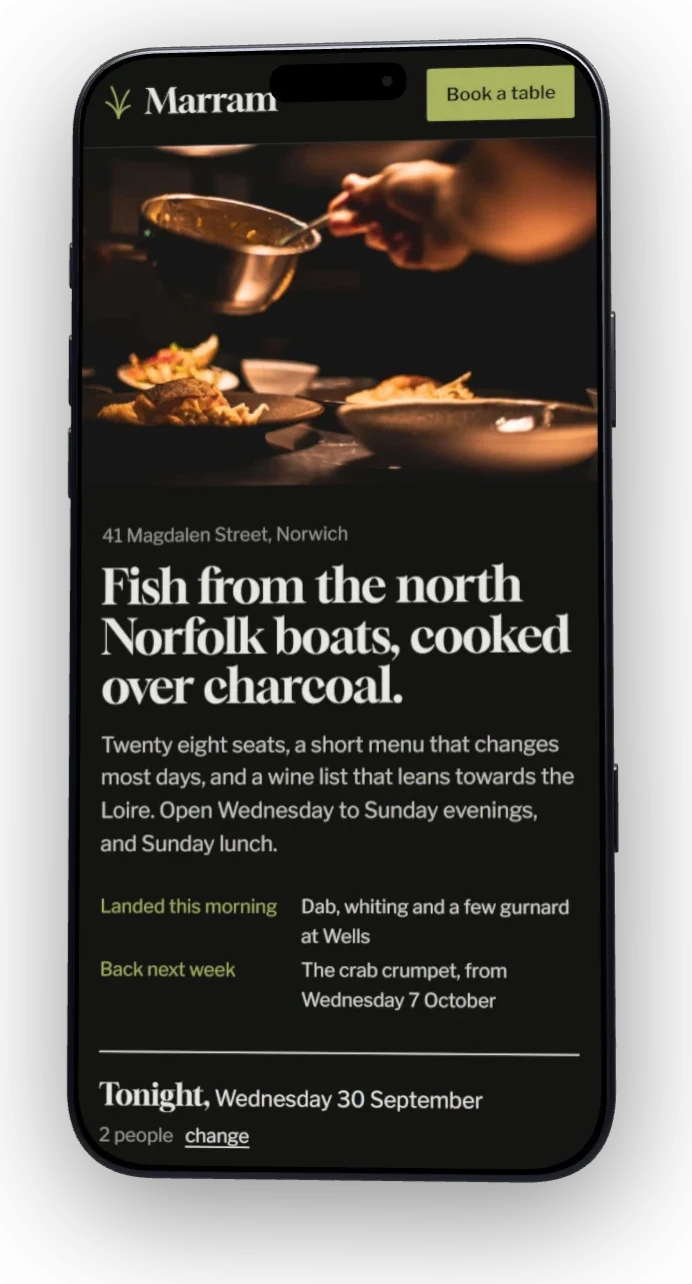
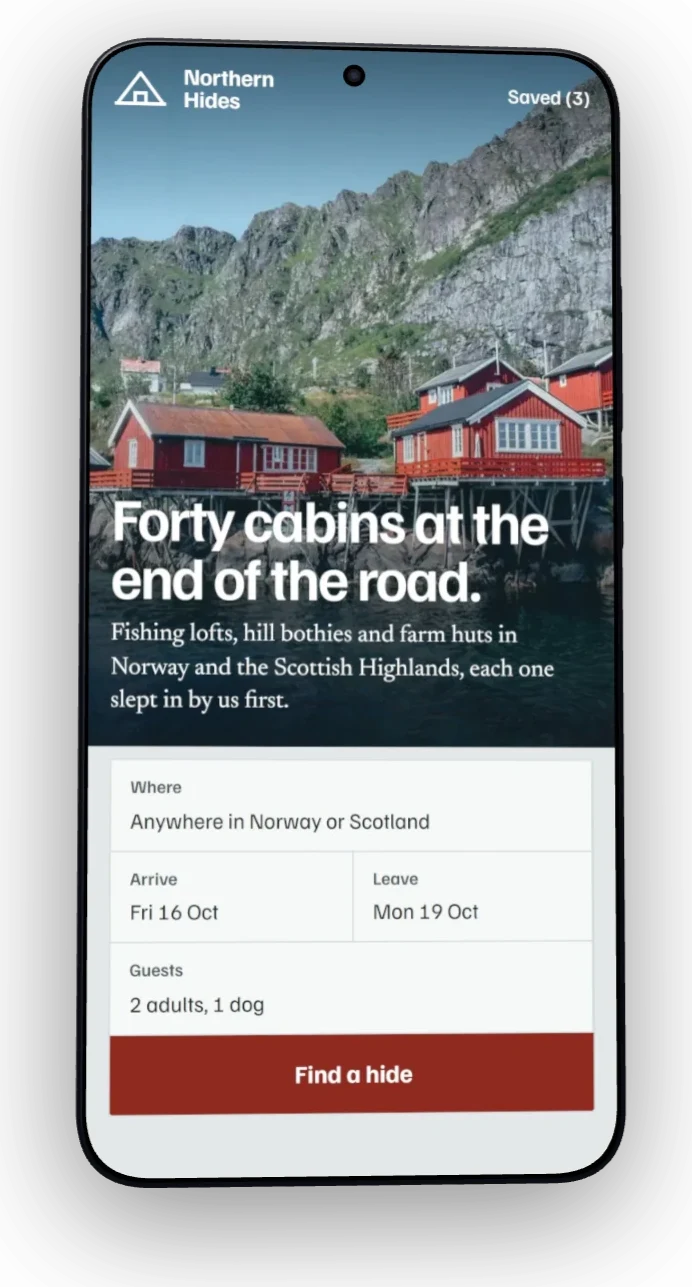
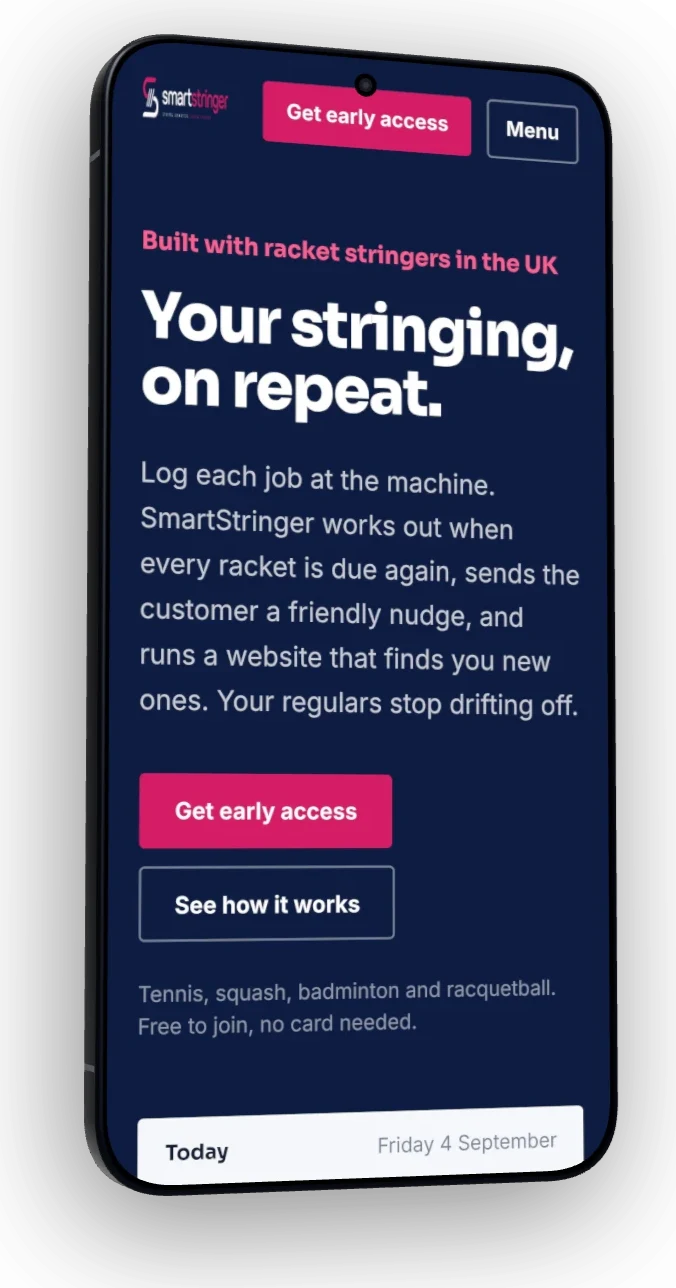
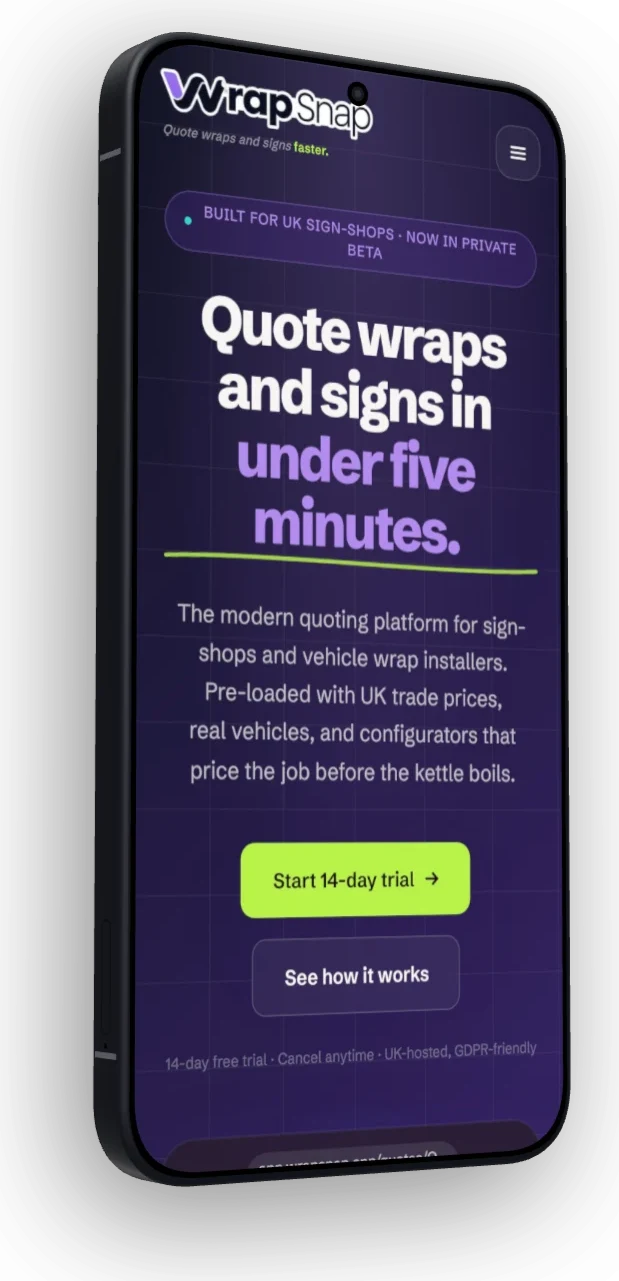
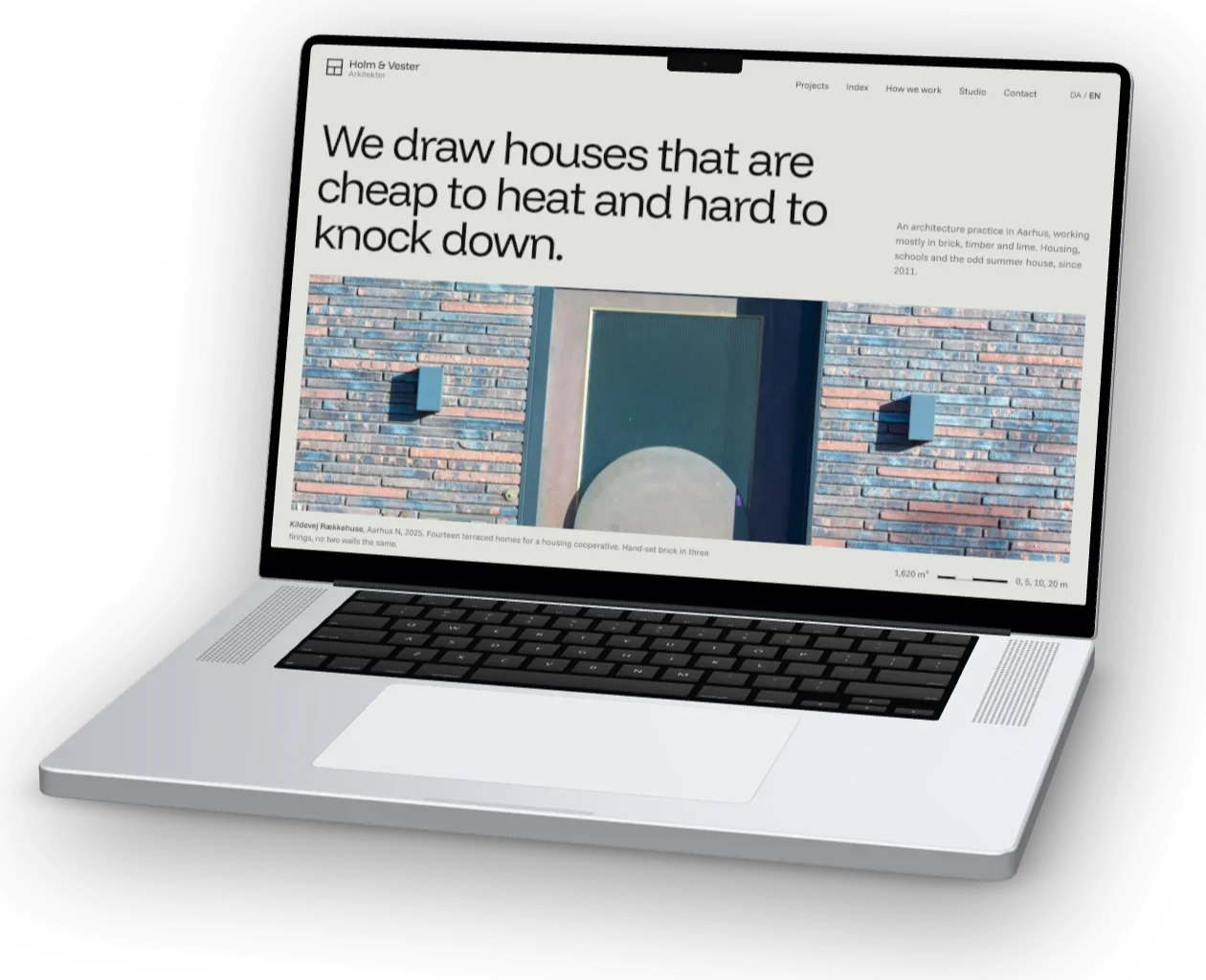
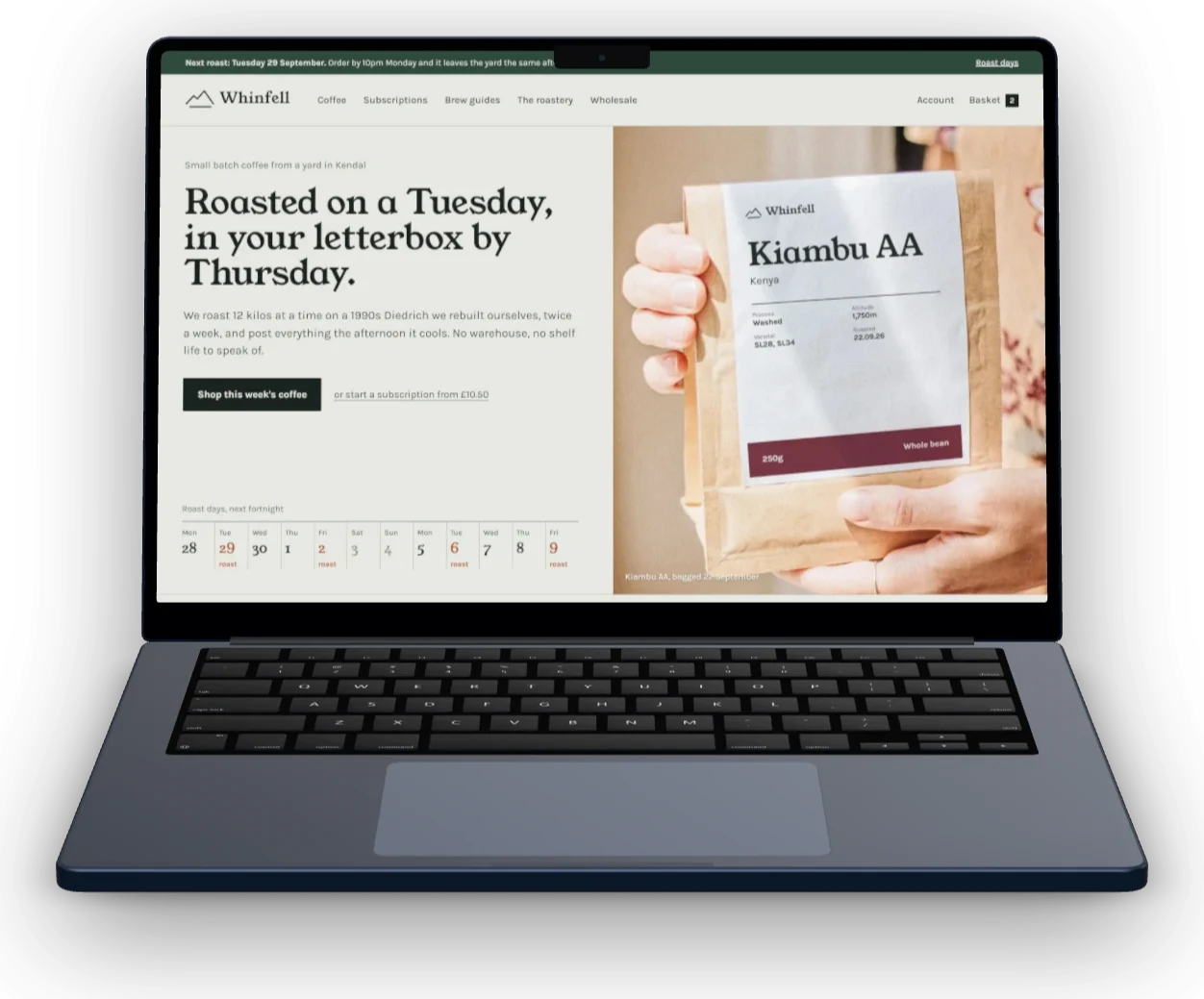
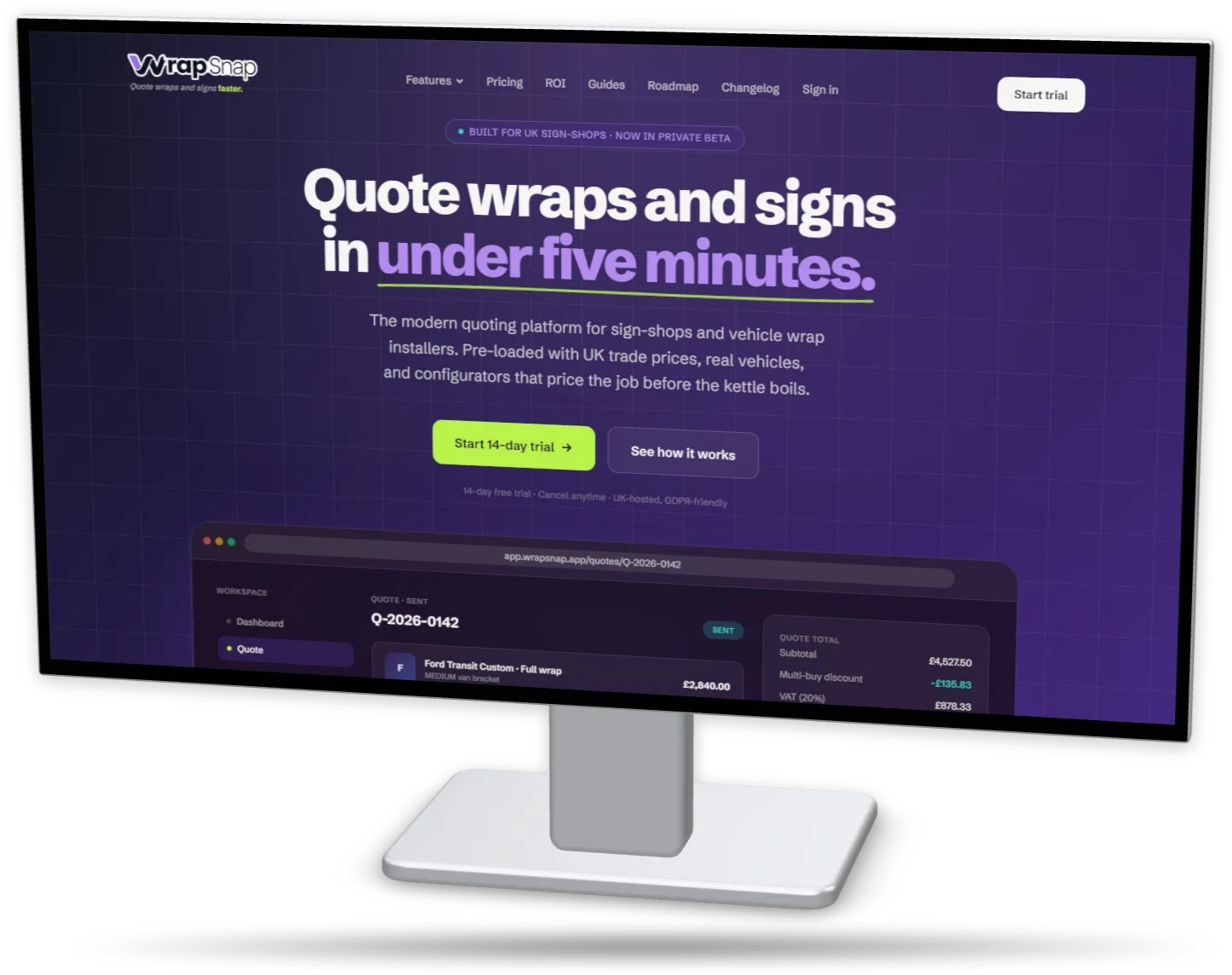
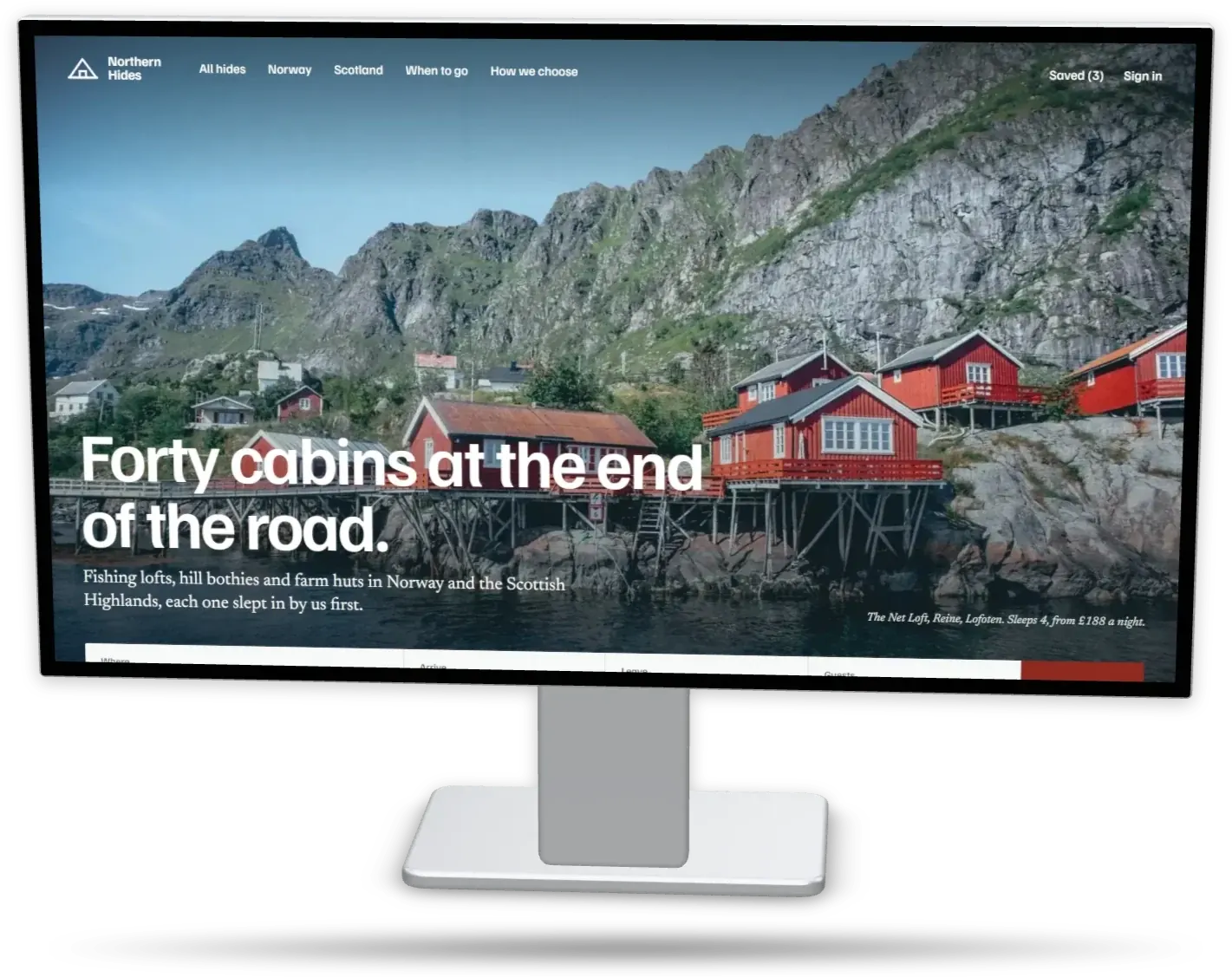
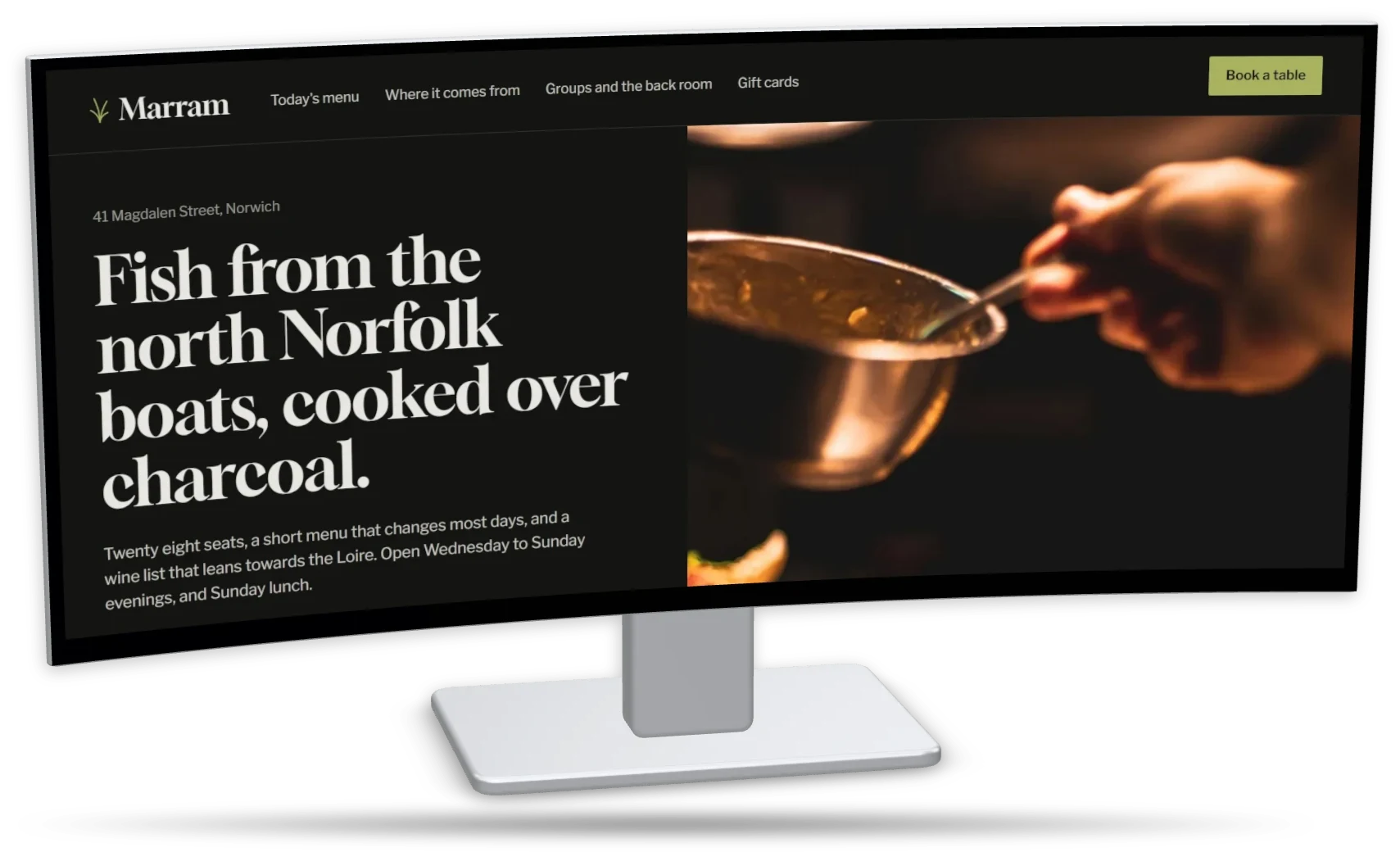
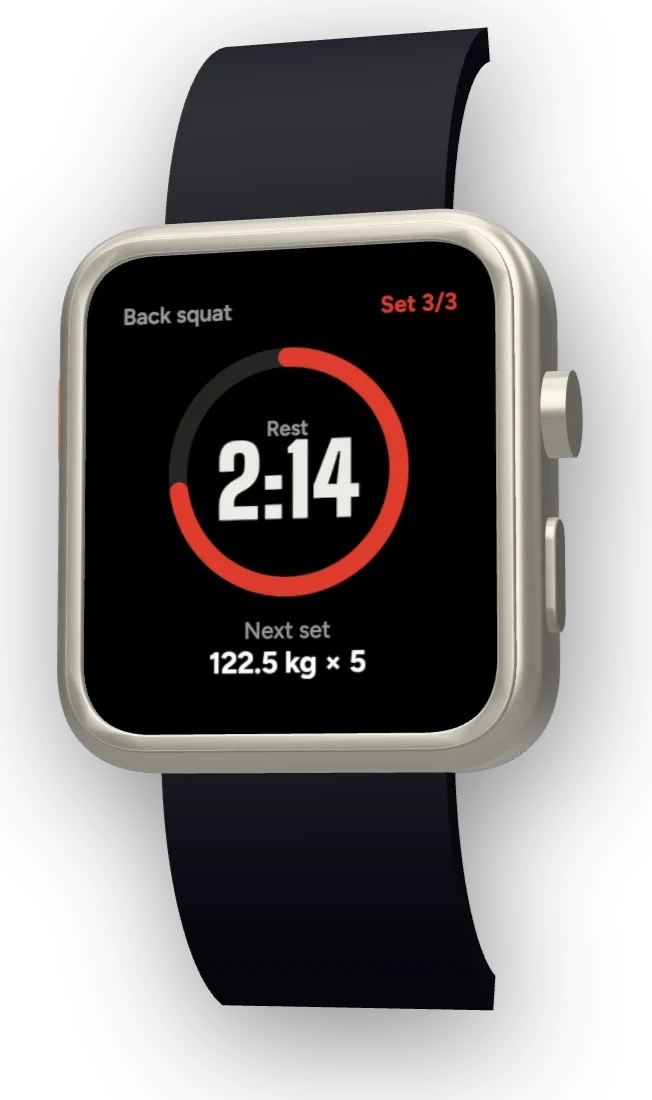
iPhone, iPad, Galaxy, Pixel, MacBook, monitor and Apple Watch mockups.
45 devices: this year’s phones, tablets, laptops, monitors and watches, older iPhone, Galaxy and Pixel models, and eight browser windows (Safari, Chrome, Firefox, Arc). Every device comes flat, free for everyone, and as a 3D model on Pro. Your screenshot is cropped to each screen’s real shape.
Phones
6 of 10 shown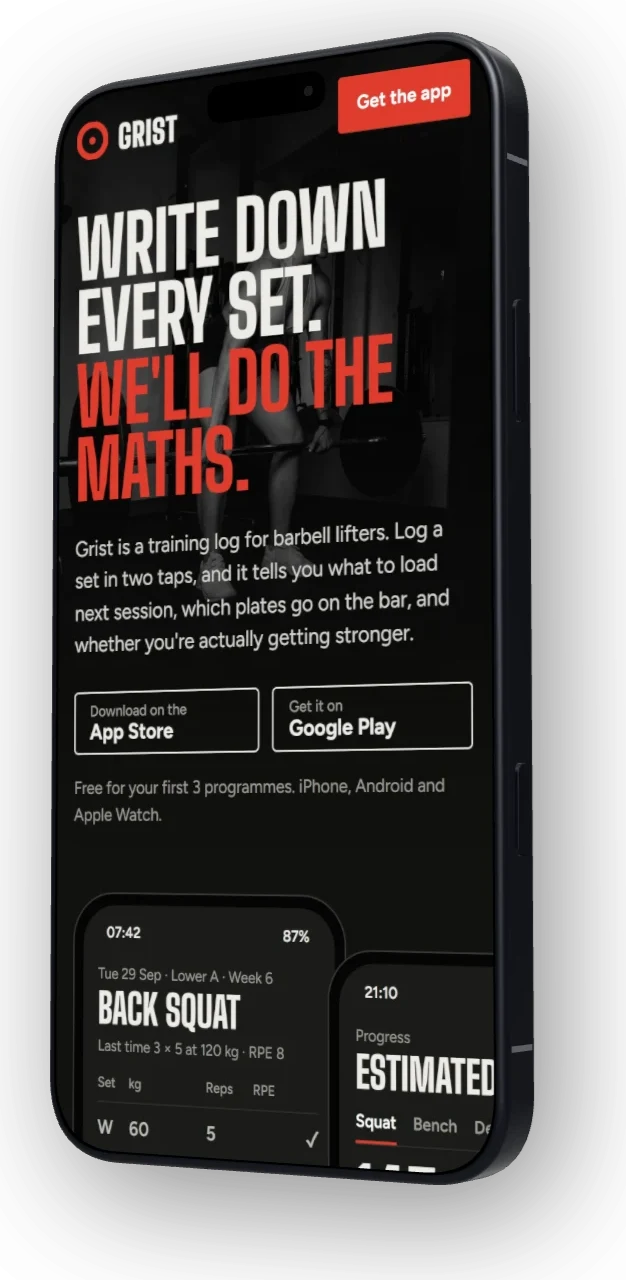
MacBooks
All 5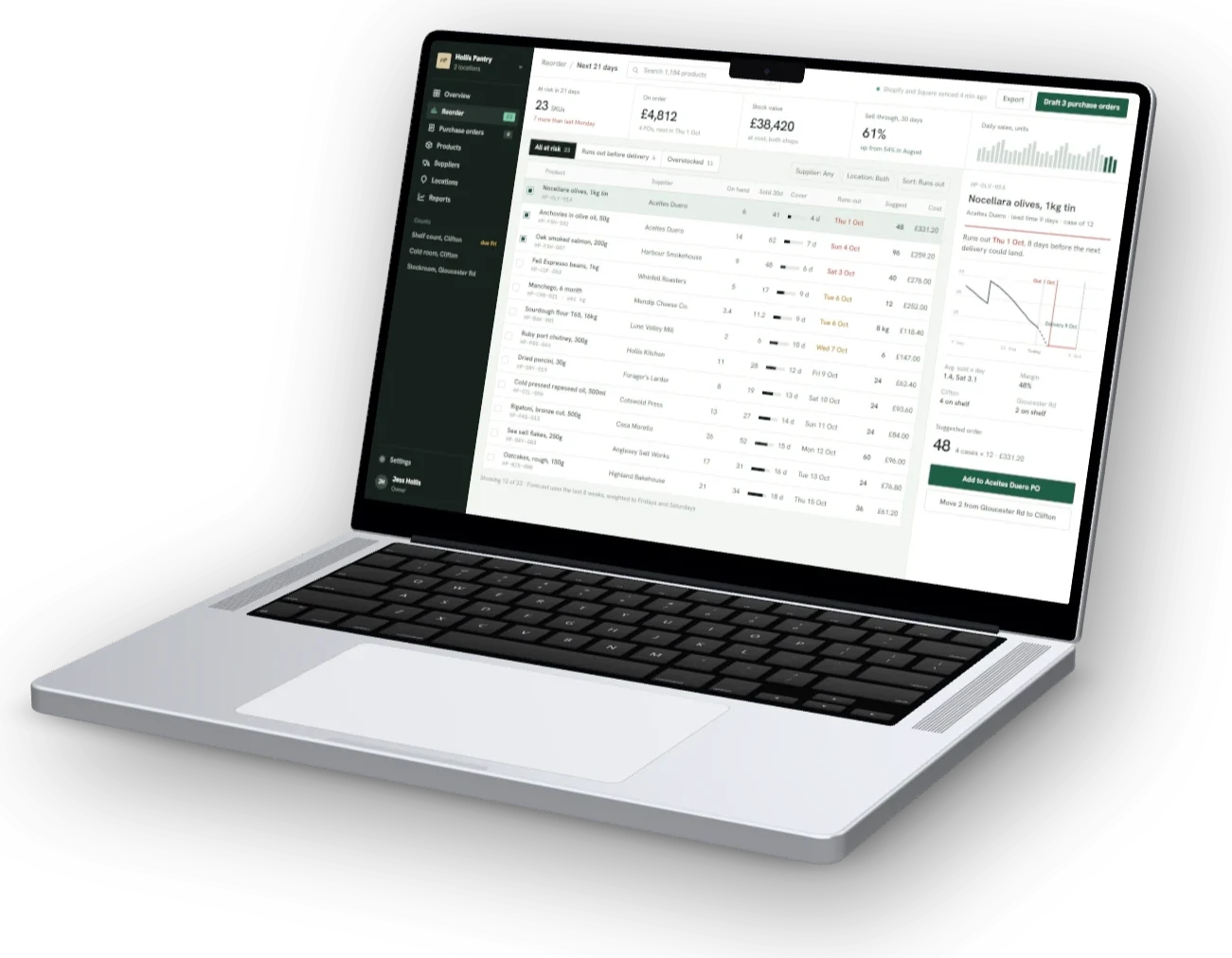
Tablets
5 of 9 shown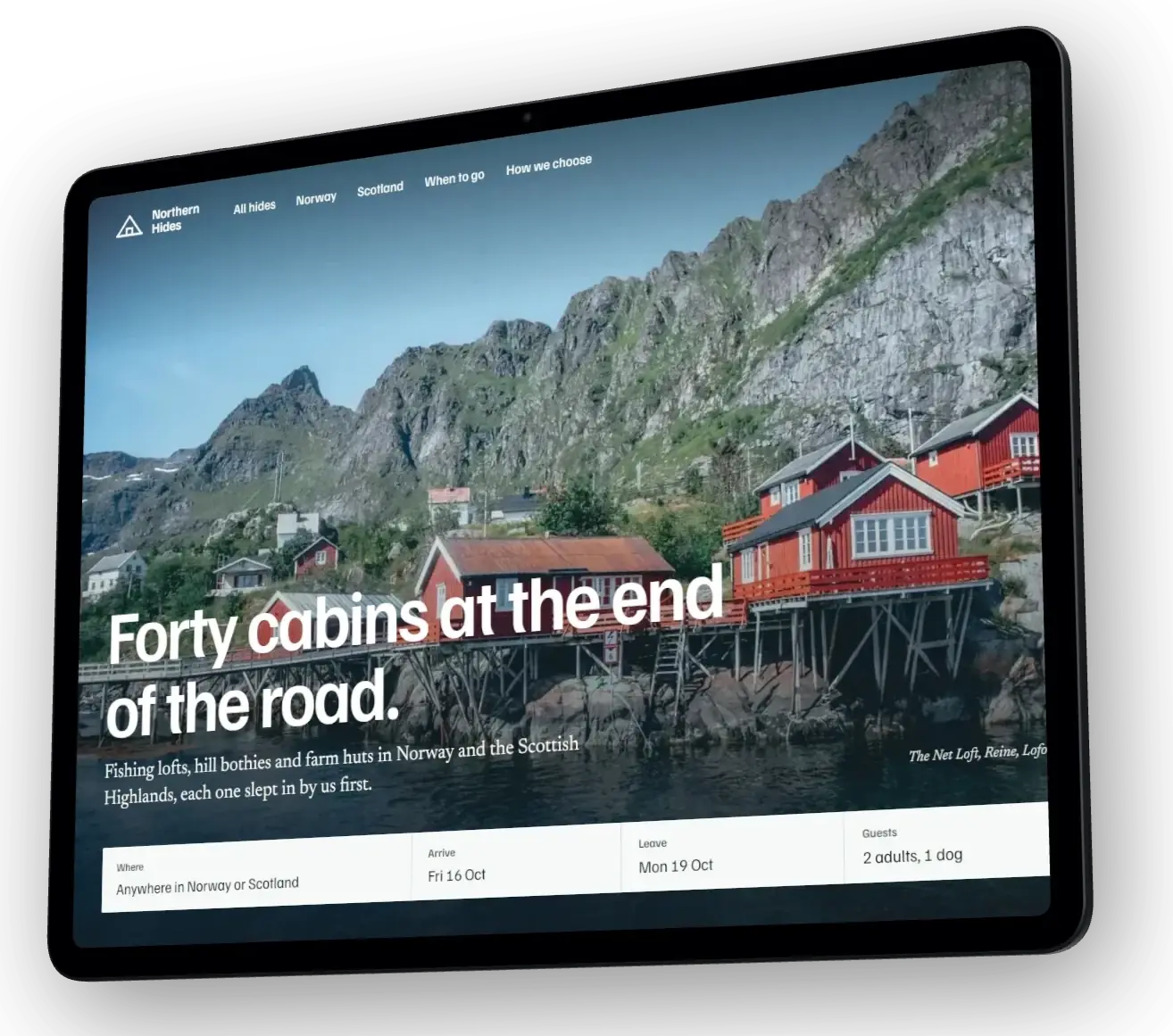
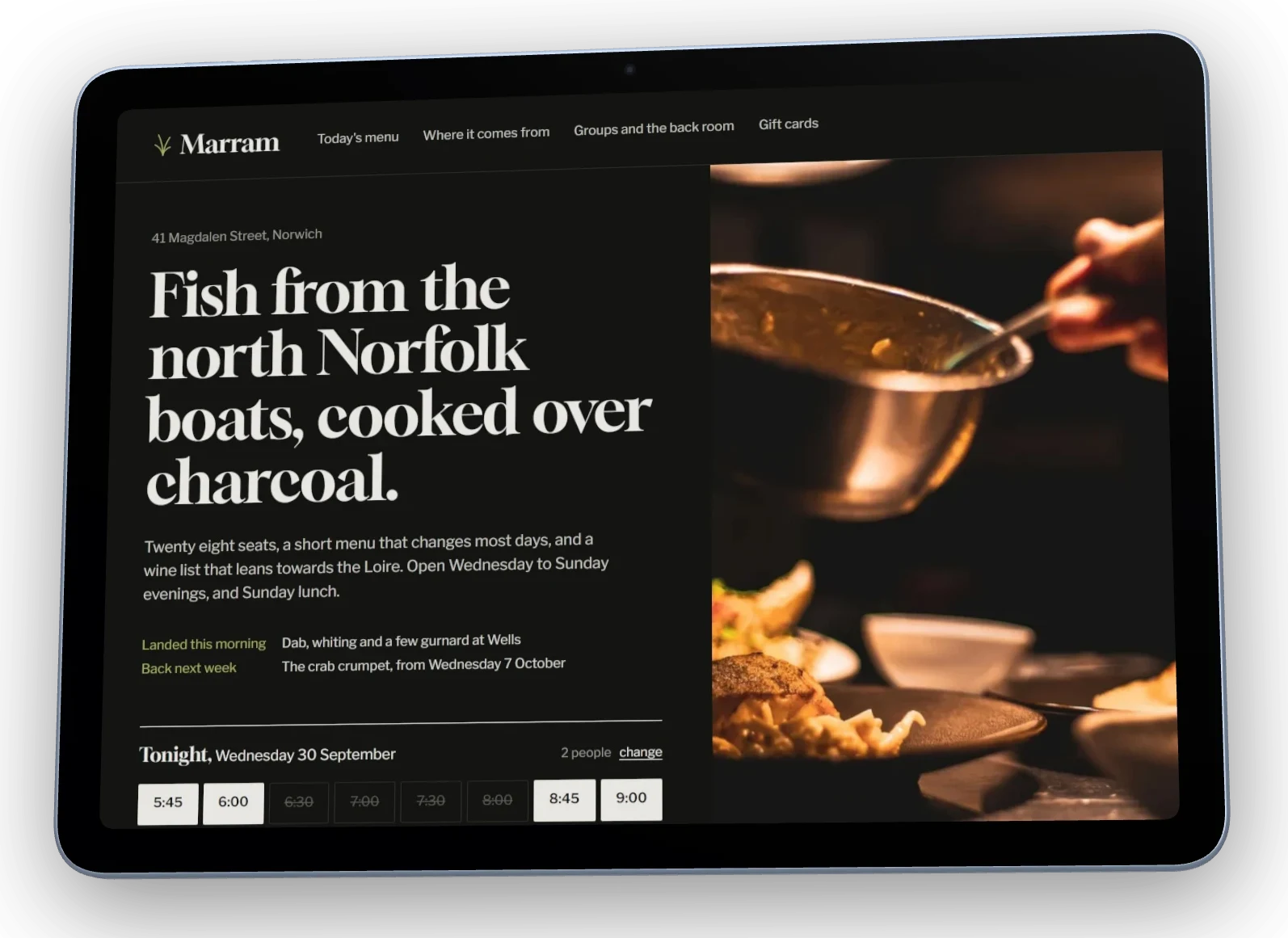
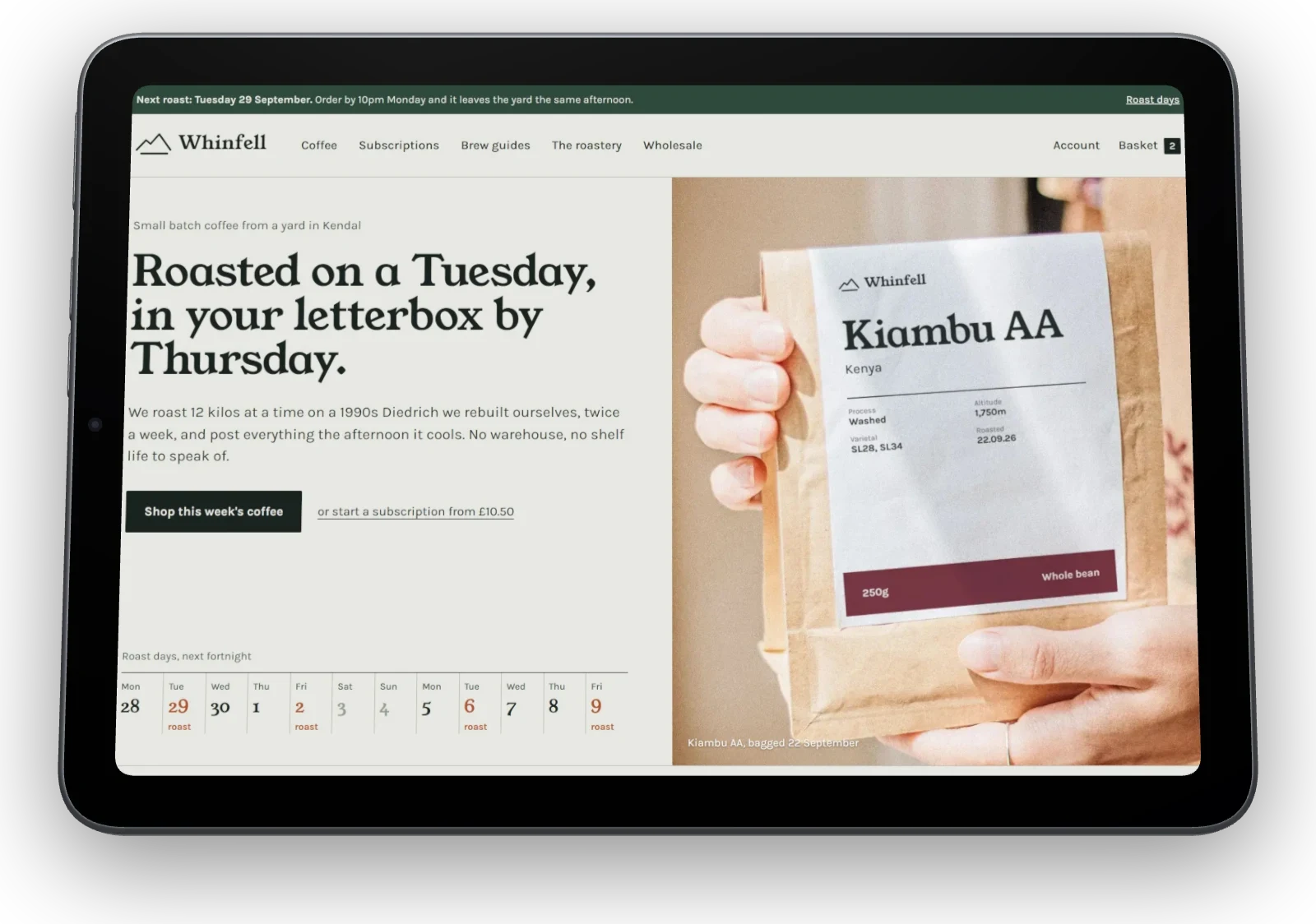
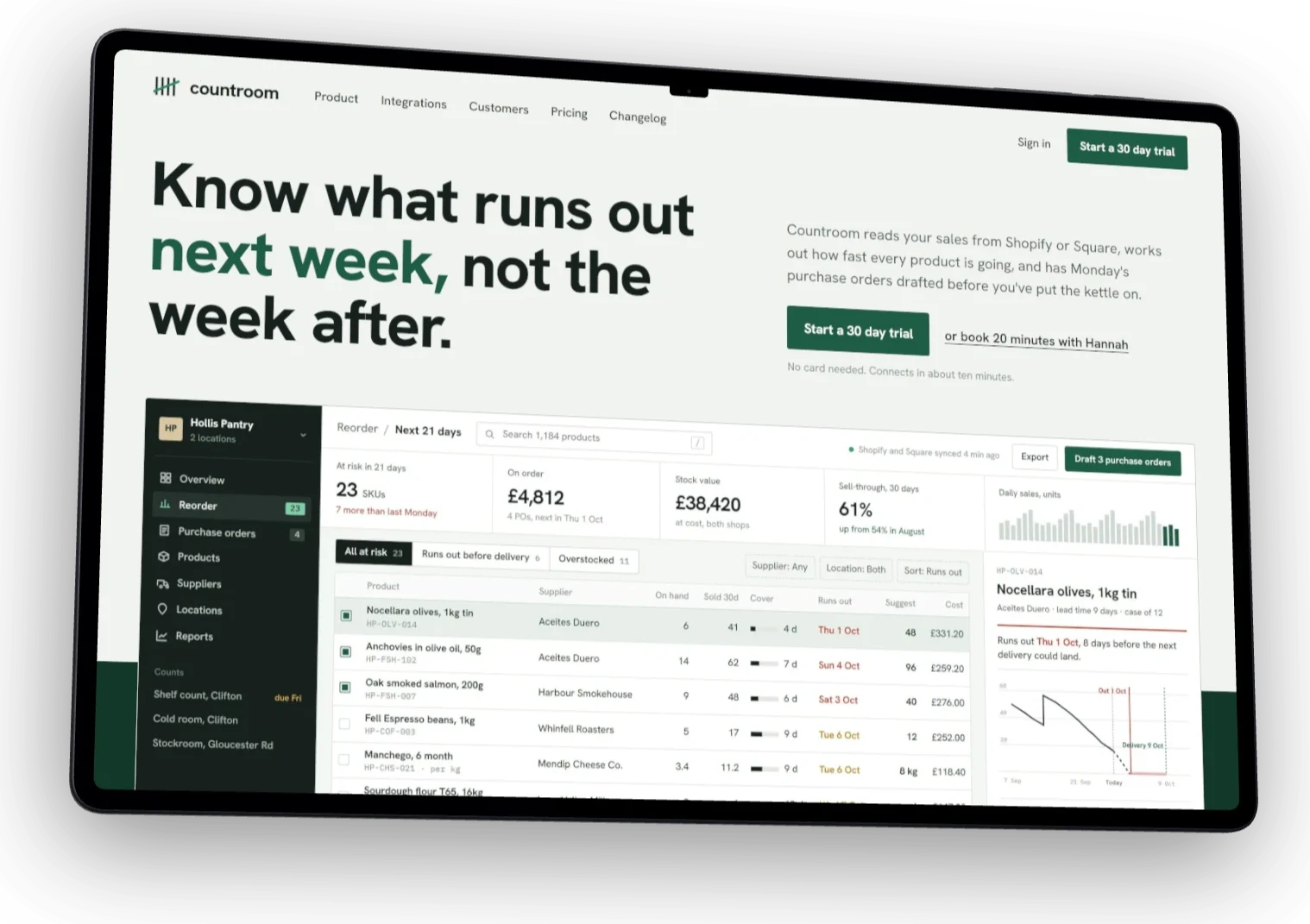
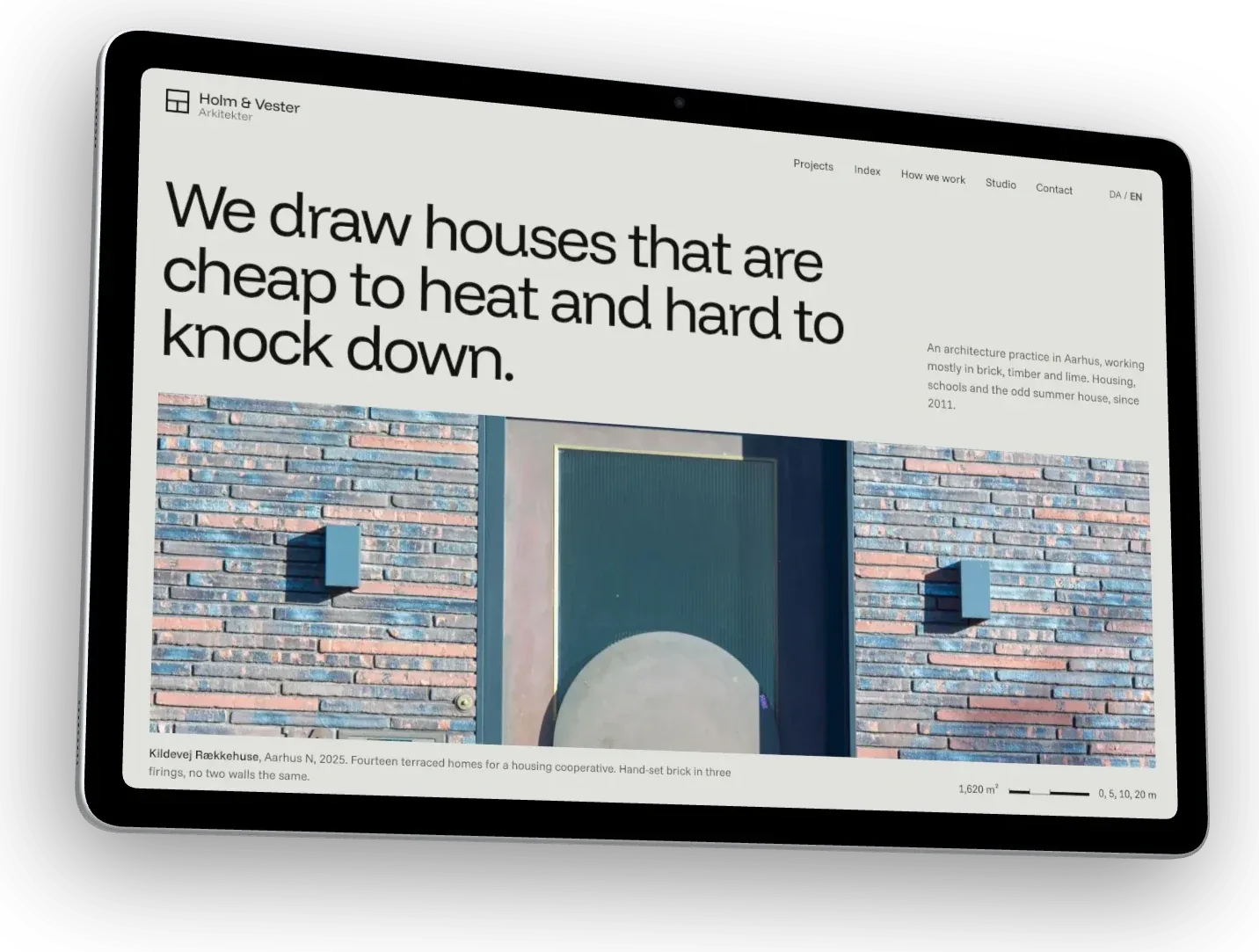
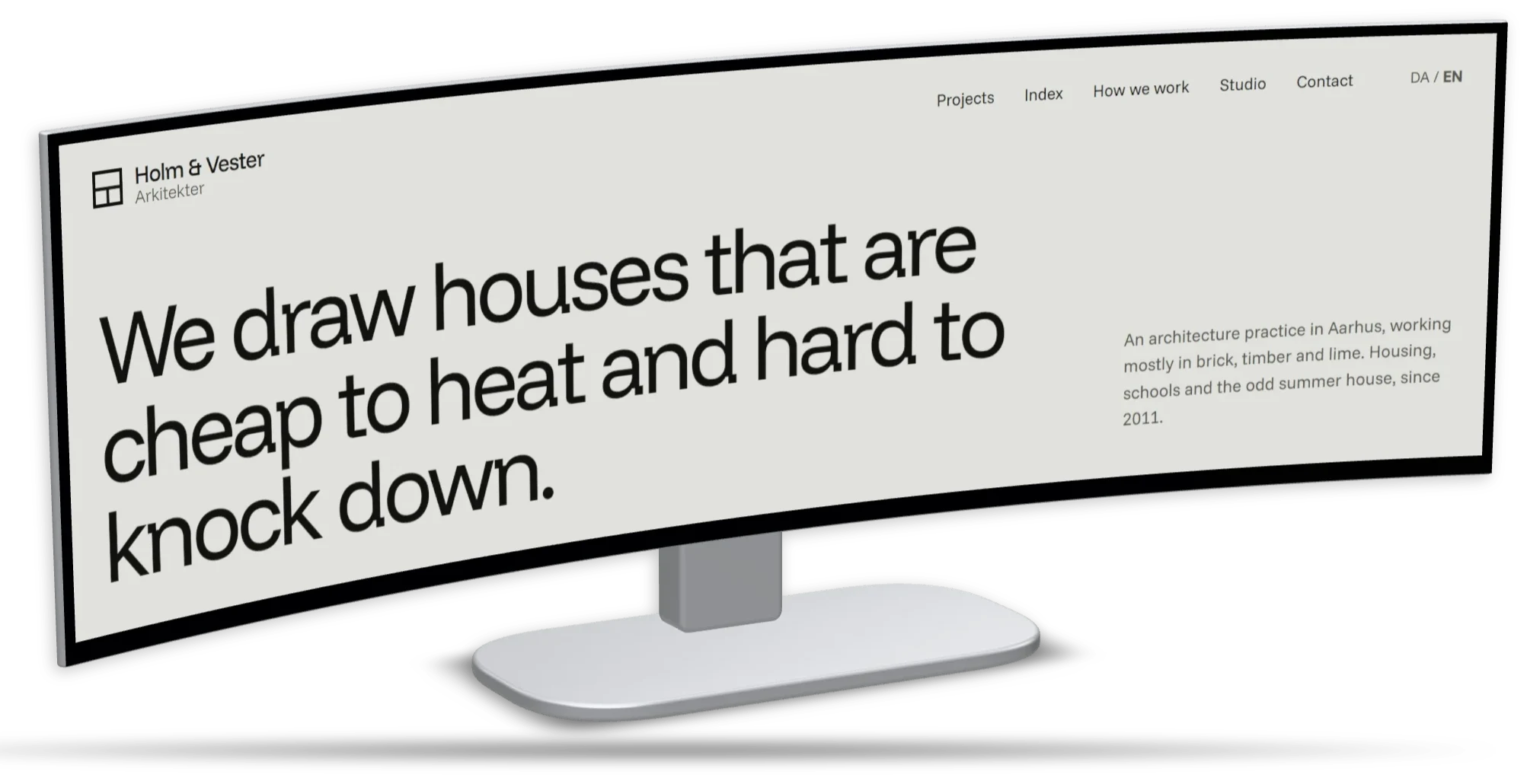
Monitors
5 of 8 shown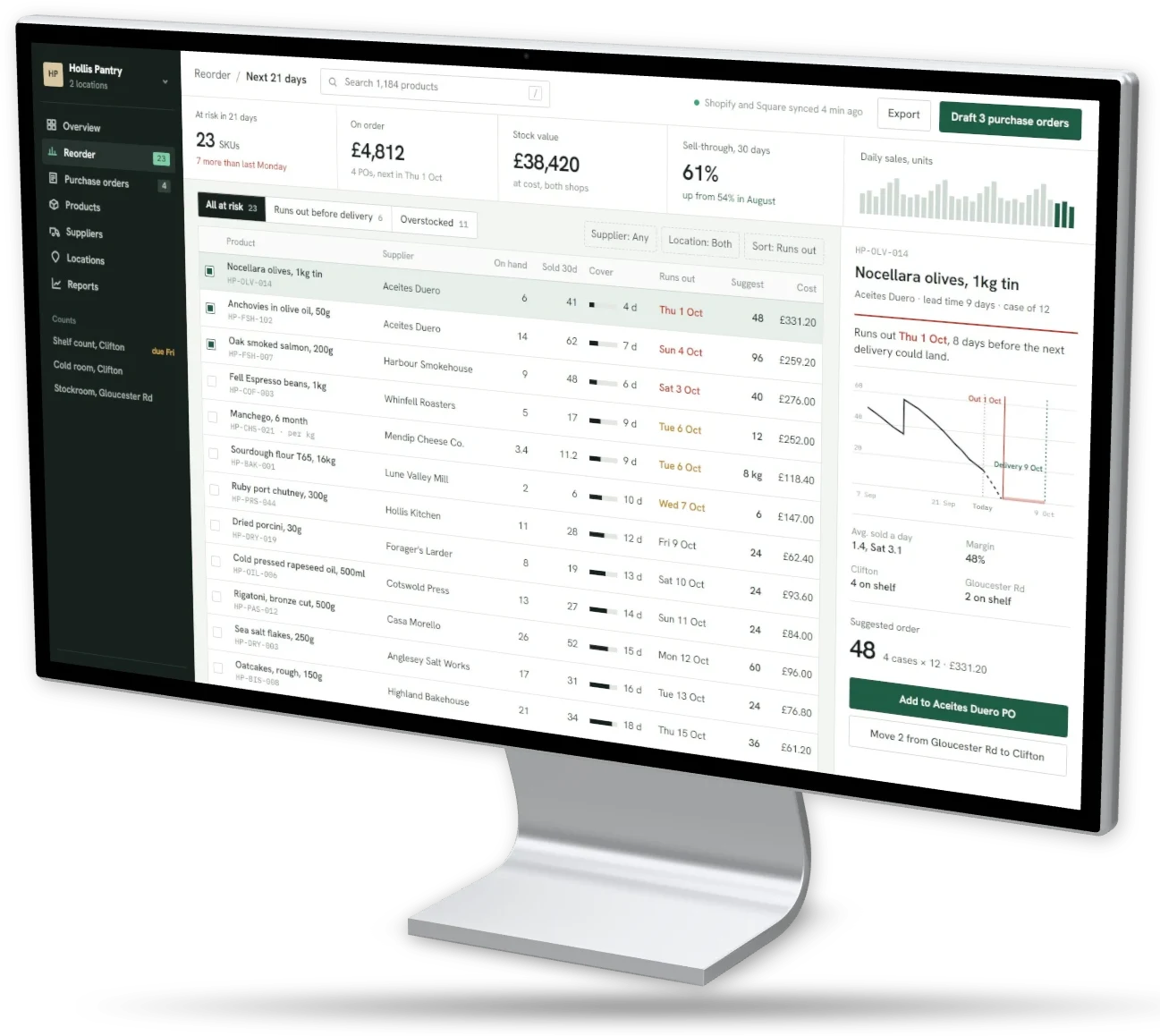
Watches
All 5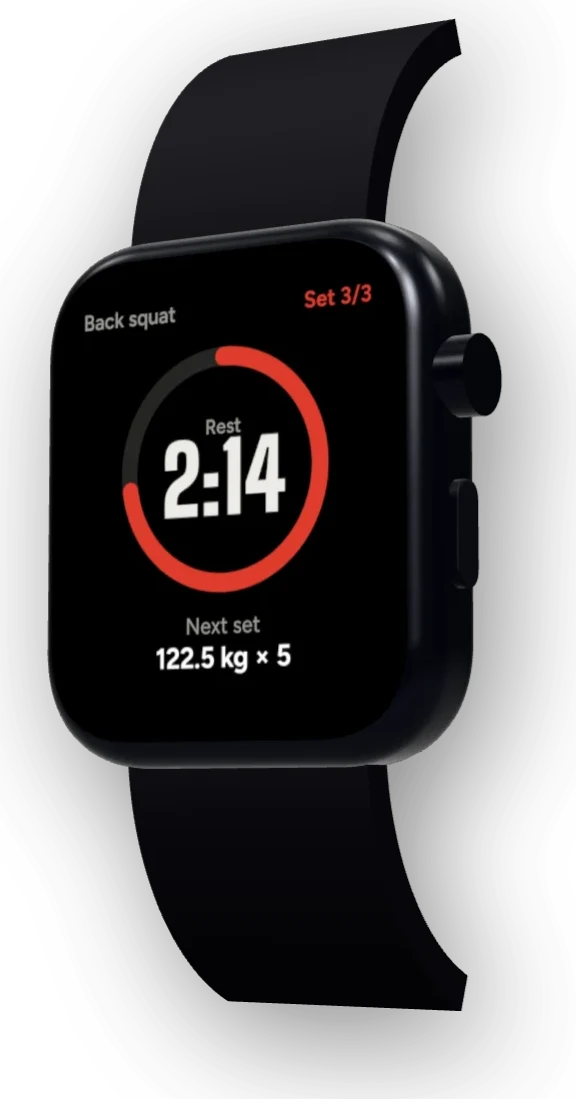
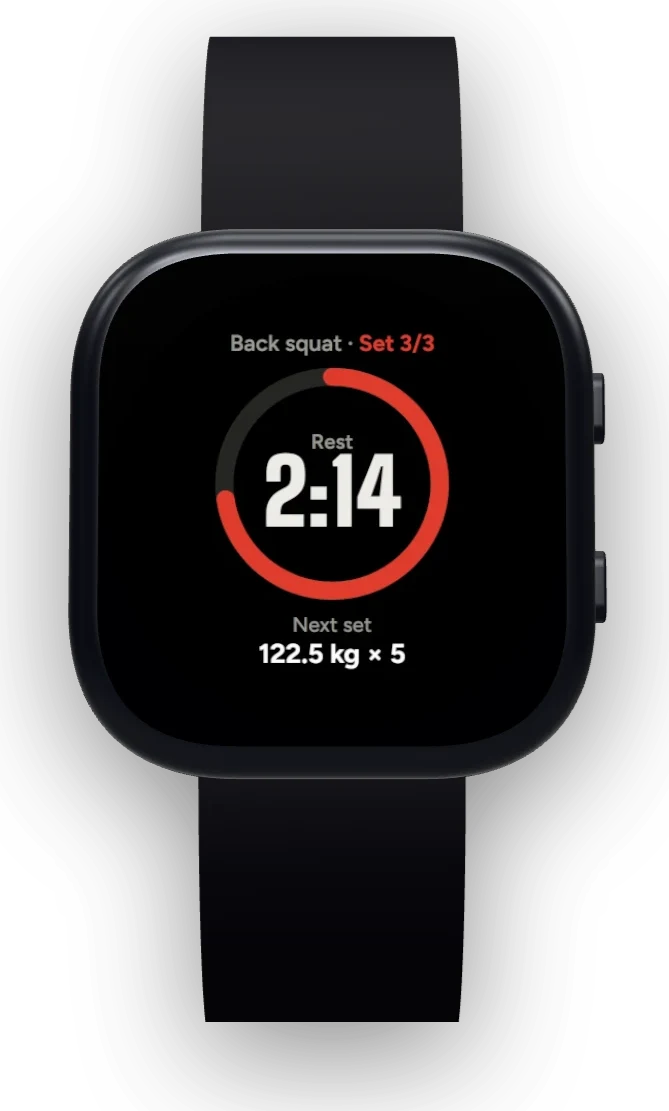
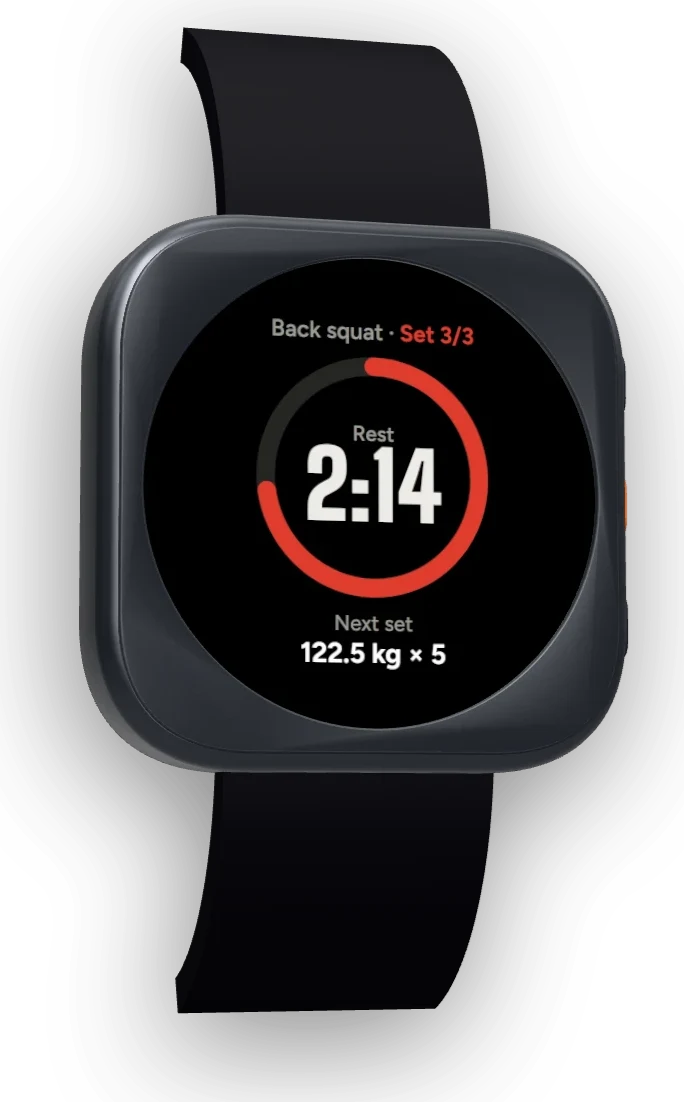
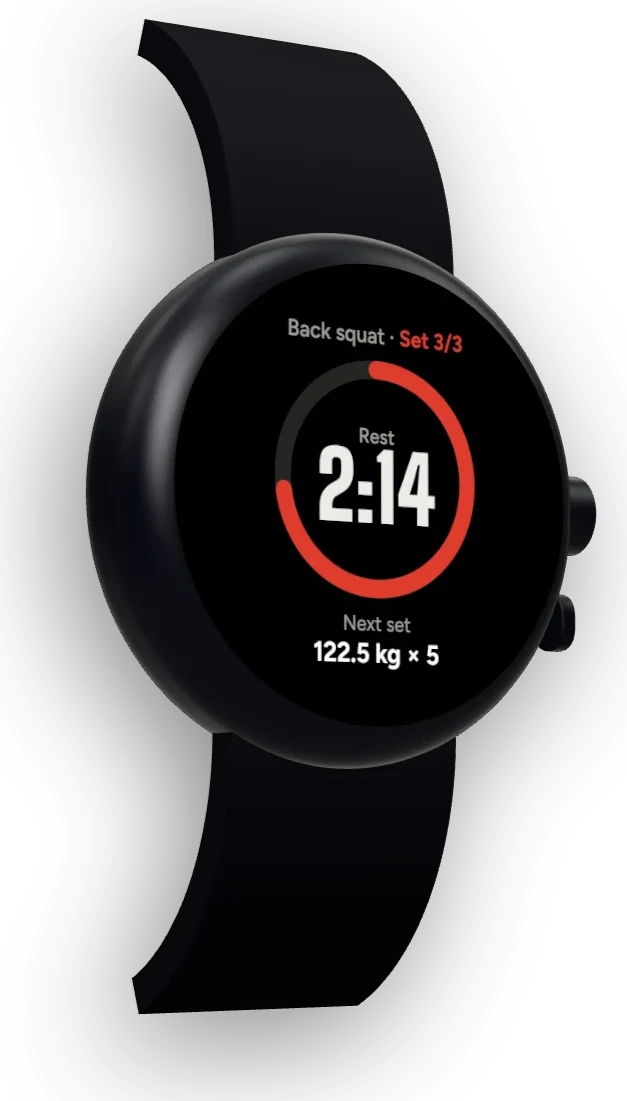
Also: Studio Display XDR, Samsung ViewFinity S9, LG UltraGear 45 curved, iPad Pro 11", iPad Air 13", iPad, Galaxy Tab S10 FE, iPhone 15 Pro, iPhone SE, Galaxy S24, Pixel 8, and Safari, Chrome, Firefox, Arc and minimal browser windows in light and dark.
03 Dress
Backgrounds, gradients and shadows for screenshots.
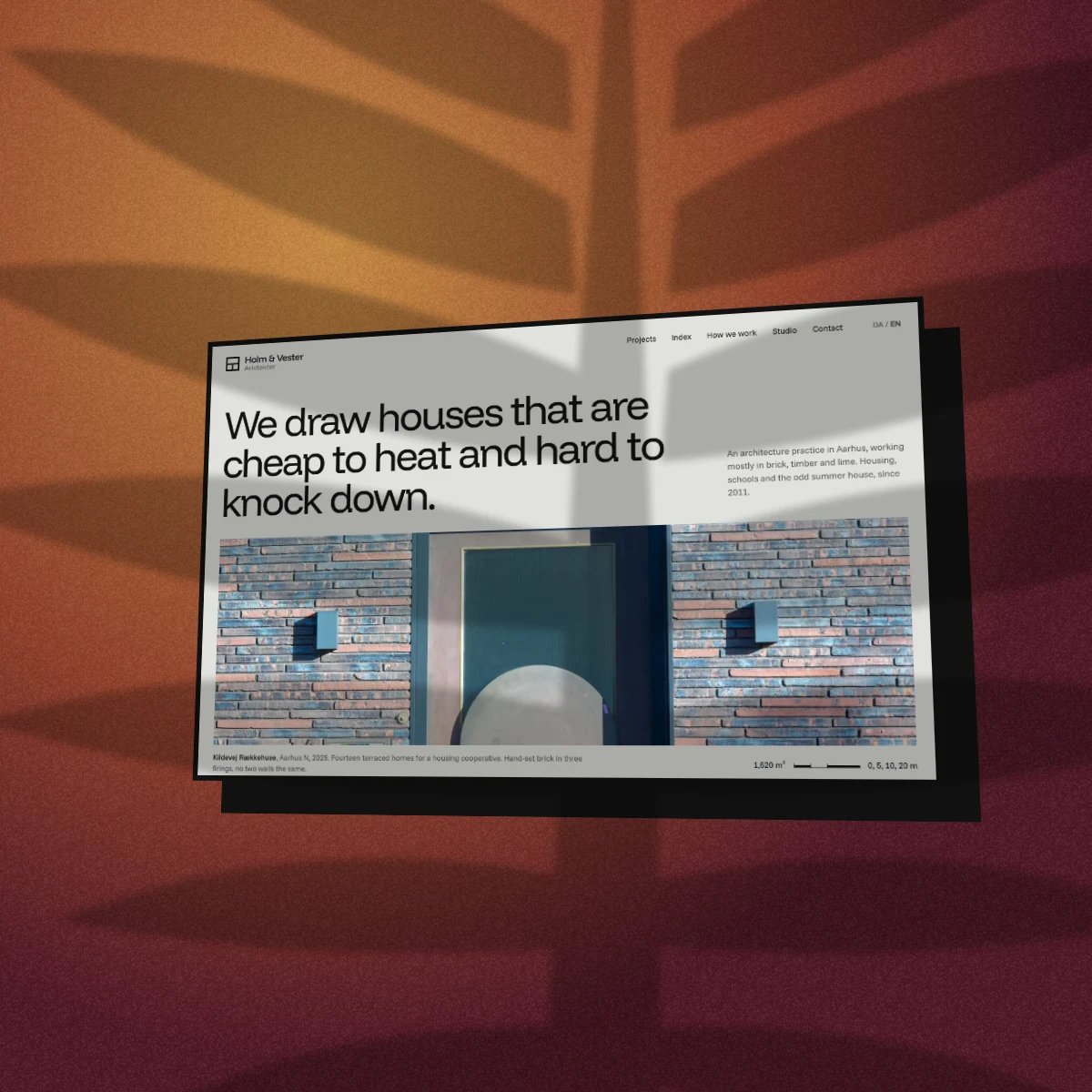
Studio light, meshes, patterns and gradients, drawn in colours pulled straight out of your screenshot. Frameless shots get an edge: glass, a card, a hairline, or this chunky retro offset, with a palm’s shadow thrown across Holm & Vester’s brick red.
- Shadows shaped like palm leaves, blinds and window panes
- Tilt, turn and zoom, or start from one of 53 layouts
- Several devices in one image: 26 ready-made sets, or build your own
- Save the whole setup as a preset and reuse it next launch
- Stuck? Roll the dice for a random colour scheme, style, edge or layout
- A new backdrop style or texture lands most Mondays
04 Mark 05 Export
Mockups sized for OG images, social posts and app stores.
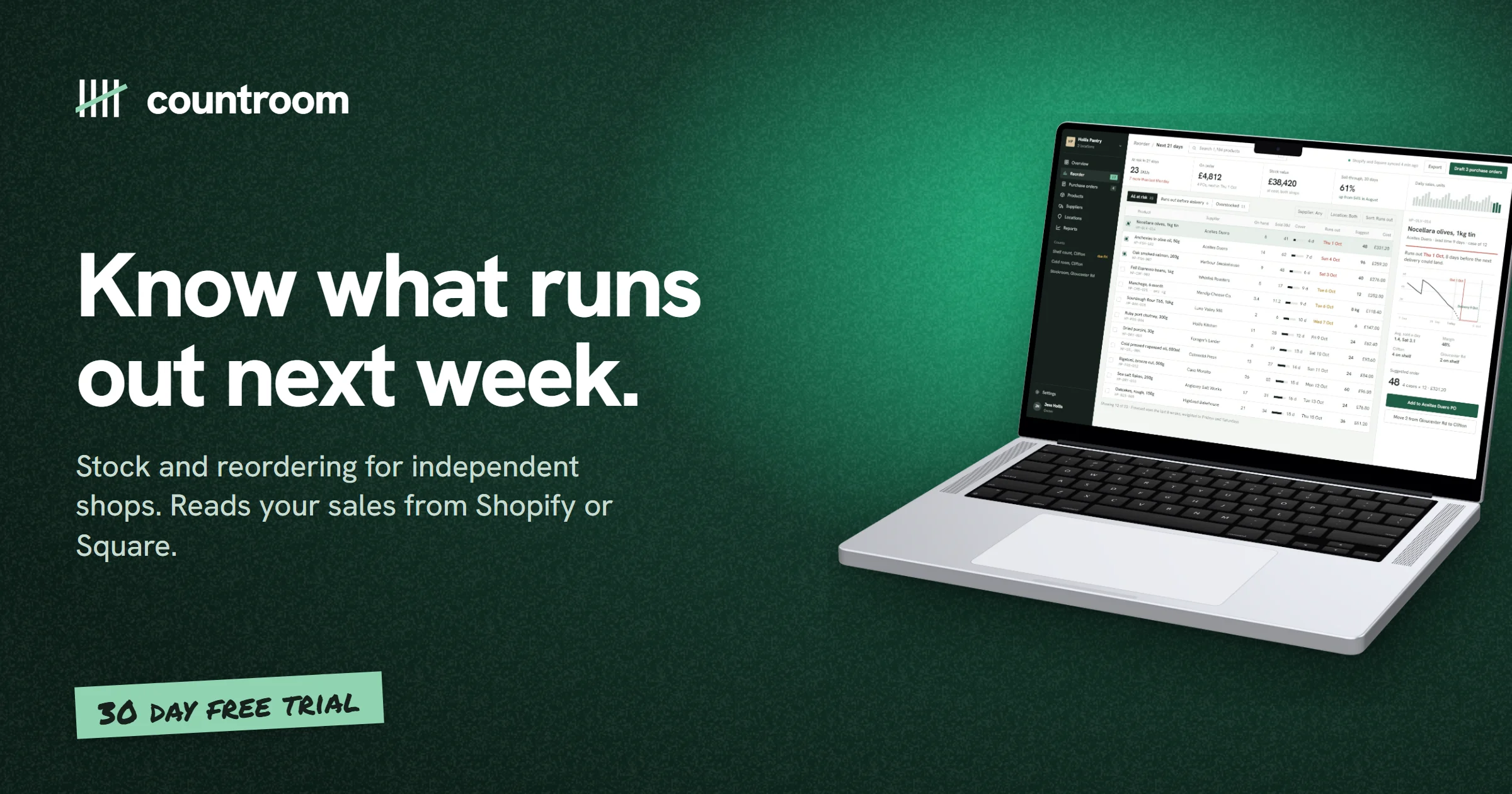
Pick the canvas first and everything fits it. Add your logo, a headline and a tape label, then export at 2× (3× on Pro). Here it’s an Open Graph card, so the link unfurls properly when someone shares it.
| Canvas | Pixels |
|---|---|
| OG image | 1200 × 630 |
| X post | 1200 × 675 |
| LinkedIn post | 1200 × 627 |
| Instagram portrait | 1080 × 1350 |
| Instagram story | 1080 × 1920 |
| iPhone 6.7″ | 1290 × 2796 |
| Play feature graphic | 1024 × 500 |
| A4 landscape | 3508 × 2480 |
New Teams
One look for everyone who makes your mockups.
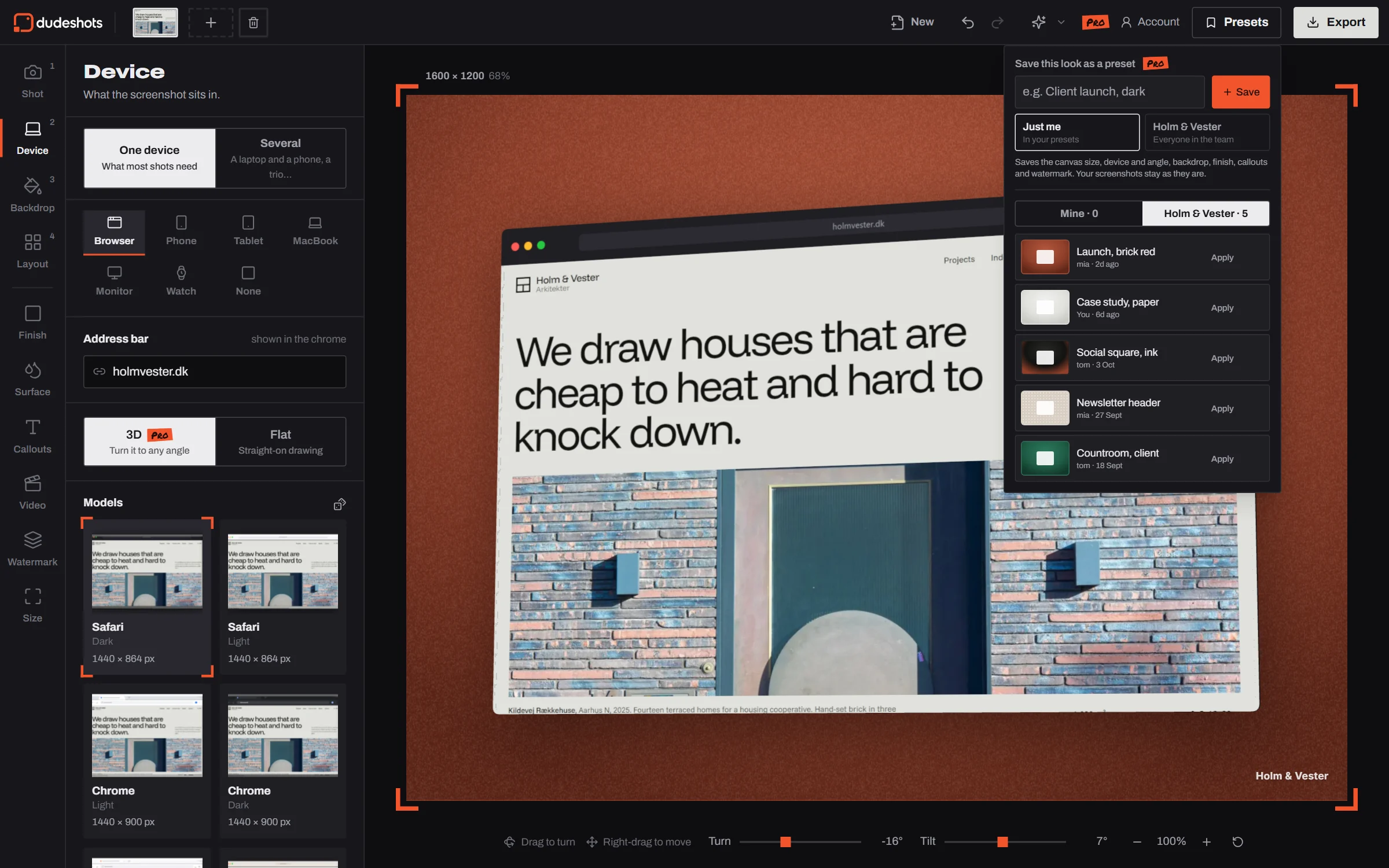
Start a team and invite the people you work with. They get your presets, your watermark and your brand colours in the studio, so the launch post, the case study and the client deck all match.
- Shared presets in a team tab, each with who saved it
- Pin the team’s mark and it’s on everyone’s new pictures
- Brand colour sets first in Backdrop, one per client if you like
- No per seat price: starting a team is Pro, joining is free
A free mockup generator. £5 for the whole studio.
No account needed for Free. Pro adds every device in 3D, every backdrop, look and shadow, and you can cancel from your account page.
Straight answers.
- Is DudeShots a free mockup generator?
- Yes. You can frame a screenshot on any device, style the background and export a high-resolution PNG free, with no signup. Pro is £5 a month or £45 a year for 3D devices and the full library, and a new account gets its first week of Pro free, no card.
- Do I need an account?
- No. Open the studio and start. An account keeps your plan with you across devices, gets you a free Pro week, and Pro needs one for billing.
- What's the difference between flat and 3D devices?
- Flat devices are drawn frames. They're free and tilt a little before they'd look bent. 3D devices are real models that turn much further and show their edges, buttons, keyboard and straps. 3D is part of Pro.
- Do mockups have a watermark?
- Never. DudeShots doesn't stamp your exports. The only mark on your image is one you add yourself.
- How do I make an iPhone or MacBook mockup from a screenshot?
- Open the studio, drop in your screenshot (or paste a URL to capture one), pick the iPhone or MacBook, choose a background and angle, then export a PNG, JPEG or WebP.
- Can it capture a page behind a login?
- No. Capture sees what a logged-out visitor sees. For anything private, take the screenshot yourself and drop it in.
- Do I need Figma or Photoshop?
- No. It runs in the browser on any computer, with nothing to install.
- What if I stop paying for Pro?
- You go back to Free and the flat devices. Everything you already exported is yours to keep.
- Can I pay once instead?
- Yes. Lifetime Pro is one payment of £149 for Pro for as long as DudeShots runs, every new studio feature included. Or Pro is £45 a year, or £5 a month.
Make your first mockup now, free.
Four finished shots of four different sites. Yours is a paste away.