

Mockup generator features.
The full kit, in the order you’d use it: a device, a backdrop, a finish, some words, a size, an export. With the exact numbers, because you’ll want them. Most pictures below have a control under them. Have a go.
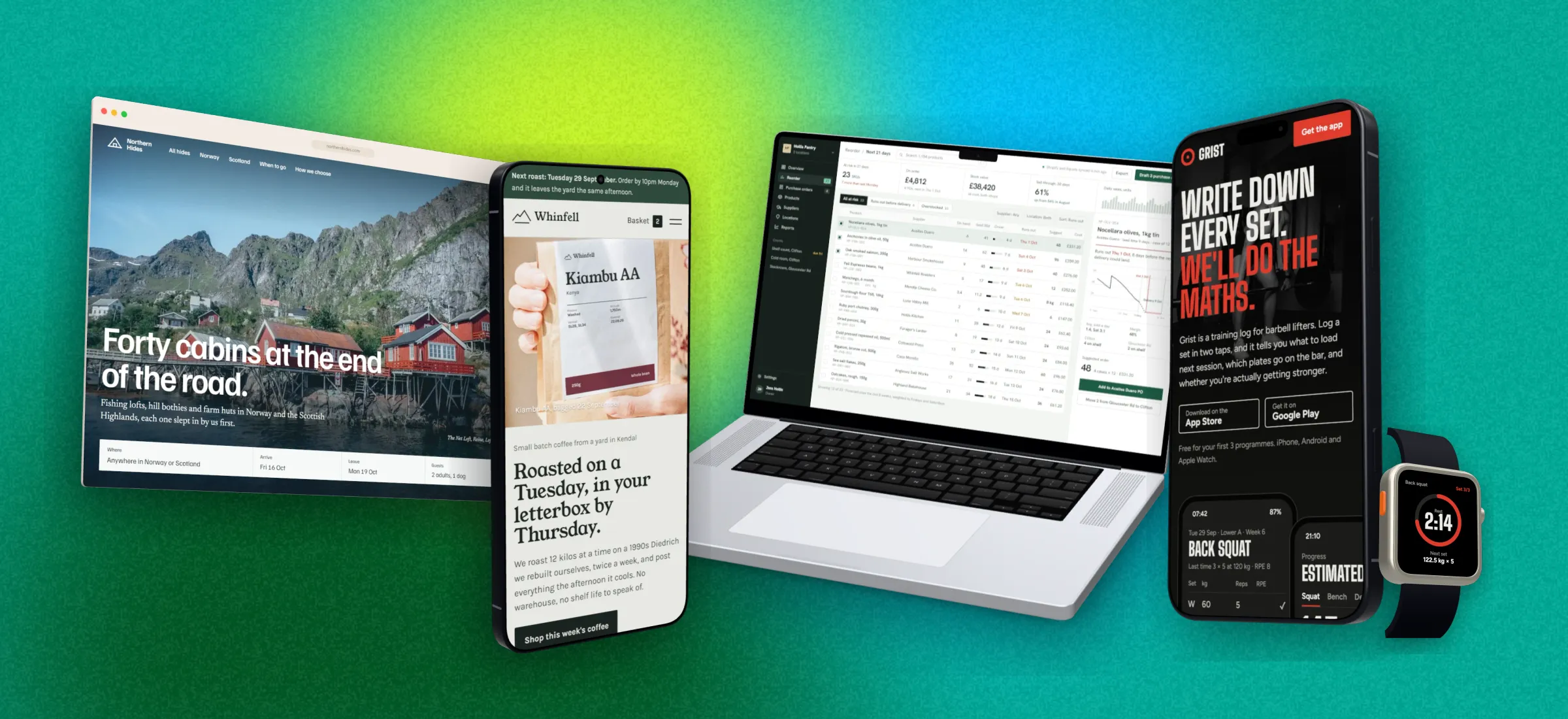
45 device mockups, flat and 3D.
Flat devices are free for everyone. Every one of them also comes as a 3D model that turns like the real thing: that’s Pro, and your first week with an account is Pro, free. Your screenshot is cropped to each screen’s real shape.
| Type | Models | Flat | 3D |
|---|---|---|---|
| Phones 10 | iPhone 18 Pro, iPhone 18 Pro Max, iPhone Air, Galaxy S26 Ultra, Galaxy S26, Pixel 11, iPhone 15 Pro, iPhone SE, Galaxy S24, Pixel 8 | Free | Pro |
| Tablets 9 | iPad Pro 13", iPad Pro 11", iPad Air 13", iPad Air 11", iPad mini, iPad, Galaxy Tab S11 Ultra, Galaxy Tab S11, Galaxy Tab S10 FE | Free | Pro |
| Monitors 8 | Studio Display, Studio Display XDR, Dell UltraSharp 27 4K, LG UltraFine 6K 32", Samsung ViewFinity S9 5K, Dell UltraSharp 34 Curved, LG UltraGear 45 5K2K, Samsung Odyssey OLED G9 49" | Free | Pro |
| MacBooks 5 | MacBook Pro 14", MacBook Pro 16", MacBook Air 13", MacBook Air 15", MacBook Neo | Free | Pro |
| Watches 5 | Apple Watch Series 12, Apple Watch Ultra 4, Galaxy Watch 9, Galaxy Watch Ultra 2, Pixel Watch 5 | Free | Pro |
| Browser windows 8 | Safari dark, Safari light, Chrome dark, Chrome light, Firefox, Arc, Minimal dark, Minimal light | Free | Pro |
3D Pro, free for your first week
3D mockups: how far each device turns.
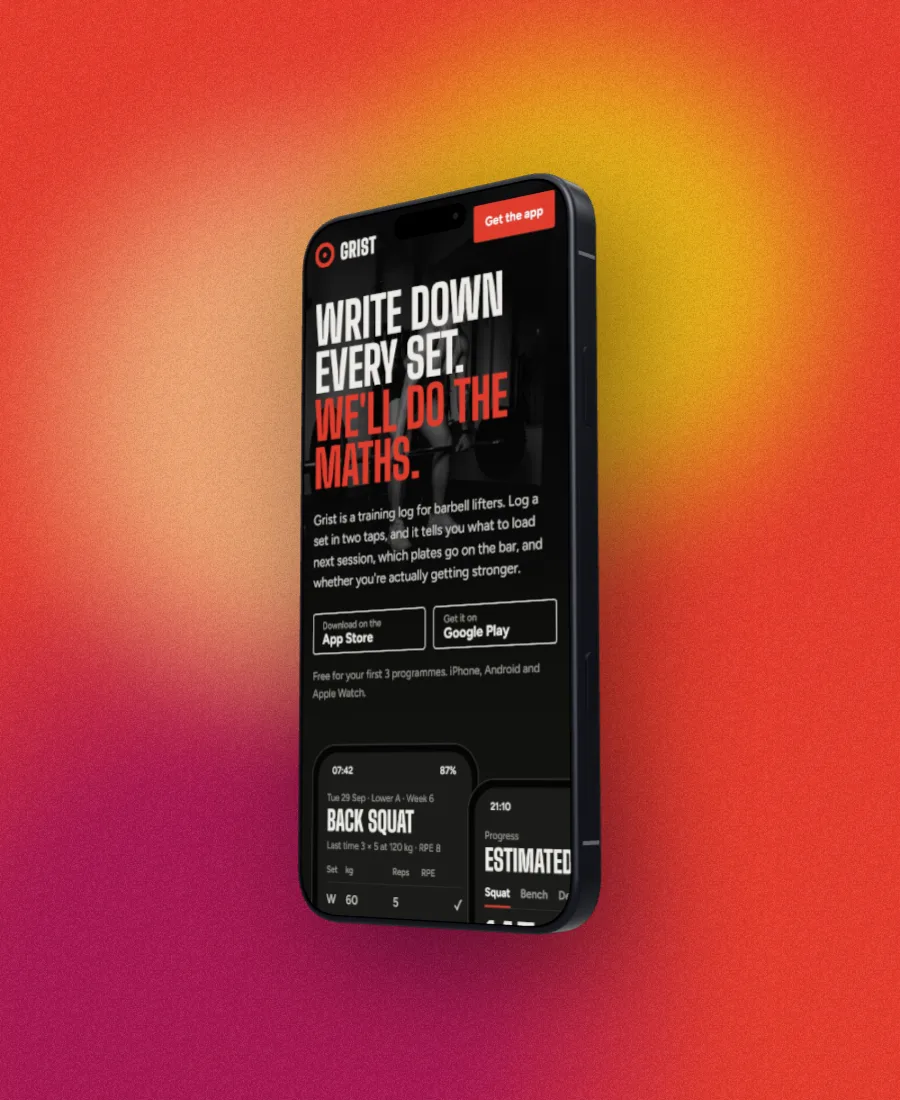
A flat frame is a drawing, so it can only lean so far before it looks bent. The 3D models keep their shape: the laptop’s keyboard stays on the table and phones show their edges. Drag the device on the canvas to turn it, or use the Turn, Tilt and zoom controls under it. On a phone, pinch to zoom and move it with two fingers.
| Device | Flat | 3D |
|---|---|---|
| MacBook | ±8° | Up to 45° from above, 45° either side |
| Phone | ±25° | ±45° forward and back, 60° either side |
| Tablet | ±25° | ±45° forward and back, 60° either side |
| Monitor | ±12° / ±20° | 20° from below to 45° from above, 60° either side |
| Watch | ±25° | ±45° forward and back, 60° either side |
| Browser window | −60° to 80° | The same range, as a solid panel |
Device style
-38°
Screenshot backgrounds: over 30 styles, any colour.
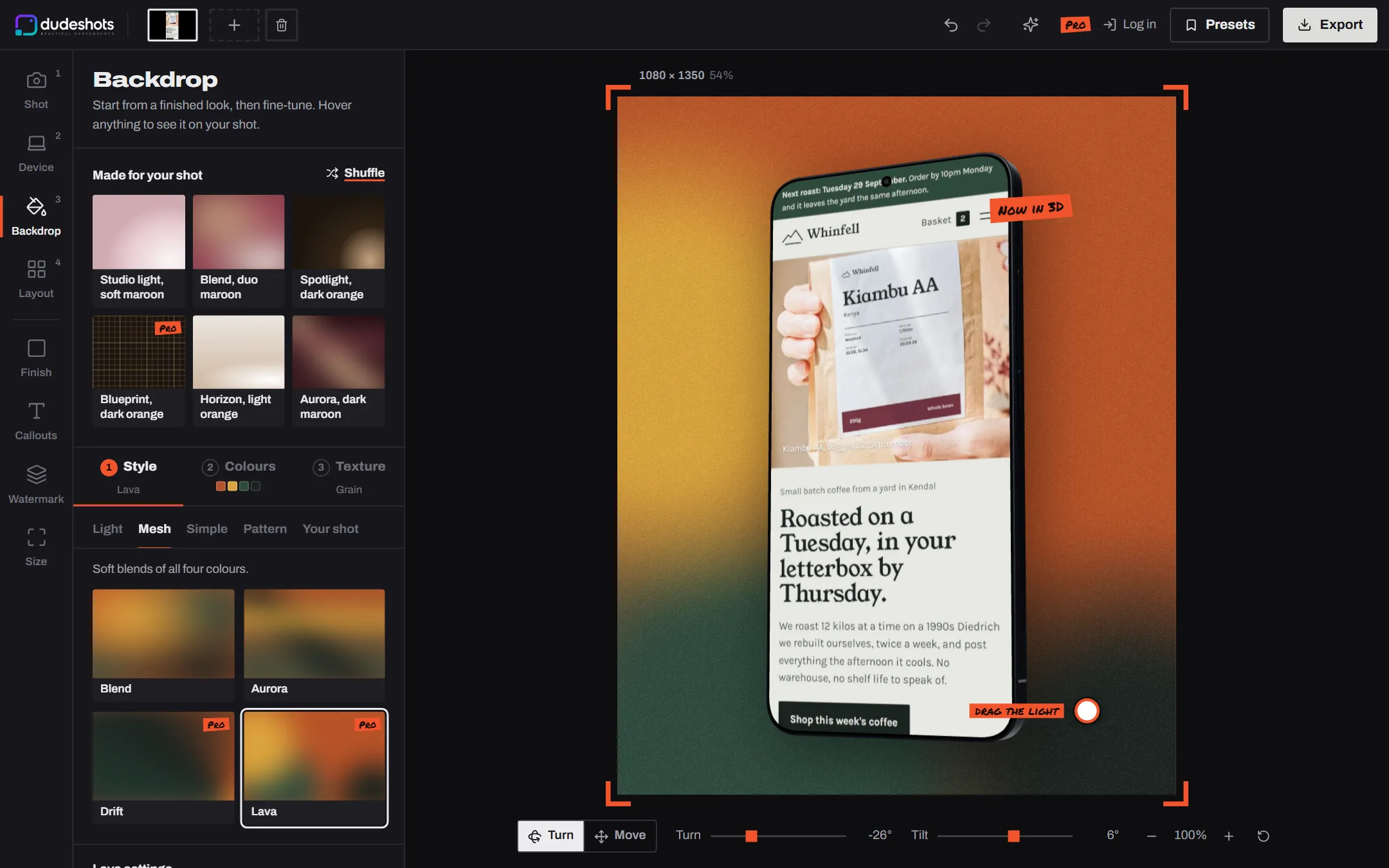
A backdrop is a style and four colours. Pick the style, then let the studio take the colours from your screenshot, or choose a mood or a studio set. Hover a free one to see it on your shot; click a Pro one and you see your own shot with it before you decide.

Backdrop style Liquid
Over 30 styles, and a new one most Mondays
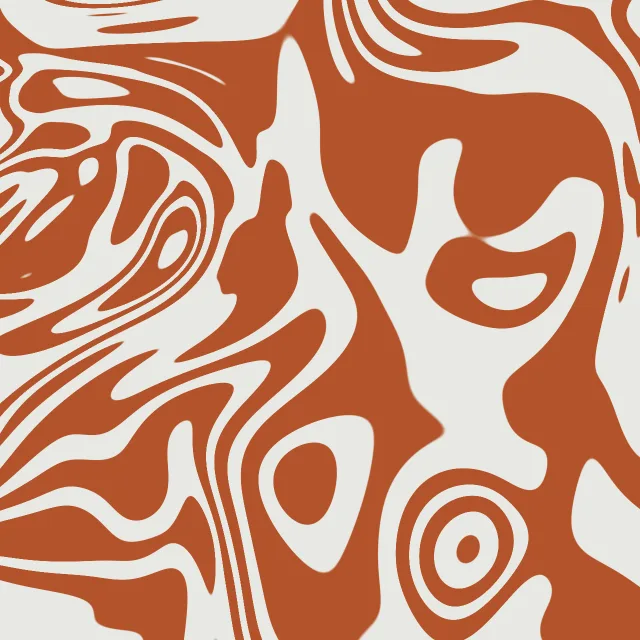
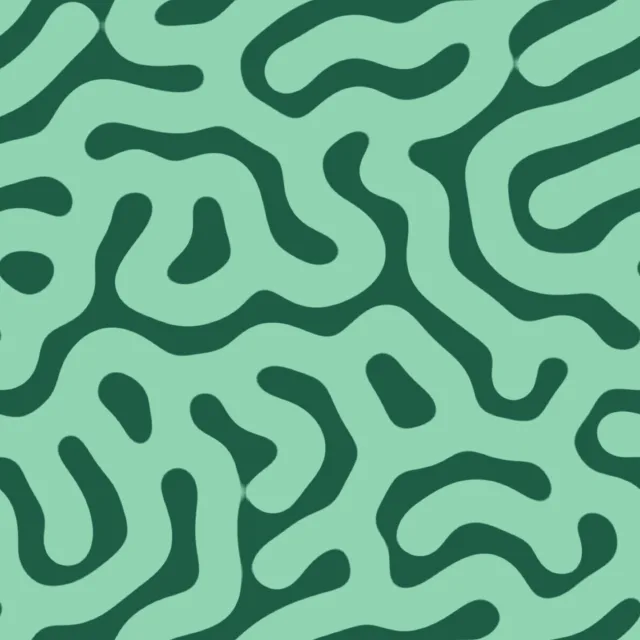
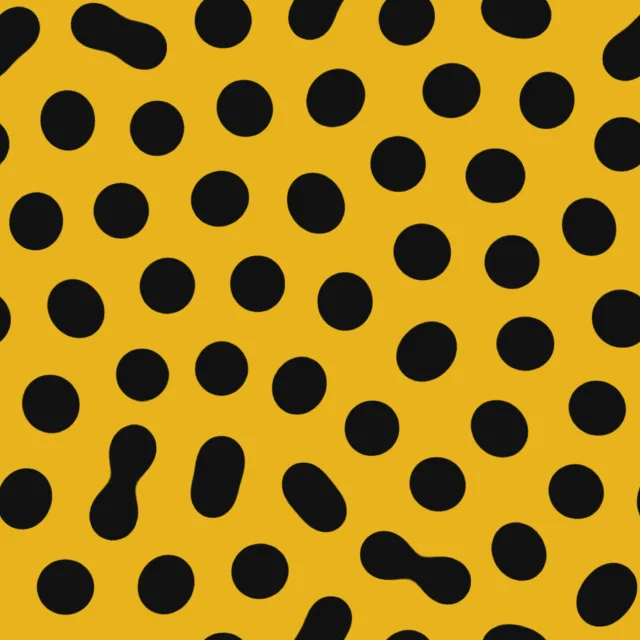
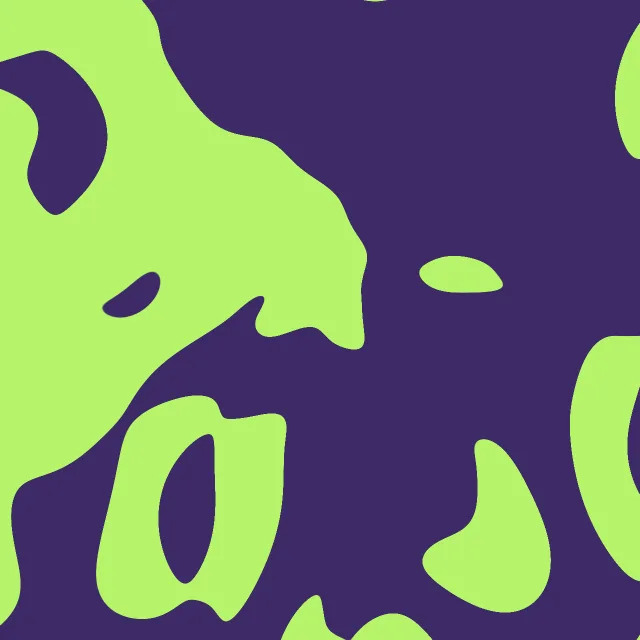
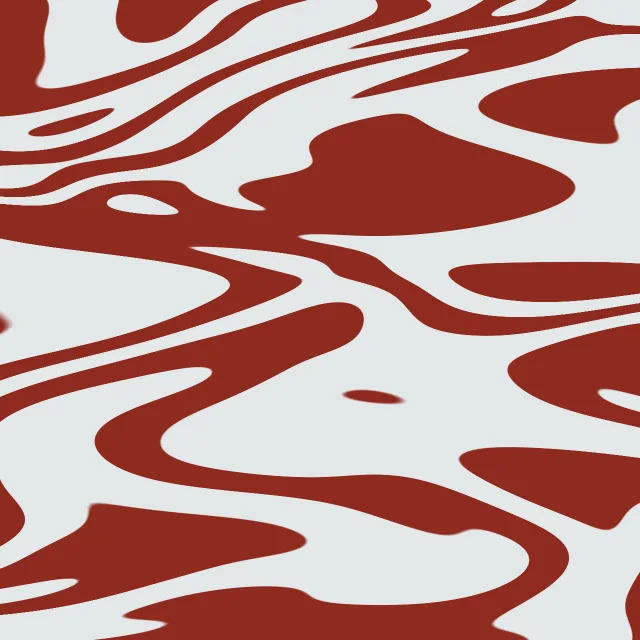
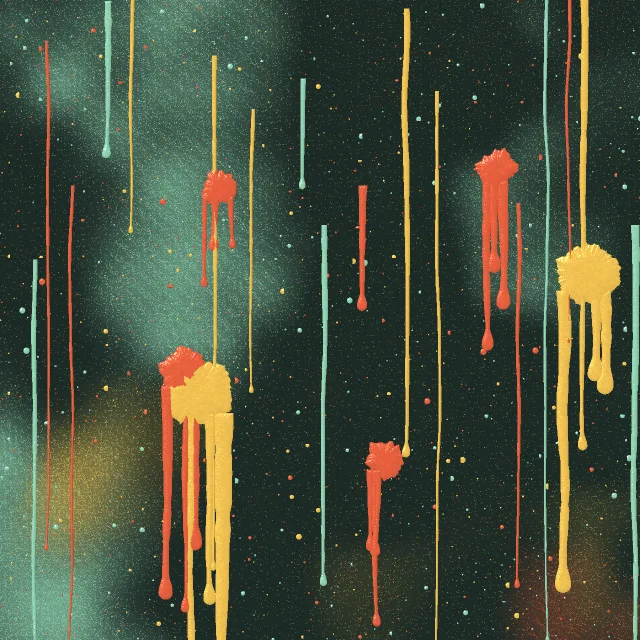
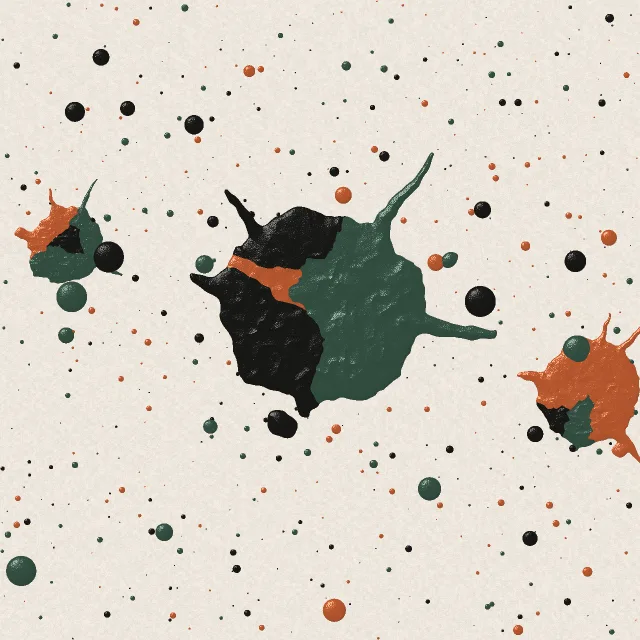
Light (studio, spotlight, horizon, window), Mesh (blend, aurora, drift, lava), Pop (sunburst), Simple, Pattern (dots, grid paper, stripes, blueprint, isometric, contours, halftone, waves), Liquid (maze, marble, coral, spots, poured, flow: grown and poured shapes you can shuffle; and two paint walls, drip wall and paint splatter, in all four of your colours) and Your shot (blurred, close-up, tinted, wallpaper), made from the screenshot itself. At least 13 on Free.
Liquid, new
Six patterns grown or poured in two colours (the accent on the base), and two paint walls in all four: a drip wall of spray and runs, and a thick paint splatter. Shuffle for a new one, then set how heavy the shapes are and how big. Same seed, same pattern, so a set of shots can match. Pro: click one on Free and you see your own shot with it first.
Colours from your shot
The studio finds the brand colours in your screenshot, not just the biggest patches, and builds sets from them. A mood (soft, light, pastel, mono, bold, neon, dark, duo) turns one colour into four. Free.
Made for your shot
A row of finished looks worked out from the screenshot. Free, unless the style it uses is Pro.
9 studio colour sets
Paper, studio black, gaffer, sorbet, moss, brick, sky, sand and night drive. 3 on Free.
Roll the dice
Every busy section has a dice at the top: a random colour scheme, style or texture, a random Surface effect, edge, device model or layout, picked from that section alone. On Free it only picks free ones.
Texture and light
Grain, paper, dots or grid over the top, as strong as you like. On the light and mesh styles, drag the light to where you want it.
The Liquid group
Six patterns in two colours and two paint walls in four. Shuffle and no two come out the same.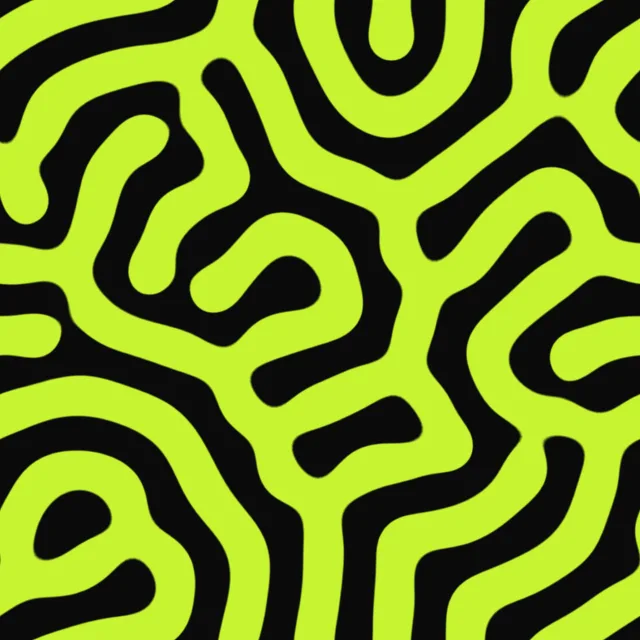
Several devices in one image.
26 ready-made sets
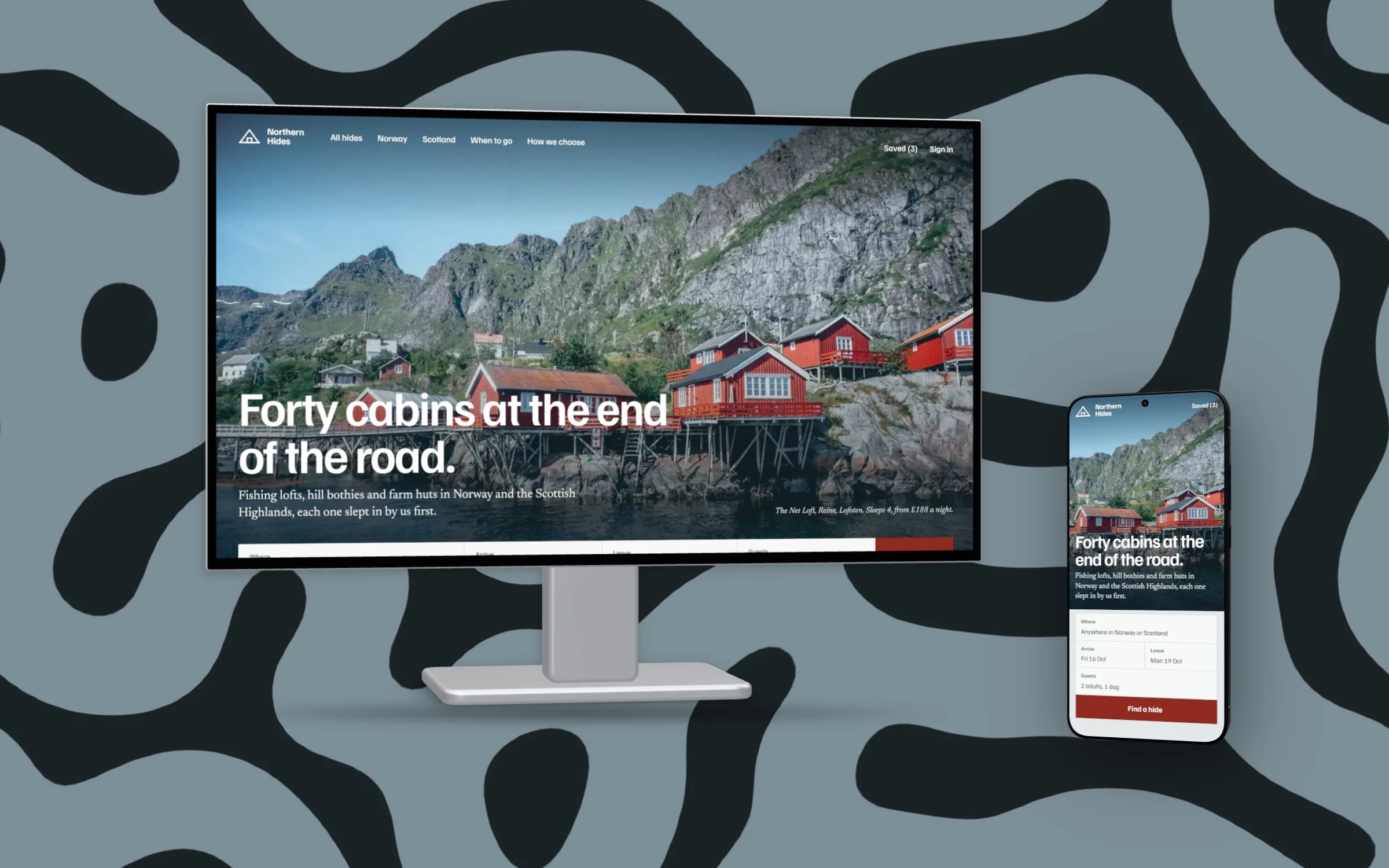
A laptop and a phone, a monitor with a phone beside it, a phone and a watch, three phones fanned out, an iPad and a Galaxy tab. Pick one under Device, Several, and your screenshot goes into each.
Build your own in Layers
Add any of the 45 devices, put a different screenshot in each, and drag them into order. Each device keeps its own model and angle.
Just the shots
No device at all: lay several screenshots out as a cascade, side by side, fanned, a messy pile or a grid of four.
Pro
Several devices on one canvas is Pro, and a new account gets its first week of Pro free.
New Surface, Pro
Water and paint over the whole picture.
Rain on the phone, a MacBook half sunk in a pool, a splat of paint across the lot. Every drop bends the pixels under it the way a real lens would, and a light you drag round the canvas puts the shine on it. Put it on the shot, the backdrop, or both.
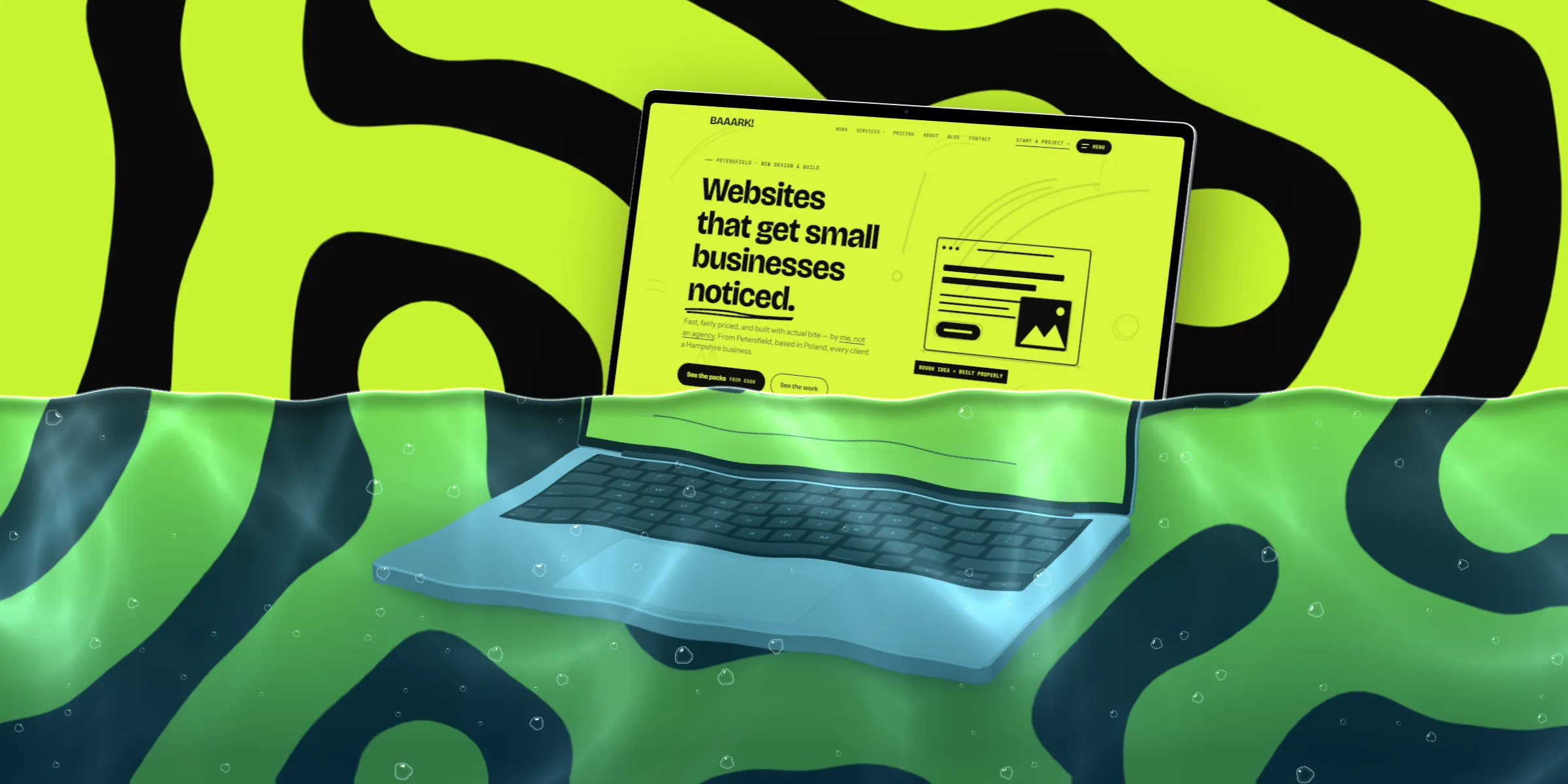
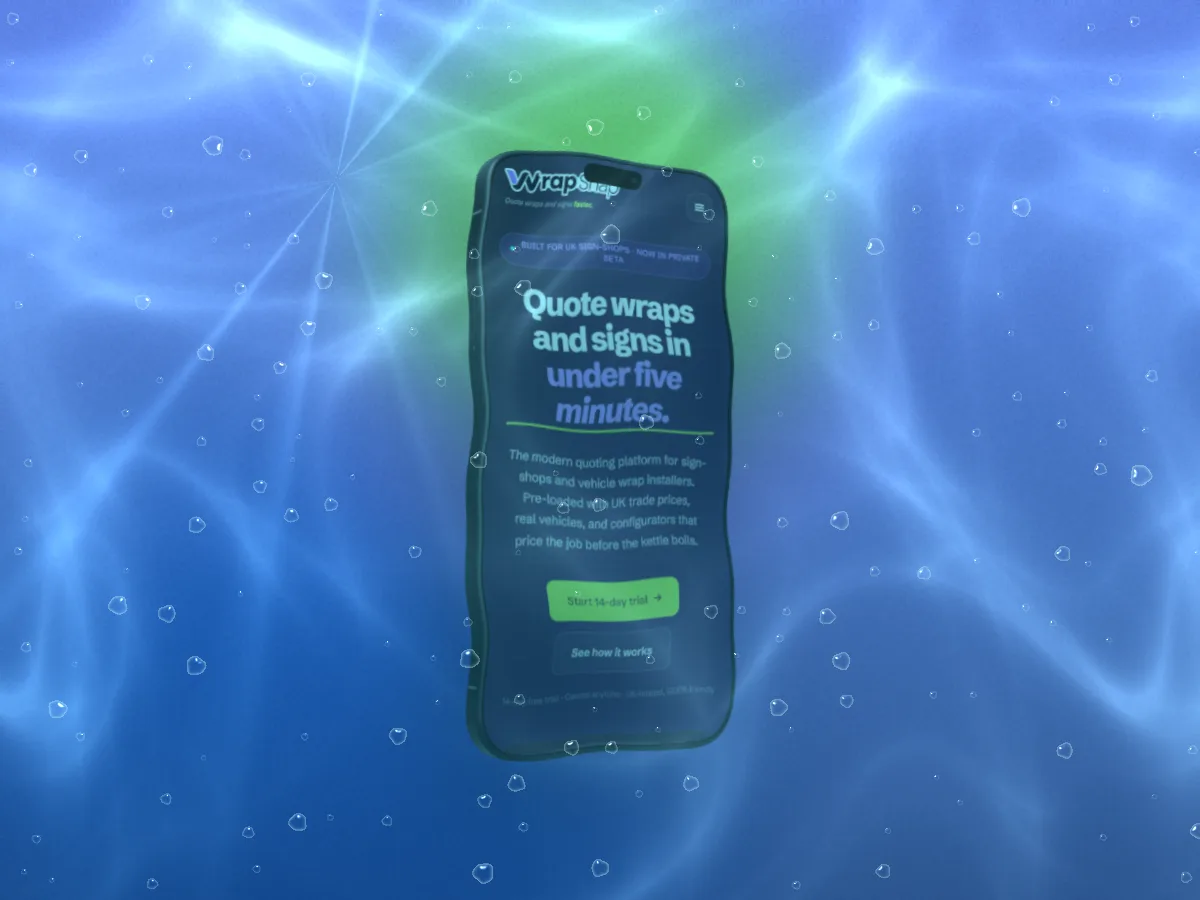
Surface Underwater: sunk, light rippling
Fourteen effects
- RainDrops and the runs they leave
- Big dropsA few fat beads
- CondensationFogged glass with drops
- SplashA thrown handful
- UnderwaterSunk: rippling light, teal depth, bubbles
- WaterlineHalf in, half out
- Fogged, wipedBreath on the glass, finger-wiped clear
- FrostIce creeping in from the edges
- SnowSettled along the top, and falling
- Cracked glassA real 3D pane: shards that bend the picture
- Paint dripsPoured from the top, any colour
- Paint splatterThick paint in several colours, drops of every size
- Spray paintA can swept across, overspray and runs
- Brush strokeOne loaded stroke, bristles running dry
A real lens
Each drop is refracted, not pasted on: text under a bead of water magnifies and bends, and underwater the whole scene wobbles with the ripples.
Your light
Drag the light and every highlight and caustic moves with it.
Size, amount, shuffle
Bigger drops or finer, a drizzle or a downpour, the water level for Waterline, the depth for Underwater. Shuffle for a new fall. Paint comes in any colour.
See it on your shot
Click any effect on Free and your own shot plays it, then the others in turn, before you decide. Surface is Pro, and every new account gets a Pro week to try it for real.
Edges, corners and shadows.
With no device around the screenshot, the edge is the frame. Pick one, then drop a shadow on the paper behind it.
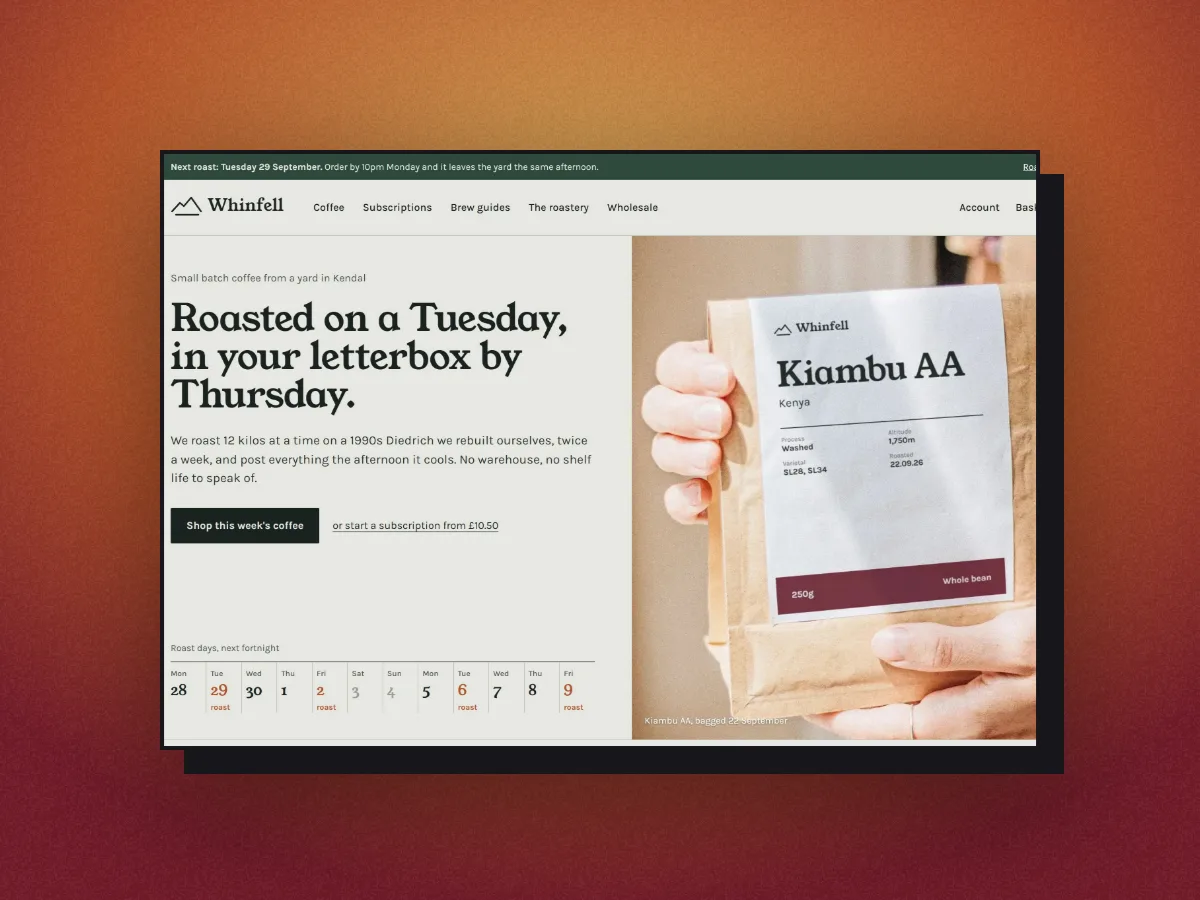
Edge
Cast shadow (Pro)
12 edges
Five are in the demo. The rest: card, frosted, smoked, gloss, pressed, pressed dark and stack. One colour, three weights. Plain, card and mat are free.
Corners and shadows
Sharp, soft or round corners. Eight drop shadows, from a tight hug to a hard offset. Free.
15 cast shadows
Leaves, blinds, window panes, arches and more, behind the shot or across it. Pro.
53 layouts
Starting points for one, two or three screenshots. 8 on Free.
Website screenshot capture from a URL.
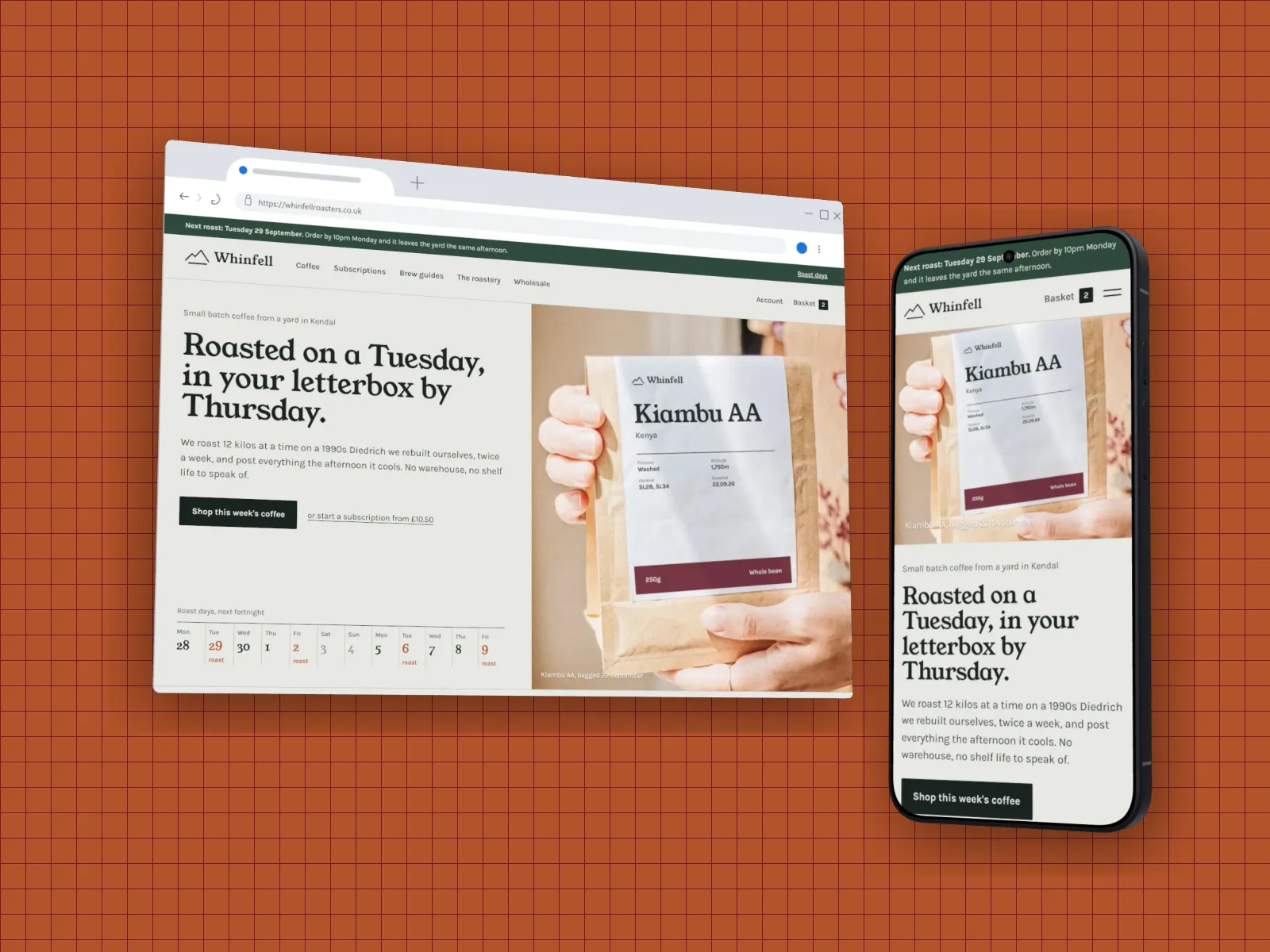
Paste an address and the page comes back as a screenshot, ready to frame, at the size of the device you picked: desktop for a browser or MacBook, phone size for a phone or watch. Cookie banners are accepted and cleared first. Pages behind a login can’t be captured, so screenshot those yourself.
| Mode | What you get | Plan |
|---|---|---|
| Viewport | The part of the page you'd see on arrival | Free |
| Every fold | The page cut into screen-height shots, top to bottom | Pro |
| Sections | Each section of the page found and captured on its own | Pro |
| Full page | The whole page as one tall image | Pro |
Callouts, watermarks and presets.
Eight callout styles
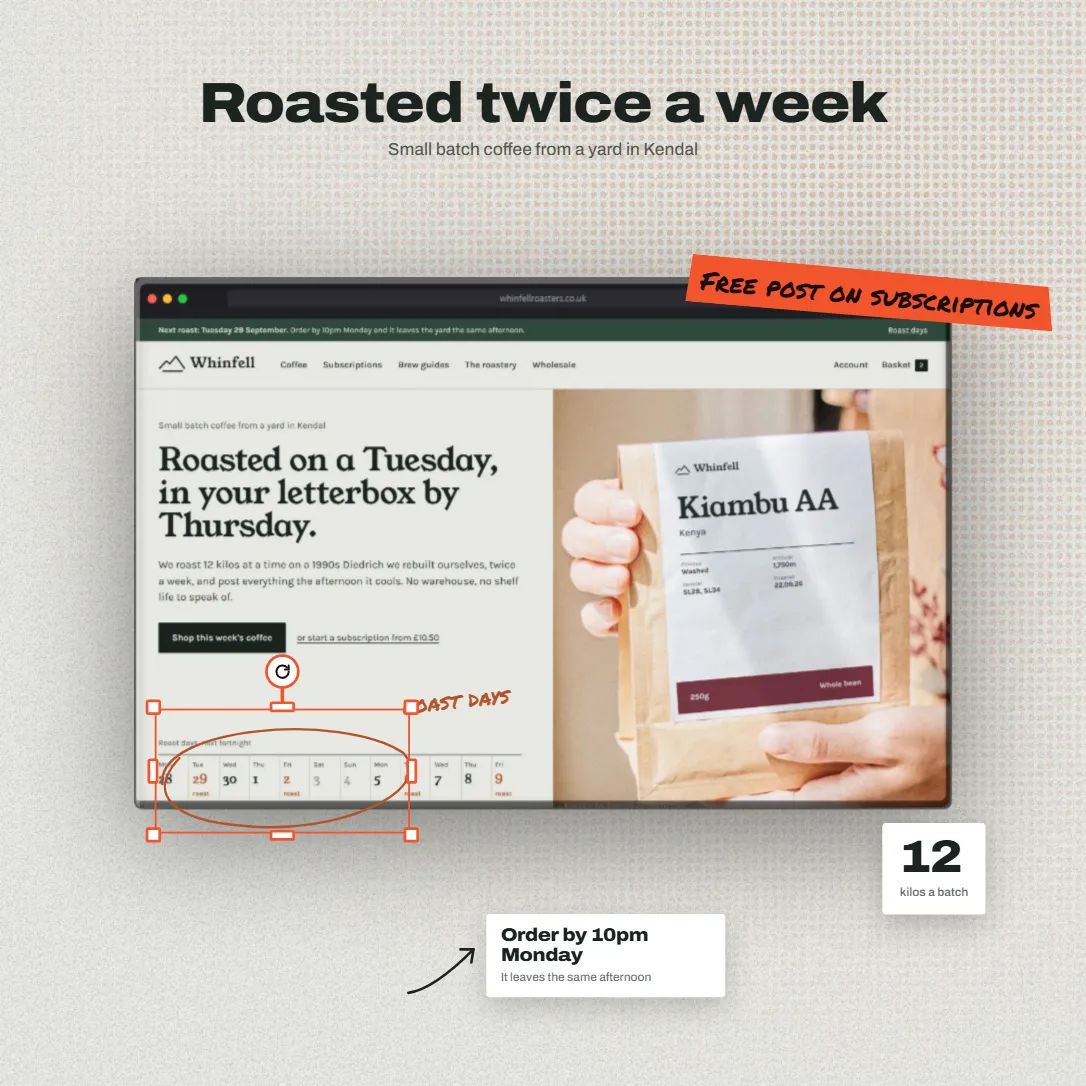
Headline, tape sticker, note with an arrow, badge, big number, chat bubble, hand-drawn ring and tooltip. Drag with snap guides, pull a corner to resize, a side to stretch, the round handle to turn. Double-click to type. 3 on Free.
Watermarks
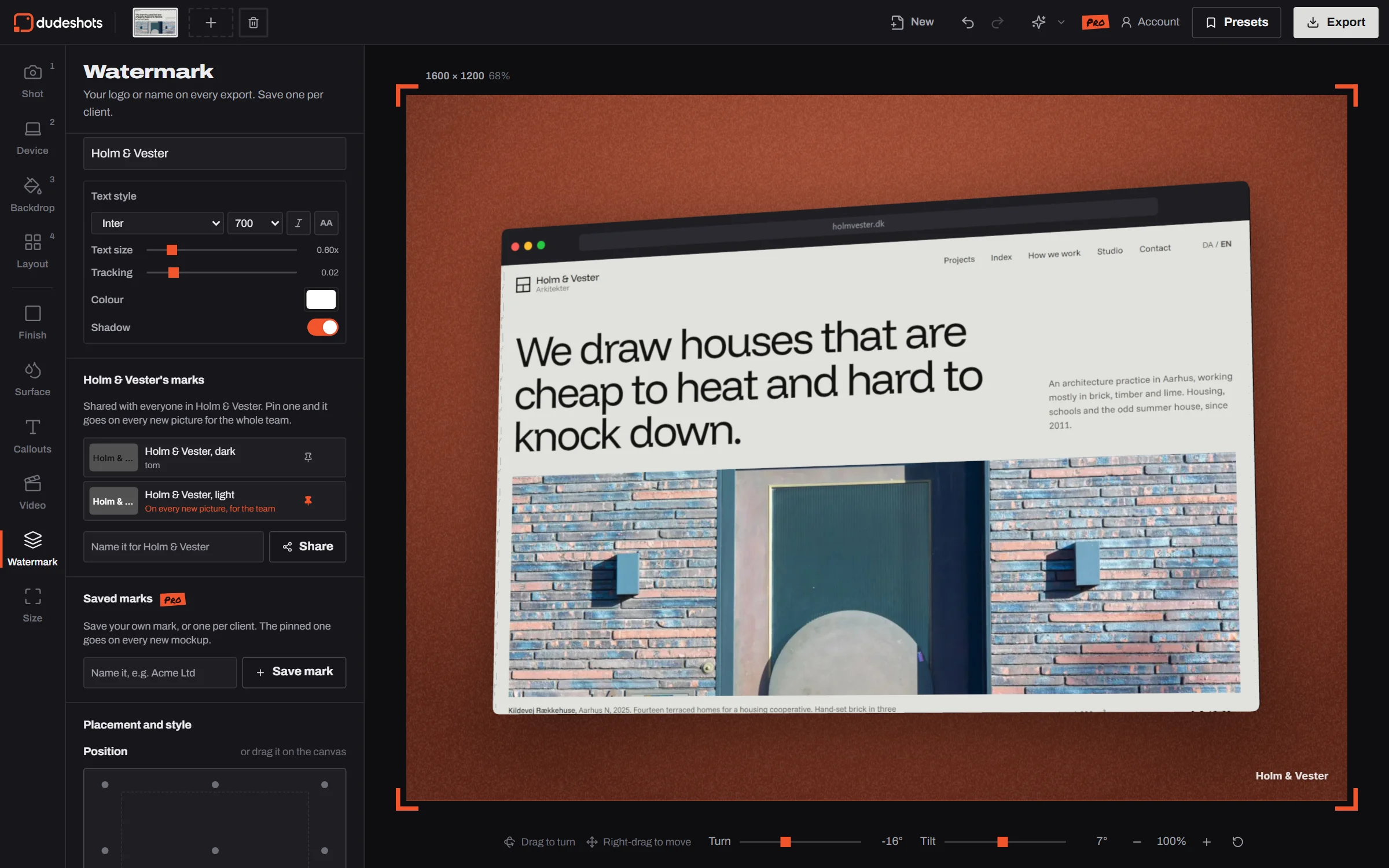
Your logo, your address, or both, in any of nine spots. Separate sizes for logo and text, 12 fonts, colour, spacing and shadow.
Saved and pinned marks
Keep a mark and its styling under a name, one per client. Pin one and it’s on every shot the moment the studio opens. Saving is Pro.
Presets
Save a whole setup (backdrop, finish, shadow, layout, watermark) and reuse it next launch, on any computer you sign in on. 3 on Free, no limit on Pro.
Undo and redo
Every change, with Ctrl+Z and Ctrl+Shift+Z. A quick burst of changes counts as one step.
Teams: shared presets, marks and colours.
Shared presets
Save a look for the team as you save a preset. It lands in a team tab in Presets for everyone, with who saved it and when.
The team’s mark
Share your logo or name as a watermark and pin it: it goes on every new picture for the whole team, unless someone pinned their own.
Brand colours
The team’s colour sets come first in Backdrop. Keep one per brand, or one per client, and put a backdrop on brand in one click.
No per seat price
Starting a team is part of Pro. Invite up to 9 people by email; joining is free and everyone keeps their own plan.
41 canvas sizes, PNG, JPEG and WebP export.
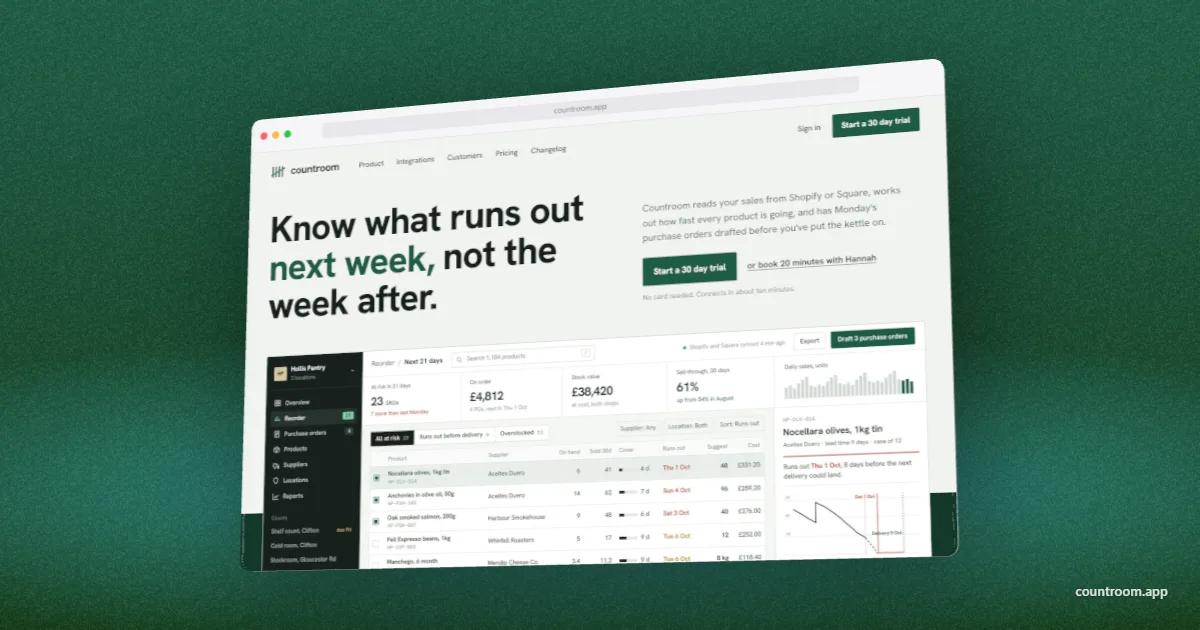
Pick where the image is going and the shot is laid out again for it, or type your own size up to 4096 pixels a side. Export PNG, JPEG or WebP at 1× or 2×, or 3× on Pro. PNG and WebP can keep a transparent background for dropping onto anything.
Canvas
1200 × 630 Link previews
| Group | Sizes |
|---|---|
| Aspect ratios | 6 |
| Social | 15 |
| Web and marketing | 7 |
| App stores | 7 |
| 6 |