

URL to screenshot: capture and frame in one step
Paste a link and DudeShots captures the page, then frames it in a browser or device mockup. No separate screenshot tool.
Free to start. No signup to try. Nothing stamped on your exports.
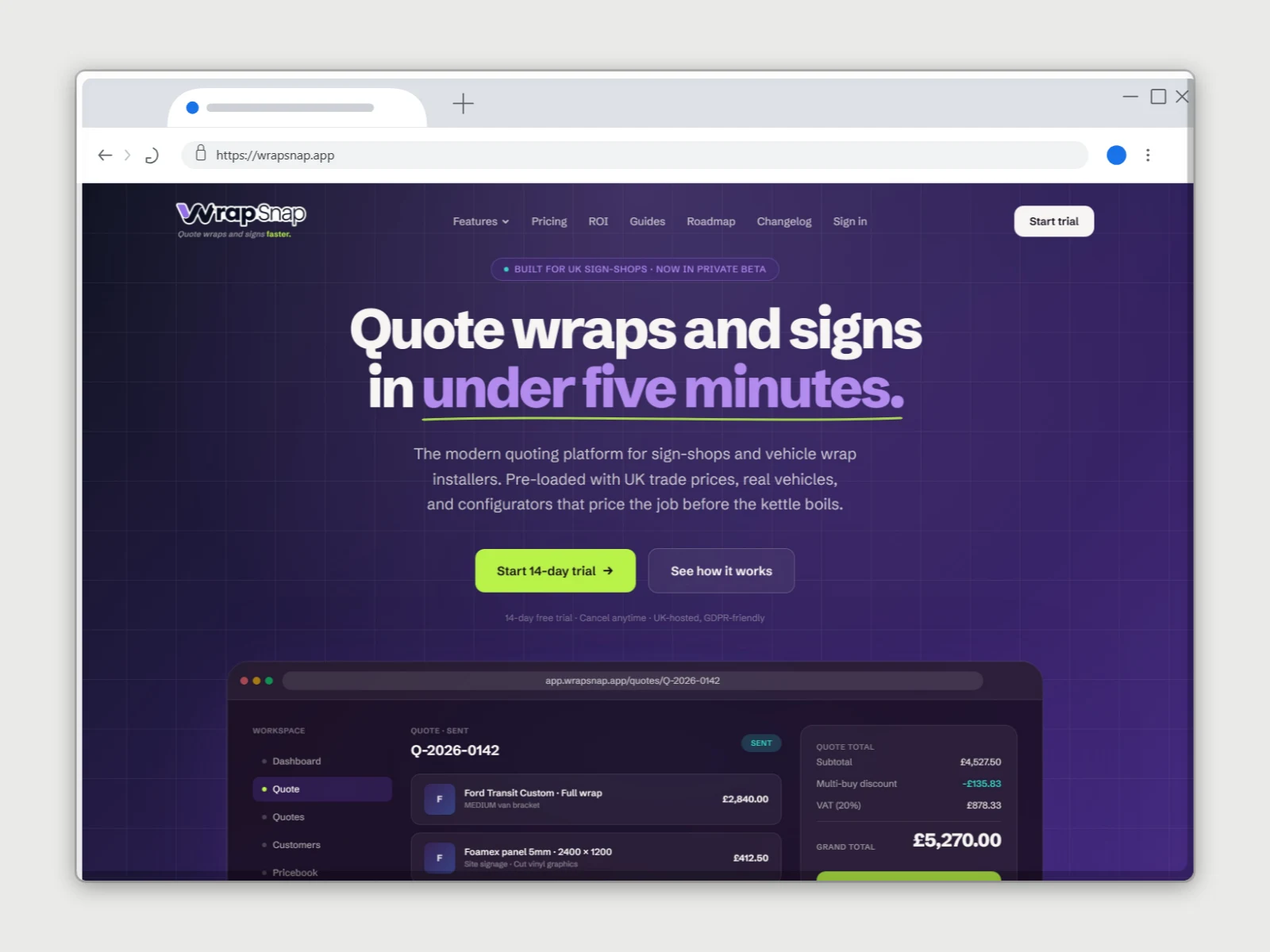
What the url to screenshot does
Most mockup tools make you bring your own screenshot. DudeShots can take it for you: paste a URL and it renders the page server-side and hands you the image, already on the canvas.
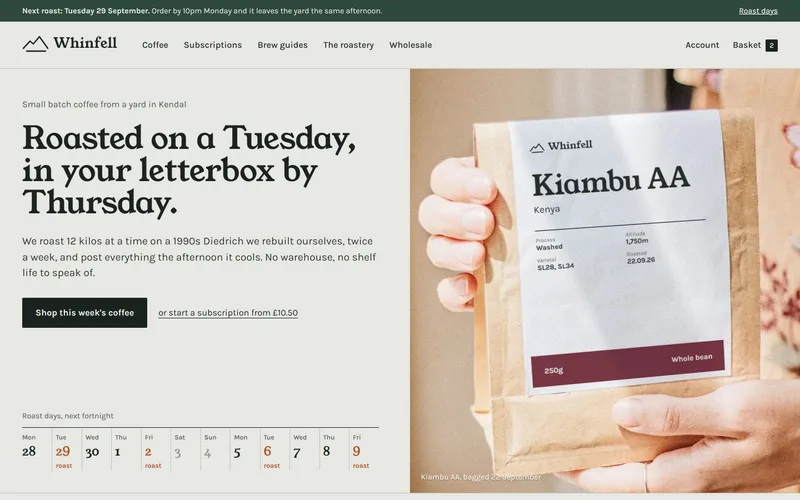
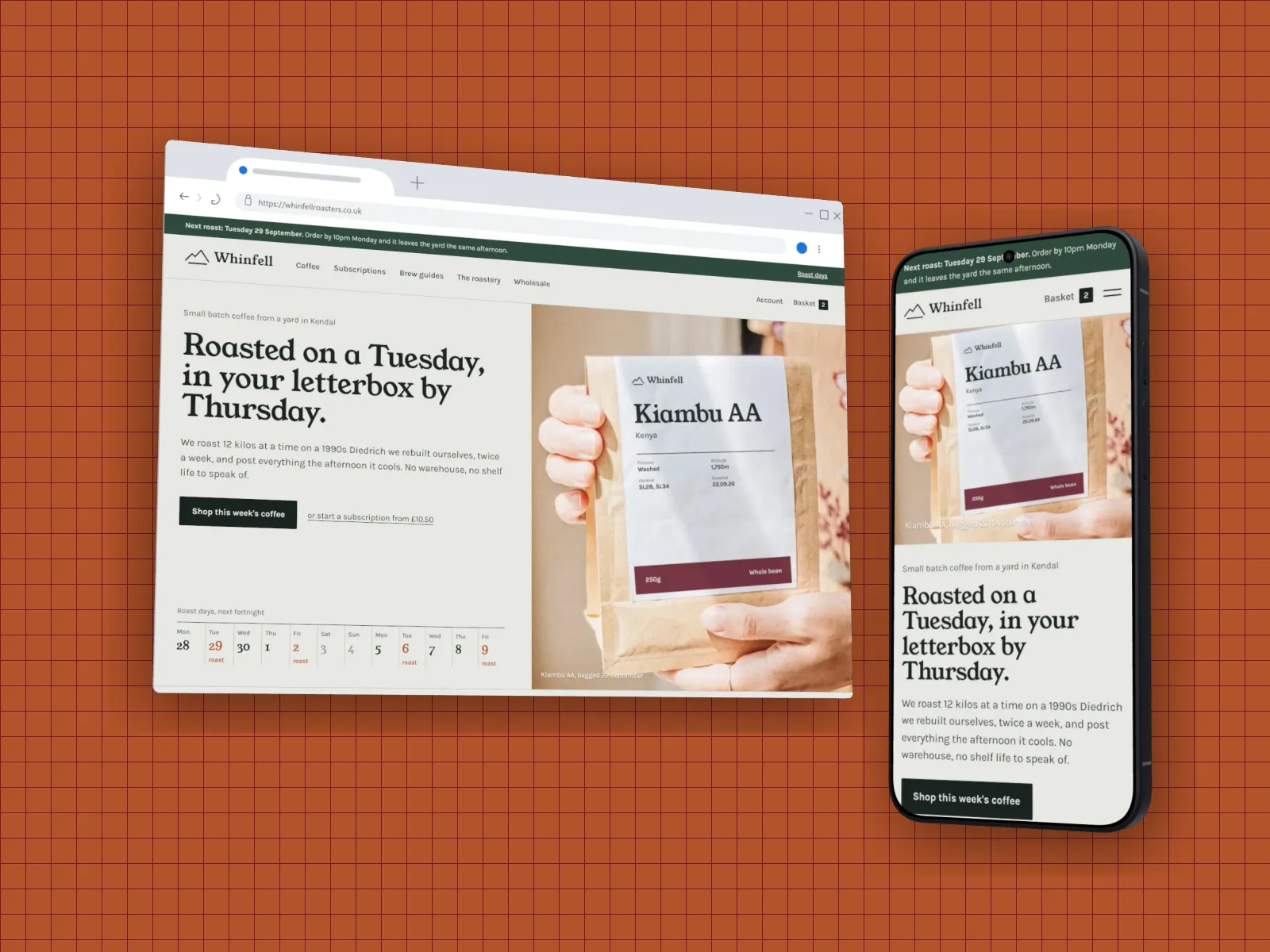
Viewport capture (the visible fold) is free with no signup. Pro adds multi-shot capture: every fold down the page, auto-detected sections, or the entire page in one tall image. Then frame it in browser chrome, a MacBook or a phone, style the background, and export.
It's a website screenshot generator and a mockup editor in one, so you go from a link to a polished, watermark-free image without switching tools.
From a link to a finished shot
How to use the url to screenshot
- 01
Paste a URL
Enter any public web address in the capture panel.
- 02
Choose what to capture
Viewport free; folds, sections and full page on Pro.
- 03
Frame & export
Wrap it in a frame, style it, and download.
URL to screenshot features
Free viewport capture
Grab the visible fold from any URL, no account needed.
Multi-shot on Pro
Folds, auto-detected sections, or a full-page capture.
Capture + beautify together
No round trip through a separate screenshot service.
Any device frame
Browser, MacBook or phone, for desktop or mobile layouts.
Straight answers.
- How do I turn a URL into a screenshot?
- Open the DudeShots studio, paste the URL into the capture panel, and capture. Viewport capture is free; DudeShots renders the page and drops the screenshot on the canvas, ready to frame and export.
- Can it capture the full page, not just the visible part?
- Yes, on Pro. Full-page mode captures the entire scroll height in one image, and you can also grab each fold or auto-detected section separately. Free plans capture the viewport (the visible fold).
- Is it free?
- Viewport capture and exporting are free with no signup to try. The multi-shot modes (full page, folds and sections) are part of Pro (£45 a year or £5 a month), which also includes the full styling library.
- Does it work for mobile layouts?
- Yes, capture the page and frame it in a phone to show the responsive/mobile view.
- Why won't some sites capture?
- The capture runs on our servers without a graphics card, so sites built around heavy animation or 3D (WebGL) scenes can keep the browser too busy to take a picture, or come out without the animated parts. Pages behind a login, cookie wall or bot check can fail too. If a site won't capture, take a screenshot on your own device and drop it into the studio: everything else works the same.
Try the url to screenshot free.
Free to start, no card needed. Open the studio and drop in an image.