

Point at what matters.
Ready-made callouts in your screenshot's own colours. Add one in a click, then move it right onto the button you mean.
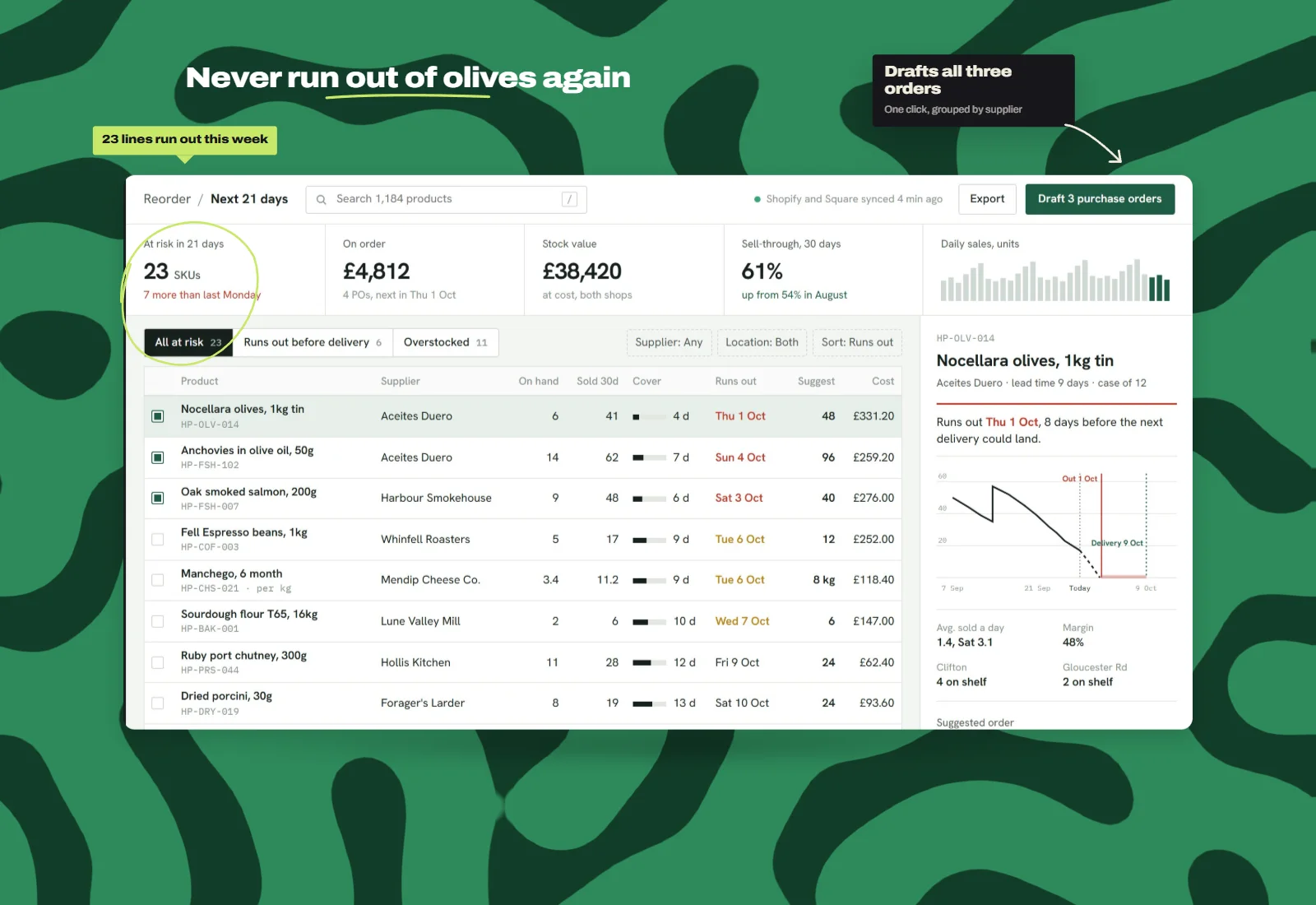
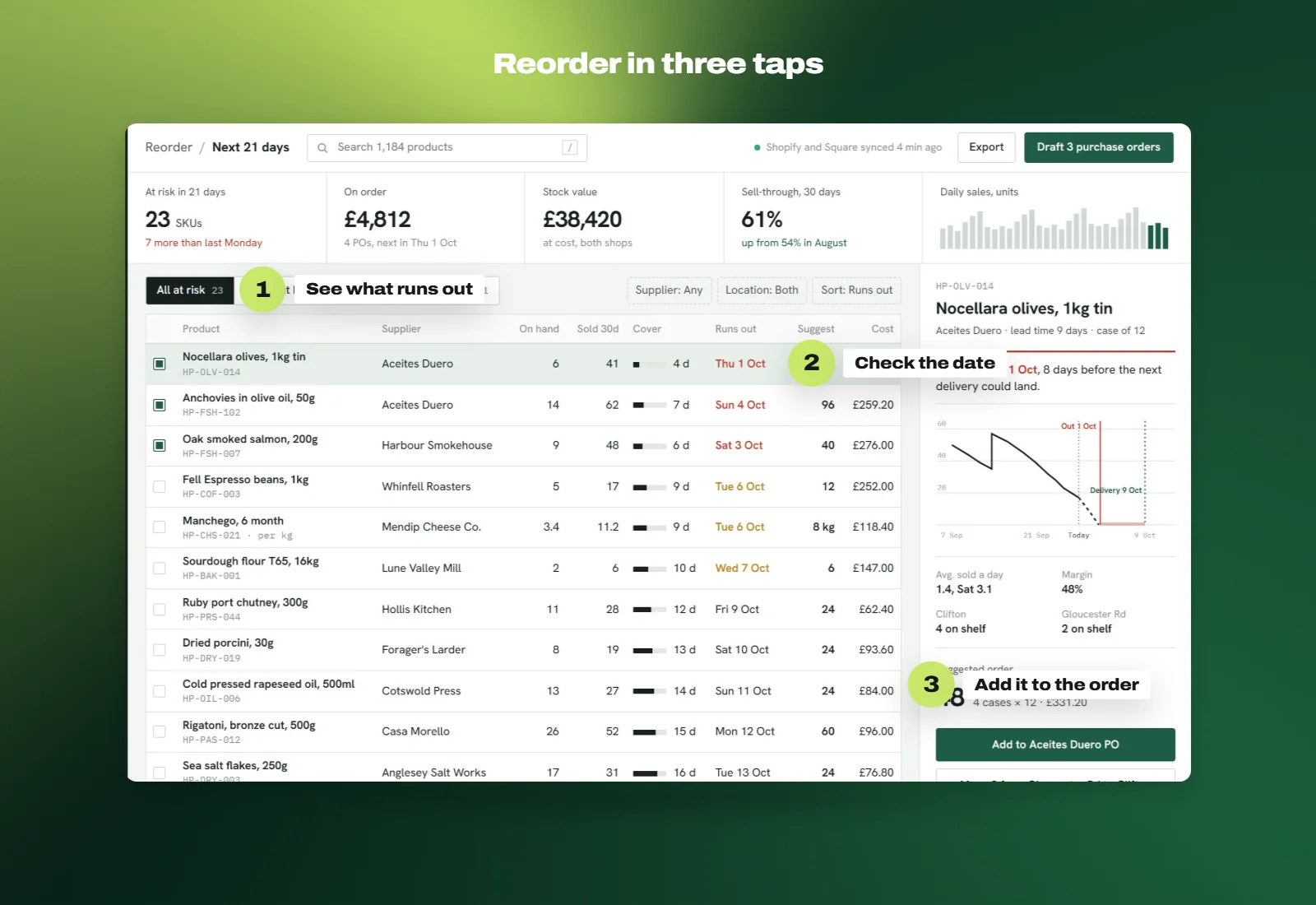
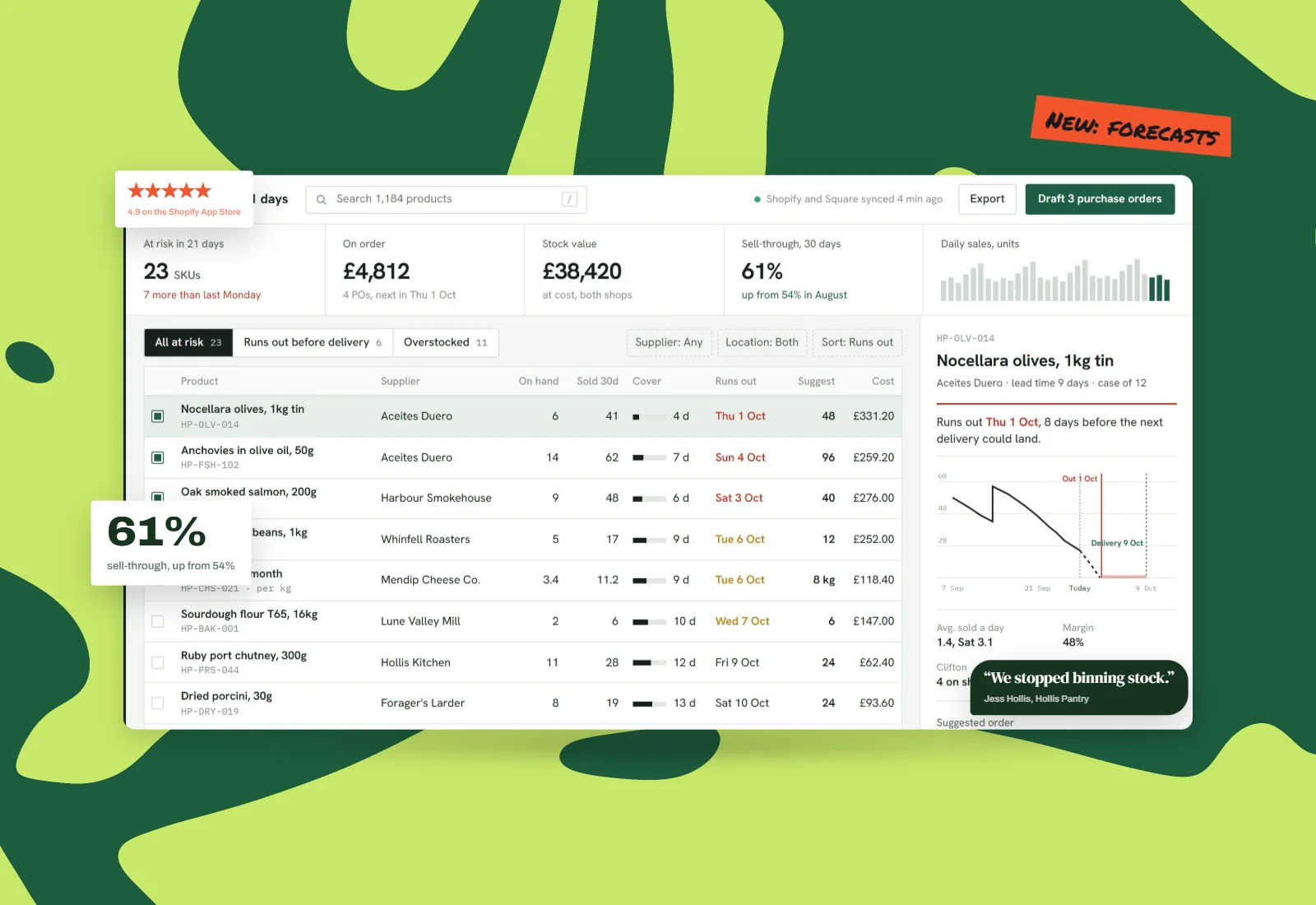
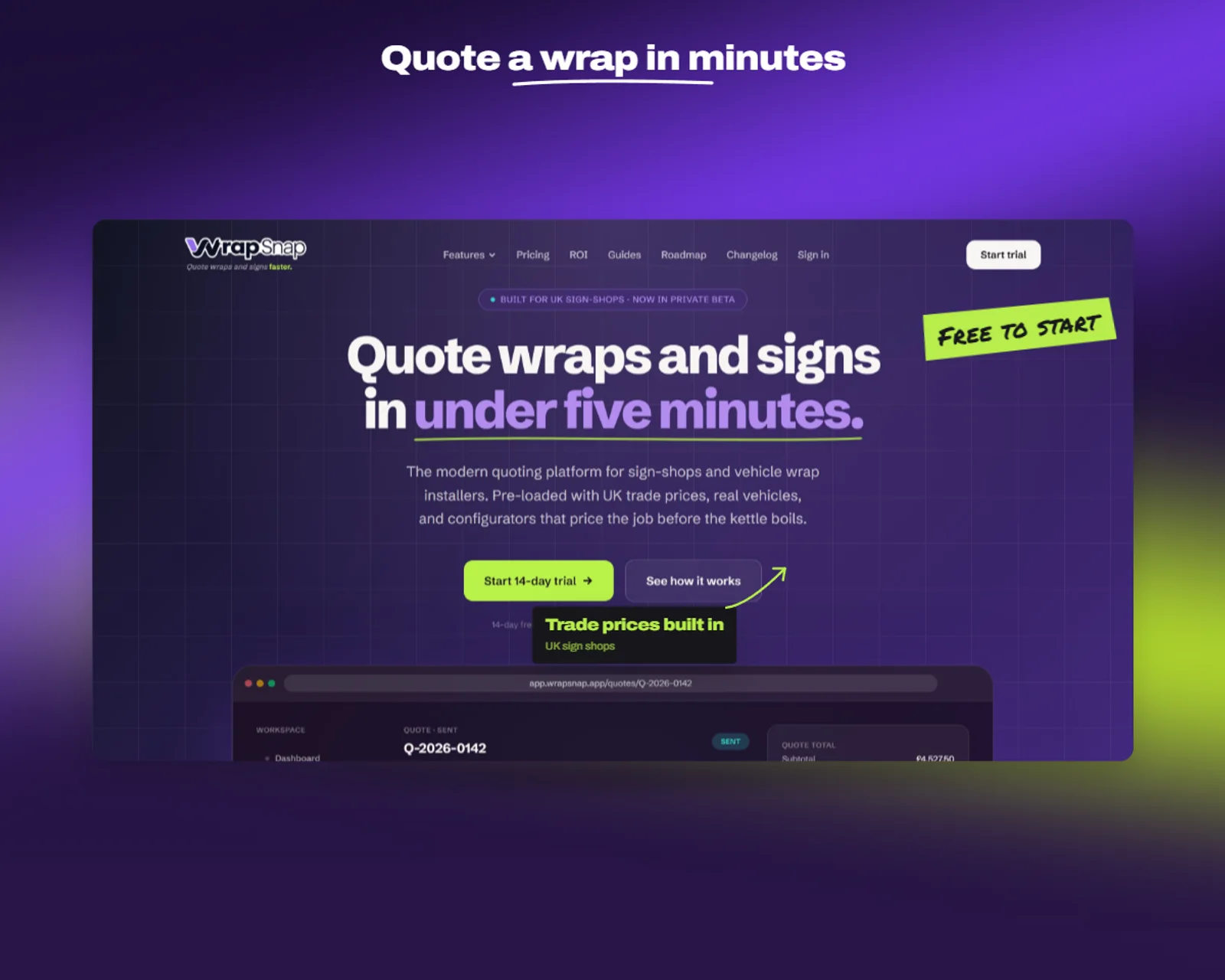
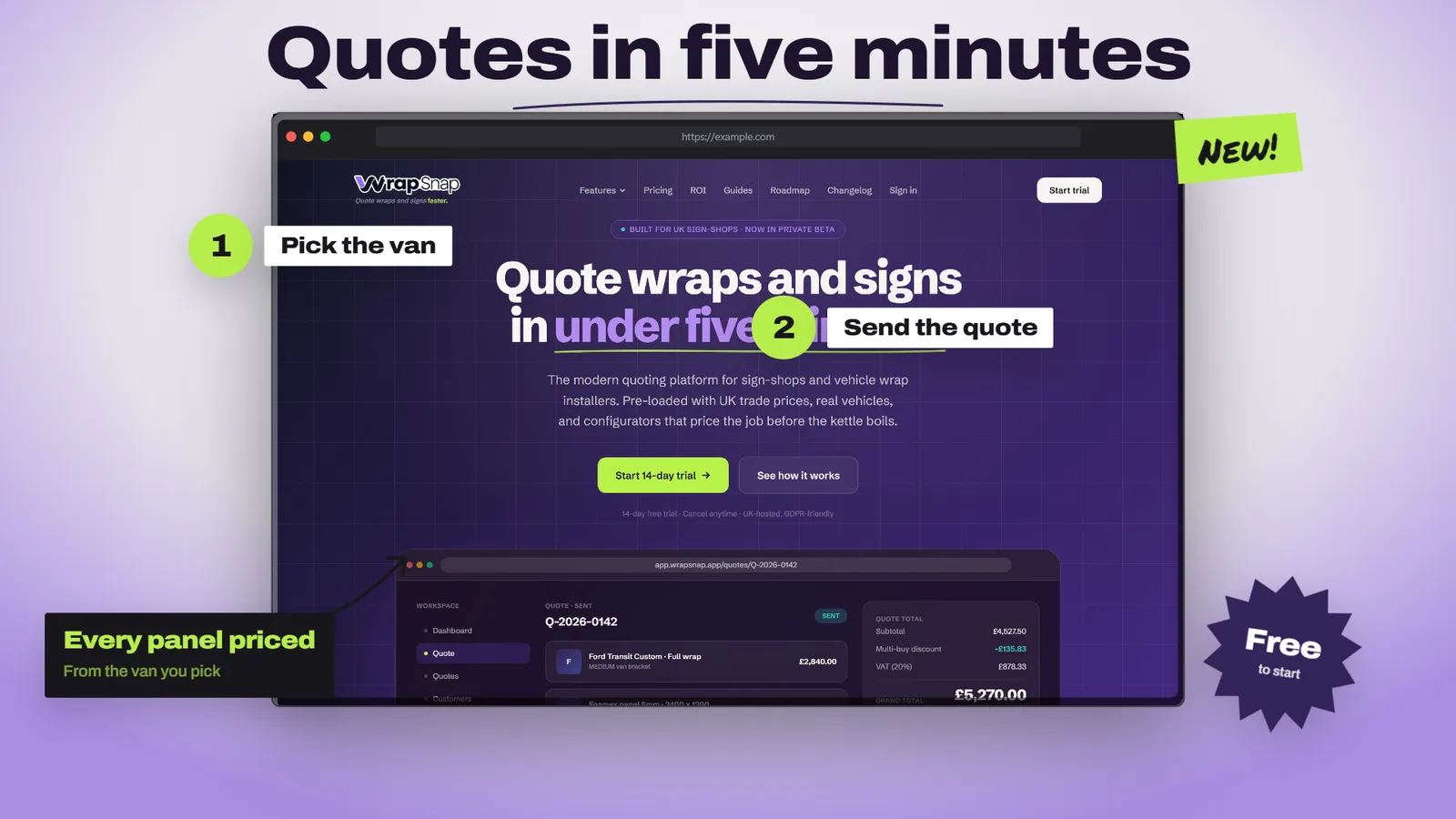
A note with an arrow, a circle, a tooltip: aimed at the one thing you want seen.
In your shot’s colours.
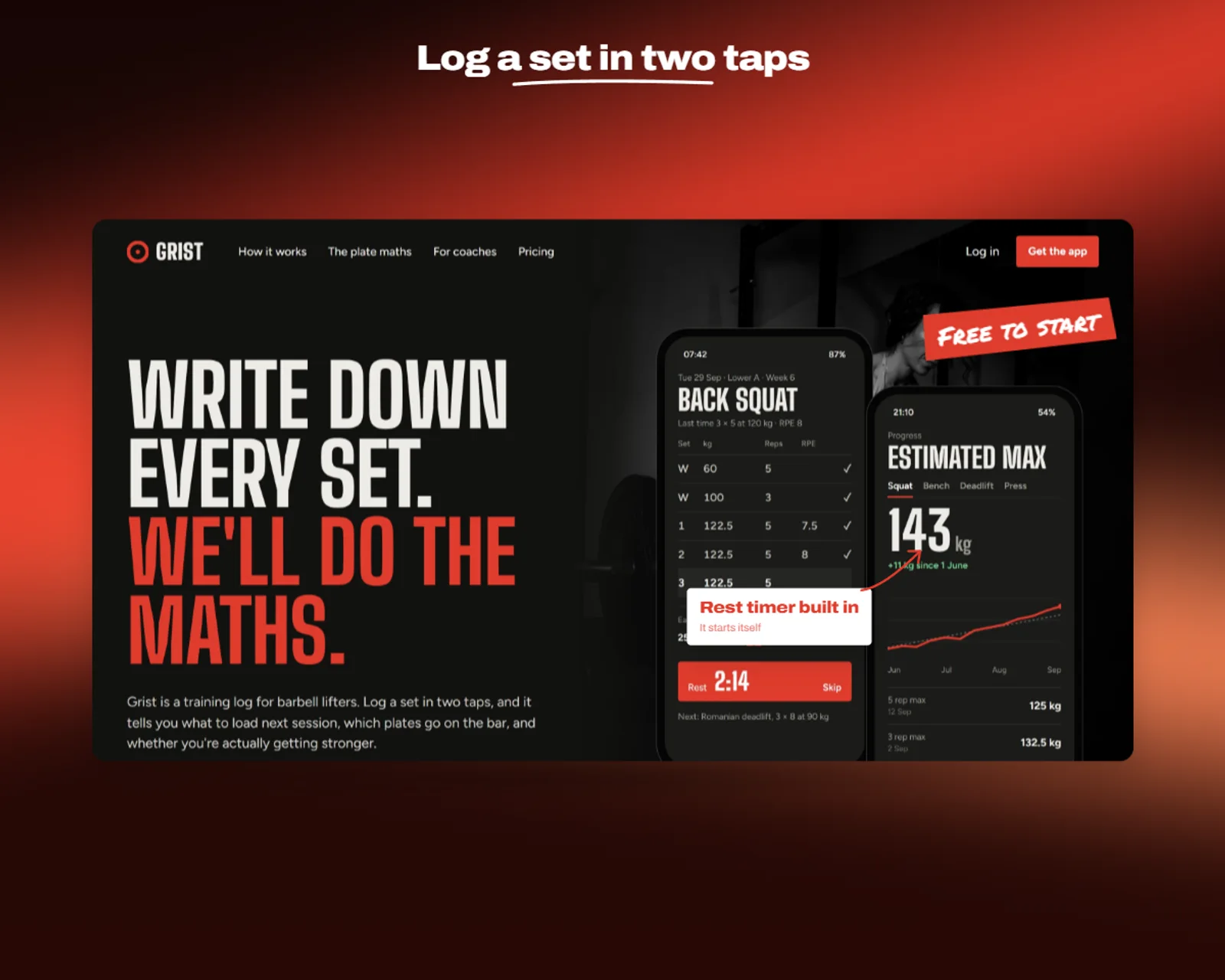
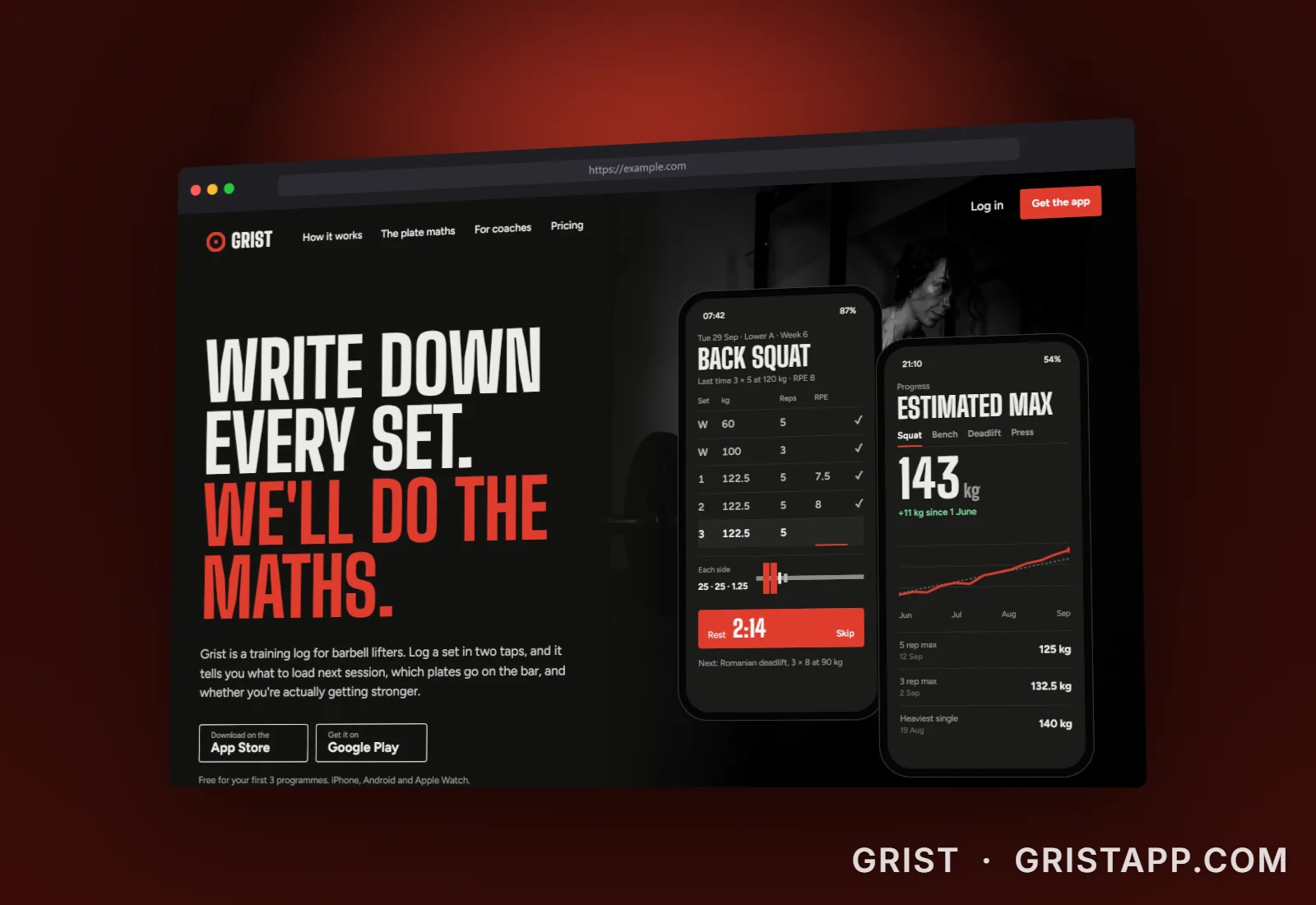
Every callout takes its colours from your screenshot, the backdrop or the studio’s orange and ink. The same callouts on two apps:
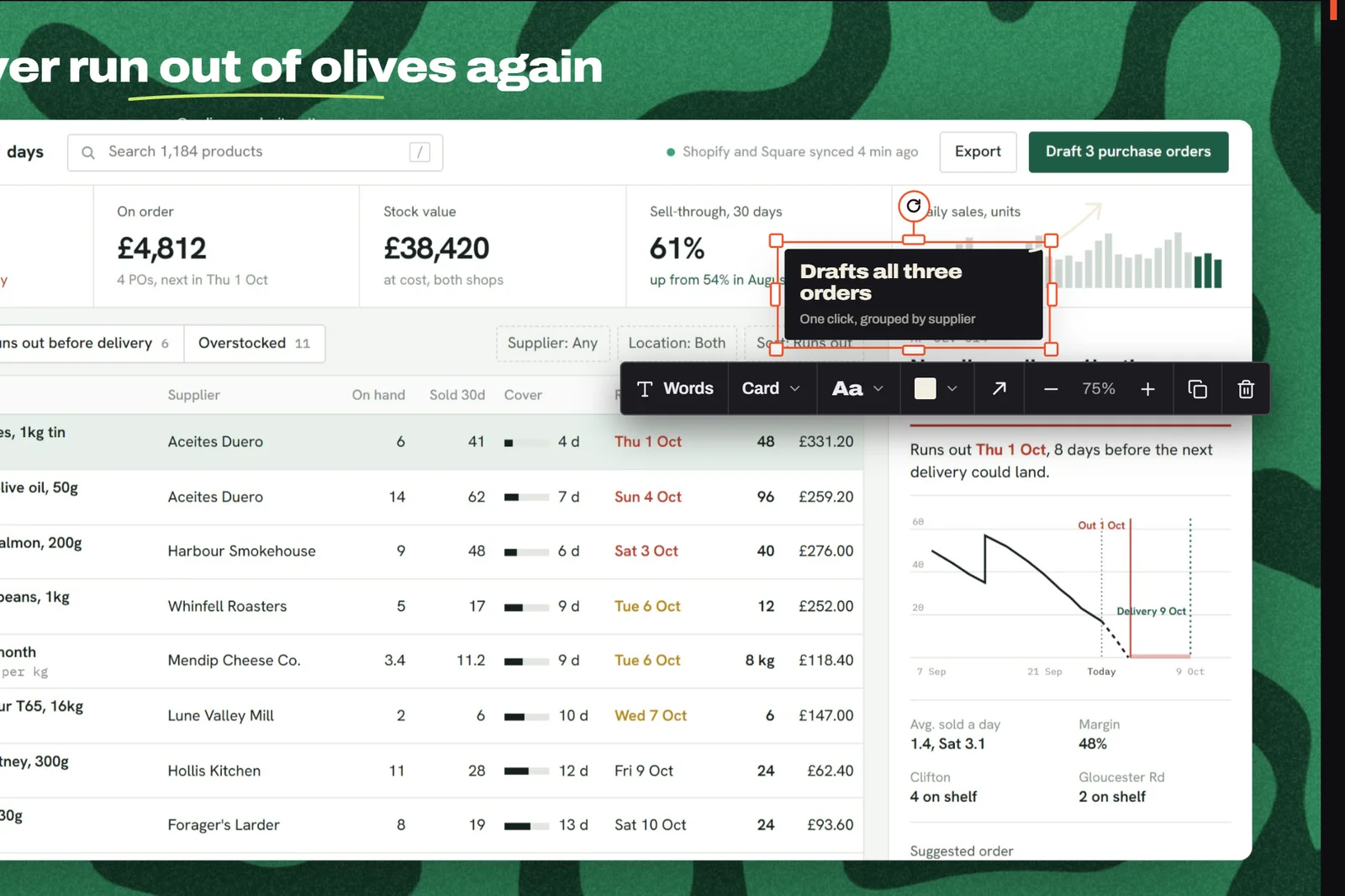
Click a callout: its words, style, type, colour and size sit right beside it.