

The main social media image sizes for 2026: Instagram 1080 × 1350 (4:5) for posts and 1080 × 1920 for Stories and Reels, LinkedIn 1200 × 627, X 1200 × 675, Facebook 1200 × 630, Pinterest 1000 × 1500 and TikTok 1080 × 1920. The full table is below, with the profile banners and covers, then how to make one picture of your product and re-fit it to every one of those sizes in DudeShots without starting again.
Social media image sizes, by network
These are the sizes to export at. Where a network publishes its own figure, the table uses it; where it only gives a ratio, the size is the common one that fits that ratio at full width.
| Where | Size (px) | Ratio |
|---|---|---|
| Instagram post, portrait | 1080 × 1350 | 4:5 |
| Instagram post, square | 1080 × 1080 | 1:1 |
| Instagram post, landscape | 1080 × 566 | 1.91:1 |
| Instagram Story or Reel | 1080 × 1920 | 9:16 |
| LinkedIn post | 1200 × 627 | 1.91:1 |
| LinkedIn profile background | 1584 × 396 | 4:1 |
| LinkedIn company page cover | 4200 × 700 | 6:1 |
| X post | 1200 × 675 | 16:9 |
| X header | 1500 × 500 | 3:1 |
| Facebook post or link | 1200 × 630 | 1.91:1 |
| Facebook page cover | 851 × 315 | 2.7:1 |
| Pinterest pin | 1000 × 1500 | 2:3 |
| TikTok, YouTube Short, Snapchat | 1080 × 1920 | 9:16 |
| YouTube thumbnail | 3840 × 2160 (or 1280 × 720) | 16:9 |
| YouTube channel banner | 2560 × 1440 | 16:9 |
Three shapes cover most of it. A tall 4:5 or 9:16 for phones, a wide 1.91:1 or 16:9 for LinkedIn, X and Facebook, and a thin strip for each profile banner. If you only make three images for a launch, make 1080 × 1350, 1200 × 675 and 1080 × 1920.
Instagram keeps a photo at its full resolution when it's between 1.91:1 and 4:5 and up to 1080 pixels wide. Wider files are scaled down to 1080 wide; shapes outside that range are cropped to fit. So 1080 is the width to design at, and the shape decides how much of the feed you get. A 4:5 portrait at 1080 × 1350 is the tallest post Instagram shows uncropped, which is why it's the usual choice for product images.
One catch: since early 2025 the profile grid shows posts as 3:4 tiles, taller than square. The full post is unchanged in the feed, but a 4:5 image loses a thin band at the top and bottom on your profile page. Keep the headline and the product a little in from those edges.
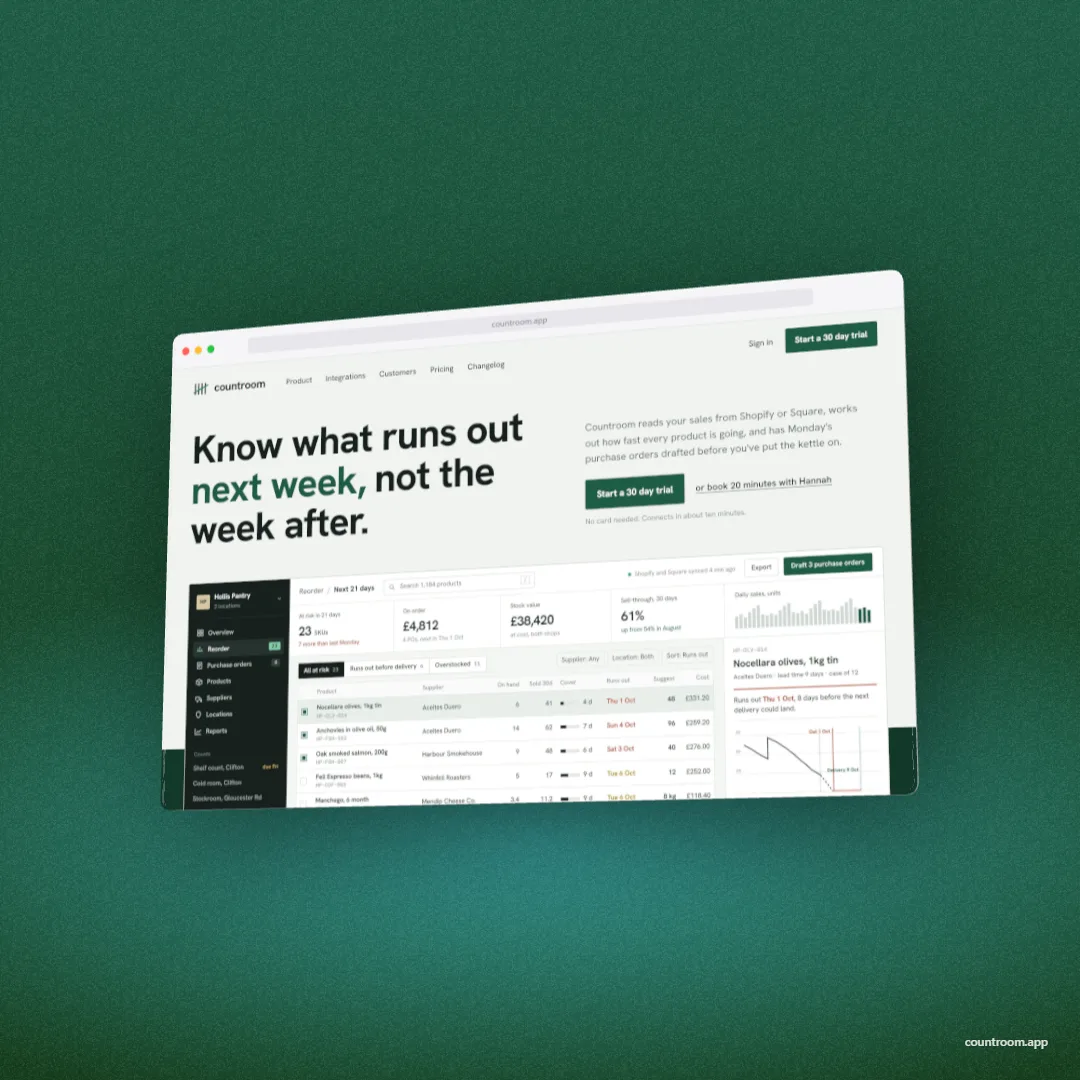
Stories and Reels are 1080 × 1920. Instagram lays the account name and progress bar over the top of a Story and the reply bar over the bottom, and on Reels the caption and buttons cover the lower part and the right side. Put the product in the middle and the words just above it.
A landscape image in a LinkedIn post shows at full width in the feed at 1.91:1, the same shape as a link preview, so 1200 × 627 does both jobs. LinkedIn's own help pages give the banner sizes: a profile background is 1584 × 396, JPG or PNG under 8 MB, and a company page cover is 4200 × 700 (company page images are PNG or JPEG up to 3 MB). The profile photo sits over the lower left of the personal banner, so keep the left third quiet.
X (Twitter)
X doesn't publish a single post size. 1200 × 675 at 16:9 shows in full in the timeline on phones and desktop, and it's the shape of a large link card too. The header is 1500 × 500; X's help centre warns that 60 pixels at the top and bottom may be cropped depending on the monitor and browser, and your profile photo covers part of the lower left.
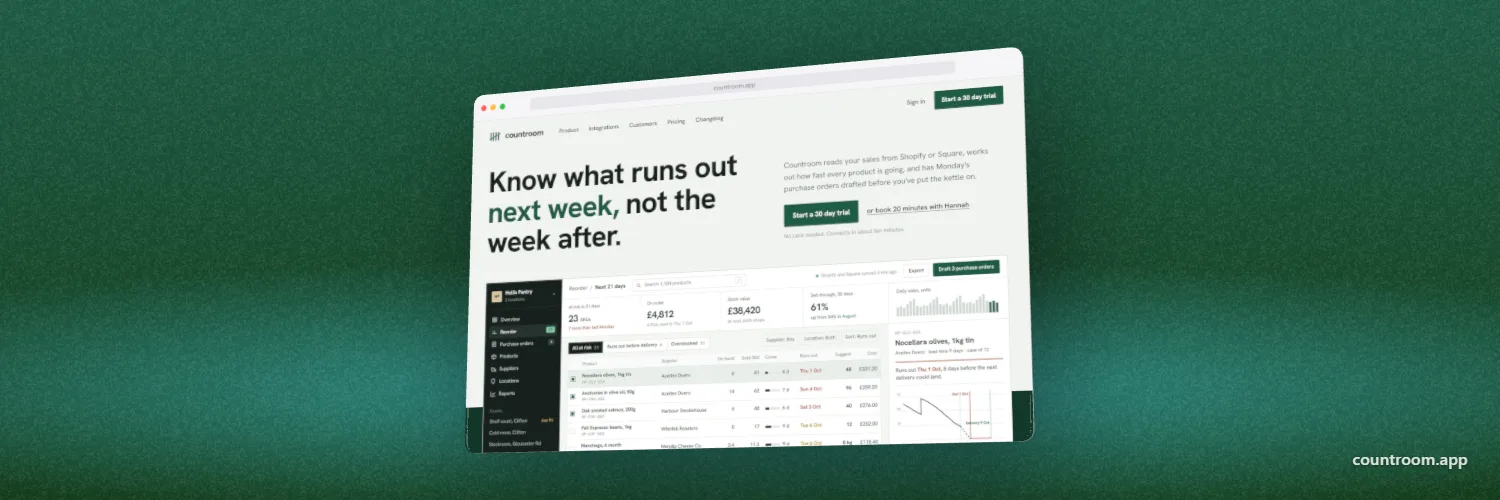
Posts and shared links use 1200 × 630, the Open Graph size; the Open Graph image guide covers the tags that make a link show it. For a page cover, Facebook's help page says it loads fastest as an sRGB JPEG at 851 × 315 under 100 KB, at least 400 × 150. It's cropped differently on computers and phones, so keep everything that matters in the centre.
Pinterest, TikTok and YouTube
Pinterest recommends a 2:3 pin, 1000 × 1500. Square pins still show, but take less room in the grid, and very tall pins get cut off in the feed. TikTok, YouTube Shorts and Snapchat are all 1080 × 1920, the same as an Instagram Story, so one export can go to all four.
YouTube's help page sets the channel banner at a minimum of 2048 × 1152 (2560 × 1440 recommended, 6 MB or less), with text and logos inside a central 1235 × 338 at the minimum size, because TVs show the whole banner and phones only a strip. Thumbnails now go up to 3840 × 2160; the YouTube thumbnail guide has the details.
Format and file size
- JPEG for photos and busy backdrops. Every network recompresses uploads anyway, and a high quality JPEG keeps the file well inside the limits.
- PNG for screenshots with fine text. Small UI text stays crisper, but check the file size against the limits above.
- Export at 1×. Instagram scales anything over 1080 wide back to 1080, so a 2× export only makes the upload bigger. The banners are the exception: YouTube and LinkedIn show them large on desktop.
- sRGB colour. Wide-gamut files can come out dull after upload. DudeShots exports are sRGB, so there is nothing to convert.
One product image, every size
The slow part of social images is remaking the same picture for each shape. In DudeShots you build it once and change the canvas.
- Open the studio and drop in a screenshot of your app or site, or paste a URL to capture it. No account needed.
- Pick a device in Device: a browser window for a web app, an iPhone or Android phone for a mobile one.
- Pick a backdrop. "Made for your shot" builds one from the screenshot's own colours.
- Open Size and choose the Social tab. It has 15 presets: Instagram Square, Portrait and Story / Reel, X post and header, Facebook post and cover, LinkedIn post and banner, TikTok, YouTube thumbnail, banner and Short, Pinterest pin and Snapchat ad. Anything else, such as the 4200 × 700 LinkedIn company cover, goes in Custom size (up to 4096 on each side, so make that one at 2100 × 350 and export at 2×).
- Export as JPEG, PNG or WebP. Then click the next preset: the device and backdrop re-fit to the new shape, so check that any headline still sits where you want it and export again.
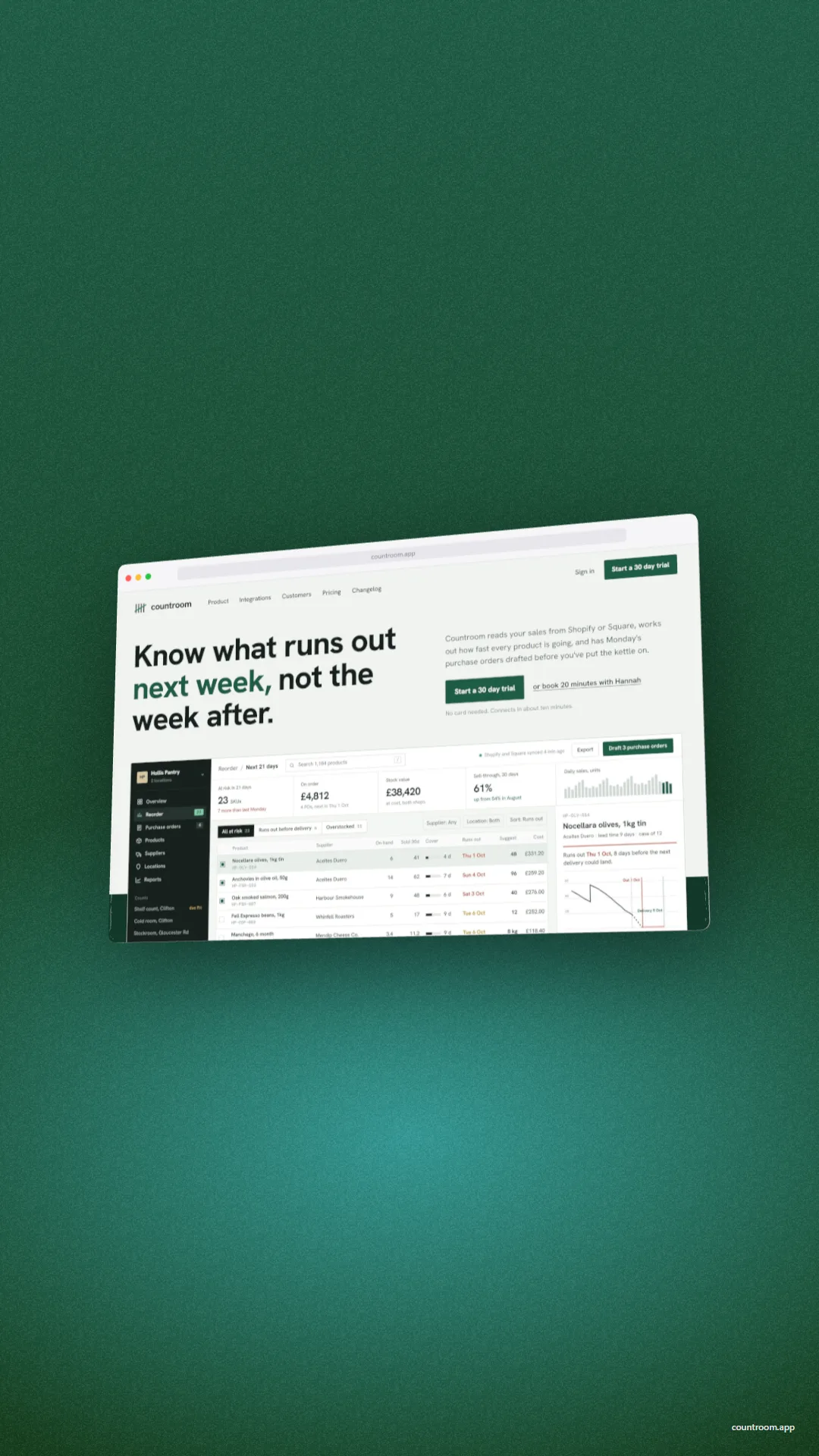
Everything above is free, with no watermark of ours on the export. 3D devices and some backdrops are part of Pro, which is £5 a month or £45 a year, and a new account gets its first seven days of Pro free. For posts that show a site on several screens at once, see the responsive mockup guide, and for a carousel-style grid of plain screenshots, the screenshot collage maker.