

Make Dribbble shots at least 1600 px wide. 1600 × 1200 (4:3) is still the safe size. Dribbble dropped its fixed shot size a while ago, but the feed still shows 4:3 thumbnails, so a 4:3 shot is the one that looks the same in the feed as it does when opened. Files go up to 10 MB for images and 20 MB for video. Behance covers are a different shape: at least 808 × 632.
Dribbble and Behance sizes
| Where | Size | Limits |
|---|---|---|
| Dribbble shot | 1600 × 1200 (4:3), min 1600 wide | PNG, JPG, GIF up to 10 MB |
| Dribbble video | Min 1600 wide | MOV, MP4 up to 20 MB |
| Behance cover | 808 × 632 minimum | Shown small in the grid |
| Behance project images | 1400 px wide or more | Shown at 1400 wide, up to 2800 in the lightbox |
If you make a 1600 × 1200 shot, you can export it at 2× (3200 × 2400) for extra sharpness, but check it stays under 10 MB. A JPEG will; a PNG with a busy backdrop may not.
What makes a good shot
- One idea per shot. A new homepage, a checkout, a dashboard. Not all three.
- The work is the biggest thing. The device and the backdrop are there to frame it, so keep the design large enough to read in the feed.
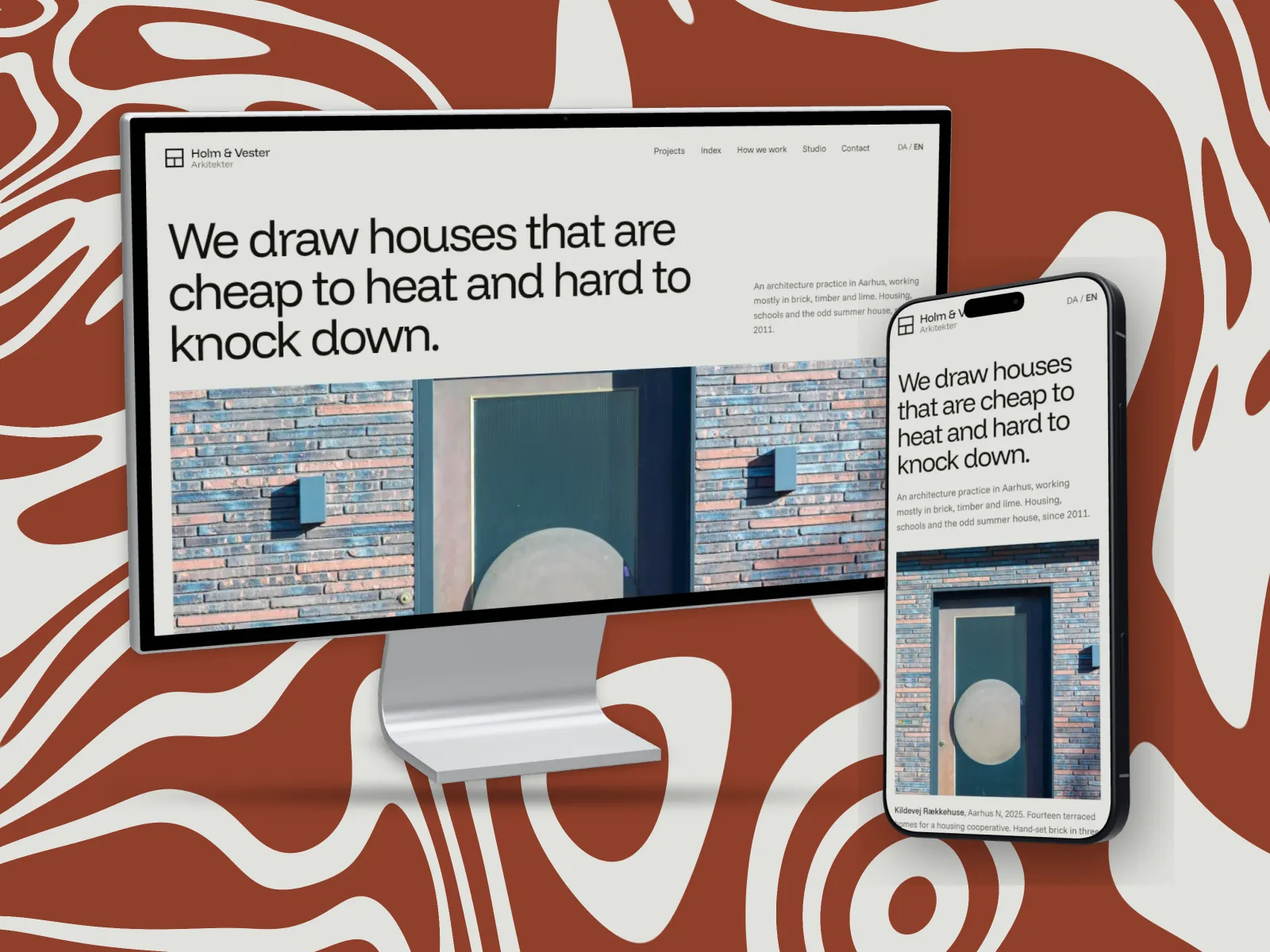
- Show it working at more than one size. A desktop layout and its phone layout side by side is the quickest way to show a site was designed, not just drawn at 1440.
- A backdrop from the design's own colours. It ties the set together and makes your profile look planned.
- Leave text out of the picture. The title and description fields are there for the words.
Behance: cover and project images
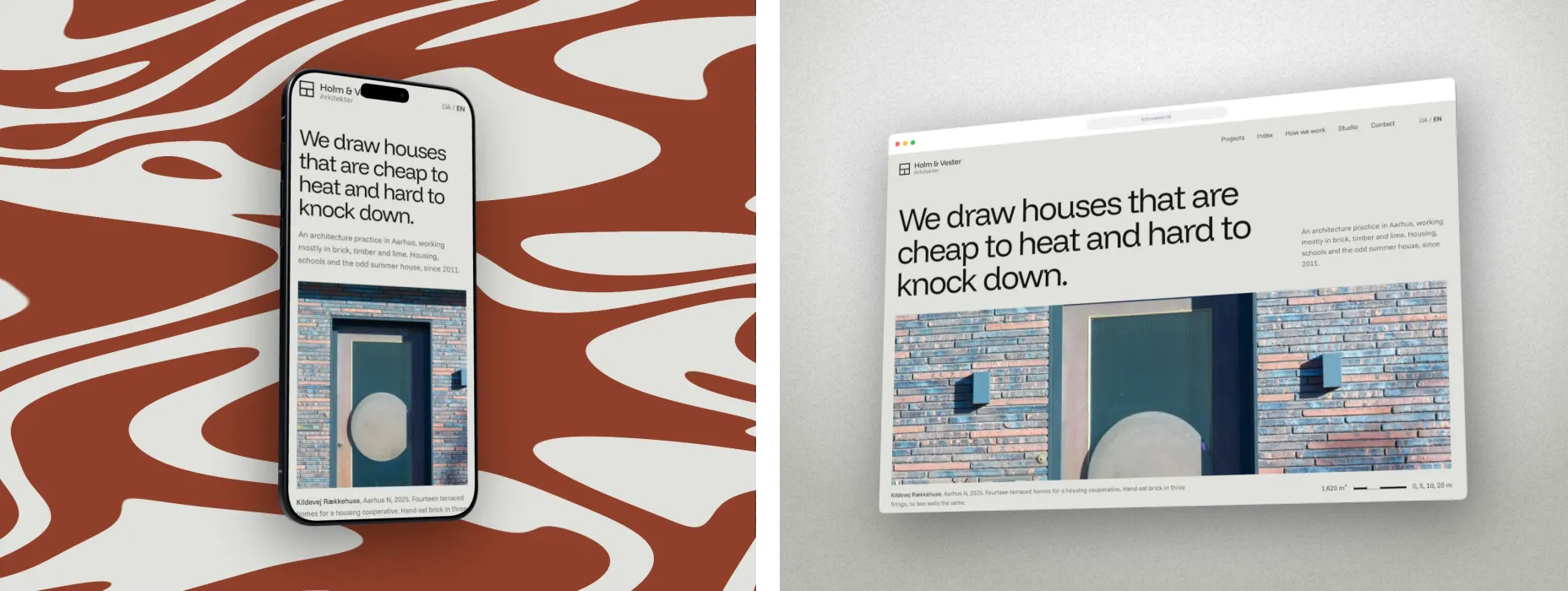
On Behance, the cover sells the click and the project does the explaining. Make the cover from the strongest single image, at 808 × 632 or double that, and keep it simple: one device, one colour. Inside the project, use images at least 1400 px wide: the full layouts, close crops of details, and the same device shots you used on Dribbble.
How to make a shot in DudeShots
- Size. In the studio, go to Size and pick 4:3 Classic. It is exactly 1600 × 1200. For a Behance cover, set a custom size of 1616 × 1264.
- Shot. Drop in your design export, or capture the live site from its address. When you capture a link and put it on a phone, the studio fetches the phone layout for you.
- Device. Monitor, MacBook, browser, tablet, phone or watch. All 45 flat devices are free; the 3D ones are Pro, and Free can try them with a preview tape.
- Layout. For desktop and phone together, go to On the canvas, then Add a device. Arrange them with Hero or Row. Several devices on one canvas is Pro.
- Backdrop. Use "Made for your shot" for colours from the design, or pick a Liquid pattern (Pro) for something louder.
- Surface (optional, Pro). Rain, condensation or a paint splatter over the finished picture, if the project suits it.
- Watermark (optional). Your name or logo in a corner. Saving a mark to reuse is Pro.
- Export. 1× for exactly 1600 × 1200, or 2× for 3200 × 2400. PNG or JPEG.
See the monitor, phone and iPad mockup pages for every device, and the responsive mockup guide for building a set.
Sources: Dribbble Help Center, "Creating Dribbble shots" (formats, minimum width, file limits); Behance Help Center, "Guide: Cover Images" and "Formatting images for display on Behance". Checked September 2026.